
1. Project Overview & Quickstart (thedaviddias/Front-End-Checklist)
File: AGENTS.md
AGENTS.md — Front-End Checklist
Repository rules and conventions for contributors and automation tools.
Project Overview
Front-End Checklist is an open-source monorepo providing 385 quality-gated frontend best practice rules with an MCP server for structured review workflows.
- MCP Server:
https://mcp.frontendchecklist.io(11 tools) - Rules:
packages/content/rules/en/<category>/<slug>.mdx - Web App:
apps/web/(Next.js App Router) - MCP Package:
packages/mcp/(TypeScript) - Package Manager: pnpm (workspaces + Turborepo)
Work Tracking
Work in this repo is tracked in Paperclip project FEC (Front-End Checklist, id c5edfe8f-731b-43e8-b805-c52999831084). New tickets get the DAV- prefix.
MCP Usage
When working on frontend implementation, review, debugging, or audit tasks, use the Front-End Checklist MCP server when available so recommendations stay grounded in the project rule corpus.
- Use
review_codefirst for pasted or inspected HTML, CSS, JavaScript, TypeScript, React, or Next.js code. - Use
search_rulesbefore making accessibility, performance, SEO, security, image, privacy, i18n, or testing recommendations. - Use
get_rule,check_rule,fix_rule, orexplain_rulefor rule-specific guidance and remediation. - Use
get_workfloworget_checklist_rulesfor broad launch, accessibility, SEO, security, performance, and testing audits. - Use
audit_urlfor publichttps://pages.
Some clients lazy-load installed MCP tools. If the tools are not initially visible, search for or explicitly request the Front-End Checklist MCP before proceeding with frontend work.
Monorepo Structure
apps/
  web/                    # Next.js app (App Router)
packages/
  mcp/                    # MCP server implementation
  content/                # Rules MDX content + content-collections config
  auth/                   # Better-Auth + Prisma + Supabase
  design-system/          # Shared UI components
  types/                  # Shared TypeScript types
  data-layer/             # Data access layer
  schemas/                # Zod v4 schemas
Rule MDX Frontmatter Spec
Rules live at packages/content/rules/en/<category>/<slug>.mdx.
Required Fields
---
title: "Human-readable rule title (string, use quotes)"
description: "One-sentence description of what to do"
categories: ['html']           # Array; first item = primaryCategory
priority: 'high'               # 'critical' | 'high' | 'medium' | 'low'
difficulty: 'beginner'         # 'beginner' | 'intermediate' | 'advanced' | 'expert'
estimatedTime: 15              # Minutes as integer
prompts:
  check: "Prompt for checking whether the implementation follows this rule"
  fix: "Prompt for fixing the issue"
  explain: "Prompt for explaining why this rule matters"
---
Recommended Fields
These fields are not required by the parser, but they materially improve rule quality, MCP usefulness, and generated skills.
subcategory: 'keyboard'        # Sub-grouping within category
tldr:                          # Array of bullet points (used in llms.txt)
  - "Key point one"
  - "Key point two"
whyItMatters: "Paragraph explaining the business/user impact"
sources:
  - title: "MDN or spec page title"
    url: "https://..."
    type: "mdn|spec|guide|wcag|google"
    id: "stable-source-id"
    role: "standard|reference|implementation|compatibility|regulation|search|research"
    authority: "primary|secondary"
resources:
  - name: "Supplementary tool or article"
    url: "https://..."
    type: "tool|article|reference"
relatedRules:
  - slug: other-rule-slug
    reason: "Why these rules relate"
tools:
  - name: "Tool Name"
    url: "https://..."         # or null
tags: ['wcag', 'performance']
prompts:
  codeReview: "Recommended prompt for systematic code review context"
aiContext: "Additional context for automated review about when this rule applies"
Authoring placement rules:
- Put authoritative citations in
sources, not in body prose likeReference: ... sourcesare proof metadata, not generic further reading. Every rule needs at least 2 sources, 2 source roles, and 1authority: primary.resourcesare for further reading or tools only. Do not map evidence claims toresources.- The system may infer or normalize
id,role, andauthorityfor sources at build time; authors should focus on strong, relevant sources rather than maintaining claim-by-claim proof objects. - Put cross-rule navigation in
relatedRules, not in body prose likeSee also ... - Keep intro paragraphs focused on the rule itself; metadata should render from frontmatter-driven UI
Inline link contract:
- Natural inline links inside body prose are allowed when they support a specific claim, comparison, or implementation recommendation.
- Prefer light-touch density: usually
2-5inline links per rule, with0-1in the intro and1-3across the main guidance sections. - Prefer external links over internal ones; internal rule links should usually stay at
0-1, with2only for unusually interconnected rules. - Keep standalone metadata lines out of the body. Do not add paragraphs that start with
See also ...orReference: .... - Keep evergreen proof in
sources, and use newer inline external articles only when they add practical or recent context that the primary sources do not cover alone. - When a named tool is mentioned in prose for the first meaningful time (for example
Screaming FrogorGoogle Search Console), link that first mention if the tool materially helps the reader and already exists inresourcesortools. - Approved secondary inline links should stay curated. Prefer strong platforms such as
CSS-Tricks,Smashing Magazine,Nielsen Norman Group,WebAIM,Screaming Frog,Sitebulb,Moz, orYoastwhen they add practical implementation context. - Use descriptive anchor text tied to the sentence claim, not generic labels like “read more”.
impact, standards, and automation are intentionally not part of the active rule-writing contract right now. The current corpus and tooling do not consume them consistently enough to justify treating them as standard authoring fields.
Canonical Rule Shape
New and refreshed rules should follow this structure unless there is a strong reason not to:
- Short intro paragraph explaining the rule in plain language
## Code Exampleor## Code Examples## Why It Matters- Optional implementation or guidance sections
## Verification
Canonical ordering rules:
## Code Exampleor## Code Examplesmust appear before## Why It Matters## Why It Mattersmust appear before## Verification## Verificationmust be the final H2 in the rule body- Optional H2 sections belong between
## Why It Mattersand## Verification
Preferred optional H2 taxonomy:
## Best Practices## Common Mistakes## Framework Examples## Tools & Validation## Thresholds## Exceptions## Browser Support## Support Notes## Standards## Implementation Notes
The validator reports headings outside this preferred taxonomy so section sprawl stays visible over time.
Rule Contract V2 adds three conditional concepts:
## Exceptionsfor nuanced rules, false positives, or valid caveats### Automated Checksand### Manual Checksinside## Verificationwhen both matter- a short visible standards/support note for compatibility-sensitive or compliance-sensitive rules
Apply these conditionally, not universally.
Browser support guidance should be derived from the repo browser policy in .browserslistrc plus package-backed compatibility data, not from memory.
Use explicit thresholds whenever the rule is measurable:
- Web Vitals and performance metrics (
LCP <= 2.5s,CLS <= 0.1, bundle or image size budgets) - Accessibility measurements (contrast ratios, target sizes, zoom or reflow thresholds)
- SEO and crawling states (indexability, status codes, canonical-url behavior)
- Security headers and transport requirements
Prefer “how to verify” guidance over generic advice. A strong rule should tell an engineer exactly how to confirm the rule passes.
Common Mistakes to Avoid
- Unquoted colons in YAML: Always quote strings containing
:— e.g.title: "Use rel: new-tab"nottitle: Use rel: noopener - Stub prompts: Prompts must be actionable. Bad:
"Check this rule". Good:"Find all elements missing an alt attribute in this HTML" - Missing sources: Add at least one authoritative reference (
MDN,W3C/WCAG, specs,web.dev, or product docs) before considering a rule complete - No verification path: Include a final
## Verificationsection so the fix is testable - Verification not last: Do not place additional H2 sections after
## Verification - Missing caveats: Add
## Exceptionswhen the rule has important false positives or valid exceptions - Missing support note: Add
## Browser Support,## Support Notes, or a visible standards note when compatibility or compliance changes implementation decisions - Wrong priority:
critical= site-breaking / security / legal.high= significantly degrades UX.medium= best practice.low= nice-to-have - Missing required fields: All 7 required fields must be present; builds fail otherwise
- Emoji in titles: Titles should be plain text (no emoji)
Category Taxonomy
Valid values for the categories array:
| Slug | Description |
|---|---|
html |
Document structure, semantics, forms |
css |
Layout, typography, animation, responsive |
javascript |
Client-side scripting, async, security |
performance |
Loading speed, rendering, Core Web Vitals |
accessibility |
WCAG, ARIA, keyboard, screen readers |
seo |
Meta tags, structured data, crawlability |
security |
HTTPS, CSP, XSS prevention, headers |
images |
Optimization, formats, responsive images |
testing |
Unit, integration, e2e, a11y testing |
privacy |
Consent, data minimisation, data rights |
i18n |
Localization, pluralization, bidi, locale formatting |
general |
Cross-cutting best practices |
Quality Scoring Rubric
Rules are scored automatically via pnpm score:rules (100-point base score plus up to 12 conditional points, minimum 50 to pass the current quality gate).
| Dimension | Points | What to Check |
|---|---|---|
Prompts (check/fix/explain) |
24 | All 3 prompts are specific and non-generic |
| TLDR bullets | 4 | 3+ actionable bullets |
| Why it matters | 4 | Explains user, business, or operational impact |
| AI context | 6 | Captures where and when the rule applies in automated reviews |
| Related rules | 6 | Links adjacent rules with clear reasons |
| Sources | 10 | Includes authoritative references |
| Resources / tools | 6 | Includes useful supporting docs or tools |
| Code review prompt | 6 | Provides a systematic review strategy |
| Code examples | 10 | Includes realistic examples, not just prose |
| Body depth | 10 | Provides substantive implementation detail |
| Verification section | 8 | Includes Verification, Testing, Audit Checklist, or equivalent |
| Thresholds / pass-fail criteria | 6 | Uses explicit numbers or conditions where the rule is measurable |
| Exceptions (conditional) | 4 | Adds an Exceptions section when the rule is nuanced or false-positive-prone |
| Verification split (conditional) | 4 | Splits verification into automated and manual checks when both apply |
| Standards/support visibility (conditional) | 4 | Adds a visible threshold, standards note, or support note when required by the rule type |
Rules scoring < 50 are excluded from MCP tool responses and the web UI.
Adding or Updating a Rule
- Create
packages/content/rules/en/<category>/<slug>.mdx - Fill all required frontmatter fields
- Add recommended metadata:
sources,resources,aiContext,relatedRules, andprompts.codeReviewwhere applicable - Write the rule using the canonical-url structure (intro, examples, why it matters, verification, category-specific guidance)
- Run
pnpm score:rules— must score ≥ 50 for now; target 60+ for new work - Run
pnpm validate:rule-structure— validates rule section order and finalVerificationheading - Run
pnpm report:rule-links— reviews inline-link density and suggests safe internal/external candidates - Run
pnpm validate:sources— validates external URLs - Run
pnpm generate:skills— regenerates skills index
Scripts Reference
pnpm score:rules          # Score all rules; flags < 50 quality gate failures
pnpm validate:rule-structure  # Validate rule heading structure and report drift
pnpm report:v2-gaps       # Report conditional V2 gaps by category and migration batch
pnpm report:rule-links    # Review inline-link density and candidate internal/external links
pnpm generate:exceptions-hints  # Dry-run suggestions for missing Exceptions sections
pnpm generate:support-notes  # Dry-run support-note suggestions from browser data
pnpm generate:verification-split  # Dry-run Verification split suggestions
pnpm validate:sources     # Validate external URLs in rule frontmatter
pnpm validate:packages    # Check package dependency consistency
pnpm generate:skills      # Regenerate skills/ directory from rules
pnpm build                # Full monorepo build (via Turborepo)
pnpm typecheck            # TypeScript check across all packages
pnpm lint                 # Biome lint
pnpm lint:fix             # Biome lint with auto-fix
MCP Tool Development
New MCP tools go in packages/mcp/src/tools/<tool-name>.ts and must be:
- Exported from
packages/mcp/src/tools/index.ts - Added to
BASE_TOOL_DEFINITIONSinpackages/mcp/src/server.ts - Added as a
casein thehandleToolsCallswitch inserver.ts
Tool definition shape:
export const myToolDefinition = {
  name: 'my_tool',
  description: '...',  // Critical for tool discoverability — be specific
  inputSchema: {
    type: 'object' as const,
    properties: { ... },
    required: ['fieldName'],
  },
}
Workspace Architecture Notes
- Auth: Better-Auth + Prisma + Supabase Postgres in
packages/auth/ - Validation: Zod v4 — use
.issuesnot.errorsonZodError - Forms:
@tanstack/react-formwith manual Zod validation on submit - Email: Resend SDK v6, sending domain
mail.frontendchecklist.io - Rate limiting:
@upstash/ratelimit+@upstash/redisinapps/web/lib/rate-limit.ts - Query: TanStack Query v5 with
getQueryClient()factory (not singleton) - Dev server:
portless run next dev
Learned User Preferences
- Put shared concerns (e.g. fonts, typography) in the design system and import from there; apps wire implementation (e.g. next/font) using config from the design system.
- Do not use
suppressHydrationWarning; fix server/client mismatch (e.g. defer client-only state until after mount). - Reuse existing components instead of creating page-specific variants (e.g. shared
FAQAccordionfor any FAQ section,.code-block/.code-inlinefor all code display, ChecklistActionBar instead of new progress bars). When adding a feature to one page type, add it to all relevant page types (e.g. ShareButton on category, rule detail, and all-rules pages). - Rule row: click on rule title toggles completion; expand/collapse only via the plus/minus icon. Expanded content shows description first, then tags and action buttons on one row aligned with the description.
- Prefer Tailwind utility classes in components over custom CSS classes in globals.css.
- Use a scalable overrides map for special-case labels (e.g. subcategory aria → ARIA) instead of hardcoded conditionals.
- Do not use
git commit --no-verify; fix ALL pre-commit violations (JSDoc, as-casts, barrel files, complexity, relative imports) rather than deferring or working around them. Write JSDoc at the same time as the code, not as a batch fix later. - Card-style links: Use the stretched-link pattern: the
<a>/<Link>wraps only the title text inside a heading and usesafter:absolute after:inset-0 after:content-[""]so its::afterpseudo-element expands to fill the card container (position: relative). Secondary interactive elements needrelative z-10. Seedocs/card-links.md. - Centralize all icons in
@repo/design-system: brand icons inbrand-icons.tsx, Lucide re-exported fromicons.ts. Use official brand icons (@icons-pack/react-simple-icons) for branded services, not Lucide approximations. Consumers never import directly fromlucide-react. - Never use Tailwind opacity modifiers (
/50,/60,/70) on semantic theme text colors liketext-foreground-muted— it crushes contrast in light mode. Use the appropriate token (text-foreground-muted,text-foreground-subtle) at full opacity instead. - Always refer to the social platform as "X", never "Twitter". Schema fields use
xUrl(nottwitterUrl), UI labels say "X", and URLs point tox.com. - About page link belongs in the footer only, not in the main navbar.
Learned Workspace Facts
- Fluid typography tokens use
clamp()in@theme inlinefortext-baseand above;text-xsandtext-smstay fixed for compact UI controls (buttons, badges, inputs, tooltips). - next/font: apply each font’s
.classNameto the document element (not.variable); Next.js requires literal option objects, so the app must inline font options while the design system can document them. - Do not apply client-side bot protection (e.g. Vercel BotID) to programmatic API endpoints like MCP; use it only for browser-originated form and mutation endpoints.
- Next.js reads next.config.js at startup; restart the dev server after changing it (e.g. images.remotePatterns).
withContentCollectionsreturns a Promise (async config) so it must be the outermost wrapper —export default withContentCollections(withBotId(nextConfig)).withBotIddoes not handle async configs and will silently drop all properties includingimages. - Tailwind preflight resets
list-styleonul/ol;.prosestyles must explicitly setlist-style-type: disc(ul),decimal(ol), and nested variants (circle,lower-alpha). - CSS custom properties use OKLCH color format. Light mode tokens need visible contrast on all screens:
--borderat least oklch(0.885),--foreground-subtleat oklch(0.64), shadows at 0.06+ opacity. Usecolor-mix(in oklch, var(--token) N%, transparent)for theme-aware transparent colors instead of hardcodedrgba(). - Pre-commit hooks (lefthook) enforce: biome check, JSDoc, no-as-casts, no-barrel-files, file-complexity (300 lines React / 500 lines other), no-deep-relative-imports, no-console-logs, test coverage.
- Button default variant uses
bg-accent text-accent-foreground hover:bg-accent-hover(project's accent tokens), not shadcn'sbg-primary; keep project-specific semantic tokens in component variants even when shadcn aliases exist. - Scripts are organized in subfolders:
scripts/{validation,generate,rule-structure,validate,audit}/;scripts/README.mddocuments each script and subfolder. - Biome's
useSortedClassesonly sorts class order; it cannot rename deprecated classes. Use@tailwindcss/upgrade(installed inapps/web) to canonicalize class names project-wide. - Monorepo uses pnpm catalogs (
catalog:inpnpm-workspace.yaml) for centralized dependency versions; shared deps appearing in 2+ packages usecatalog:instead of hardcoded version strings. - Brand icons (ChatGPT, Claude, X, LinkedIn, Reddit, Cursor, VSCode) live in
packages/design-system/src/brand-icons.tsxand are re-exported from the design-system barrel.
This is NOT the Turborepo you know
Turborepo configuration, task behavior, and CLI commands can vary between installed versions and may differ from your training data. Resolve the turbo package from this file's directory or relevant workspace; in monorepos, it may not be visible from the repository root. For example, run node -p "require.resolve('turbo/package.json')" from a workspace that depends on turbo.
Read docs/README.md inside that installed package first, then read the relevant pages from its docs/ directory before changing Turborepo configuration or commands. Heed deprecation notices. These bundled docs match the installed package version and are available without network access.
This block is written and re-added by turbo before repository-scoped commands when an AI agent is detected. In the Turborepo source repository, its template is defined in crates/turborepo-cli/src/cli/agent_guidance.rs. Removing the managed block while updates are enabled means a later qualifying invocation will add it again. Set "agentGuidance": false in the root turbo.json or turbo.jsonc to opt out; this does not remove an existing block. Keep the block committed with your work to avoid an uncommitted change on the next agent invocation.
File: biome.json
{
"$schema": "https://biomejs.dev/schemas/2.4.16/schema.json",
"files": {
"ignoreUnknown": true
},
"vcs": {
"enabled": true,
"clientKind": "git",
"useIgnoreFile": true
},
"assist": {
"actions": {
"source": {
"organizeImports": {
"level": "on"
}
}
}
},
"formatter": {
"enabled": true,
"formatWithErrors": false,
"indentStyle": "space",
"indentWidth": 2,
"lineEnding": "lf",
"lineWidth": 100,
"attributePosition": "auto"
},
"linter": {
"rules": {
"recommended": true,
"correctness": {
"noUnusedImports": "warn",
"useExhaustiveDependencies": "off",
"useJsxKeyInIterable": "off"
},
"style": {
"noNonNullAssertion": "off",
"useConst": "off",
"noUselessElse": "off",
"noParameterAssign": "off",
"noDescendingSpecificity": "warn"
},
"suspicious": {
"noExplicitAny": "off",
"noArrayIndexKey": "off",
"noImplicitAnyLet": "off",
"useIterableCallbackReturn": "off"
},
"complexity": {
"noBannedTypes": "off",
"noForEach": "off"
},
"a11y": {
"noRedundantRoles": "off",
"noStaticElementInteractions": "off",
"noSvgWithoutTitle": "off",
"useAriaPropsSupportedByRole": "off",
"useButtonType": "off",
"useFocusableInteractive": "off",
"useKeyWithClickEvents": "off",
"useSemanticElements": "off"
},
"security": {
"noDangerouslySetInnerHtml": "off"
},
"nursery": {
"useSortedClasses": {
"level": "warn",
"fix": "unsafe",
"options": {
"attributes": ["className"],
"functions": ["cn", "cva", "clsx"]
}
}
}
}
},
"css": {
"parser": {
"tailwindDirectives": true
},
"linter": {
"enabled": true
}
},
"javascript": {
"formatter": {
"arrowParentheses": "asNeeded",
"trailingCommas": "none",
"semicolons": "asNeeded",
"quoteStyle": "single"
},
"jsxRuntime": "reactClassic"
}
}
File: CLAUDE.md
Project Guidance
Use AGENTS.md for repository conventions, workflows, and tool setup.
Local Claude Code session state belongs in .claude/, which is ignored by git and should not be committed.
File: lefthook.yml
Lefthook Configuration
Using existing validation scripts
pre-commit:
parallel: false
commands:
# Code formatting and linting
check:
glob: "*.{js,ts,cjs,mjs,d.cts,d.mts,jsx,tsx,json,jsonc}"
run: pnpm biome check --write --no-errors-on-unmatched --files-ignore-unknown=true --colors=off {staged_files}
stage_fixed: true
# Fail fast on obviously leaked credentials before they hit the repo
check-secrets:
  glob: "*.{js,ts,cjs,mjs,jsx,tsx,json,jsonc,env}"
  run: |
    if grep -El "(sk_live_|sk_test_|ghp_|gho_|github_pat_|xoxb-|xoxp-|AIza[0-9A-Za-z_-]{35}|-----BEGIN (RSA |EC )?PRIVATE KEY-----|AKIA[0-9A-Z]{16})" {staged_files}; then
      echo "ERROR: Potential secret detected in staged files."
      exit 1
    fi
    exit 0

# Keep large binaries and oversized assets out of normal source commits
check-large-files:
  glob: "*.{ts,tsx,js,jsx,json,css,svg,png,jpg,jpeg,webp,avif,ico}"
  run: |
    for file in {staged_files}; do
      [ -f "$file" ] || continue
      size=$(wc -c < "$file")
      if [ "$size" -gt 512000 ]; then
        echo "ERROR: $file is $(($size / 1024))KB (max 500KB)"
        exit 1
      fi
    done
    exit 0

# Package.json sorting
sort-package-json:
  glob: "**/{package.json}"
  exclude: "node_modules/**"
  run: pnpm dlx sort-package-json {staged_files}
  stage_fixed: true

# Regenerate skills when rule MDX files change
generate-skills:
  glob: "packages/content/rules/en/**/*.mdx"
  run: pnpm tsx scripts/generate/generate-skills.ts {staged_files} && git add skills/

# Regenerate README catalog when rule MDX files change
generate-readme:
  glob: "packages/content/rules/en/**/*.mdx"
  run: pnpm generate:readme && git add README.md docs/generated/rules-catalog.md

# Enforce canonical rule section structure on changed rules
validate-rule-structure:
  glob: "packages/content/rules/en/**/*.mdx"
  run: pnpm validate:rule-structure {staged_files}

# Enforce claim-to-source evidence metadata on changed rules
validate-evidence:
  glob: "packages/content/rules/en/**/*.mdx"
  run: pnpm validate:evidence {staged_files}

# Fail commit if changed rules score below minimum quality threshold
score-rules:
  glob: "packages/content/rules/en/**/*.mdx"
  run: pnpm tsx scripts/rule-structure/score-rules.ts {staged_files}

# TypeScript as casts validation
check-as-casts:
  glob: "**/*.{ts,tsx}"
  exclude: |
    **/node_modules/**
    **/*.test.*
    **/*.spec.*
  run: node scripts/validation/check-as-casts.js {staged_files}

# Barrel files validation
check-barrel-files:
  glob: "**/index.{js,ts,jsx,tsx}"
  exclude: "**/node_modules/**"
  run: node scripts/validation/check-barrel-files.js {staged_files}

# Console logs validation
check-console-logs:
  glob: "**/*.{js,jsx,ts,tsx}"
  exclude: |
    **/node_modules/**
    **/*.test.*
    **/*.spec.*
    **/scripts/**
    **/packages/validators/**
    **/packages/generator/**
  run: node scripts/validation/check-console-logs.js {staged_files}

# Directory structure validation
check-directory-structure:
  run: node scripts/validation/check-directory-structure.js

# File complexity validation
check-file-complexity:
  glob: "**/*.{js,jsx,ts,tsx}"
  exclude: |
    **/node_modules/**
    **/*.test.*
    **/*.spec.*
  run: node scripts/validation/check-file-complexity.js {staged_files}

# JSDoc validation
check-jsdoc:
  glob: "**/*.{js,jsx,ts,tsx}"
  exclude: |
    **/node_modules/**
    **/*.test.*
    **/*.spec.*
  run: node scripts/validation/check-jsdoc.js {staged_files}

# Relative imports validation
check-relative-imports:
  glob: "apps/web/**/*.{ts,tsx,js,jsx}"
  exclude: "apps/web/**/node_modules/**"
  run: pnpm tsx scripts/validation/check-relative-imports.ts {staged_files}

# Test modified test files
test-modified:
  glob: "apps/web/**/*.{test,spec}.{js,ts,tsx}"
  run: cd apps/web && pnpm test:related {staged_files}

# Check test coverage for web app
check-coverage:
  glob: "apps/web/src/**/*.{ts,tsx,js,jsx}"
  exclude: |
    apps/web/src/**/*.test.*
    apps/web/src/**/*.spec.*
  run: cd apps/web && pnpm test:coverage --silent
Pre-push validation
pre-push:
commands:
# Run tests with coverage
test-coverage:
run: cd apps/web && pnpm test:ci
# Run build to ensure no type errors
build-check:
  run: turbo build --filter=web
Commit message validation
commit-msg:
commands:
lint-commit-message:
run: pnpm commitlint --edit {1}
File: package.json
{
"name": "front-end-checklist",
"version": "1.0.0",
"private": true,
"workspaces": [
"apps/",
"packages/",
"configs/"
],
"scripts": {
"build": "turbo build",
"dev": "turbo dev",
"email:preview": "pnpm --filter @repo/emails preview",
"lint": "biome lint .",
"lint:fix": "biome lint --write .",
"format": "biome format --write .",
"fix:rule-structure": "tsx scripts/rule-structure/fix-rule-structure.ts",
"test": "turbo test",
"test:ci": "turbo test:ci",
"test:coverage": "turbo test:coverage",
"test:coverage:check": "turbo test:coverage:check",
"test:e2e": "turbo e2e",
"test:e2e:ci": "turbo e2e --",
"test:rule-structure": "node --import tsx --test scripts/rule-structure/tests/.test.ts scripts/validate/tests/.test.ts",
"test:guide-structure": "node --import tsx --test scripts/guide-structure/tests/.test.ts scripts/validate/tests/validate-guides.test.ts",
"typecheck": "turbo typecheck",
"clean": "turbo clean && rm -rf node_modules",
"prepare": "node scripts/setup/install-lefthook.mjs",
"lefthook:run": "lefthook run pre-commit",
"qmd:setup": "./scripts/setup-qmd.sh",
"qmd:embed": "./scripts/setup-qmd.sh --embed",
"skills:audit": "tsx scripts/audit/skills-quality-audit.ts",
"generate:skills": "tsx scripts/generate/generate-skills.ts",
"generate:readme": "tsx scripts/generate/generate-readme.ts",
"generate:exceptions-hints": "tsx scripts/generate/generate-exceptions-hints.ts",
"generate:support-notes": "tsx scripts/generate/generate-support-notes.ts",
"generate:verification-split": "tsx scripts/generate/generate-verification-split.ts",
"backfill:sources": "tsx scripts/generate/backfill-rule-evidence.ts",
"backfill:evidence": "tsx scripts/generate/backfill-rule-evidence.ts",
"backfill:inline-links": "tsx scripts/rule-structure/backfill-inline-links.ts",
"report:rule-links": "tsx scripts/rule-structure/report-rule-links.ts",
"inject:rule-links": "tsx scripts/rule-structure/inject-rule-links.ts",
"score:rules": "tsx scripts/rule-structure/score-rules.ts",
"expand:related-rules": "tsx scripts/rule-structure/expand-related-rules.ts",
"normalize:rule-structure": "tsx scripts/rule-structure/normalize-rule-structure.ts",
"report:v2-gaps": "pnpm validate:rule-structure --report",
"validate:rule-structure": "tsx scripts/rule-structure/validate-rule-structure.ts",
"validate:guide-structure": "tsx scripts/guide-structure/validate-guide-structure.ts",
"validate:guides": "tsx scripts/validate/validate-guides.ts",
"validate:evidence": "tsx scripts/validate/validate-evidence.ts",
"validate:sources": "tsx scripts/validate/validate-sources.ts",
"validate:packages": "tsx scripts/validate/validate-packages.ts",
"mcp:audit": "tsx scripts/audit/mcp-audit.ts",
"mcp:audit:security": "pnpm dlx mcp-security-auditor@latest scan packages/mcp/src --fail-on critical",
"mcp:conformance": "pnpm --filter @repo/mcp conformance --",
"mcp:eval-tools": "pnpm --filter @repo/mcp eval:tools",
"mcp:load": "pnpm --filter @repo/mcp load --",
"mcp:serve": "pnpm --filter @repo/mcp serve --",
"mcp:evaluate": "pnpm --filter @repo/mcp evaluate",
"mcp:impact": "tsx scripts/audit/mcp-impact-benchmark.ts",
"audit:url": "pnpm --filter @frontendchecklist/cli build && node packages/cli/dist/index.js audit",
"crawl:site": "tsx packages/crawler/src/run.ts",
"ci:check": "pnpm run lint && pnpm run typecheck && pnpm run validate:rule-structure && pnpm run validate:guide-structure && pnpm run validate:guides && pnpm run validate:evidence && pnpm run test:ci",
"ci:e2e": "pnpm run build && pnpm run test:e2e:ci"
},
"devDependencies": {
"@biomejs/biome": "^2.5.15",
"@commitlint/cli": "^21.2.3",
"@commitlint/config-conventional": "^21.2.3",
"@mdn/browser-compat-data": "^8.1.4",
"baseline-browser-mapping": "^2.11.27",
"browserslist": "^4.29.3",
"gray-matter": "^4.0.3",
"lefthook": "^2.1.16",
"remark-mdx": "^3.1.1",
"remark-parse": "^11.0.0",
"ts-jest": "catalog:",
"tsx": "catalog:",
"turbo": "^2.11.7",
"typescript": "catalog:",
"unified": "^11.0.5",
"unist-util-visit": "^5.1.0"
},
"packageManager": "[email protected]",
"engines": {
"node": ">=24.15.0 <25"
}
}
File: pnpm-workspace.yaml
packages:
- apps/*
- packages/*
- configs/*
catalog:
TypeScript & tooling
UI utilities
"@icons-pack/react-simple-icons": "^13.15.1"
Prisma
"@prisma/client": "^7.10.0"
Radix (shared by web + design-system)
"@radix-ui/react-checkbox": "^1.3.11"
"@radix-ui/react-dialog": "^1.1.23"
"@radix-ui/react-dropdown-menu": "^2.1.24"
"@radix-ui/react-progress": "^1.1.16"
"@radix-ui/react-select": "^2.3.7"
"@radix-ui/react-slot": "^1.3.3"
"@radix-ui/react-switch": "^1.3.7"
"@radix-ui/react-tabs": "^1.1.21"
"@radix-ui/react-tooltip": "^1.2.16"
TanStack
"@tanstack/react-query": "^5.104.1"
Testing
"@testing-library/react": "^16.3.3"
"@types/jest": "^30.0.0"
"@types/node": "^25.9.8"
"@types/react": "^19.3.0"
"@types/react-dom": "^19.3.0"
"class-variance-authority": "^0.7.1"
"framer-motion": "^13.4.6"
jest: "^30.5.2"
Next
next: "^16.3.8"
prisma: "^7.10.0"
React
react: "^19.3.0"
react-dom: "^19.3.0"
"tailwind-merge": "^3.7.0"
ts-jest: "^29.4.14"
tsx: "^4.23.15"
typescript: "^6.0.3"
Validation & data
zod: "^4.6.5"
Security patches for transitive deps pinned by upstream packages.
Remove each entry once the parent package ships the fix.
overrides:
"@prisma/config>deepmerge-ts": "^8.0.0"
"mdx-bundler>uuid": "^11.1.1"
"remark-mdx-frontmatter>toml": "^4.3.0"
mysql2: "^3.23.1"
File: README-OLD.md
🗂 Front-End Checklist
The Front-End Checklist is an exhaustive list of all elements you need to have / to test before launching your website /
HTML page to production.
Other Checklists:
[!TIP]
⭐️ Dev-friendly UX patterns you wish you knew. 👉 UX Patterns for Devs ⭐️
📚 Table of Contents
How to use?
[!IMPORTANT]
Disclaimer: This checklist is based on Front-End developers' years of experience, with additions from other open-source checklists.
All items in the Front-End Checklist are required for the majority of the projects, but some elements can be omitted
or are not essential (in the case of an administration web app, you may not need RSS feed for example). We choose to use
3 levels of flexibility:
 indicates that the item is recommended but can be omitted in certain situations.
 indicates that the item is highly recommended but can potentially be omitted in very specific
cases. However, omitting these elements can negatively impact performance or SEO. indicates that the item cannot be omitted under any circumstances. Removing these elements may
result in page malfunctions or cause accessibility and SEO issues. Testing should prioritize these elements first.
Some resources possess an emoticon to help you understand which type of content / help you may find on the checklist:
- 📖: documentation or article
- 🛠: online tool / testing tool
- 📹: media or video content
Head
[!NOTE]
You can find a list of everything that could be found in the<head>of an HTML document.
Meta tag
- Doctype: The Doctype is HTML5 and is at the top of all your HTML pages.
<!doctype html><!-- HTML5 -->The next 2 meta tags (Charset and Viewport) need to come first in the head.
- Charset: The charset (UTF-8) is declared correctly.
<!-- Set character encoding for the document -->
<meta charset="utf-8">- Viewport: The viewport is declared correctly.
<!-- Viewport for responsive web design -->
<meta name="viewport" content="width=device-width, initial-scale=1, viewport-fit=cover">- Title: A title is used on all pages (SEO: Google calculates the pixel width of the characters used in the title, and it cuts off between 472 and 482 pixels. The average character limit would be around 55-characters).
<!-- Document Title -->
<title>Page Title less than 55 characters</title>Description:
A meta description is provided, it is unique and doesn't possess more than 150
characters.
<!-- Meta Description -->
<meta name="description" content="Description of the page less than 150 characters">Favicons:
Each favicon has been created and displays correctly. If you have only afavicon.ico, put it at the root of your site. Normally you won't need to use any markup. However, it's still
good practice to link to it using the example below. Today, PNG format is recommended over.icoformat
(dimensions: 32x32px).
<!-- Standard favicon -->
<link rel="icon" type="image/x-icon" href="https://example.com/favicon.ico">
<!-- Recommended favicon format -->
<link rel="icon" type="image/png" href="https://example.com/favicon.png">
<!-- Recommended modern favicon format (not recommended for legacy browsers) -->
<link rel="icon" type="image/svg+xml" href="https://example.com/favicon.svg">📖 Favicons, Touch Icons, Tile Icons, etc. Which Do You Need? - CSS Tricks
Apple Web App Meta:
Apple meta-tags are present.
<!-- Apple Touch Icon (at least 200x200px) -->
<link rel="apple-touch-icon" href="/custom-icon.png">

<!-- To run the web application in full-screen -->
<meta name="apple-mobile-web-app-capable" content="yes">

<!-- Status Bar Style (see Supported Meta Tags below for available values) -->
<!-- Has no effect unless you have the previous meta tag -->
<meta name="apple-mobile-web-app-status-bar-style" content="black">Windows Tiles:
Windows tiles are present and linked.
<!-- Microsoft Tiles -->
<meta name="msapplication-config" content="browserconfig.xml">
Minimum required xml markup for the browserconfig.xml file is as follows:
<?xml version="1.0" encoding="utf-8"?>
<browserconfig>
   <msapplication>
     <tile>
        <square70x70logo src="small.png"/>
        <square150x150logo src="medium.png"/>
        <wide310x150logo src="wide.png"/>
        <square310x310logo src="large.png"/>
     </tile>
   </msapplication>
</browserconfig>Canonical:
Use rel="canonical"to avoid duplicate content.
<!-- Helps prevent duplicate content issues -->
<link rel="canonical" href="http://example.com/2017/09/a-new-article-to-read.html">- 📖
Use canonical URLs - Search Console Help - Google Support - 📖
5 common mistakes with rel=canonical - Google Webmaster Blog
HTML tags
- Language attribute: The
langattribute of your website is specified and related to the
language of the current page.
<html lang="en"></html>- Direction attribute: The direction of lecture is specified on the html tag (It can be
used on another HTML tag).
<html dir="rtl">
  <!-- ... -->
</html>Alternate language:
The language tag of your website is specified and related to the language
of the current page.
<link rel="alternate" href="https://es.example.com/" hreflang="es">- x-default: The language tag of your website for international landing pages.
<link rel="alternate" href="https://example.com/" hreflang="x-default" />Conditional comments:
Conditional comments are present for IE if needed.📖
About conditional comments (Internet Explorer) - MSDN - MicrosoftRSS feed:
If your project is a blog or has articles, an RSS link was provided.CSS Critical:
The CSS critical (or "above the fold") collects all the CSS used to render
the visible portion of the page. It is embedded before your principal CSS call and between<style></style>in a
single line (minified).🛠 Critical by Addy Osmani on GitHub automates this.
CSS order:
All CSS files are loaded before any JavaScript files in the <head>. (Except the
case where sometimes JS files are loaded asynchronously on top of your page).
Social meta
Visualize and generate automatically our social meta tags with Meta Tags
Facebook OG and Twitter Cards are, for any website, highly recommended. The other social media tags can be
considered if you target a particular presence on those and want to ensure the display.
- Facebook Open Graph: All Facebook Open Graph (OG) are tested and no one is missing or with
false information. Images need to be at least 600 x 315 pixels, although 1200 x 630 pixels is recommended.
[!NOTE]
Usingog:image:widthandog:image:heightwill specify the image dimensions to the crawler so that it can render the image immediately without having to asynchronously download and process it.
<meta property="og:type" content="website">
<meta property="og:url" content="https://example.com/page.html">
<meta property="og:title" content="Content Title">
<meta property="og:image" content="https://example.com/image.jpg">
<meta property="og:description" content="Description Here" />
<meta property="og:site_name" content="Site Name">
<meta property="og:locale" content="en_US">
<!-- Next tags are optional but recommended -->
<meta property="og:image:width" content="1200">
<meta property="og:image:height" content="630">🛠 Test your page with the Facebook OG testing
Twitter Card:
<meta name="twitter:card" content="summary">
<meta name="twitter:site" content="@site_account">
<meta name="twitter:creator" content="@individual_account">
<meta name="twitter:url" content="https://example.com/page.html">
<meta name="twitter:title" content="Content Title">
<meta name="twitter:description" content="Content description less than 200 characters">
<meta name="twitter:image" content="https://example.com/image.jpg">- 📖
Getting started with cards — Twitter Developers - 🛠 Test your page with the Twitter card validator
HTML
Best practices
HTML5 Semantic Elements:
HTML5 Semantic Elements are used appropriately (header, section,
footer, main...).Error pages:
Error 404 page and 5xx exist. Remember that the 5xx error pages need to have
their CSS integrated (no external call on the current server).Noopener:
In case you are using external links with target="_blank", your link should
have arel="noopener"attribute to prevent tab nabbing. If you need to support older versions of Firefox, userel="noopener noreferrer".Clean up comments:
Unnecessary code needs to be removed before sending the page to production.
HTML testing
W3C compliant:
All pages need to be tested with the W3C validator to identify possible
issues in the HTML code.HTML Lint:
I use tools to help me analyze any issues I could have on my HTML code.🛠 webhint
Link checker:
There are no broken links in my page, verify that you don't have any 404
error.Adblockers test:
Your website shows your content correctly with adblockers enabled (You
can provide a message encouraging people to disable their adblocker).
Webfonts
[!NOTE]
Using web fonts may cause Flash Of Unstyled Text/Flash Of Invisible Text - consider having fallback fonts
and/or utilizing web font loaders to control behavior.
Webfont format:
WOFF, WOFF2 and TTF are supported by all modern browsers.Webfont size:
Webfont sizes don't exceed 2 MB (all variants included).Webfont loader:
Control loading behavior with a webfont loader
CSS
Notes: Take a look at CSS guidelines and Sass Guidelines
followed by most Front-End developers. If you have a doubt about CSS properties, you can visit
CSS Reference. There is also a short Code Guide for consistency.
Responsive Web Design:
The website is using responsive web design.CSS Print:
A print stylesheet is provided and is correct on each page.Unique ID:
If IDs are used, they are unique to a page.Reset CSS:
A CSS reset (reset, normalize or reboot) is used and up to date. (If you are
using a CSS Framework like Bootstrap or Foundation, a Normalize is already included into it.)📖 Reboot
JS prefix:
All classes (or id- used in JavaScript files) begin with js- and are not styled
into the CSS files.
<div id="js-slider" class="my-slider">
  <!-- Or -->
  <div id="id-used-by-cms" class="js-slider my-slider"></div>
</div>
embedded or inline CSS:
Avoid at all cost embedding CSS in <style>tags or using inline
CSS: only use for valid reasons (e.g. background-image for slider, critical CSS).Vendor prefixes:
CSS vendor prefixes are used and are generated accordingly with your
browser support compatibility.
Performance
Concatenation:
CSS files are concatenated in a single file (Not for HTTP/2).Minification:
All CSS files are minified.Non-blocking:
CSS files need to be non-blocking to prevent the DOM from taking time to
load.Unused CSS:
Remove unused CSS.🛠 PurgeCSS
CSS testing
Stylelint:
All CSS or SCSS files are without any errors.Responsive web design:
All pages were tested at the following breakpoints: 320px, 768px,
1024px (can be more / different according to your analytics). Responsive Checker -CSS Validator:
The CSS was tested and pertinent errors were corrected.Desktop Browsers:
All pages were tested on all current desktop browsers (Safari, Firefox,
Chrome, Internet Explorer, EDGE...).Mobile Browsers:
All pages were tested on all current mobile browsers (Native browser,
Chrome, Safari...).OS:
All pages were tested on all current OS (Windows, Android, iOS, Mac...).Design fidelity:
Depending on the project and the quality of the creatives, you may be asked
to be close to the design. You can use some tools to compare creatives with your code implementation and ensure
consistency.
Reading direction:
All pages need to be tested for LTR and RTL languages if they need to be
supported.📖
Building RTL-Aware Web Apps & Websites: Part 1 - Mozilla Hacks📖
Building RTL-Aware Web Apps & Websites: Part 2 - Mozilla Hacks
Images
Notes: For a complete understanding of image optimization, check the free ebook
Essential Image Optimization from Addy Osmani.
Best practices
Optimization:
All images are optimized to be rendered in the browser. WebP format could be
used for critical pages (like Homepage).🛠 Imagemin
🛠 Use ImageOptim to optimise your images for free.
🛠 Use KeyCDN Image Processing for image optimization in real time.
🛠 TinyPNG optimises png, apng (animated png) and jpg images with very small loss in quality.
Free and paid version available.🛠 ZorroSVG jpg-like compression for transparent images using svg masking.
🛠 SVGO a Nodejs-based tool for optimizing SVG vector graphics files.
🛠 SVGOMG a web-based GUI version of SVGO for optimising your svgs online.
Picture/Srcset:
You use picture/srcset to provide the most appropriate image for the
current viewport of the user.Retina:
You provide layout images 2x or 3x, support retina display.Sprite:
Small images are in a sprite file (in the case of icons, they can be in an SVG
sprite image).Width and Height:
Set widthandheightattributes on `` if the final rendered image
size is known (can be omitted for CSS sizing).Alternative text:
All `` have an alternative text which describes the image visually.Lazy loading:
Images are lazyloaded (A noscript fallback is always provided).
JavaScript
Best practices
JavaScript Inline:
You don't have any JavaScript code inline (mixed with your HTML code).Concatenation:
JavaScript files are concatenated.Minification:
JavaScript files are minified (you can add the .minsuffix).JavaScript security:
📖
Guidelines for Developing Secure Applications Utilizing JavaScriptnoscripttag: Use <noscript>tag in the HTML body if a script type on the page is
unsupported or if scripting is currently turned off in the browser. This will be helpful in client-side rendering
heavy apps such as React.js, see
examples.
<noscript> You need to enable JavaScript to run this app. </noscript>Non-blocking:
JavaScript files are loaded asynchronously using asyncor deferred usingdeferattribute.Optimized and updated JS libraries:
All JavaScript libraries used in your project are
necessary (prefer Vanilla Javascript for simple functionalities), updated to their latest version and don't
overwhelm your JavaScript with unnecessary methods.Modernizr:
If you need to target some specific features you can use a custom Modernizr to add
classes in your<html>tag.
JavaScript testing
ESLint:
No errors are flagged by ESLint (based on your configuration or standards rules).📖 ESLint - The pluggable linting utility for JavaScript and JSX
Security
Scan and check your web site
Best practices
HTTPS:
HTTPS is used on every page and for all external content (plugins, images...).HTTP Strict Transport Security (HSTS):
The HTTP header is set to
'Strict-Transport-Security'.Cross Site Request Forgery (CSRF):
You ensure that requests made to your server-side are
legitimate and originate from your website / app to prevent CSRF attacks.📖
Cross-Site Request Forgery (CSRF) Prevention Cheat Sheet - OWASPCross Site Scripting (XSS):
Your page or website is free from XSS possible issues.Content Type Options:
Prevents Google Chrome and Internet Explorer from trying to
mime-sniff the content-type of a response away from the one being declared by the server.X-Frame-Options (XFO):
Protects your visitors against clickjacking attacks.Content Security Policy:
Defines how content is loaded on your site and from where it is
permitted to be loaded. Can also be used to protect against clickjacking attacks.
Performance
Best practices
Goals to achieve:
Your pages should reach these goals:- First Meaningful Paint under 1 second
- Time To Interactive under 5 seconds for the "average" configuration (a $200 Android on a slow 3G network with 400ms
RTT and 400kbps transfer speed) and under 2 seconds for repeat visits - Critical file size under 170Kb gzipped
Minified HTML:
Your HTML is minified.Lazy loading:
Images, scripts and CSS need to be lazy loaded to improve the response
time of the current page (See details in their respective sections).Cookie size:
If you are using cookies be sure each cookie doesn't exceed 4096 bytes and
your domain name doesn't have more than 20 cookies.📖 Cookies
Third party components:
Third party iframes or components relying on external JS (like
sharing buttons) are replaced by static components when possible, thus limiting calls to external APIs and keeping
your user's activity private.
Preparing upcoming requests
DNS resolution:
DNS of third-party services that may be needed are resolved in advance during
idle time usingdns-prefetch.
<link rel="dns-prefetch" href="https://example.com" />- Preconnection: DNS lookup, TCP handshake and TLS negotiation with services that will be needed
soon is done in advance during idle time usingpreconnect.
<link rel="preconnect" href="https://example.com" />- Prefetching: Resources that will be needed soon (e.g. lazy loaded images) are requested in
advance during idle time usingprefetch.
<link rel="prefetch" href="image.png" />- Preloading: Resources needed in the current page (e.g. scripts placed at the end of ``)
in advance usingpreload.
<link rel="preload" href="app.js" />Performance testing
Google PageSpeed:
All your pages were tested (not only the homepage) and have a score of at
least 90/100.
Accessibility
Notes: You can watch the playlist
A11ycasts with Rob Dodson 📹
Best practices
Progressive enhancement:
Major functionality like main navigation and search should work
without JavaScript enabled.Color contrast:
Color contrast should at least pass WCAG AA (AAA for mobile).
Headings
H1:
All pages have an H1 which is not the title of the website.Headings:
Headings should be used properly and in the right order (H1 to H6).📹
Why headings and landmarks are so important -- A11ycasts #18
Semantics
Specific HTML5 input types are used:
This is especially important for mobile devices
that show customized keypads and widgets for different types.
Form
Label:
A label is associated with each input form element. In case a label can't be
displayed, usearia-labelinstead.
Accessibility testing
Accessibility standards testing:
Use the WAVE tool to test if your page respects the
accessibility standards.Keyboard navigation:
Test your website using only your keyboard in a previsible order. All
interactive elements are reachable and usable.Screen-reader:
All pages were tested in a screen-reader (VoiceOver, ChromeVox, NVDA or
Lynx).Focus style:
If the focus is disabled, it is replaced by visible state in CSS.
SEO
Google Analytics:
Google Analytics is installed and correctly configured.Search Console:
Search Console is installed and correctly configured. It is a free service
offered by Google that helps you monitor, maintain, and troubleshoot your site's presence in Google Search
results.Headings logic:
Heading text helps to understand the content in the current page.sitemap.xml:
A sitemap.xml exists and was submitted to Google Search Console (previously
Google Webmaster Tools).robots.txt:
The robots.txt is not blocking webpages.🛠 Test your robots.txt with Google Robots Testing Tool
Structured Data:
Pages using structured data are tested and are without errors. Structured
data helps crawlers understand the content in the current page.📖
Introduction to Structured Data - Search - Google Developers📖 JSON-LD
🛠 Test your page with the Rich Results Test
🛠 Complete list of vocabularies that can be used as structured data.
Schema.org Full HierarchySitemap HTML:
An HTML sitemap is provided and is accessible via a link in the footer of
your website.
Translations
The Front-End Checklist is also available in other languages. Thanks for all translators and their awesome work!
- 🇯🇵 Japanese: miya0001/Front-End-Checklist
- 🇪🇸 Spanish: eoasakura/Front-End-Checklist-ES
- 🇨🇳 Chinese: JohnsenZhou/Front-End-Checklist
- 🇰🇷 Korean: kesuskim/Front-End-Checklist
- 🇧🇷 Portuguese: jcezarms/Front-End-Checklist
- 🇻🇳 Vietnamese: euclid1990/Front-End-Checklist
- 🇹🇼 Traditional Chinese: EngineLin/Front-End-Checklist
- 🇫🇷 French: ynizon/Front-End-Checklist
- 🇷🇺 Russian: ungear/Front-End-Checklist
- 🇹🇷 Turkish: eraycetinay/Front-End-Checklist
- 🇩🇪 German: xfuture603/Front-End-Checklist
- 🇵🇱 Polish: mbiesiad/Front-End-Checklist
- 🇮🇩 Indonesian: nniinnoo/Front-End-Checklist
Support
If you have any question or suggestion, don't hesitate to reach me on X:
Contributors
This project exists thanks to all the people who contribute. (Contribute).
Backers
Thank you to all our backers! 🙏 [Become a backer]
Sponsors
Support this project by becoming a sponsor. Your logo will show up here with a link to your website.
[Become a sponsor]
License
File: skills-lock.json
{
"version": 1,
"skills": {
"agent-browser": {
"source": "vercel-labs/agent-browser",
"sourceType": "github",
"computedHash": "1c40cac8fc7b0f3e4187881b256525ffc6b19fa4859f5f7847c9a87448ccf56a"
},
"better-auth-best-practices": {
"source": "better-auth/skills",
"sourceType": "github",
"computedHash": "a4c830509e85557b59339d8d93a4e243e9e59c686e7678854d39230e12c2a6dc"
},
"better-auth-security-best-practices": {
"source": "better-auth/skills",
"sourceType": "github",
"computedHash": "5717187bba9c22030c7174c74012f01c359f21e2ce87e0eb80e24244d8b8c915"
},
"create-auth-skill": {
"source": "better-auth/skills",
"sourceType": "github",
"computedHash": "31c027d02dbf1faa37f58191f574b9443143042fb2b684fe32df53ab0270487c"
},
"documentation-lookup": {
"source": "upstash/context7",
"sourceType": "github",
"computedHash": "eb5e668b7575567d3252382d52320d69867e18df968695c946af066ffa686bad"
},
"dogfood": {
"source": "vercel-labs/agent-browser",
"sourceType": "github",
"computedHash": "055e73cddeec68e7eb75eab0c3f8490415384f72e98ac05405821427ed0e74b1"
},
"email-best-practices": {
"source": "resend/email-best-practices",
"sourceType": "github",
"computedHash": "7e6c8d495e66e88a20dc45d17d24b445d6c5c9072855c78d8800fff994bc813f"
},
"find-skills": {
"source": "vercel-labs/skills",
"sourceType": "github",
"computedHash": "d31e234f0c90694a670222cdd1dafa853e051d7066beda389f1097c22dadd461"
},
"frontend-ui-engineering": {
"source": "[email protected]:thedaviddias/skills.git",
"sourceUrl": "[email protected]:thedaviddias/skills.git",
"sourceType": "git",
"skillPath": "skills/frontend-ui-engineering/SKILL.md"
},
"fun-brainstorming": {
"source": "roin-orca/skills",
"sourceType": "github",
"computedHash": "b1873510f9c511f65db575ffb5721b6caa8bac4cf4f81515618b339186f6ca56"
},
"idea-refine": {
"source": "[email protected]:thedaviddias/skills.git",
"sourceUrl": "[email protected]:thedaviddias/skills.git",
"sourceType": "git",
"skillPath": "skills/idea-refine/SKILL.md"
},
"mcp-builder": {
"source": "anthropics/skills",
"sourceType": "github",
"computedHash": "fc68038c900eb801f73ff96130c9f9dba533cc94212ed8435833242f196dedcf"
},
"organization-best-practices": {
"source": "better-auth/skills",
"sourceType": "github",
"computedHash": "79a5a85b43d10e9fe37582b3506b051a33a991817b938f349099baa5ddba21aa"
},
"prisma-cli": {
"source": "prisma/skills",
"sourceType": "github",
"computedHash": "500f80cfb0bebbaf7ef60645b43eb126e6489d6a1a2a592983c37a3ef8a789b5"
},
"prisma-client-api": {
"source": "prisma/skills",
"sourceType": "github",
"computedHash": "ea94a5efcd3240e45c389bcdadd4613643245d226ffe1318c396e3b3edeb72ee"
},
"react-doctor": {
"source": "millionco/react-doctor",
"sourceType": "github",
"computedHash": "efa8db174b3c60e27b34d76842e3a9a7c0e5e602fd4d66eec897372d0ce3f30b"
},
"react-email": {
"source": "resend/react-email",
"sourceType": "github",
"computedHash": "9b8a308f7c8d5df05b0cf00e45348bffbd427d78dee3eef0b898e4b3da3e56d1"
},
"resend": {
"source": "resend/resend-skills",
"sourceType": "github",
"computedHash": "aa09d4361ce15515b0370a582ffc785ec979869be90718d22eff47110cc3be36"
},
"resend-design-skills": {
"source": "resend/design-skills",
"sourceType": "github",
"computedHash": "2677e7fda41b51e23f5a4320fddf893d537a183731adf922d0e2ad204ebe2c8d"
},
"shadcn": {
"source": "shadcn/ui",
"sourceType": "github",
"computedHash": "91c02eb706f046fb9d6a061efbb96496e4be751b5b14c283cf82baaa50f3a985"
},
"tailwind-design-system": {
"source": "wshobson/agents",
"sourceType": "github",
"computedHash": "7ff2f4650597e98ca4cd8f01231fb432ab4d187d6b12e641485aa871a04448cc"
},
"tanstack-db": {
"source": "tanstack-skills/tanstack-skills",
"sourceType": "github",
"computedHash": "9d21b2c472a9e642273ff70b52b1107839e414860462cad6ce6df3ae15debbda"
},
"tanstack-devtools": {
"source": "tanstack-skills/tanstack-skills",
"sourceType": "github",
"computedHash": "ecb51f9902ae6de9f512b299e6c16bd4befc3ff2c62f8cd1ece07e31b1c73dfe"
},
"tanstack-form": {
"source": "tanstack-skills/tanstack-skills",
"sourceType": "github",
"computedHash": "1eb9f9fc43ab2777f586f916b2234c5340ed98f296a98b22c75cbbafcbd29b86"
},
"tanstack-query": {
"source": "tanstack-skills/tanstack-skills",
"sourceType": "github",
"computedHash": "b8a0477cd4d7bf8fa54d27f8e64d82388402f0d502591db50a357df5b9995c75"
},
"test-driven-development": {
"source": "[email protected]:thedaviddias/skills.git",
"sourceUrl": "[email protected]:thedaviddias/skills.git",
"sourceType": "git",
"skillPath": "skills/test-driven-development/SKILL.md"
},
"vercel-composition-patterns": {
"source": "vercel-labs/agent-skills",
"sourceType": "github",
"computedHash": "f98931159fa9c7fed043bcd18a891a46dcf89ababa38df13a4c5b7b30dc0ce07"
}
}
}
File: SPEC.md
Front-End Checklist Rule Specification
A comprehensive guide for creating, structuring, and maintaining rules in the Front-End Checklist.
Table of Contents
- Overview
- Content Philosophy
- Frontmatter Schema
- Content Structure
- MDX Components
- Code Examples
- Writing Style Guide
- Terminology Glossary
- Anti-Patterns
- Page Rendering
Overview
Each rule in the Front-End Checklist is an MDX file containing frontmatter metadata and structured content. Rules are designed to be:
- Actionable: Clear guidance on what to do
- Opinionated: Recommend specific tools and approaches
- Proportional: Content depth matches rule complexity
- Progressive: Accept minimal contributions, enhance over time
Rule Lifecycle
- Rule submitted to contribution repository
- Synced to frontendchecklist.io
- Rendered with consistent UI components
- Progressively enhanced with community feedback
Content Philosophy
Verification Approach
Be opinionated. Don't just explain what to check—recommend specific tools and methods.
<!-- ✅ Good: Specific recommendation -->
Use [axe DevTools](https://www.deque.com/axe/) to automatically detect missing alt text.

<!-- ❌ Bad: Vague guidance -->
You can use various accessibility testing tools to check this.
Framework Coverage
Dynamic based on rule needs. Not every rule needs framework examples.
| Rule Type | Framework Examples |
|---|---|
| Semantic HTML (doctype, charset) | None needed |
| Component patterns (modals, forms) | React, Vue, Next.js |
| CMS-specific (alt text, SEO) | Add WordPress, Shopify, etc. |
| CSS patterns | Show with/without Tailwind based on context |
Content Length
Proportional to complexity. Simple rules can be concise; complex rules should be comprehensive.
| Complexity | Expected Length | Sections Required |
|---|---|---|
| Simple (charset, doctype) | 50-100 lines | Basic implementation, Why It Matters |
| Medium (form validation) | 100-200 lines | + Framework examples, Testing |
| Complex (alt text, a11y) | 200-400 lines | + Advanced patterns, Edge cases, Multiple testing approaches |
Handling Nuance
Acknowledge tradeoffs. When rules have legitimate exceptions, document them using the <Exceptions> component.
Frontmatter Schema
Required Fields
---
title: string           # Action-oriented title (e.g., "Add descriptive alt text to all images")
description: string     # One sentence explaining the rule
categories: string[]    # Primary + secondary categories
priority: enum          # 'critical' | 'high' | 'medium' | 'low'
prompts:                # AI assistant prompts
  check: string         # Prompt to verify compliance
  fix: string           # Prompt to fix issues
  explain: string       # Prompt to explain the concept
---
Optional Fields
---
subcategory: string     # Grouping within category (see predefined list below)
difficulty: enum        # 'beginner' | 'intermediate' | 'advanced'
estimatedTime: number   # Minutes to implement (5, 10, 15, 30, 60)
tools:                  # Max 3-4 curated tools
  - name: string
    url: string | null
tldr: string[]          # Quick reference points (supports multiple formats)
whyItMatters: string    # Single sentence motivation
---
Predefined Subcategories
| Category | Subcategories |
|---|---|
| HTML | document-structure, meta, forms, media, navigation, components, semantics, best-practices, performance, security, setup, interaction, metrics, optimization |
| CSS | layout, typography, animation, responsive, loading, optimization, design-tokens, best-practices, performance, keyboard, formats |
| JavaScript | async, loading, optimization, best-practices, performance, patterns, variables, quality, security, events, modules, storage |
| Accessibility | visual, keyboard, screen-readers, aria, interaction, components, forms, media, content, document-structure, animation |
| Performance | loading, rendering, caching, assets, metrics, web-vitals |
| SEO | meta-tags, content, technical, social |
| Images | optimization, formats, responsive, loading, accessibility |
| Security | headers, forms, authentication, data, transport, privacy |
| Testing | unit, integration, e2e, visual, mobile, performance, best-practices |
| General | setup, best-practices, documentation |
Priority Guidelines
| Priority | Criteria | Examples |
|---|---|---|
| Critical | WCAG A violations, security risks, broken functionality | alt text, HTTPS, doctype |
| High | WCAG AA, significant UX/perf impact | color contrast, lazy loading |
| Medium | Best practices, optimization | meta description, CSS minification |
| Low | Nice-to-have, edge cases | social cards, print styles |
Content Structure
Template-Based Sections
Rules should follow this heading structure. Include sections based on rule complexity.
---
[frontmatter]
---

[Opening paragraph - 1-2 sentences introducing the rule]

<Tip>
[Key insight or common misconception]
</Tip>

## Basic Implementation

[Minimal code to implement the rule correctly]

## Guidelines

### [Variant 1]
[Code examples with ✅ Good / ❌ Bad patterns]

### [Variant 2]
[Additional scenarios]

<Warning title="Common Pitfall">
[Important gotcha to avoid]
</Warning>

## Framework Examples

<CodeTabs defaultTab="react">
  [Framework-specific implementations]
</CodeTabs>

## Advanced Patterns

[Complex scenarios, edge cases]

<Exceptions>
[Valid reasons to break this rule]
</Exceptions>

## Testing & Validation

### Automated Testing
<CodeTabs>
  [Test examples for Jest, Cypress, Playwright, Vitest]
</CodeTabs>

### Manual Testing
[Steps for human verification]

<Success title="Best Practice">
[Recommended approach summary]
</Success>

## Common Mistakes to Avoid

<ErrorBox title="[Mistake description]">
[Why it's wrong]
</ErrorBox>

[Code showing bad → good]
TLDR Formats
The tldr field supports multiple formats based on rule needs:
Bullet Points (Default)
tldr:
  - Use descriptive alt text for informative images
  - Use empty alt="" for decorative images
  - Describe function, not appearance, for icons
Decision Tree
tldr:
  - "Is the image informative? → Add descriptive alt text"
  - "Is it purely decorative? → Use alt=\"\""
  - "Is it a functional icon? → Describe the action"
Quick Reference Table
tldr:
  - "Informative: alt=\"Description of content\""
  - "Decorative: alt=\"\" role=\"presentation\""
  - "Functional: alt=\"Action verb\""
MDX Components
Available Components
| Component | Purpose | Usage |
|---|---|---|
<Tip> |
Helpful insight, best practice | General guidance |
<Warning> |
Important gotcha, common mistake | Risk awareness |
<ErrorBox> |
Anti-pattern with explanation | What NOT to do |
<Success> |
Recommended approach | Positive reinforcement |
<Exceptions> |
Valid reasons to break the rule | Nuance handling |
<CodeTabs> |
Multi-framework code examples | Framework comparison |
<Tab> |
Individual tab within CodeTabs | Framework-specific code |
Callout Guidelines
Soft limit: 3-4 callouts per rule. More than this creates visual noise.
<!-- ✅ Good: Focused callouts -->
<Tip>Screen readers announce "image" before alt text.</Tip>

<Warning title="Common Pitfall">
Don't prefix with "Image of" - it creates redundancy.
</Warning>

<!-- ❌ Bad: Too many callouts -->
<Tip>...</Tip>
<Warning>...</Warning>
<Tip>...</Tip>
<ErrorBox>...</ErrorBox>
<Warning>...</Warning>
<Success>...</Success>
Consolidate related warnings:
<!-- ✅ Good: Grouped warnings -->
<Warning title="Common Mistakes">
- Don't use "Image of" prefixes
- Don't use filenames as alt text
- Don't skip alt for informative images
</Warning>
Exceptions Component
Use when rules have legitimate counter-arguments:
<Exceptions>
- **Performance-critical animations**: May skip `prefers-reduced-motion` for essential UI feedback
- **Legacy browser support**: IE11 may require fallback approaches
- **Third-party embeds**: Cannot control alt text in iframe content
</Exceptions>
CodeTabs Usage
<CodeTabs defaultTab="react">
  <Tab value="react" label="React">

```jsx
// React implementation// Next.js implementation// Vue implementationCodeTabs Conventions by Type
Different content types have different tab ordering conventions:
Framework Examples (Default)
For component implementations and framework-specific code:
<CodeTabs defaultTab="react">
  <Tab value="react" label="React">...</Tab>
  <Tab value="nextjs" label="Next.js">...</Tab>
  <Tab value="vue" label="Vue.js">...</Tab>
</CodeTabs>Order: React → Next.js → Vue.js (by ecosystem adoption)
Testing Framework Examples
For test implementations and testing patterns:
<CodeTabs defaultTab="playwright">
  <Tab value="playwright" label="Playwright">...</Tab>
  <Tab value="vitest" label="Vitest">...</Tab>
  <Tab value="jest" label="Jest">...</Tab>
  <Tab value="cypress" label="Cypress">...</Tab>
</CodeTabs>Order: Playwright → Vitest → Jest → Cypress (by modern adoption)
CMS/Platform Examples
For platform-specific implementations (Shopify, WordPress, etc.):
<CodeTabs defaultTab="shopify">
  <Tab value="shopify" label="Shopify">...</Tab>
  <Tab value="wordpress" label="WordPress">...</Tab>
</CodeTabs>Order: Alphabetical by platform name
Build Tools/CI Examples
For build configuration and CI/CD pipelines:
<CodeTabs defaultTab="vite">
  <Tab value="vite" label="Vite">...</Tab>
  <Tab value="webpack" label="Webpack">...</Tab>
  <Tab value="lighthouse" label="Lighthouse CI">...</Tab>
</CodeTabs>Order: Modern tools first (Vite before Webpack, ESBuild before Rollup)
Code Examples
Styling Approach
Context-dependent. Use the appropriate styling approach based on rule type.
| Rule Type | Styling Approach |
|---|---|
| Semantic HTML, Accessibility | Vanilla HTML/CSS (focus on structure) |
| UI Components, Layout | Tailwind CSS (modern, practical) |
| CSS-specific rules | Both vanilla and Tailwind variants |
<!-- Semantic/A11y rule: Vanilla HTML -->
```htmlToggle Feature### Code Comparison Styles
#### Inline Comments (Simple Cases)
```html
<!-- ✅ Good: Descriptive alt text -->
<img src="chart.png" alt="Sales increased 25% in Q2">
<!-- ❌ Bad: Generic alt text -->
<img src="chart.png" alt="Chart image">Visual Diff Component (Complex Refactors)
For significant before/after transformations, use side-by-side comparison:
<CodeComparison>
  <Before>
```html


Click meClick me
</After>
</CodeComparison>
Testing Examples
Provide tests for multiple frameworks. Prioritize:
- Jest/Vitest - Unit tests
- Playwright - E2E tests
- Cypress - E2E alternative
- axe-core - Accessibility-specific
Writing Style Guide
Voice & Tone
- Active voice: "Add alt text" not "Alt text should be added"
- Direct address: "You should" or imperative "Add..."
- Confident but not arrogant: State best practices, acknowledge exceptions
- Concise: Every sentence should add value
Sentence Structure
<!-- ✅ Good: Direct and actionable -->
All images must have appropriate alternative text.

<!-- ❌ Bad: Passive and wordy -->
It is recommended that alternative text be provided for images in order to ensure accessibility.
Technical Accuracy
- Use precise technical terms
- Cite specifications when relevant (WCAG, HTML spec)
- Include version numbers for evolving standards
<!-- ✅ Good: Specific reference -->
This rule addresses WCAG 2.1 Success Criterion 1.1.1 (Non-text Content).

<!-- ❌ Bad: Vague reference -->
This helps with accessibility requirements.
Inclusive Language
- Disability: Use person-first or identity-first based on community preference
- Users: Refer to specific user groups, not "normal users"
- Ability: Avoid ableist language ("see below", "blind to")
<!-- ✅ Good -->
Screen reader users will hear...
Users with low vision benefit from...
Keyboard users can navigate by...

<!-- ❌ Bad -->
Blind people need...
Normal users won't notice...
If you can see the screen...
Terminology Glossary
Technical Terms
| Preferred | Avoid | Reason |
|---|---|---|
| HTML element | HTML tag | Elements include opening tag, content, closing tag |
| Alternative text / alt text | Alt tag | alt is an attribute, not a tag |
| Screen reader | Screenreader | Two words per common usage |
| Assistive technology | AT | Spell out on first use |
| Viewport | Screen size | More accurate for responsive design |
Accessibility Terms
| Preferred | Avoid | Reason |
|---|---|---|
| Screen reader users | The blind | Person-first, specific to context |
| Users with low vision | Visually impaired people | More specific, less clinical |
| Keyboard users | People who can't use a mouse | Inclusive of preference, not just disability |
| Cognitive accessibility | Mental disabilities | Broader, less stigmatizing |
Framework Terms
| Preferred | Context |
|---|---|
| React component | React-specific code |
| Vue component / Vue SFC | Vue-specific code |
| Next.js page/component | Next.js-specific code |
| Web component | Framework-agnostic custom elements |
Anti-Patterns
Content Anti-Patterns
Vague Guidance
<!-- ❌ Bad -->
Make sure your images are accessible.

<!-- ✅ Good -->
Add descriptive alt text to all `<img>` elements. Use empty `alt=""` for decorative images.
Tool Agnosticism When Opinion Helps
<!-- ❌ Bad -->
There are many tools available to test this.

<!-- ✅ Good -->
Use [axe DevTools](https://www.deque.com/axe/) for automated detection.
For manual testing, use NVDA (Windows) or VoiceOver (Mac).
Excessive Framework Coverage
<!-- ❌ Bad: Every framework for a simple HTML rule -->
## Framework Examples
[React, Vue, Angular, Svelte, Solid, Qwik, Astro, Remix, Next, Nuxt...]

<!-- ✅ Good: Only when frameworks handle it differently -->
## Framework Examples
[Show only if framework has specific API or gotcha]
Missing Context for Code
<!-- ❌ Bad: Code without explanation -->
```html
For images below the fold, add lazy loading to improve initial page load:
### Structure Anti-Patterns

#### Heading Hierarchy Violations

```mdx
<!-- ❌ Bad: Skipping levels -->
## Implementation
#### Specific Detail  <!-- Skipped h3 -->

<!-- ✅ Good: Sequential hierarchy -->
## Implementation
### Basic Usage
#### Edge Case
Callout Overload
<!-- ❌ Bad: Wall of callouts -->
<Tip>...</Tip>
<Warning>...</Warning>
<Tip>...</Tip>
<Warning>...</Warning>

<!-- ✅ Good: Strategic placement -->
[Content explaining concept]
<Tip>Key insight</Tip>
[More content]
<Warning>Important gotcha</Warning>
Testing Without Context
<!-- ❌ Bad: Test code dump -->
```javascript
test('images have alt', () => { ... })
Verify all images have appropriate alt attributes. Decorative images should have empty alt:
test('informative images have descriptive alt', () => { ... })
test('decorative images have empty alt', () => { ... })---
## Page Rendering
### Layout Structure┌─────────────────────────────────────────────────────────┐
│ Breadcrumb: Home > Rules > Category > Rule Title │
├─────────────────────────────────────────────────────────┤
│ ┌─────────────────────────────────┐ ┌─────────────────┐ │
│ │ Main Content │ │ Sidebar │ │
│ │ │ │ │ │
│ │ Title [Done] │ │ Table of │ │
│ │ Description │ │ Contents │ │
│ │ [Priority] [Difficulty] [Time] │ │ │ │
│ │ [Categories...] │ │ - Section 1 │ │
│ │ │ │ - Section 2 │ │
│ │ ┌─────────────────────────────┐ │ │ - Section 3 │ │
│ │ │ TL;DR │ │ │ │ │
│ │ │ • Point 1 │ │ │ ─────────────── │ │
│ │ │ • Point 2 │ │ │ │ │
│ │ │ Why: Single sentence │ │ │ Related Rules │ │
│ │ └─────────────────────────────┘ │ │ │ │
│ │ │ │ • Related 1 │ │
│ │ [MDX Content...] │ │ • Related 2 │ │
│ │ │ │ • Related 3 │ │
│ │ ─────────────────────────────── │ │ │ │
│ │ │ └─────────────────┘ │
│ │ AI Prompts │ │
│ │ [Check] [Fix] [Explain] │ │
│ │ │ │
│ │ ─────────────────────────────── │ │
│ │ │ │
│ │ Tools & Resources │ │
│ │ • Tool 1 ↗ │ │
│ │ • Tool 2 ↗ │ │
│ └─────────────────────────────────┘ │
├─────────────────────────────────────────────────────────┤
│ [AI Prompts FAB] │
└─────────────────────────────────────────────────────────┘
### UI Components Behavior

#### Priority Indicator
Colored badge with dot: Critical (red), High (orange), Medium (yellow), Low (green)

#### AI Prompts FAB (Floating Action Button)
- Fixed position bottom-right
- Shows all 3 prompts on click (Check, Fix, Explain)
- One-click copy to clipboard
- Doesn't obscure content

#### Table of Contents
- Sticky sidebar on desktop
- Highlights current section
- Depth: h2 and h3 only

#### Related Rules
- Smart suggestions based on content similarity
- Max 5 rules shown
- Falls back to same-category if no similar content

#### Last Updated
- Shown in header area
- Format: "Updated Jan 2025"
- Derived from git history or frontmatter

---

## Appendix

### Minimum Viable Rule

The absolute minimum for a valid rule:

```mdx
---
title: Use the HTML5 doctype
description: The Doctype is HTML5 and is at the top of all your HTML pages.
categories: ['html']
priority: 'critical'
prompts:
  check: "Verify this HTML document has <!DOCTYPE html> at the top."
  fix: "Add <!DOCTYPE html> as the first line of the HTML document."
  explain: "Explain why HTML5 doctype is required for standards mode rendering."
---

The HTML5 doctype must be declared at the very top of every HTML page.

## Basic Implementation

```html
<!DOCTYPE html>
<html lang="en">
  <head>...</head>
  ...
</html>### Complete Rule Examples
See these comprehensive examples demonstrating all sections and components:
- `/packages/content/rules/en/html/alt-text.mdx` - Demonstrates accessibility rule patterns, testing approaches, and semantic HTML guidance
- `/packages/content/rules/en/images/image-optimization.mdx` - Demonstrates CodeTabs with framework examples (React, Next.js, Vue.js), build tool integration, and performance optimization patterns
---
*Last updated: January 2025*
---
## File: tsconfig.base.json
{
"extends": "./configs/config-typescript/base.json",
"compilerOptions": {
"baseUrl": ".",
"paths": {
"@repo/design-system": ["./packages/design-system/src/design-system"],
"@repo/*": ["./packages/*/src", "./configs/*"]
}
}
}
---
## File: turbo.json
{
"$schema": "https://turbo.build/schema.json",
"globalDependencies": ["**/.env.*local"],
"tasks": {
"build": {
"dependsOn": ["^build"],
"inputs": ["$TURBO_DEFAULT$", ".env*"],
"env": [
"DATABASE_URL",
"BETTER_AUTH_SECRET",
"BETTER_AUTH_URL",
"ENABLE_REMOTE_DATA_FETCH",
"GITHUB_CLIENT_ID",
"GITHUB_CLIENT_SECRET",
"GITHUB_SPONSORS_LOGIN",
"GITHUB_TOKEN",
"MCP_TELEMETRY_ENABLED",
"NEXT_PUBLIC_OPENPANEL_CLIENT_ID",
"NEXT_PUBLIC_MCP_URL",
"NEXT_PUBLIC_SITE_URL",
"OPENPANEL_API_URL",
"OPENPANEL_CLIENT_SECRET",
"OPENPANEL_SECRET_ID",
"OPENAI_APPS_CHALLENGE_TOKEN",
"PUBLIC_SUPPORT_EMAIL",
"RESEND_API_KEY",
"RESEND_AUDIENCE_ID",
"RESEND_TOPIC_ID",
"NEXT_PUBLIC_SENTRY_DSN",
"SENTRY_DSN",
"SENTRY_AUTH_TOKEN",
"SENTRY_OTLP_TRACES_URL",
"SENTRY_ORG",
"SENTRY_PROJECT",
"SENTRY_PUBLIC_KEY",
"SENTRY_VERCEL_LOG_DRAIN_URL",
"SUBSCRIBE_SECRET",
"KV_REST_API_TOKEN",
"KV_REST_API_READ_ONLY_TOKEN",
"KV_REST_API_URL",
"KV_URL",
"REDIS_URL",
"UPSTASH_REDIS_REST_TOKEN",
"UPSTASH_REDIS_REST_URL"
],
"outputs": [".next/**", "!.next/cache/**", "dist/**", "build/**"]
},
"@repo/auth#build": {
"cache": false,
"env": ["DATABASE_URL"]
},
"dev": {
"cache": false,
"persistent": true
},
"lint": {
"dependsOn": ["^lint"]
},
"test": {
"dependsOn": ["^build"],
"inputs": ["src/**/*.tsx", "src/**/*.ts", "test/**/*.ts", "test/**/*.tsx"],
"outputs": ["coverage/**"]
},
"test:ci": {
"dependsOn": ["^build"],
"inputs": ["src/**/*.tsx", "src/**/*.ts", "test/**/*.ts", "test/**/*.tsx"],
"outputs": ["coverage/**"],
"cache": false
},
"test:coverage": {
"dependsOn": ["^build"],
"inputs": ["src/**/*.tsx", "src/**/*.ts", "test/**/*.ts", "test/**/*.tsx"],
"outputs": ["coverage/**"],
"cache": false
},
"test:coverage:check": {
"dependsOn": ["^build"],
"inputs": ["src/**/*.tsx", "src/**/*.ts", "test/**/*.ts", "test/**/*.tsx"],
"outputs": ["coverage/**"],
"cache": false
},
"typecheck": {
"dependsOn": ["^build"],
"inputs": ["src/**/*.tsx", "src/**/*.ts", "**/*.json"],
"cache": true
},
"e2e": {
"dependsOn": ["build"],
"inputs": ["e2e/**/*.ts", "e2e/**/*.tsx", "playwright.config.ts"],
"outputs": ["playwright-report/**", "test-results/**"],
"cache": false
},
"e2e:headed": {
"dependsOn": ["build"],
"cache": false
},
"e2e:ui": {
"dependsOn": ["build"],
"cache": false
},
"clean": {
"cache": false
}
}
}
---
## File: .mcp.json
{
"mcpServers": {
"frontend-checklist": {
"command": "npx",
"args": ["tsx", "packages/mcp/src/cli.ts"],
"cwd": "/Users/thedaviddias/Projects/frontendchecklist.io"
},
"qmd": {
"command": "qmd",
"args": ["mcp"],
"cwd": "/Users/thedaviddias/Projects/frontendchecklist.io"
}
}
}
---
## File: apps/e2e/README.md
# E2E Testing with Playwright
## Overview
This directory contains end-to-end tests for the web application using Playwright with a Page Object Model (POM) architecture for maintainability and scalability.
## Architecturee2e/
├── config/ # Centralized test configuration
│ └── test.config.ts
├── fixtures/ # Custom test fixtures and helpers
│ ├── test.fixture.ts
│ └── test-helpers.ts
├── pages/ # Page Object Models
│ ├── base.page.ts
│ ├── home.page.ts
│ └── counter.page.ts
├── tests/ # Test specifications
│ ├── homepage.spec.ts
│ ├── counter.spec.ts
│ ├── accessibility.spec.ts
│ └── performance.spec.ts
└── utils/ # Utility functions
├── test.utils.ts
├── performance.utils.ts
└── accessibility.utils.ts
## Running Tests

### Local Development

```bash
# Install Playwright browsers (first time only)
pnpm run e2e:install

# Run all tests
pnpm run e2e

# Run tests in headed mode (see browser)
pnpm run e2e:headed

# Run tests in UI mode (interactive)
pnpm run e2e:ui

# Run specific test file
pnpm run e2e tests/homepage.spec.ts

# Run tests with specific tag
pnpm run e2e --grep="@smoke"

# Run tests on specific browser
pnpm run e2e --project=chromium
pnpm run e2e --project=firefox
pnpm run e2e --project=webkit

# Debug tests
pnpm run e2e:debug
CI/CD
Tests run automatically in CI on:
- Pull requests (smoke tests only)
- Pushes to main/develop branches (full suite)
- Deployment workflows
# Run tests as they run in CI
CI=true pnpm run e2e

# Run with sharding (for parallel execution)
pnpm run e2e --shard=1/3
pnpm run e2e --shard=2/3
pnpm run e2e --shard=3/3
Writing Tests
Using Page Objects
import { test, expect } from '../fixtures/test.fixture'

test('example test', async ({ homePage, counterPage }) => {
  // Navigate using page object
  await homePage.goto()

  // Verify using page object methods
  await homePage.verifyPageLoaded()

  // Interact with components
  await counterPage.increment()
  await counterPage.verifyCounterValue(1)
})
Using Utilities
test('performance test', async ({ performanceUtils }) => {
  const metrics = await performanceUtils.measureCoreWebVitals()
  expect(metrics.lcp).toBeLessThan(2500)
})

test('accessibility test', async ({ accessibilityUtils }) => {
  const result = await accessibilityUtils.checkAccessibilityViolations()
  expect(result.hasViolations).toBe(false)
})
Test Tags
Use tags to categorize tests:
test('critical user flow @smoke @critical', async ({ page }) => {
  // Test implementation
})
Common tags:
@smoke- Quick smoke tests for PR checks@critical- Critical user flows@visual- Visual regression tests@slow- Long-running tests
Configuration
Test Config (e2e/config/test.config.ts)
Central location for all test constants:
- URLs and routes
- Timeouts
- Viewport sizes
- Test data
- Performance thresholds
- Selectors
Playwright Config (playwright.config.ts)
Playwright-specific settings:
- Browser configurations
- Test directory
- Reporter settings
- Web server settings
Best Practices
- Use Data-TestIds: Add
data-testidattributes to elements for stable selectors - Page Object Model: Encapsulate page logic in page objects
- Centralized Config: Keep all constants in test.config.ts
- Reusable Utilities: Create utility functions for common operations
- Parallel Execution: Tests run in parallel by default
- Retry Logic: Configure retries for flaky tests
- Screenshots: Automatically captured on failure
- Assertions: Use Playwright's built-in assertions for auto-retry
Debugging
VS Code Integration
- Install Playwright Test for VS Code extension
- Click the play button next to tests to run/debug
Command Line
# Debug mode with inspector
pnpm run e2e:debug

# Show browser (headed mode)
pnpm run e2e:headed

# Slow down execution
SLOWMO=1000 pnpm run e2e
Trace Viewer
# Run with trace
pnpm run e2e --trace on

# View trace
pnpm exec playwright show-trace trace.zip
Reports
HTML Report
# Generate and open report
pnpm run e2e:report
GitHub Actions
- Test results appear in PR comments
- Artifacts uploaded for failed tests
- HTML reports available as workflow artifacts
Troubleshooting
Common Issues
Browser not installed
bashpnpm run e2e:installPort already in use
- Check if dev server is running on port 3080
- Kill existing process or use different port
Timeout errors
- Increase timeout in test.config.ts
- Check network conditions
- Verify selectors are correct
Flaky tests
- Add explicit waits
- Use Playwright's auto-retry assertions
- Check for race conditions
CI/CD Integration
GitHub Actions Workflows
- e2e.yml: Dedicated E2E test workflow
- ci.yml: Comprehensive CI including E2E
- pr.yml: Quick checks for pull requests
Environment Variables
Required for CI:
CI=trueBASE_URL(optional, defaults to localhost:3080)
Performance Testing
The suite includes performance tests that check:
- Core Web Vitals (LCP, FCP, CLS)
- JavaScript bundle size
- Memory leaks
- Page load times
Run performance tests:
pnpm run e2e --grep="Performance"Accessibility Testing
Automated accessibility checks include:
- WCAG compliance
- ARIA attributes
- Keyboard navigation
- Color contrast
- Heading hierarchy
Run accessibility tests:
pnpm run e2e --grep="Accessibility"Contributing
- Follow the existing patterns
- Add data-testid attributes when adding new UI elements
- Update page objects when UI changes
- Keep tests independent and idempotent
- Use descriptive test names
- Add appropriate tags to new tests
File: apps/web/components.json
{
"$schema": "https://ui.shadcn.com/schema.json",
"style": "new-york",
"rsc": true,
"tsx": true,
"tailwind": {
"config": "",
"css": "app/globals.css",
"baseColor": "zinc",
"cssVariables": true
},
"aliases": {
"components": "@/components",
"utils": "@repo/utils",
"ui": "@repo/design-system",
"lib": "@/lib",
"hooks": "@/hooks"
},
"iconLibrary": "lucide"
}
File: apps/web/package.json
{
"name": "web",
"version": "1.0.0",
"private": true,
"type": "module",
"scripts": {
"build": "bash ../../scripts/ci/migrate-on-vercel-production.sh && pnpm --filter @repo/auth build && next build",
"build:content": "content-collections build",
"dev": "concurrently "content-collections watch" "portless run next dev"",
"e2e": "playwright test",
"e2e:debug": "playwright test --debug",
"e2e:headed": "playwright test --headed",
"e2e:install": "playwright install --with-deps",
"e2e:report": "playwright show-report",
"e2e:ui": "playwright test --ui",
"enrich-mentions": "tsx scripts/enrich-mentions.ts",
"lint": "biome check .",
"start": "next start",
"test": "jest --watchman=false --passWithNoTests",
"test:ci": "jest --watchman=false --ci --maxWorkers=1 --passWithNoTests",
"test:coverage": "jest --watchman=false --coverage --passWithNoTests",
"test:coverage:check": "jest --watchman=false --coverage --coverageReporters=text-summary --coverageReporters=json-summary --passWithNoTests",
"test:related": "jest --watchman=false --findRelatedTests --passWithNoTests",
"typecheck": "tsc --noEmit"
},
"dependencies": {
"@content-collections/core": "^0.15.3",
"@content-collections/mdx": "^0.2.2",
"@content-collections/next": "^0.2.11",
"@icons-pack/react-simple-icons": "catalog:",
"@next/third-parties": "^16.3.8",
"@openpanel/nextjs": "^1.5.1",
"@prisma/client": "catalog:",
"@radix-ui/react-accordion": "^1.2.20",
"@radix-ui/react-checkbox": "catalog:",
"@radix-ui/react-dialog": "catalog:",
"@radix-ui/react-dropdown-menu": "catalog:",
"@radix-ui/react-progress": "catalog:",
"@radix-ui/react-radio-group": "^1.4.7",
"@radix-ui/react-select": "catalog:",
"@radix-ui/react-slot": "catalog:",
"@radix-ui/react-switch": "catalog:",
"@radix-ui/react-tabs": "catalog:",
"@radix-ui/react-tooltip": "catalog:",
"@repo/auth": "workspace:",
"@repo/config": "workspace:",
"@repo/data-layer": "workspace:",
"@repo/design-system": "workspace:",
"@repo/emails": "workspace:",
"@repo/i18n": "workspace:",
"@repo/mcp": "workspace:",
"@repo/rule-feedback": "workspace:",
"@repo/schemas": "workspace:",
"@repo/search": "workspace:",
"@repo/seo": "workspace:",
"@repo/state": "workspace:",
"@repo/storage": "workspace:",
"@repo/types": "workspace:",
"@repo/utils": "workspace:",
"@repo/virtualization": "workspace:",
"@sentry/nextjs": "^11.4.0",
"@tanstack/react-form": "^1.33.5",
"@tanstack/react-query": "catalog:",
"@tanstack/react-query-devtools": "^5.104.1",
"@thedaviddias/analytics": "workspace:*",
"@upstash/ratelimit": "^2.2.0",
"@upstash/redis": "^1.39.0",
"better-auth": "^1.7.7",
"botid": "^1.5.11",
"class-variance-authority": "catalog:",
"cmdk": "^1.1.1",
"focus-trap-react": "^12.0.3",
"framer-motion": "catalog:",
"fuse.js": "^7.5.0",
"lru-cache": "^11.5.3",
"next": "catalog:",
"next-safe-action": "^8.7.3",
"next-themes": "^0.4.6",
"nuqs": "^2.10.1",
"open-graph-scraper": "^6.12.0",
"react": "catalog:",
"react-dom": "catalog:",
"rehype-autolink-headings": "^7.1.0",
"rehype-pretty-code": "^0.14.5",
"rehype-slug": "^6.0.0",
"remark-gfm": "^4.0.1",
"shiki": "^4.5.0",
"tailwind-merge": "catalog:",
"zod": "catalog:"
},
"devDependencies": {
"@axe-core/react": "^4.13.0",
"@content-collections/cli": "^0.1.9",
"@playwright/test": "^1.63.0",
"@repo/config-typescript": "workspace:^",
"@tailwindcss/postcss": "^4.3.3",
"@testing-library/jest-dom": "^7.0.1",
"@testing-library/react": "catalog:",
"@testing-library/user-event": "^14.6.7",
"@types/jest": "catalog:",
"@types/node": "catalog:",
"@types/react": "catalog:",
"@types/react-dom": "catalog:",
"concurrently": "^10.0.5",
"eslint-plugin-jsx-a11y": "^6.10.2",
"jest": "catalog:",
"jest-environment-jsdom": "^30.5.2",
"tailwindcss": "^4.3.3",
"typescript": "catalog:"
}
}
File: apps/web/TESTING-STRATEGY.md
Testing Strategy & Coverage Guidelines
Coverage Thresholds
Based on industry best practices from Google, Microsoft, and other leading tech companies, we enforce the following coverage thresholds:
Global Coverage Requirements
- Statements: 80% (Industry standard)
- Lines: 80% (Industry standard)
- Functions: 80% (Industry standard)
- Branches: 70% (Pragmatic target for conditional logic)
Tiered Coverage by Code Type
Critical Utilities (`/utils/`)
- Target: 90% all metrics
- Rationale: Utility functions are reused across the application and should be thoroughly tested
UI Components (`/components/`)
- Target: 80% statements/lines/functions, 70% branches
- Rationale: Standard coverage for UI components, acknowledging that some edge cases may be less critical
Application Pages (`/app/`)
- Target: 80% overall
- Rationale: Focus on user journeys and integration rather than 100% unit coverage
Best Practices
1. Focus on Critical Paths
- Prioritize testing business-critical functionality
- Ensure error handling paths are covered
- Test data validation and security boundaries
2. Quality Over Quantity
- Write meaningful tests that validate behavior, not just increase coverage
- One good integration test can be worth multiple unit tests
- Focus on what's NOT covered rather than the percentage
3. Progressive Coverage Goals
Different testing levels should have different targets:
- Unit Tests: 80-90% coverage
- Integration Tests: 70-80% coverage
- E2E Tests: Focus on critical user journeys (50-60%)
4. When to Exclude Files from Coverage
Acceptable exclusions:
- Generated files
- Configuration files
- Type definitions (
.d.ts) - Test utilities and mocks
- Boilerplate code with no logic
5. Incremental Improvement
For existing code with low coverage:
- Set realistic incremental goals
- Use tools to prevent coverage regression
- Focus on new code having proper coverage
Running Tests
# Development (watch mode)
pnpm test

# Run with coverage report
pnpm test:coverage

# CI mode (no watch, with coverage)
pnpm test:ci

# Run specific test file
pnpm test Counter.test.tsx
Coverage Reports
Coverage reports are generated in multiple formats:
- Terminal: Immediate feedback during development
- HTML: Detailed browseable report in
coverage/lcov-report/index.html - LCOV: For CI/CD integration
Enforcement
Coverage thresholds are enforced at multiple levels:
- Local Development: Jest fails if coverage drops below thresholds
- Pre-commit Hook: Checks coverage on staged files
- Pre-push Hook: Runs full test suite with coverage
- CI/CD Pipeline: Blocks merge if coverage requirements not met
Why These Thresholds?
Based on empirical studies and industry experience:
- 80% coverage provides good confidence in code correctness
- 70% branch coverage is pragmatic for complex conditionals
- Coverage above 80-90% has diminishing returns
- Time spent going from 80% to 100% is better invested in integration/E2E tests
Red Flags
Be concerned if you see:
- Coverage below 60% on any metric
- Critical business logic with low coverage
- Error handling paths not tested
- No tests for data validation
- Security-related code without tests
Resources
- Google Testing Blog - Code Coverage Best Practices
- Jest Documentation - Coverage Configuration
- Testing Library Best Practices
Remember
"The goal is not 100% coverage. The goal is confidence in your code's correctness and maintainability."
Coverage is a tool, not a goal. Use it wisely to build reliable, maintainable software.
File: apps/web/tsconfig.json
{
"extends": "@repo/config-typescript/nextjs.json",
"compilerOptions": {
"incremental": true,
"baseUrl": ".",
"paths": {
"@/": ["./"],
"@/components/": ["./components/"],
"@/app/": ["./app/"],
"@/utils/": ["./utils/"],
"@/test-utils": ["./test-utils/index.tsx"],
"@/e2e/": ["./e2e/"],
"content-collections": ["./.content-collections/generated"],
"@repo/": ["../../packages//src"],
"@repo/auth": ["../../packages/auth/src/auth.ts"],
"@repo/auth/": ["../../packages/auth/src/"],
"@repo/emails": ["../../packages/emails/src/index.ts"],
"@repo/emails/server": ["../../packages/emails/src/server.ts"]
}
},
"include": [
"next-env.d.ts",
"/*.ts",
"/.tsx",
".next/types/**/.ts",
".content-collections/generated//*.ts"
],
"exclude": [
"node_modules",
"test-utils",
"/.test.ts",
"**/.test.tsx",
"/*.spec.ts",
"/*.spec.tsx"
]
}
File: apps/web/vercel.json
{
"$schema": "https://openapi.vercel.sh/vercel.json",
"git": { "deploymentEnabled": false },
"crons": [
{
"path": "/api/cron/supabase-keepalive",
"schedule": "0 6 * * "
}
],
"rewrites": [
{
"source": "/:path",
"has": [
{
"type": "host",
"value": "mcp.frontendchecklist.io"
}
],
"destination": "/api/mcp"
}
]
}
File: apps/web/.lighthouserc.json
{
"ci": {
"collect": {
"url": ["http://localhost:3080/"],
"startServerCommand": "pnpm --filter web exec next start --port 3080",
"startServerReadyPattern": "Ready",
"numberOfRuns": 3,
"settings": {
"preset": "desktop",
"throttling": {
"cpuSlowdownMultiplier": 1
}
}
},
"assert": {
"preset": "lighthouse:recommended",
"assertions": {
"categories:performance": ["error", { "minScore": 0.9 }],
"categories:accessibility": ["error", { "minScore": 0.9 }],
"categories:best-practices": ["error", { "minScore": 0.9 }],
"categories:seo": ["error", { "minScore": 0.9 }],
"first-contentful-paint": ["error", { "maxNumericValue": 1800 }],
"largest-contentful-paint": ["error", { "maxNumericValue": 2500 }],
"cumulative-layout-shift": ["error", { "maxNumericValue": 0.1 }],
"total-blocking-time": ["error", { "maxNumericValue": 300 }],
"speed-index": ["error", { "maxNumericValue": 3000 }],
"interactive": ["error", { "maxNumericValue": 3500 }],
"max-potential-fid": ["error", { "maxNumericValue": 130 }],
"uses-responsive-images": "warn",
"uses-optimized-images": "warn",
"uses-webp-images": "warn",
"uses-text-compression": "warn",
"uses-rel-preconnect": "warn",
"unused-javascript": "warn"
}
},
"upload": {
"target": "temporary-public-storage"
}
}
}
File: apps/web/data/mentions-input.json
{
"mentions": [
{
"type": "article",
"url": "https://css-tricks.com/front-end-checklist-just-tool-everything-depends/",
"featured": true
},
{
"type": "article",
"url": "https://www.noupe.com/magazine/design/perfect-for-web-developers-the-front-end-checklist-ensures-code-quality.html",
"featured": true
},
{
"type": "article",
"url": "https://css-tricks.com/front-end-performance-checklist/",
"featured": true
},
{
"type": "article",
"url": "https://codeburst.io/the-front-end-checklist-app-a1faa882cad6"
},
{
"type": "tweet",
"url": "https://x.com/madzadev/status/1873297404390408372?s=20",
"featured": true
},
{
"type": "tweet",
"url": "https://x.com/guillaume_rygn/status/1862044944036135221?s=20",
"featured": true
},
{
"type": "tweet",
"url": "https://x.com/Manz/status/1678348970438041600?s=20",
"featured": true
},
{
"type": "tweet",
"url": "https://x.com/guillaume_rygn/status/1630132469264424960?s=20"
},
{
"type": "tweet",
"url": "https://x.com/donwolfonline/status/1626912814391607298?s=20"
},
{
"type": "tweet",
"url": "https://x.com/mrdavediamond/status/1549207668652638210?s=20"
},
{
"type": "tweet",
"url": "https://x.com/Sumukhmg/status/1526434885283418112?s=20"
},
{
"type": "tweet",
"url": "https://x.com/ishrratumar/status/1520752430245240832?s=20"
},
{
"type": "tweet",
"url": "https://x.com/code_rams/status/1515253474165932034?s=20"
},
{
"type": "tweet",
"url": "https://x.com/devatTheCave/status/1441398475824893952?s=20"
},
{
"type": "tweet",
"url": "https://x.com/grandemayta/status/1196432555408576513?s=20"
},
{
"type": "tweet",
"url": "https://x.com/_DZGND/status/1186687665351073792?s=20"
},
{
"type": "tweet",
"url": "https://x.com/codepo8/status/1046844559781715968?s=20"
},
{
"type": "tweet",
"url": "https://x.com/codepo8/status/997740512806408192?s=20",
"featured": true
},
{
"type": "tweet",
"url": "https://x.com/hdjirdeh/status/1162450424244236288?s=20",
"featured": true
},
{
"type": "tweet",
"url": "https://x.com/TheDavidDias/status/1030437747104854017?s=20"
},
{
"type": "tweet",
"url": "https://x.com/TheDavidDias/status/1022166928444612608?s=20"
},
{
"type": "article",
"url": "https://levelup.gitconnected.com/3-essential-front-end-checklists-for-web-developers-d873b226b1f0",
"featured": true
},
{
"type": "tweet",
"url": "https://x.com/Astro_Deja/status/981549240626417665?s=20"
},
{
"type": "tweet",
"url": "https://x.com/1stwebdesigner/status/979085960146227201?s=20"
},
{
"type": "tweet",
"url": "https://x.com/forwebdev/status/976777682548649986?s=20"
},
{
"type": "tweet",
"url": "https://x.com/speckyboy/status/975824505204609025?s=20",
"featured": true
},
{
"type": "tweet",
"url": "https://x.com/SoyJuanMacias/status/974736513266339840?s=20"
},
{
"type": "tweet",
"url": "https://x.com/qudusdev/status/949679725689167872?s=20"
},
{
"type": "tweet",
"url": "https://x.com/TheDavidDias/status/943023612549726208?s=20"
},
{
"type": "tweet",
"url": "https://x.com/440UrPp/status/937815946089107456?s=20"
},
{
"type": "tweet",
"url": "https://x.com/disco_lu/status/934247068146679808?s=20"
},
{
"type": "tweet",
"url": "https://x.com/TheDavidDias/status/932653865140232192?s=20"
},
{
"type": "tweet",
"url": "https://x.com/KrasimirTsonev/status/925581418541002752?s=20",
"featured": true
},
{
"type": "tweet",
"url": "https://x.com/TheDavidDias/status/923918497918287873?s=20"
},
{
"type": "tweet",
"url": "https://x.com/housecor/status/923754949556785153?s=20",
"featured": true
},
{
"type": "tweet",
"url": "https://x.com/TheDavidDias/status/923603765768347648?s=20"
},
{
"type": "article",
"url": "https://www.sitepoint.com/web-development-checklists/"
}
]
}
File: apps/web/data/mentions.json
{
"_generated": "DO NOT EDIT - Generated from mentions-input.json via 'pnpm enrich-mentions'",
"mentions": [
{
"id": "645b5836",
"type": "article",
"url": "https://codeburst.io/the-front-end-checklist-app-a1faa882cad6",
"date": "2026-05-29",
"featured": false,
"title": "",
"source": "codeburst.io"
},
{
"id": "da6e6d73",
"type": "article",
"url": "https://www.sitepoint.com/web-development-checklists/",
"date": "2026-05-29",
"featured": false,
"title": "",
"source": "sitepoint.com"
},
{
"id": "80a12b14",
"type": "tweet",
"url": "https://x.com/madzadev/status/1873297404390408372?s=20",
"date": "2024-12-29",
"featured": true,
"tweetId": "1873297404390408372",
"author": "Madza 👨💻⚡",
"authorUrl": "https://x.com/madzadev",
"avatarUrl": "https://pbs.twimg.com/profile_images/1526471322762715136/w25QtNnl_normal.jpg",
"handle": "madzadev",
"content": "Here are some good tips not only for performance but also for good practices in general: https://t.co/2FHleW7sHE",
"likes": 1
},
{
"id": "820785d6",
"type": "tweet",
"url": "https://x.com/guillaume_rygn/status/1862044944036135221?s=20",
"date": "2024-11-28",
"featured": true,
"tweetId": "1862044944036135221",
"author": "code w/Guillaume 💻",
"authorUrl": "https://x.com/guillaume_rygn",
"avatarUrl": "https://pbs.twimg.com/profile_images/1483519295288233991/9igtPNRr_normal.jpg",
"handle": "guillaume_rygn",
"content": "J'ai trouvé un site qui recense toutes les bonnes pratiques à avoir sur son site sous forme de Checklist✅\n\nÇa s'appelle https://t.co/wGx6qHxyDd ! c'est pratique pour ne rien oublier (performances, SEO, images etc)\nJe fais toujours un check de cette liste avant de lancer un… pic.twitter.com/hL35ziltTL",
"mediaUrl": "https://pbs.twimg.com/media/GddP_cdXYAA0DK9.jpg",
"likes": 223
},
{
"id": "0cd85b83",
"type": "tweet",
"url": "https://x.com/Manz/status/1678348970438041600?s=20",
"date": "2023-07-10",
"featured": true,
"tweetId": "1678348970438041600",
"author": "Manz 🇮🇨⚡👾",
"authorUrl": "https://x.com/Manz",
"avatarUrl": "https://pbs.twimg.com/profile_images/1386378668717613060/Ghr2DQuO_normal.jpg",
"handle": "Manz",
"content": "⚡Mis otras redes: https://t.co/YGtxSUGe4S\n➡ Frontend Checklist: https://t.co/T4L9iAKZkv\n🎬 Buenas prácticas (1): https://t.co/IzhOvwoOJQ",
"likes": 2
},
{
"id": "df52a663",
"type": "tweet",
"url": "https://x.com/guillaume_rygn/status/1630132469264424960?s=20",
"date": "2023-02-27",
"featured": false,
"tweetId": "1630132469264424960",
"author": "code w/Guillaume 💻",
"authorUrl": "https://x.com/guillaume_rygn",
"avatarUrl": "https://pbs.twimg.com/profile_images/1483519295288233991/9igtPNRr_normal.jpg",
"handle": "guillaume_rygn",
"content": "J'ai trouvé un site qui recense toutes les bonnes pratiques à avoir sur son site sous forme de Checklist✅\n\nÇa s'appelle https://t.co/wGx6qHxyDd! c'est pratique pour ne rien oublier (performances, SEO, images etc)\nJe fais toujours un check de cette liste avant de lancer un site👀 pic.twitter.com/RUmLjGz9Qe",
"mediaUrl": "https://pbs.twimg.com/media/Fp9k16PXsAQx_PD.jpg",
"likes": 468
},
{
"id": "5b17b97a",
"type": "tweet",
"url": "https://x.com/donwolfonline/status/1626912814391607298?s=20",
"date": "2023-02-18",
"featured": false,
"tweetId": "1626912814391607298",
"author": "Frederick Dineen",
"authorUrl": "https://x.com/donwolfonline",
"avatarUrl": "https://pbs.twimg.com/profile_images/1966594105674174464/Ejnic0CW_normal.jpg",
"handle": "donwolfonline",
"content": "📌 A very awesome website for Front-End developers 👌😍\nIt gives you a list of the things you need to adjust when making a new design with HTML / CSS / JAVASCRIPT and even SEO ✅\nTasks are divided according to importancehttps://t.co/JzjzWZIk5d",
"likes": 0
},
{
"id": "a2cc909d",
"type": "tweet",
"url": "https://x.com/mrdavediamond/status/1549207668652638210?s=20",
"date": "2022-07-19",
"featured": false,
"tweetId": "1549207668652638210",
"author": "Dave Diamond",
"authorUrl": "https://x.com/mrdavediamond",
"avatarUrl": "https://pbs.twimg.com/profile_images/1628243766841868288/V5gFatf4_normal.jpg",
"handle": "mrdavediamond",
"content": "Killer 📑 #checklist from @TheDavidDias!\n\nSuper helpful if you're web designer, #startup founder, and compulsory if you're a #FrontEndDeveloper.\n\nCheck this >> https://t.co/5pOsUuL8wk 👀\n\n #SeoTools #Web3 #design",
"likes": 1
},
{
"id": "4f5d3320",
"type": "tweet",
"url": "https://x.com/Sumukhmg/status/1526434885283418112?s=20",
"date": "2022-05-17",
"featured": false,
"tweetId": "1526434885283418112",
"author": "Sumukh",
"authorUrl": "https://x.com/Sumukhmg",
"avatarUrl": "https://pbs.twimg.com/profile_images/1832443952600887296/HEDtuy9C_normal.jpg",
"handle": "Sumukhmg",
"content": "⑤ Frontend checklist: The Front-End Checklist is an exhaustive list of all elements you need to have / to test before launching your website / HTML page to production.\n🔗 https://t.co/DmmGMvrWyF pic.twitter.com/vv5yMt5htG",
"mediaUrl": "https://pbs.twimg.com/media/FS78b7MUsAAinfw.jpg",
"likes": 3
},
{
"id": "4e1d634e",
"type": "tweet",
"url": "https://x.com/ishrratumar/status/1520752430245240832?s=20",
"date": "2022-05-01",
"featured": false,
"tweetId": "1520752430245240832",
"author": "Ishrat",
"authorUrl": "https://x.com/ishrratumar",
"avatarUrl": "https://pbs.twimg.com/profile_images/1503799335292743687/zUfzmZA8_normal.jpg",
"handle": "ishrratumar",
"content": "3. Front-End Checklist\n\n✍️ The Front-End Checklist is a detailed list of all you need to test before publishing your site.https://t.co/iJIESy92b3 pic.twitter.com/nK6vxDVKUI",
"mediaUrl": "https://pbs.twimg.com/media/FRrMRgKUYAAgT3l.jpg",
"likes": 10
},
{
"id": "df75080f",
"type": "tweet",
"url": "https://x.com/code_rams/status/1515253474165932034?s=20",
"date": "2022-04-16",
"featured": false,
"tweetId": "1515253474165932034",
"author": "Ramya Chinnadurai 🚀",
"authorUrl": "https://x.com/code_rams",
"avatarUrl": "https://pbs.twimg.com/profile_images/1491644590583345152/0_qYmn9E_normal.jpg",
"handle": "code_rams",
"content": "8. The front-end checklist\n\nThe Complete checklist for particularly perfect for modern websites and meticulous developers!https://t.co/gmQ7GkcxzN pic.twitter.com/BW6FWaWjLT",
"mediaUrl": "https://pbs.twimg.com/ext_tw_video_thumb/1515251863729459203/pu/img/1hyWWe0HVAgzae3W.jpg",
"likes": 49
},
{
"id": "65b7feb8",
"type": "tweet",
"url": "https://x.com/devatTheCave/status/1441398475824893952?s=20",
"date": "2021-09-24",
"featured": false,
"tweetId": "1441398475824893952",
"author": "Mahmood Tareq",
"authorUrl": "https://x.com/devatTheCave",
"avatarUrl": "https://pbs.twimg.com/profile_images/1784715641515130880/d7-QYWLz_normal.jpg",
"handle": "devatTheCave",
"content": "3- The front-end checklist\n\nThis is the website was the reason I made this list\n\nIt allows you to learn and follow the rules when it comes to front-end web development\n\nIt tells you the best practices you should use for building a websitehttps://t.co/pfB2W8QbY3 pic.twitter.com/ohClvvoYDE",
"mediaUrl": "https://pbs.twimg.com/media/FADgFTMX0AA-3q7.jpg",
"likes": 63
},
{
"id": "4ea365bb",
"type": "tweet",
"url": "https://x.com/grandemayta/status/1196432555408576513?s=20",
"date": "2019-11-18",
"featured": false,
"tweetId": "1196432555408576513",
"author": "Gabriel Mayta",
"authorUrl": "https://x.com/grandemayta",
"avatarUrl": "https://pbs.twimg.com/profile_images/1422842448267653122/RyKFEelV_normal.jpg",
"handle": "grandemayta",
"content": "Are you new in the Frontend world?\nHere you can find three useful links about:\n\n🗂Guidelines -> https://t.co/v1pku1sOhL\n💎Design -> https://t.co/IEnEDmqE8p\n🎮Performance -> https://t.co/WeJq77EdYY\nBonus:\n👍Live Checklist -> https://t.co/P2kjUo1L0G#frontend #webdevelopment",
"likes": 1
},
{
"id": "ee3f6e51",
"type": "tweet",
"url": "https://x.com/_DZGND/status/1186687665351073792?s=20",
"date": "2019-10-22",
"featured": false,
"tweetId": "1186687665351073792",
"author": "Dareth NHANG",
"authorUrl": "https://x.com/_DZGND",
"avatarUrl": "https://pbs.twimg.com/profile_images/1879907154808778752/P-36bbNT_normal.jpg",
"handle": "_DZGND",
"content": "Pour nous, les #dev (#front)… Mais aussi pour #LesClients ou les personnes qui pensent que développer un site internet, c'est juste quelques clics… https://t.co/WTElZfEotP\n\nEt je ne vous parle pas du #back, de la #sécurité, de la gestion des serveurs, etc. !!! pic.twitter.com/LqpWtpNjoa",
"mediaUrl": "https://pbs.twimg.com/media/EHf2JIiXUAETqMS.jpg",
"likes": 2
},
{
"id": "b5105424",
"type": "tweet",
"url": "https://x.com/hdjirdeh/status/1162450424244236288?s=20",
"date": "2019-08-16",
"featured": true,
"tweetId": "1162450424244236288",
"author": "Houssein Djirdeh",
"authorUrl": "https://x.com/hdjirdeh",
"avatarUrl": "https://pbs.twimg.com/profile_images/1460651862340915201/w8Zva6LO_normal.jpg",
"handle": "hdjirdeh",
"content": "David is super passionate about everything he works on and was solely responsible for building https://t.co/8UEvCMDb3A\n\nFor any Toronto folks who follow me looking to hire, reach out to him! https://t.co/TRaDm0FTYl",
"likes": 9
},
{
"id": "14eaba8b",
"type": "tweet",
"url": "https://x.com/codepo8/status/1046844559781715968?s=20",
"date": "2018-10-01",
"featured": false,
"tweetId": "1046844559781715968",
"author": "Chris Heilmann codepo8.bsky.social",
"authorUrl": "https://x.com/codepo8",
"avatarUrl": "https://pbs.twimg.com/profile_images/1969442465976336384/jeDfC3x9_normal.jpg",
"handle": "codepo8",
"content": "Fun to meet @thedaviddias of frontend checklist fame. #WEBU18 https://t.co/Ggh5mSsFgM give him thanks when you meet him. Curating something like this looks easy but is a hell of a job",
"likes": 25
},
{
"id": "52898468",
"type": "tweet",
"url": "https://x.com/TheDavidDias/status/1030437747104854017?s=20",
"date": "2018-08-17",
"featured": false,
"tweetId": "1030437747104854017",
"author": "David Dias",
"authorUrl": "https://x.com/TheDavidDias",
"avatarUrl": "https://pbs.twimg.com/profile_images/1948133704238260225/xRTA829j_normal.jpg",
"handle": "TheDavidDias",
"content": "Thanks @ResWebDes for mentioning the Front-End Performance Checklist in your last newsletter #322! #FrontEndChecklist #FrontEndFriday #FrontEnd #Checklist #thank you pic.twitter.com/gbVrx6B1Fk",
"mediaUrl": "https://pbs.twimg.com/media/DkzZev7UYAUgvNF.jpg",
"likes": 3
},
{
"id": "06e9283f",
"type": "tweet",
"url": "https://x.com/TheDavidDias/status/1022166928444612608?s=20",
"date": "2018-07-25",
"featured": false,
"tweetId": "1022166928444612608",
"author": "David Dias",
"authorUrl": "https://x.com/TheDavidDias",
"avatarUrl": "https://pbs.twimg.com/profile_images/1948133704238260225/xRTA829j_normal.jpg",
"handle": "TheDavidDias",
"content": "The Front-End Performance Checklist is listed on JavaScript Weekly Newsletter! 😱 😍 😇 https://t.co/eJspXW1iMC #javascript #FrontEndChecklist #newsletter #trending pic.twitter.com/qYmcp51KyH",
"mediaUrl": "https://pbs.twimg.com/media/Di93ZtYWwAE5MPj.jpg",
"likes": 3
},
{
"id": "5ab4e4b1",
"type": "article",
"url": "https://levelup.gitconnected.com/3-essential-front-end-checklists-for-web-developers-d873b226b1f0",
"date": "2018-07-24",
"featured": true,
"title": "3 Essential Front-End Checklists for Web Developers",
"source": "Medium",
"author": "David Dias",
"excerpt": "Ensure your web applications are air tight and high quality with these open source checklists covering engineering, design, and performance",
"ogImage": "https://miro.medium.com/v2/resize:fit:1200/1*wAs_2vEPznyXz49izdZNwg.jpeg",
"favicon": "https://levelup.gitconnected.com/favicon.ico"
},
{
"id": "ef2849b4",
"type": "tweet",
"url": "https://x.com/codepo8/status/997740512806408192?s=20",
"date": "2018-05-19",
"featured": true,
"tweetId": "997740512806408192",
"author": "Chris Heilmann codepo8.bsky.social",
"authorUrl": "https://x.com/codepo8",
"avatarUrl": "https://pbs.twimg.com/profile_images/1969442465976336384/jeDfC3x9_normal.jpg",
"handle": "codepo8",
"content": "Check the 🔥 Front-End Checklist Application 🔥 for modern websites and meticulous developers! With more than 20 000 🌟 on #Github, now you can use it on your daily workflow and generate reports 📑! https://t.co/IV6fcMePix #FrontEndChecklist #FrontEnd #Tool #Web via @thedaviddias",
"mediaUrl": "https://pbs.twimg.com/card_img/2060282638141632517/vwydf3bQ?format=jpg&name=800x419",
"likes": 403
},
{
"id": "a19e9d4c",
"type": "tweet",
"url": "https://x.com/Astro_Deja/status/981549240626417665?s=20",
"date": "2018-04-04",
"featured": false,
"tweetId": "981549240626417665",
"author": ";",
"authorUrl": "https://x.com/Astro_Deja",
"avatarUrl": "https://pbs.twimg.com/profile_images/1210275549568028682/TGXaoqd-_normal.jpg",
"handle": "Astro_Deja",
"content": "#100DaysOfCode #CodeNewbie\n\nLook what I found on @github 🙌🏿😵🙌🏿 Will be using the #FrontEndChecklist from now on!!! The only checklist you will ever need as a #FrontEnd #WebDev\n\nThanks, @thedaviddias !!!https://t.co/TlzbcM8syG",
"likes": 17
},
{
"id": "78602c2c",
"type": "tweet",
"url": "https://x.com/1stwebdesigner/status/979085960146227201?s=20",
"date": "2018-03-28",
"featured": false,
"tweetId": "979085960146227201",
"author": "1stWebDesigner",
"authorUrl": "https://x.com/1stwebdesigner",
"avatarUrl": "https://pbs.twimg.com/profile_images/1220368801113440256/z9ZkPaGb_normal.jpg",
"handle": "1stwebdesigner",
"content": "The Front-End Checklist https://t.co/J8mEgg4zwe pic.twitter.com/5Pj5YLbx8i",
"mediaUrl": "https://pbs.twimg.com/media/DZZpfcSUMAEcjyZ.jpg",
"likes": 38
},
{
"id": "8e08643c",
"type": "tweet",
"url": "https://x.com/forwebdev/status/976777682548649986?s=20",
"date": "2018-03-22",
"featured": false,
"tweetId": "976777682548649986",
"author": "For Web 🇺🇦",
"authorUrl": "https://x.com/forwebdev",
"avatarUrl": "https://pbs.twimg.com/profile_images/1643693635475521536/tp_nbsHs_normal.jpg",
"handle": "forwebdev",
"content": "The Front-End Checklist\n\nОбъёмный чеклист и рекомендации для проверки всех аспектов фронтенда сайта, от разметки и доступности до производительности.\n\nТеперь и в виде удобного сайта с возможностью печати → https://t.co/vKaYAr2AJP pic.twitter.com/8CYUztjemR",
"mediaUrl": "https://pbs.twimg.com/media/DY42H7EWsAA7kMf.jpg",
"likes": 50
},
{
"id": "c952930a",
"type": "tweet",
"url": "https://x.com/speckyboy/status/975824505204609025?s=20",
"date": "2018-03-19",
"featured": true,
"tweetId": "975824505204609025",
"author": "Speckyboy",
"authorUrl": "https://x.com/speckyboy",
"avatarUrl": "https://pbs.twimg.com/profile_images/1833187020996333568/WrW1WadX_normal.png",
"handle": "speckyboy",
"content": "The Front-End Checklist https://t.co/EKgCry8eLk pic.twitter.com/dfnUDrclwI",
"mediaUrl": "https://pbs.twimg.com/media/DYrTNyWXUAE6U9f.jpg",
"likes": 92
},
{
"id": "569ad69f",
"type": "tweet",
"url": "https://x.com/SoyJuanMacias/status/974736513266339840?s=20",
"date": "2018-03-16",
"featured": false,
"tweetId": "974736513266339840",
"author": "Juan Macias",
"authorUrl": "https://x.com/SoyJuanMacias",
"avatarUrl": "https://pbs.twimg.com/profile_images/1612607291366297600/ugafEXtT_normal.jpg",
"handle": "SoyJuanMacias",
"content": "@thedaviddias Teaching us how to start an Open-Source project and his awesome tool https://t.co/g1QWcoqobr. One of the best meetup I’ve been! Thanks @thedaviddias for all and @IronhackMAD for give us your space! pic.twitter.com/Hyd4UD8aqL",
"mediaUrl": "https://pbs.twimg.com/media/DYb1rxDWAAAf3XP.jpg",
"likes": 1
},
{
"id": "d666f531",
"type": "tweet",
"url": "https://x.com/qudusdev/status/949679725689167872?s=20",
"date": "2018-01-06",
"featured": false,
"tweetId": "949679725689167872",
"author": "Qudus",
"authorUrl": "https://x.com/qudusdev",
"avatarUrl": "https://pbs.twimg.com/profile_images/793780072561934336/IuuT2K9U_normal.jpg",
"handle": "qudusdev",
"content": "Wowhttps://t.co/qROdcFwWHa",
"likes": 0
},
{
"id": "24980364",
"type": "article",
"url": "https://css-tricks.com/front-end-performance-checklist/",
"date": "2018-01-04",
"featured": true,
"title": "Front-End Performance Checklist | CSS-Tricks",
"source": "CSS-Tricks",
"excerpt": "Vitaly Friedman swings wide with a massive list of performance considerations. It's a well-considered mix of old tactics (cutting the mustard, progressive",
"ogImage": "https://i0.wp.com/css-tricks.com/wp-content/uploads/2021/12/default-social-css-tricks.png",
"favicon": "https://css-tricks.com/favicon.ico"
},
{
"id": "6209f678",
"type": "tweet",
"url": "https://x.com/TheDavidDias/status/943023612549726208?s=20",
"date": "2017-12-19",
"featured": false,
"tweetId": "943023612549726208",
"author": "David Dias",
"authorUrl": "https://x.com/TheDavidDias",
"avatarUrl": "https://pbs.twimg.com/profile_images/1948133704238260225/xRTA829j_normal.jpg",
"handle": "TheDavidDias",
"content": "Hey @twilio, thanks for sharing the #FrontEndChecklist in your last Twilio developer digest! As you can see, I always read your newsletter 😅😂 #opensource #frontend #twilio pic.twitter.com/3T0dTdGNaV",
"mediaUrl": "https://pbs.twimg.com/media/DRZK9-hXUAATykw.jpg",
"likes": 10
},
{
"id": "15054d52",
"type": "article",
"url": "https://www.noupe.com/magazine/design/perfect-for-web-developers-the-front-end-checklist-ensures-code-quality.html",
"date": "2017-12-13",
"featured": true,
"title": "Perfect for Web Developers: The Front-End Checklist Ensures Code Quality | NOUPE",
"source": "noupe",
"author": "Noupe Editorial Team",
"excerpt": "Following checklists is proven to help improve the quality of what the checklist was designed for. This front-end checklist is dedicated to web development",
"ogImage": "https://www.noupe.com/wp-content/uploads/2017/12/checklist-2589418_1280.jpg",
"favicon": "https://www.noupe.com/favicon.ico"
},
{
"id": "b33f554a",
"type": "tweet",
"url": "https://x.com/440UrPp/status/937815946089107456?s=20",
"date": "2017-12-04",
"featured": false,
"tweetId": "937815946089107456",
"author": "[email protected]",
"authorUrl": "https://x.com/440UrPp",
"avatarUrl": "https://pbs.twimg.com/profile_images/1978138753722937344/bU8MtkM2_normal.jpg",
"handle": "440UrPp",
"content": "I went through my first front end check list test on https://t.co/rm5BvM3eAB and I have to say my web dev sucks! So many points were lost to very straight forward things. I got an E for the site I'm currently on.\n\nNow imma need to go update all the websites I've ever worked on. pic.twitter.com/J5u4pBLEyI",
"mediaUrl": "https://pbs.twimg.com/tweet_video_thumb/DQPKeWKXcAEoDuN.jpg",
"likes": 0
},
{
"id": "07d534f1",
"type": "article",
"url": "https://css-tricks.com/front-end-checklist-just-tool-everything-depends/",
"date": "2017-11-30",
"featured": true,
"title": "The Front-End Checklist is just a tool... everything depends on you. | CSS-Tricks",
"source": "CSS-Tricks",
"excerpt": "One month ago, I launched the Front-End Checklist on GitHub. In less than 2 weeks, more than 10,000 people around the world starred the repository. That was",
"ogImage": "https://i0.wp.com/css-tricks.com/wp-content/uploads/2017/11/image2.jpg",
"favicon": "https://css-tricks.com/favicon.ico"
},
{
"id": "80c929ce",
"type": "tweet",
"url": "https://x.com/disco_lu/status/934247068146679808?s=20",
"date": "2017-11-25",
"featured": false,
"tweetId": "934247068146679808",
"author": "luis.",
"authorUrl": "https://x.com/disco_lu",
"avatarUrl": "https://pbs.twimg.com/profile_images/2046287739038138368/VDIwR0e2_normal.jpg",
"handle": "disco_lu",
"content": "This frontend checklist from @thedaviddias looks special. https://t.co/WsQVmlZK1M pic.twitter.com/BRKsbM8DrO",
"mediaUrl": "https://pbs.twimg.com/media/DPccwSuUQAA1OAu.jpg",
"likes": 1
},
{
"id": "0cca0ae1",
"type": "tweet",
"url": "https://x.com/TheDavidDias/status/932653865140232192?s=20",
"date": "2017-11-20",
"featured": false,
"tweetId": "932653865140232192",
"author": "David Dias",
"authorUrl": "https://x.com/TheDavidDias",
"avatarUrl": "https://pbs.twimg.com/profile_images/1948133704238260225/xRTA829j_normal.jpg",
"handle": "TheDavidDias",
"content": "A 🙌 HUGE thanks to @KeyCDN who sponsored the #FrontEndChecklist! #thankyou #youarethebest #cdn pic.twitter.com/Qi2QmwYAP3",
"mediaUrl": "https://pbs.twimg.com/tweet_video_thumb/DPFzkesXcAEWK1C.jpg",
"likes": 4
},
{
"id": "8a95d3ff",
"type": "tweet",
"url": "https://x.com/KrasimirTsonev/status/925581418541002752?s=20",
"date": "2017-11-01",
"featured": true,
"tweetId": "925581418541002752",
"author": "Krasimir",
"authorUrl": "https://x.com/KrasimirTsonev",
"avatarUrl": "https://pbs.twimg.com/profile_images/1324953787275091974/EW2-Fv9f_normal.jpg",
"handle": "KrasimirTsonev",
"content": "If you are a front-end developer make sure that you check this page https://t.co/oDJF7PYrsA Front-End Checklist #fe #javascript",
"likes": 15
},
{
"id": "fdacbb8f",
"type": "tweet",
"url": "https://x.com/TheDavidDias/status/923918497918287873?s=20",
"date": "2017-10-27",
"featured": false,
"tweetId": "923918497918287873",
"author": "David Dias",
"authorUrl": "https://x.com/TheDavidDias",
"avatarUrl": "https://pbs.twimg.com/profile_images/1948133704238260225/xRTA829j_normal.jpg",
"handle": "TheDavidDias",
"content": "🔥The #frontendchecklist is above 10 000 stars in less 2 weeks! 😱😱😲 @github #FridayFeeling #sucess #github #frontend #cantbelieve pic.twitter.com/qqZtGGDfZL",
"mediaUrl": "https://pbs.twimg.com/media/DNJq95pW0AAKtTK.jpg",
"likes": 7
},
{
"id": "882d0af4",
"type": "tweet",
"url": "https://x.com/housecor/status/923754949556785153?s=20",
"date": "2017-10-27",
"featured": true,
"tweetId": "923754949556785153",
"author": "Cory House",
"authorUrl": "https://x.com/housecor",
"avatarUrl": "https://pbs.twimg.com/profile_images/1963593369306750976/7gPWqEa8_normal.jpg",
"handle": "housecor",
"content": "Hey David, that list is epic! I have a tweet scheduled for tomorrow on it. Thanks for the feedback, and thank for sharing the list!",
"likes": 1
},
{
"id": "17b75250",
"type": "tweet",
"url": "https://x.com/TheDavidDias/status/923603765768347648?s=20",
"date": "2017-10-26",
"featured": false,
"tweetId": "923603765768347648",
"author": "David Dias",
"authorUrl": "https://x.com/TheDavidDias",
"avatarUrl": "https://pbs.twimg.com/profile_images/1948133704238260225/xRTA829j_normal.jpg",
"handle": "TheDavidDias",
"content": "The #frontendchecklist is trending on @TrendingGithub @github this week till today! Don't know how to thank the community for such support! pic.twitter.com/BNB6ai3XNE",
"mediaUrl": "https://pbs.twimg.com/media/DNFMrcPW0AQ-99F.jpg",
"likes": 3
}
]
}


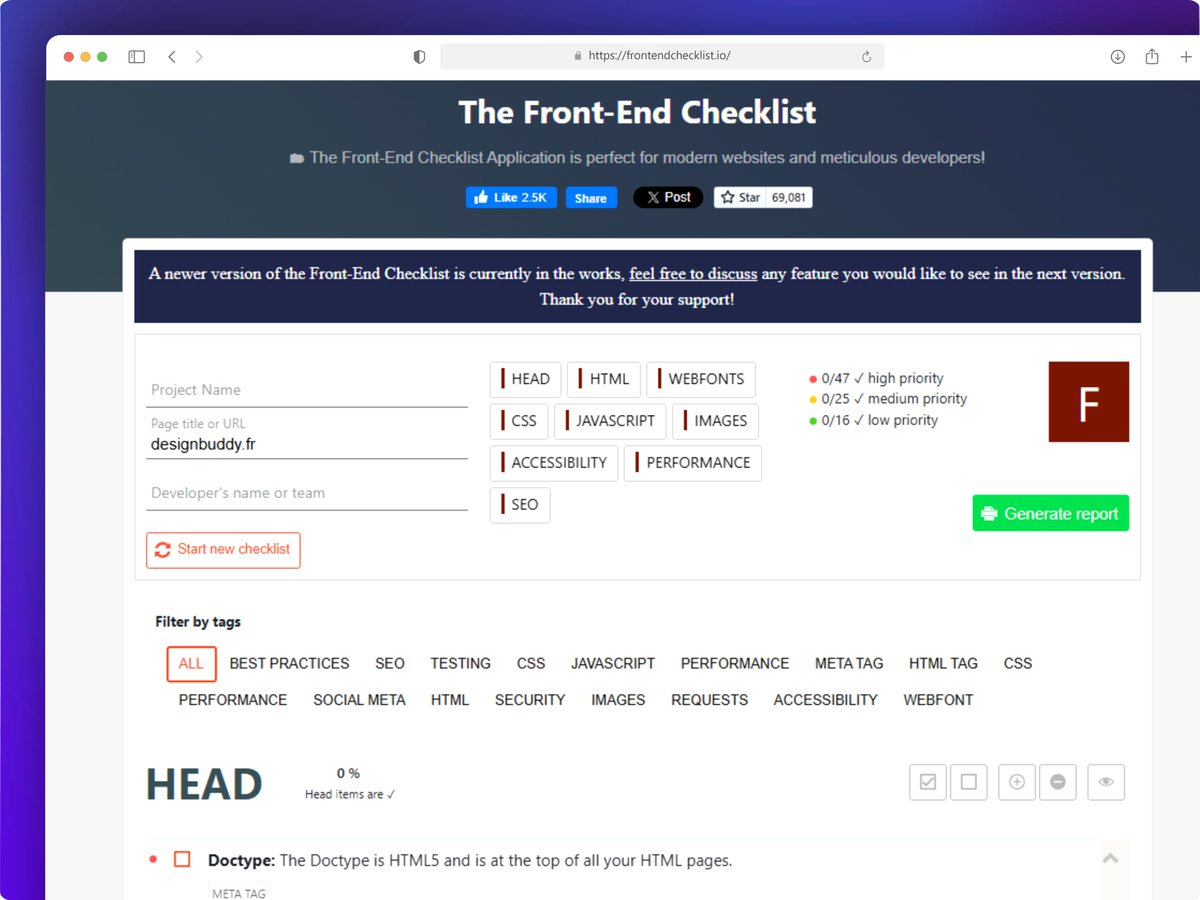









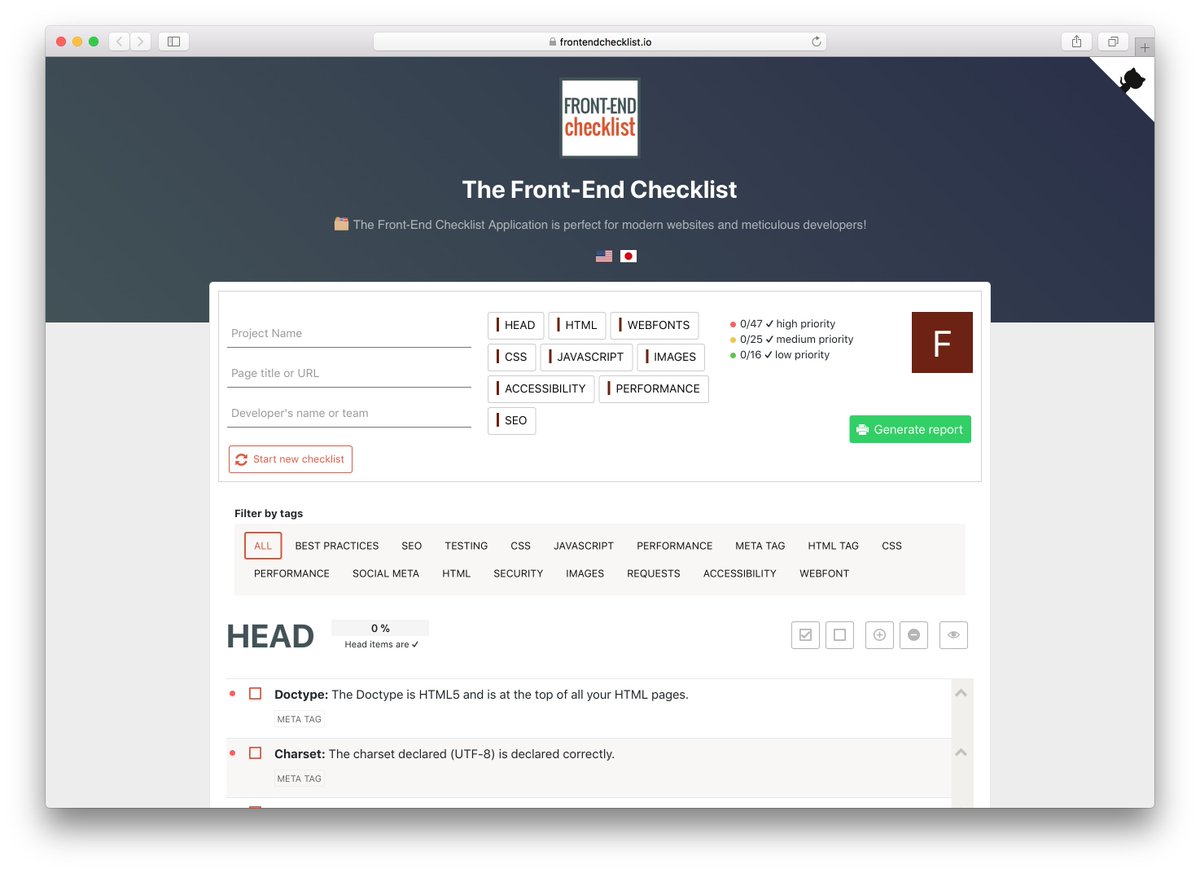




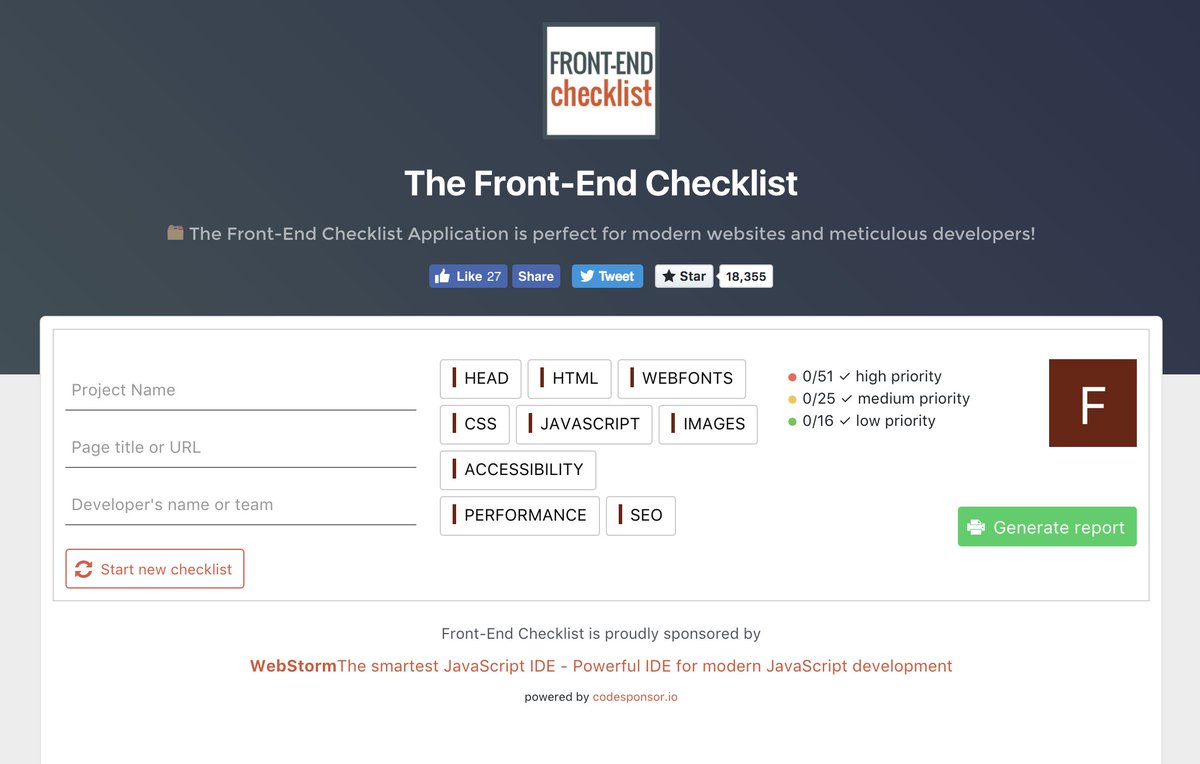


File: apps/web/data/sponsors-fallback.json
{
"_comment": "Optional fallback when GitHub/Open Collective APIs return no sponsors. Add entries to show sponsors in dev or when APIs are unavailable.",
"sponsors": []
}
File: configs/config-next/package.json
{
"name": "@repo/config-next",
"version": "1.0.0",
"private": true,
"main": "./index.ts",
"types": "./index.ts",
"scripts": {
"clean": "rm -rf .turbo node_modules",
"lint": "biome check .",
"typecheck": "tsc --noEmit --emitDeclarationOnly false"
},
"dependencies": {
"@next/bundle-analyzer": "^16.3.8",
"@t3-oss/env-core": "^0.13.11",
"@t3-oss/env-nextjs": "^0.13.11",
"zod": "catalog:"
},
"devDependencies": {
"@repo/config-typescript": "workspace:*",
"@types/node": "catalog:",
"next": "catalog:",
"typescript": "catalog:"
}
}
File: configs/config-next/tsconfig.json
{
"extends": "@repo/config-typescript/nextjs.json",
"compilerOptions": {
"baseUrl": "."
},
"include": ["/*.ts", "/*.tsx"],
"exclude": ["node_modules"]
}
File: configs/config-typescript/README.md
[Empty file]
File: configs/config-typescript/base.json
{
"$schema": "https://json.schemastore.org/tsconfig",
"display": "Default",
"compilerOptions": {
"declaration": true,
"declarationMap": true,
"esModuleInterop": true,
"forceConsistentCasingInFileNames": true,
"ignoreDeprecations": "6.0",
"incremental": false,
"isolatedModules": true,
"lib": ["es2022", "DOM", "DOM.Iterable"],
"module": "NodeNext",
"moduleDetection": "force",
"moduleResolution": "NodeNext",
"rootDir": "../..",
"resolveJsonModule": true,
"skipLibCheck": true,
"strict": true,
"types": ["node"],
"target": "ES2022",
"strictNullChecks": true,
"downlevelIteration": true,
"baseUrl": ".",
"paths": {
"@repo/": ["../../packages//src", "../../configs/"],
"@frontendchecklist/rules": ["../../packages/rules/src/index.ts"],
"@frontendchecklist/rules/": ["../../packages/rules/src/*"]
}
}
}
File: configs/config-typescript/nextjs.json
{
"$schema": "https://json.schemastore.org/tsconfig",
"display": "Next.js",
"extends": "./base.json",
"compilerOptions": {
"plugins": [{ "name": "next" }],
"module": "ESNext",
"moduleResolution": "Bundler",
"allowJs": true,
"jsx": "preserve",
"noEmit": true,
"paths": {
"@/": ["./"],
"@repo/": ["../../packages/"]
}
},
"exclude": ["node_modules"]
}
File: configs/config-typescript/node.json
{
"$schema": "https://json.schemastore.org/tsconfig",
"display": "Node (extensionless imports)",
"extends": "./base.json",
"compilerOptions": {
"module": "ESNext",
"moduleResolution": "node",
"types": ["node"]
}
}
File: configs/config-typescript/package.json
{
"name": "@repo/config-typescript",
"version": "1.0.0",
"private": true,
"main": "base.json",
"files": [
"*.json",
"README.md"
],
"scripts": {
"clean": "rm -rf .turbo node_modules"
}
}
File: configs/config-typescript/react-library.json
{
"$schema": "https://json.schemastore.org/tsconfig",
"display": "React Library",
"extends": "./base.json",
"compilerOptions": {
"jsx": "react-jsx"
}
}
File: docs/card-links.md
Card link pattern (stretched link)
Card-style navigation in the web app uses a stretched link pattern so that:
- The link's accessible name is the card title (good for screen readers and SEO).
- The whole card is clickable (good for touch and UX).
- The link lives in the DOM where it semantically belongs — wrapping the title.
Pattern
Container: A
divorarticlewithposition: relativeand the card's visual styles (border, padding, hover). Addgroupfor Tailwind group-hover effects.Title link: The
<a>or<Link>wraps only the title text inside the<h3>(or equivalent heading). It uses::afterto expand its hit area to fill the card:tsx<h3 className="..."> <Link href="/destination" className={cn( 'after:absolute after:inset-0 after:content-[""]', 'focus-visible:outline-none focus-visible:after:ring-2 focus-visible:after:ring-ring focus-visible:after:rounded-xl' )} > {title} </Link> </h3>Because the link is
position: static(the default), its::afterpseudo-element withposition: absoluteis positioned relative to the nearest positioned ancestor — the card container.Content: All other visible content (description, pills, icons) lives as normal siblings. No
z-indexis needed for non-interactive content.Secondary actions: Buttons or links (e.g. "GitHub") need
position: relative; z-index: 10to stay clickable above the stretched::after.
Do not use a separate overlay <a> with absolute inset-0 as a sibling. The link should wrap the title and stretch from there.
External links
For external links, use <a> instead of <Link>:
<a
  href={url}
  target="_blank"
  rel="noopener noreferrer"
  className={cn(
    'after:absolute after:inset-0 after:content-[""]',
    'focus-visible:outline-none focus-visible:after:ring-2 focus-visible:after:ring-ring focus-visible:after:rounded-xl'
  )}
>
  {title}
</a>
Reference components
apps/web/app/[lang]/rules/[category]/[slug]/related-rules-section.tsx— related rule cardsapps/web/app/[lang]/rules/[category]/[slug]/_components/resource-card.tsx—ResourceCard,ToolCardapps/web/app/[lang]/checklists/_components/checklist-card.tsx—ChecklistCardapps/web/app/[lang]/_components/homepage/category-card.tsx—CategoryCardapps/web/app/[lang]/about/_components/creator-projects.tsx—ProjectCardapps/web/components/mentions/embeds/mention-embeds.tsx—ArticleEmbedapps/web/components/mentions/embeds/mention-embeds-compact.tsx—YouTubeEmbedCompact,ArticleEmbedCompact
Checklist rule
This pattern is recommended in the Provide sufficient touch target size rule (packages/content/rules/en/accessibility/touch-targets.mdx) under "Card and list item links."
File: docs/global-skill-benchmark.md
Global Skill Benchmark
Goal
Benchmark one aggregate Front-End Checklist skill against popular skills.sh audit and review skills using real findings, not just prompt quality.
Source Of Truth
The rule corpus is the product. The global skill is a generated aggregate over those rules.
When the benchmark exposes weak output, the default order of operations is:
- improve the relevant rules
- regenerate the global skill
- rerun the affected fixtures
- compare again
Only use pure prompt tuning when the rule corpus is already decision-complete and the loss is clearly aggregation behavior rather than missing knowledge.
Aggregate Skill
The aggregate skill is generated at:
skills/frontend-checklist-global/SKILL.md
It is intentionally a router, not a 374-rule prompt dump. It points agents to the Front-End Checklist MCP tools:
review_codefor file or snippet reviewaudit_urlfor public-page auditssearch_rules,get_rule,fix_rule,explain_rulefor targeted remediationget_workflow,get_checklist_rules,get_quick_referencefor broader guidance
That design keeps the skill current as rules change and avoids duplicating the rule corpus into a static skill file.
How To Test
- Regenerate skills:
pnpm generate:skills- Run the local benchmark on the main codebase:
pnpm benchmark:global-skill- If you want a narrower run, pass directories:
pnpm tsx scripts/benchmark-global-skill.ts apps/web
pnpm tsx scripts/benchmark-global-skill.ts packages/design-system
Benchmark Criteria
Use the same criteria for every competing skill:
- Zero-setup execution in a default agent environment
- Real findings on a local repo, with exact file references
- Breadth across frontend concerns, not just one slice like performance
- Rule-grounded remediation instead of generic advice
- Repeatability across runs
- Honest scope boundaries
Comparison Set
These are strong comparison targets because they are either popular or close to the same problem space:
squirrelscan/skills:audit-websiteaddyosmani/web-quality-skills:web-quality-auditcloudflare/skills:web-perfcoderabbitai/skills:code-review
Expected Positioning
Front-End Checklist should win on:
- Local repo audits with no extra vendor login
- Rule-grounded remediation tied to a named corpus
- Breadth across accessibility, performance, SEO, security, images, and general frontend quality
Front-End Checklist should not claim to beat specialized tools at everything:
web-perfshould remain better for runtime trace-based performance analysis on a live pageaudit-websiteshould remain stronger for multi-page live-site crawlingcode-reviewmay remain better for PR-diff workflows tightly coupled to its own review service
If the aggregate skill starts underperforming on local repo findings, that is a signal to improve review_code heuristics rather than expand the skill prompt.
Current Conclusion
The benchmark work established a few durable conclusions:
- A single global Front-End Checklist skill is viable, but only when it is strongly derived from the rule corpus.
- Pairwise judging is more useful than coarse heuristic scoring for ranking competing skills.
- Safe-pattern fixtures are essential because many competing skills over-report decorative images, fragment-only components, and framework-managed metadata.
- Repo-derived compound fixtures are the best discriminator for frontend breadth, prioritization, and remediation quality.
This benchmark should remain part of the ongoing maintenance loop for the rule corpus and the generated global skill.
Current Caveat
The current local benchmark is useful for recall, but some component-level findings still need manual verification.
The recent review_code precision pass reduced React heading-fragment noise substantially.
The main remaining noise in this repo is:
- form-label checks on reusable input primitives or test fixtures
- empty-alt handling where decorative images may be valid but the heuristic treats them as suspicious
- page-component metadata checks on files that rely on framework metadata APIs instead of literal head tags
File: docs/guide-template.mdx
title: "Guide title"
slug: "guide-slug"
type: "how-to"
category: "performance"
tags:
- "core web vitals"
publishedAt: "2026-03-13"
updatedAt: "2026-03-13"
coverImage: "/guides/cover-example.svg"
featured: false
relatedRules: - "performance/largest-contentful-paint"
relatedChecklists: - "core-web-vitals"
relatedGuides: - "another-guide"
Write a short intro paragraph before the first H2. It should explain the outcome, who the guide is for, and why it matters now.
TL;DR
- Add 3-4 concise takeaways.
Before You Start
Explain prerequisites, scope, and when to use this workflow.
Steps
1. First step
Describe the action clearly.
Examples
Add realistic examples, screenshots, or code samples.
Common Mistakes
- Call out common failures and tradeoffs.
Verification
Describe how the reader confirms the guide worked.
Related Checklist
Link back to the most relevant checklist and related rules in natural language.
File: docs/guides-authoring.md
Guides Authoring
Guides live in packages/content/guides/en/ and are a first-class content type separate from the /guide help page.
Supported types
how-toinsight
Required frontmatter
titledescriptionslugtypecategorytagspublishedAtupdatedAtcoverImagefeaturedrelatedRulesrelatedChecklistsrelatedGuides
If author is omitted, the site falls back to the default David Dias profile.
Required section order
How-to
- Intro paragraph before the first H2
## TL;DR## Before You Start## Steps## Examples## Common Mistakes## Verification## Related Checklist
Insight
- Intro paragraph before the first H2
## Context## Argument## Examples## Practical Takeaway## Related Checklist
Publish checks
Run these from the repo root:
pnpm validate:guide-structure
pnpm validate:guides
The publish validator currently enforces:
- required frontmatter completeness
- required cover image existence in
apps/web/public - at least 2 internal links in the body
- at least 1 external authoritative link in the body
- at least 180 words of substantive content
- estimated reading grade no higher than 14
Use docs/guide-template.mdx as the starting point for new how-to guides.
File: docs/launch-readiness-checklist.md
Launch Readiness Checklist
Repo-grounded checklist for launching frontendchecklist.io as both a public product and an open-source project.
This is not a generic startup checklist. It is based on the current repository shape, workflows, env wiring, and public-facing features present on March 26, 2026.
Current repo-specific gaps to resolve first
- Verify that all contributors, deployment targets, and hosted environments can actually run the pinned baseline of Node
24.14.1and pnpm10.33.0. - Fix E2E path drift. Playwright currently lives under
apps/e2e/, but several workflows still referenceapps/web/e2e,apps/web/playwright.config.ts, andapps/web/test-results. - Decide whether waitlist and "coming soon" surfaces stay public at launch. The site currently exposes a Pro waitlist and an MCP CLI notify form.
- Add production error monitoring. Analytics exists via OpenPanel, but there is no real production exception pipeline such as Sentry, Datadog, or Bugsnag wired into the app.
- Decide whether the current env documentation is sufficient for external contributors or whether it should move to a root-level setup guide with service-by-service notes.
- Add missing open-source governance docs. There is no tracked
LICENSE,CONTRIBUTING,CODE_OF_CONDUCT, orSECURITYdocument in the repo root.
Product and site launch
- Freeze the public IA for launch: home, rules, categories, guides, checklists, MCP docs, account flows, and any waitlist-only surfaces.
- Decide which features are launch scope versus explicitly post-launch. The current repo already hints at future work through waitlists and Pro teasing.
- Review all public CTAs to make sure they land on real, supported flows rather than placeholders or "notify me later" paths.
- Confirm every public page has production-quality metadata, canonical URLs, OG images, and schema where relevant.
- Run a full broken-link pass across README, rules, guides, checklists, nav, footer, and API docs.
- Verify robots and sitemap behavior against the final set of public routes, especially new guide pages.
- Confirm favicon, manifest, Apple touch icon, and social preview assets are complete and render correctly on real devices.
- Review the homepage and rule pages for any copy that still sounds provisional, internal, or pre-launch.
- Decide whether the MCP CLI notify form should remain a waitlist or be replaced with real install/docs guidance before launch.
- Confirm auth UX is ready for public traffic: sign-in, sign-out, error states, profile flows, and social login copy.
- Validate all list/checklist share flows from a cold browser session and on mobile.
- Review 404, not-found, and empty states so they help users recover instead of dead-ending.
Content and corpus readiness
- Run the full content pipeline before launch:
pnpm validate:rule-structure,pnpm validate:guide-structure,pnpm validate:guides,pnpm validate:evidence,pnpm validate:sources,pnpm score:rules,pnpm generate:skills, andpnpm generate:readme. - Rebuild the README and confirm the published counts and category totals match the live corpus.
- Audit the newest or recently edited rules for consistency in frontmatter, examples, sources, and verification sections.
- Review the guide section for launch credibility. There are currently only a small number of guide documents, so decide whether that is enough for launch or whether more editorial depth is needed.
- Confirm every checklist page feels intentional and complete, not like a thin wrapper around rule lists.
- Validate that llms.txt and MCP-discoverable content reflect the current corpus and route structure.
- Spot-check generated skills against the most important rules and workflows so agents do not get stale guidance.
- Review all content for naming consistency, especially "X" branding, category labels, and route vocabulary.
Ops, infra, and environment readiness
- Create a single source of truth for required production env vars across web, auth, analytics, email, and rate limiting.
- Add missing launch env vars to
.env.exampleor split them into a more complete root-level env reference. - Verify production values for:
-
DATABASE_URL -
BETTER_AUTH_SECRET -
BETTER_AUTH_URL -
NEXT_PUBLIC_SITE_URL -
GITHUB_CLIENT_ID -
GITHUB_CLIENT_SECRET -
RESEND_API_KEY -
RESEND_TOPIC_ID -
RESEND_AUDIENCE_IDif legacy segment assignment is still needed -
SUBSCRIBE_SECRET -
NEXT_PUBLIC_OPENPANEL_CLIENT_ID -
OPENPANEL_CLIENT_SECRET -
OPENPANEL_API_URL(self-hosted:https://stats.daviddias.digital/api) -
UPSTASH_REDIS_REST_URL -
UPSTASH_REDIS_REST_TOKEN
-
- Confirm
allowedHosts,trustedOrigins, auth callback URLs, and cookie domain behavior match the final production domains and subdomains. - Verify Vercel project settings for both
frontendchecklist.ioandmcp.frontendchecklist.io. - Make sure rate limiting is truly enabled in production. Right now the app degrades to "allow all" when Upstash credentials are missing.
- Confirm the MCP subdomain rewrite and CORS setup still matches the intended browser and agent access patterns.
- Decide whether deploys should remain push-to-main only or require a stricter promotion path through preview/staging first.
Monitoring, analytics, and support
- Add production error monitoring for the Next.js app and API routes.
- Add alerting for failed auth, failed waitlist submissions, MCP abuse spikes, and unexpected 5xx rates.
- Define a minimum observability dashboard: traffic, conversion, waitlist submissions, MCP usage, API errors, and latency.
- Confirm OpenPanel events are reviewed for privacy and do not capture raw PII unintentionally.
- Decide how to monitor the MCP endpoint separately from the main site.
- Add uptime monitoring for the website and the MCP hostname.
- Decide where user support and bug reports should go on launch day: GitHub Issues, discussions, email, or all three.
Security and abuse prevention
- Run a focused pre-launch security pass on auth, checklist mutation routes, shared/public list routes, waitlist submission, and MCP.
- Confirm BotID coverage matches the public mutation endpoints you actually want to protect.
- Review public API endpoints for input validation, rate limits, auth requirements, and abuse handling.
- Confirm secrets are not committed anywhere and that secret scanning runs locally and in CI.
- Review CSP, security headers, cookie settings, and OAuth callback configuration in the deployed environment.
- Decide whether the MCP endpoint needs stricter origin allowlists, quotas, or telemetry retention limits before launch traffic arrives.
- Verify privacy-policy and consent flows reflect the real analytics and email behavior in production.
QA, release engineering, and automation
- Make CI, PR checks, and deploy workflows agree on the same runtime versions, paths, and validation commands.
- Fix the current E2E workflow assumptions so Playwright artifacts and test directories point to the real
apps/e2elayout. - Add guide validation to the default CI path, not just local scripts.
- Confirm
pnpm ci:checkand the actual GitHub workflows enforce the same launch gate. - Decide which checks are required on pre-push versus CI-only to keep local workflows fast but reliable.
- Run a final end-to-end launch rehearsal from a clean clone on a fresh machine.
- Validate production deploy behavior after merge: build, rewrite rules, auth, analytics proxy, waitlist, and MCP endpoint.
- Verify deploy reporting and post-deploy notifications behave correctly on push-based production releases.
- Decide whether Lighthouse should block deploys or remain advisory.
- Add a rollback playbook for bad deploys, broken content pushes, and MCP outages.
Open-source launch readiness
- Add a license file and make the license explicit in the README and package metadata where needed.
- Add a contributor guide covering setup, validation commands, content authoring, and review expectations.
- Add a code of conduct.
- Add a security policy with a disclosure path.
- Add issue templates for bug reports and feature requests.
- Add a PR template that points contributors at
pnpmcommands and repo conventions. - Decide how releases are communicated: changelog, GitHub Releases, newsletter, social posts, or all of them.
- Document supported Node and pnpm versions clearly in contributor-facing docs.
- Decide whether GitHub Discussions should be enabled for questions and community support.
- Review README onboarding from the perspective of a first-time contributor and a first-time user of the MCP server.
Nice-to-have before or right after launch
- Add a staging checklist that mirrors launch-day smoke tests.
- Add a simple launch dashboard or internal scorecard for traffic, signups, errors, and MCP usage.
- Add automated secret scanning in CI if you want a second line of defense after local hooks.
- Add dependency and dead-code audits such as
pnpm auditandknipwhen the repo is stable enough to enforce them. - Add issue labels, milestones, and a short public roadmap so incoming feedback is easier to triage.
File: docs/mcp-analytics.md
MCP usage analytics
OpenPanel project: frontend-checklist. Collection is enabled only withMCP_TELEMETRY_ENABLED=true and production OpenPanel credentials. Delivery runs
inside Next.js after() so the Vercel function awaits it after responding.
Event meanings
mcp_tool_called: one completed registered tool execution, including semantic
failures. Properties includetoolName,outcome,durationMs, andreturnedRuleCount. This duration excludes network delivery. Invalid protocol
requests, input validation rejections and rate limits are outside this metric.mcp_rule_requested: a canonical rule requested throughget_rule,check_rule,fix_ruleorexplain_rule.mcp_rule_returned: each distinct canonical rule returned by a search, review,
audit, workflow, checklist or quick-reference call. This does not indicate that
somebody applied a fix.
Use total event counts. Anonymous server events have no reliable user identity.
Existing events are not backfilled when new dimensions are introduced.
Client source
All three events include these bounded dimensions:
| Property | Values |
|---|---|
clientPlatform |
claude, openai, other, unknown |
clientProduct |
claude, claude_code, codex, chatgpt, other, unknown |
clientSourceEvidence |
mcp_client_info, openai_metadata, user_agent, conflicting, unknown |
These are self-reported analytics hints, not authenticated identities or proof
of which model ran. Modern MCP client information takes precedence when its name
matches the explicit product allowlist. OpenAI's optional openai/userAgent
metadata yields an OpenAI vendor hint, without inferring ChatGPT versus Codex.
Explicit HTTP user-agent product tokens are a fallback. Conflicting vendor
signals yield unknown; generic browser/SDK user agents do not identify a vendor.
An unrecognized client name yields other, without retaining that name.
Legacy stateless calls cannot inherit client information from an earlierinitialize request. No session, IP, account or fingerprint matching is used to
guess that relationship. Clients that send neither supported metadata nor an
explicit product user agent remain unknown. The client SDK integration test
checks that classifications do not leak between callers.
The MCP per-request metadata specification
defines optional client information and its self-reported nature.
OpenAI's reference
documents the optional analytics hint and warns against treating it as a stable
host-surface identifier.
No raw client name, version, user agent, prompt, code, query, audited URL, user
location, user/conversation/organization identifier or account data is forwarded
to OpenPanel. Its geography for these server events represents the Vercel
function, not the caller.
Dashboards
The OpenPanel gateway MCP can verify saved report configurations and execute
reports. Dashboard/report creation currently uses the authenticated browser UI.
Verify production receipts separately from local classifier tests. Synthetic
source verification calls do not prove that a real directory client emits those
signals.
File: docs/mcp-quality.md
MCP quality pipeline
This doc describes how we run the Front-End Checklist MCP server through third-party and in-repo tools to improve quality, security, and compatibility.
Server
- URL:
https://mcp.frontendchecklist.io - Code:
packages/mcp(handler),apps/web/app/api/mcp/route.ts(HTTP wrapper)
One-command audit (recommended)
From the repo root:
pnpm mcp:auditThis runs:
- Unit tests for
@repo/mcp(Jest). - Security scan of
packages/mcp/srcwithmcp-security-auditor(fails only on critical; medium/high often false positives).
Exit code is non-zero if tests fail or the security scan reports critical issues. Safe to use in CI.
Quality evaluation
Run the golden MCP quality evaluation from the repo root:
pnpm mcp:evaluateThis runs packages/mcp/tests/quality/mcp-quality.test.ts against the real rule corpus and prints a compact quality report. It currently measures:
- Retrieval quality with golden discovery queries using
Recall@5and mean reciprocal rank. review_codeaccuracy with labeled true-positive and true-negative fixtures, reported as precision, recall, and false-positive rate.- Improvement impact with before/after code scenarios that check whether
review_codeidentifies known defects, provides guidance, and verifies those defects are gone after a corrected version. - Tool contract quality across the full 11-tool surface, including naming, schemas, read-only annotations, and agent-facing descriptions.
The command fails when quality drops below the current thresholds:
- Retrieval
Recall@5 >= 80% - Retrieval
MRR >= 0.50 review_codeprecision>= 90%review_coderecall>= 85%review_codefalse-positive rate<= 10%- Improvement-impact defect detection rate
>= 90% - Improvement-impact verification-clear rate
>= 95% - Improvement-impact guidance rate
>= 90% - All 11 expected tools remain exposed when checklist data exists
Use this when changing search scoring, rule metadata, detector heuristics, tool definitions, or checklist-backed MCP behavior.
This is still a deterministic proxy, not a full agent A/B test. It answers whether the MCP can point an agent at the right fixes and verify those fixes locally. To prove an LLM writes better patches with the MCP, run the same benchmark tasks twice with the same model: once without MCP access and once with MCP access, then score the resulting diffs for expected fixes, regressions, tests, token cost, and time.
Impact benchmark
Run the A/B benchmark harness when you want to measure whether MCP access improves actual agent patches:
pnpm mcp:impact -- --init .mcp-impact/run-001This creates two identical workspaces:
.mcp-impact/run-001/without-mcp.mcp-impact/run-001/with-mcp
Run the same model twice with the same prompt, time budget, and temperature. Disable the Front-End Checklist MCP in without-mcp; enable it in with-mcp. Then score the outputs:
pnpm mcp:impact -- --score .mcp-impact/run-001The scorer checks fixed frontend defects across image accessibility/layout stability, icon-button accessible names, new-tab link hardening, unsafe dynamic code execution, and viewport zoom accessibility. It reports expected fixes completed in each condition plus the MCP delta.
Verify the harness itself with:
pnpm mcp:impact -- --self-testEcosystem quality radar
Run the broader skills, rules, and MCP contract radar from the repo root:
pnpm skills:auditThis turns current ecosystem research into local, repeatable checks:
- Skills as reusable workflows: OpenAI and GitHub both describe skills as
SKILL.mdworkflows with clear descriptions, optional resources/scripts, required outputs, and final checks. The audit measures grounding URLs, references, workflow language, output contracts, progressive disclosure, validation checklists, and assessment questions. - Skill registry safety: skills.sh and GitHub's
gh skilldocs both emphasize reviewing third-party skill contents before installation. The audit now tracks safety-boundary language so generated skills do not only say what to do, but also when to avoid risky behavior. - MCP contract quality: the official MCP docs and schema reference emphasize unique names, input/output schemas, tool annotations, and inspectable server behavior. The audit verifies all 11 public tools have valid names, input schemas, output schemas, read-only/non-destructive/idempotent annotations, and a narrow open-world boundary.
- Modern frontend gap radar: public web platform docs from MDN, web.dev, Chrome Developers, W3C/WICG, and Privacy Sandbox feed a candidate list for emerging or under-covered frontend rules.
Research references used for these criteria:
- OpenAI: Using skills
- GitHub Docs: Adding agent skills for GitHub Copilot
- skills.sh docs
- google/skills
- MCP Inspector
- MCP Registry
- MCP Tool Annotations
- MCP Security Best Practices
- MCP Schema Reference
Security-only (no tests):
pnpm mcp:audit:securityTools we use
1. MCP Inspector (manual)
What: Official MCP testing/debugging UI. Good for ad‑hoc tool calls and protocol behavior.
How:
- Ensure the server is reachable (e.g.
pnpm devand use production URL, or deploy). - Run:
pnpm dlx @modelcontextprotocol/inspector - Add server via HTTP with URL:
https://mcp.frontendchecklist.io(or your local URL).
Use this to manually verify tools, try prompts, and debug responses.
2. MCP Doctor (optional, Python)
What: Health and security checks (auth, credentials, agent-friendliness). Rule-based, no LLM.
How: Python 3.10+. See destilabs/mcp-doctor.
- Install and run against the running server URL (HTTP). Useful for periodic audits against the live endpoint.
3. mcp-security-auditor (automated)
What: Scans MCP server source code for secrets, injection risks, unsafe patterns, and dependency issues.
How:
pnpm dlx mcp-security-auditor scan packages/mcp/srcOptional: fail CI on critical only: --fail-on critical. Medium/high findings (e.g. relative imports flagged as path traversal, or request handlers as SSRF) are often false positives; review and ignore as needed.
4. In-repo tests
What: Jest tests in packages/mcp/tests/ that call the MCP handler directly (no HTTP).
How:
pnpm --filter @repo/mcp test
# or
pnpm test --filter=@repo/mcp
Coverage: tools/list, get_rule, search_rules, check_rule, fix_rule, explain_rule, list_categories, review_code, get_workflow, get_quick_reference, telemetry, error handling.
5. Golden quality evals
What: Labeled quality checks in packages/mcp/tests/quality/ that answer “is the MCP useful to agents and likely to improve code?” rather than only “does it execute?”
How:
pnpm mcp:evaluateAdd a retrieval case whenever a real agent query should reliably find a rule. Add a review fixture whenever review_code gains a new heuristic or previously noisy behavior is fixed.
6. Tool performance benchmarks
What: In-process latency benchmarks for the main tools; asserts p95 stays within budget and that review_code scales sub-linearly as the rule set grows.
How:
pnpm --filter @repo/mcp test -- tool-performance.test --verboseBudgets (p95, in ms): review_code 100, search_rules 50, list_categories 50, get_rule 5, get_checklist_rules 10. These run as part of the full MCP test suite and in pnpm mcp:audit. They do not cover the HTTP layer (Next.js route, JSON serialization) or audit_url (which does a live fetch).
7. Protocol conformance (official suite)
What: Runs @modelcontextprotocol/conformance (pinned in packages/mcp/scripts/conformance.ts) against a standalone copy of the server. Most scenarios target the reference "everything" server's fixture tools (test_simple_text, test://static-text, …), so packages/mcp/conformance-baseline.yml lists them as expected failures with the reason. Everything this server advertises must pass: initialize, ping, tools/list, resources/list, prompts/list, and DNS-rebinding protection.
How:
pnpm mcp:conformance                                  # spawns scripts/serve.ts on a free port
pnpm mcp:conformance -- --url http://localhost:3000/api/mcp   # any running server
Fails on any failure outside the baseline and on baseline entries that start passing (stale baseline).
8. Load testing and profiling
What: packages/mcp/scripts/load-test.ts drives a weighted mix of real operations (connect, tools/list, search_rules, get_rule, review_code, resources/read, prompts/get, skills/list) at stepped concurrency, half with the official v2 client on protocol 2026-07-28 and half with 2025-era JSON-RPC. Per operation it reports throughput, p50/p95/p99/max latency and errors; per stage it reports server CPU ms per request and RSS.
By default it spawns the standalone server (scripts/serve.ts, same handleMcpHttpRequest pipeline as the Vercel route, minus Next.js, CORS and rate limiting) in its own process, so client and server do not share an event loop.
How:
pnpm mcp:load                                         # 1, 8, 32 workers × 10 s, mixed eras
pnpm mcp:load -- --concurrency 1,16,64 --duration 20
pnpm mcp:load -- --era modern                         # 2026-07-28 clients only
pnpm mcp:load -- --profile                            # V8 CPU profile + top self-time functions
pnpm mcp:load -- --compare .mcp-load/baseline.json    # deltas vs a previous run
pnpm mcp:serve -- --port 3100                         # just the standalone server
Reports (and .cpuprofile files, loadable in Chrome DevTools → Performance) go to .mcp-load/ (gitignored). The run exits non-zero when any stage's error rate exceeds 1%.
Reading results: wall-clock throughput depends on what else the machine is doing; the harness records the load average and warns when the machine is busy. Prefer server CPU ms per request for before/after comparisons: it is kernel-accounted CPU time, so it stays valid under contention. Do not point the load test at production: it is rate limited (30 requests/min per IP), so you would only measure the limiter.
Finding improvements: run with --profile, read the "Server CPU hot spots" table, fix the top entry, then re-run with --compare against the previous report.
History:
| Date | Change | Server CPU / request | Notes |
|---|---|---|---|
| 2026-10-01 | Baseline (SDK v2 migration) | ~6.2 ms | Ajv recompiled all 22 tool schemas on every request (~30% of CPU) |
| 2026-10-01 | Compile tool schemas once; drop forced responseMode: 'json' (per-request warning); hoist skills param schemas |
~2.1 ms | ~3× less CPU per request, ~90 MB lower RSS; remaining hot spots are search scoring and review_code heuristics |
9. Tool-description lint (CI)
What: packages/mcp/tests/quality/tool-descriptions.test.ts. Agents choose tools from the name, description and input schema alone, so these are the server's real prompt. The lint fails when a description:
- is outside 150–650 characters, or the combined budget exceeds 5,500;
- doesn't say when to use the tool ("Use it when…");
- uses emphatic all-caps or bold wording, which makes newer models over-trigger a tool;
- names a tool that doesn't exist;
- leaves a parameter documented in fewer than 25 characters, a numeric input without bounds, or an optional enum/boolean/number without its default;
- reads too much like a sibling tool's description (word-overlap Jaccard above 0.35).
It runs with the normal test suite (pnpm --filter @repo/mcp test).
10. Tool-choice eval (Anthropic API, on demand)
What: packages/mcp/scripts/eval-tool-choice.ts sends single-turn prompts to Claude with the server's tool definitions and a neutral client system prompt, then records which tool the model calls first, or whether it answers directly. The cases live in scripts/tool-choice/cases.ts:
clear: one obviously right tool.confusable: sibling tools the descriptions must disambiguate, such asfix_rulevsget_rulevsexplain_rule,review_codevsaudit_url, andget_quick_referencevssearch_rules.no-tool: general coding or chit-chat, where calling a tool is an over-trigger.
Each case runs k times. The report gives:
- accuracy;
- pass@k, the share of cases the model gets right at least once;
- pass^k, the share it gets right every time, which is what users of an agent feel;
- over- and under-trigger rates;
- an
expected -> chosenconfusion list; - token usage.
How (needs ANTHROPIC_API_KEY or an ant auth login profile; every non-dry run spends API credits):
pnpm mcp:eval-tools -- --dry-run                                   # validate cases, print request count
pnpm mcp:eval-tools                                                # claude-opus-5-5, k=3 (93 requests)
pnpm mcp:eval-tools -- --models claude-opus-5-5,claude-sonnet-5-5,claude-haiku-4-5
pnpm mcp:eval-tools -- --only confusable --trials 5
pnpm mcp:eval-tools -- --min-pass-hat-k 0.9                        # exit 1 below the threshold
Reports go to .mcp-evals/ (gitignored). The runner records rate limits, server errors and connection failures as failed trials and aborts on anything systemic, such as missing credentials or an unknown model. Refusals are counted on their own. Server-side refusal fallbacks are deliberately off, because a fallback would score a different model than the one under test.
Improving tools with it: when a case misses, fix the description or schema rather than the case. Then re-run --only <group> and compare pass^k. Every case's expected tools are unit-tested against the live tool list, so renaming a tool breaks the build instead of silently invalidating the eval.
Suggested workflow
- Before PRs: Run
pnpm mcp:audit(tests + security scan) andpnpm mcp:conformance. - After changing a tool name, description or schema: Run
pnpm mcp:eval-tools -- --only confusableand compare pass^k with the previous report. - Before performance-sensitive changes: Save a
pnpm mcp:load -- --out .mcp-load/before.jsonreport, then compare with--compare .mcp-load/before.json. - Periodically: Run MCP Inspector against
https://mcp.frontendchecklist.ioand, if you use Python, MCP Doctor against the same URL. - CI: Add
pnpm mcp:auditto your pipeline (e.g.ci:checkor a dedicated MCP job).
Adding more tools
If you adopt MCPSpec, MCP Eval, or other CLIs, add them to scripts/audit/mcp-audit.ts (or new scripts) and document the exact commands and exit-code behavior here.
Token / response size
Tool responses are capped so the MCP doesn’t blow LLM token budgets:
- Default: Each tool response is limited to ~32k characters (~8k tokens). If the JSON would exceed that, it’s truncated at a newline and a short
[... response truncated to stay within token budget ...]note is appended. - Configure: Set
MCP_MAX_RESPONSE_CHARS(number) in the app env to override the limit.handleMcpHttpRequest(request, getRules, getChecklists, { maxResponseChars })andcreateMcpServer(getRules, getChecklists, { maxResponseChars })accept it programmatically. - Pagination: Use
search_ruleswithlimitandcursorto fetch in smaller chunks;get_rulereturns one rule (still subject to the cap).
Telemetry
What exists
- In-memory usage counters in
packages/mcp: everytools/callincrements a per-tool counter when telemetry is enabled. Exposed viagetTelemetryStats()and in GET /api/mcp as the optionalusageobject (e.g.usage: { get_rule: 42, search_rules: 10 }). Anonymous only; no IPs or identifiers. Counts reset on each deploy/restart. - Database persistence: Each
tools/callis stored in theMcpToolCalltable (anonymous:toolName,createdAt). The API route writes after a successful request; DB errors are ignored so telemetry never breaks MCP responses. Apply migrations withpnpm --filter @repo/auth db:migrate.
Enabling telemetry
- Telemetry is disabled by default for the public hosted endpoint to avoid database writes and analytics work for routine agent traffic.
- Set
MCP_TELEMETRY_ENABLED=true(orMCP_TELEMETRY_ENABLED=1) in the app environment to opt in. When enabled: in-memory counters are updated, GET /api/mcp includesusage, and successfultools/callrequests write anonymous rows toMcpToolCall.handleMcpHttpRequestandcreateMcpServeralso accept{ telemetryEnabled: true }when used programmatically (e.g. in tests).
How to see it
- Live counts:
GET https://mcp.frontendchecklist.io(or local/api/mcp) returnsusagewith per-tool counts for the current process. - Historical data: Query the database, e.g.
SELECT "toolName", COUNT(*), DATE("createdAt") FROM "McpToolCall" GROUP BY "toolName", DATE("createdAt");or use Prisma Studio / your analytics stack.
Extending
- External analytics: In the API route, after
prisma.mcpToolCall.createMany, send an event to your provider (Vercel Analytics, PostHog, etc.) with no PII. - Structured logs: Log each tool call as JSON to stdout and rely on your host’s log aggregation.
File: docs/production-launch-readiness.md
Production Launch Readiness
Last updated: 2026-05-29
Executive Summary
The v2 frontend is launchable from the local readiness sweep. The production build, unit CI, typecheck, lint, rule quality gates, source validation, MCP audit, generated skills, and Playwright smoke suite are passing locally.
The main launch blocker is Vercel project configuration. A preview build rehearsal on 2026-05-29 pulled project settings for david-dias-digital/frontendchecklist.io and found the project configured as root directory . with framework Other. Vercel successfully ran the monorepo build, but failed packaging because it expected a static public output directory instead of the Next.js app in apps/web.
Before production deploy, update the Vercel project settings to:
- Root Directory:
apps/web - Framework Preset:
Next.js - Build Command: auto-detected, or
pnpm --filter web build - Install Command: auto-detected
pnpm install - Output Directory: auto-detected
After updating settings, rerun vercel pull --yes --environment preview --scope david-dias-digital, vercel build --yes, and preview smoke tests.
Verified Gates
pnpm score:rules: 385/385 rules pass, average score 95%.pnpm validate:rule-structure: 385 rules checked, 0 errors.pnpm validate:evidence: 385 rules checked, 0 issues.pnpm validate:sources: 385 rules checked, 0 broken URLs.pnpm validate:packages: passes; nonpmPackagesmetadata currently present.pnpm generate:skills: generated 385 skills.pnpm lint: passes.pnpm typecheck: 21/21 tasks pass.pnpm test:ci: 16/16 tasks pass.pnpm exec turbo build --force: production build passes.pnpm test:e2e:ci: 9/9 Playwright smoke tests pass across Chromium, Firefox, and WebKit.pnpm mcp:audit: passes with no critical findings.vercel build --yes: blocked by Vercel project settings, not app compilation. Vercel ran the Next build successfully, then failed withNo Output Directory named "public" foundbecause the project is configured asOtherat repository root.
Fixed During Sweep
- Restored production build compatibility for
@frontendchecklist/rulesby keeping ESM source imports and adding runtime JS shims for Turbopack resolution. - Wrapped request-bound account layout auth checks in
Suspense, fixing the Next.js Cache Components prerender blocker on/profile. - Hardened
pnpm validate:sourceswith lower concurrency, longer timeout, HEAD-to-GET fallback, and a retry for transient source-host failures. - Replaced brittle rule citations with more specific stable sources for breadcrumb, geo meta, meta refresh, Open Graph, RFC URL syntax, and related SEO rules.
- Fixed MCP audit path resolution and switched MCP security-audit invocation to
pnpm dlx. - Raised MCP performance budgets to match current corpus size while keeping latency checks active.
- Fixed PR workflow e2e artifact/path filters for the current
apps/web/e2elayout. - Removed unnecessary header hydration suppressions and footer decorative blobs.
Browser QA
Manual local production smoke passed on:
- Desktop homepage, rule detail, checklist detail, and MCP page.
- Mobile homepage and mobile menu.
- Signed-out
/profileredirects back to the public home page. - Local
/api/mcpmetadata endpoint returns 200 with 11 tools, prompts, resource templates, and security headers.
Residual Risks
mcp-security-auditorstill reports two high SSRF-looking findings fornew Request(request.url, ...)in the MCP request adapter. These appear to be static-analysis false positives because no outbound fetch is made, but they should be triaged before calling the security report clean.- MCP heuristic coverage is 128/135 rules (94.8%). Missing heuristic coverage is a post-launch quality backlog, not a current failing gate.
- React Doctor reports warning-only cleanup: Tailwind
size-*shorthands, mention embeds using ``, and multi-component mention embed files. Score is 99/100 after fixing the header error. - Vercel preview verification is blocked until the project uses
apps/webas root with the Next.js framework preset. - Production-only checks still need Sentry/OpenPanel env sanity, live
mcp.frontendchecklist.iobehavior, and remote migration readiness review.
File: docs/rule-structure.md
Rule Structure Guide
Front-End Checklist rules now use one machine-detectable core body contract:
- Intro paragraph before any H2
## Code Exampleor## Code Examples## Why It Matters- Optional implementation or guidance sections
## Verification
Rule Contract V2 adds lightweight, conditional guidance:
## Exceptionsfor nuanced or false-positive-prone rules### Automated Checksand### Manual Checksinside## Verificationwhen both apply## Browser Support,## Support Notes, or## Standardswhen compatibility or compliance materially affects implementation
Browser support notes should come from the repo browser policy in .browserslistrc plus package-backed compatibility data.
Inline link contract
Body prose may include natural inline links when they directly support a sentence-level claim, comparison, or implementation recommendation.
- Keep
sourcesas the authoritative evidence registry. - Keep
resourcesfor further reading, tools, and optional secondary references. - Keep
relatedRulesas the discovery graph for dedicated related-rule UI. - Do not add standalone metadata paragraphs such as
See also ...orReference: .... - Aim for light-touch density: usually
2-5inline links per rule, with0-1in the intro,1-3across the main guidance sections, and0-1internal rule link unless the rule is unusually interconnected. - Prefer newer inline secondary articles only when they add practical or current context that the evergreen primary sources do not already cover well.
- When you mention a specific tool for the first meaningful time in the prose, link that first mention if the tool is genuinely useful to the reader and already appears in
resourcesortools. - Keep secondary article links curated. Good defaults are well-established practitioner sources such as CSS-Tricks, Smashing Magazine, NN/g, WebAIM, Screaming Frog, Sitebulb, Moz, or Yoast.
- Use descriptive anchor text that names the concept or claim being supported.
Required rules
## Code Example(s)must appear before## Why It Matters## Why It Mattersmust appear before## Verification## Verificationmust be the final H2- Optional H2 sections belong between
## Why It Mattersand## Verification
Preferred optional headings
## Best Practices## Common Mistakes## Framework Examples## Tools & Validation## Thresholds## Exceptions## Browser Support## Support Notes## Standards## Implementation Notes
The validator reports headings outside this taxonomy so new one-off section names do not spread silently.
Conditional V2 sections
Use ## Exceptions when the rule needs caveats, false-positive guidance, or valid exceptions.
Use ## Browser Support or ## Support Notes when a rule depends on feature support, environment differences, or fallback strategy.
Use ## Standards when a visible WCAG, spec, Google, or policy mapping changes implementation decisions.
Inside ## Verification, prefer:
## Verification

### Automated Checks

- CI, lint, crawler, Lighthouse, axe, or script-based validation

### Manual Checks

- Browser, assistive tech, visual, or judgment-based validation
Keep a compact flat verification list only when the rule is too simple to justify the split.
Before
Short intro paragraph.

## Basic Implementation

...

## Testing

...

## Accessibility Considerations

...
After
Short intro paragraph.

## Code Example

...

## Why It Matters

...

## Accessibility Considerations

...

## Verification

...
Commands
pnpm validate:rule-structure
pnpm validate:rule-structure --report
pnpm report:v2-gaps
pnpm report:rule-links
pnpm generate:exceptions-hints
pnpm generate:support-notes
pnpm generate:verification-split
pnpm normalize:rule-structure --report
pnpm normalize:rule-structure --write
File: docs/rule-template.mdx
title: "Rule title" categories: ['html'] priority: 'high' difficulty: 'beginner' estimatedTime: 15 prompts: check: "Describe exactly what to audit" fix: "Describe exactly how to remediate the issue" explain: "Describe why this matters and how to verify it"
Write a short intro paragraph that explains the rule in plain language before any H2 headings.
Code Example
<!-- Prefer paired passing and failing examples -->Why It Matters
Explain the user, business, accessibility, performance, or maintenance impact.
Best Practices
- Add optional guidance sections only when they materially help implementation.
Exceptions
- Add this only when the rule has valid exceptions, caveats, or common false positives.
Browser Support
- Add this only when compatibility or fallback strategy materially affects implementation.
Verification
Automated Checks
- Describe CI, lint, crawler, Lighthouse, axe, or script-based checks when they exist.
Manual Checks
- Describe browser, assistive tech, visual, or judgment-based checks when they are needed.
File: docs/v2-positioning-memo.md
Front-End Checklist V2 Positioning Memo
Summary
Front-End Checklist V2 should be positioned as a trusted front-end quality system for humans and AI agents, not as a generic library of tips.
That means the primary story is:
- a high-quality rule corpus
- executable workflows for launch, review, and audits
- MCP and skills as distribution for AI-assisted work
- guides and checklists as onboarding paths for humans
The project is strongest when it feels like shared infrastructure for front-end quality, not like a content site with many articles.
Core Positioning
Positioning statement
Front-End Checklist is the open-source front-end quality system for teams that want trusted review standards for both humans and AI agents.
One-sentence homepage version
Trusted front-end quality rules for humans and AI agents.
Expanded product version
Browse the rules on the web, run curated workflows, or connect the same corpus to MCP-capable tools for structured AI reviews.
Who It Is For
Primary audiences
- Senior engineers and tech leads who want consistent review standards
- AI-heavy developers who want better retrieval than generic LLM knowledge
- Agencies and consultancies that need repeatable audit workflows
- Developer educators who want examples, verification steps, and structured guidance
Secondary audiences
- Junior developers learning what “good” looks like in production
- Product teams preparing launches or audits
- Open-source maintainers who want a shared quality checklist
Audience fit by role
- Juniors need guided entry points, not the raw corpus first
- Seniors want search, prioritization, MCP, and review workflows
- AI users want structured tools, prompts, and proof that the corpus is opinionated and maintained
Why It Matters In The AI Era
The differentiator is not “frontend best practices.” That is crowded.
The differentiator is:
- the rules are structured enough for retrieval and automation
- the corpus has evidence, scoring, and validation
- MCP lets the same rules drive real agent workflows
- skills make the content reusable in agentic tooling
This makes Front-End Checklist more than documentation. It becomes an execution layer for front-end quality.
Message Architecture
What to emphasize
- Trusted and maintained corpus
- Shared standards for teams and agents
- Actionable workflows, not just reference material
- Verification and remediation guidance
- Open source plus AI-native distribution
What to de-emphasize
- “Huge list of best practices”
- generic “learn web development” framing
- counts as the primary value story
- broadness without guidance on where to start
Product proof points
- hundreds of production-oriented rules
- hosted MCP server
- curated checklists for concrete workflows
- rule scoring, structure validation, and source validation
- guides tied back to rules and checklists
Homepage Recommendations
Recommended hero direction
Lead with trust, execution, and AI relevance in one sentence.
Suggested supporting copy:
- Browse the rule corpus on the web
- Start with curated workflows for launch and audits
- Connect the same corpus to AI tools through MCP
Headline options
- Trusted front-end quality rules for humans and AI agents
- The open-source front-end quality system for modern teams
- Front-end review standards your team and AI tools can actually use
- A shared front-end quality layer for code reviews, audits, and launches
- Production-ready front-end standards, executable by humans and AI
Subhead options
- Browse 385 rules across 11 categories, run curated workflows, or connect the corpus to MCP-capable tools for structured AI reviews.
- Use the same rule corpus for launch checklists, code reviews, and AI-assisted audits.
- Turn front-end best practices into repeatable workflows, trusted references, and AI-native review tools.
Audience Entry Points
The homepage and docs should create clear entry routes instead of dropping everyone into the same giant corpus.
Recommended entry points:
- Start here as a junior developer
- Use this for senior code review
- Run a launch-readiness workflow
- Audit with AI using MCP
- Browse accessibility and performance first
These can be delivered through curated checklists, guide cards, and homepage sections before adding more complex product UI.
What To Build Next
Short-term
- Unify public counts and category metadata everywhere
- Make privacy and internationalization feel first-class in category UX
- Tighten homepage and MCP copy around the “quality system” story
- Add stronger “who this is for” entry points
Medium-term
- Show real MCP demo flows with before/after review examples
- Add framework-specific workflows for React, Next.js, Astro, and static sites
- Package launch, accessibility, and performance as the canonical starting workflows
30-Day Buzz Plan
Week 1
- Publish a launch post framing Front-End Checklist as a front-end quality system for humans and AI agents
- Tighten homepage, README, and MCP page messaging
- Make one canonical demo video or GIF of MCP finding real issues
Week 2
- Publish two example audits:
- “Generic AI review vs Front-End Checklist MCP review”
- “Launch-readiness audit of a real page”
- Share focused clips and screenshots on X and developer communities
Week 3
- Ship one or two framework-targeted guides:
- using Front-End Checklist with Next.js
- using Front-End Checklist for accessibility reviews
- Ask early users to share real workflows and repo integrations
Week 4
- Package the strongest demos into a single landing-page proof section
- Promote one opinionated thesis:
- AI reviews are only as good as the rule corpus behind them
Risks
- If counts drift across README, site, and metadata, the project feels less trustworthy
- If the homepage keeps framing the product as a giant checklist, the AI-native story gets buried
- If juniors do not get guided entry points, the corpus feels overwhelming
- If there are no public examples of the MCP server doing useful work, the AI story feels hypothetical
Recommendation
Lean harder into the second identity: Front-End Checklist as trusted front-end quality infrastructure.
That is the version with the most relevance, the most differentiation, and the highest chance of earning attention beyond the usual “best practices” audience.
File: docs/audit-comparison/README.md
Comparative Audit: Front-End Checklist vs squirrelscan
This folder holds results and instructions for comparing our audit_url tool against squirrelscan (and other audit tools) on the same set of URLs. The goal is to document gaps: where our 377-rule corpus finds issues that others miss, and vice versa.
Test URLs (10 sites)
1. Run our audit (Front-End Checklist)
Prerequisites: Dev server running (pnpm dev from repo root).
# From repo root; uses http://localhost:3000 by default
pnpm tsx scripts/compare-audit.ts
Optional: run against the deployed MCP server:
BASE_URL=https://mcp.frontendchecklist.io pnpm tsx scripts/compare-audit.tsOutput: docs/audit-comparison/our-results.json — one audit result per URL (summary + issues).
2. Run squirrelscan on the same URLs
Install squirrelscan (see docs):
curl -fsSL https://squirrelscan.com/install | bashRun a single-page audit for each URL (no crawl) for a fair comparison with our single-page audit_url:
# Example: one URL, JSON output
squirrel audit https://example.com -f json -o docs/audit-comparison/squirrel-example-com.json
To batch all 10 URLs (bash):
mkdir -p docs/audit-comparison/squirrel
for url in https://example.com https://web.dev https://developer.mozilla.org https://frontendchecklist.io https://www.w3.org https://nextjs.org https://react.dev https://vercel.com https://github.com https://stackoverflow.com; do
  name=$(echo "$url" | sed 's|https\?://||;s|\.|_|g;s|/|_|g')
  squirrel audit "$url" -C quick -f json -o "docs/audit-comparison/squirrel/${name}.json"
done
Note: squirrelscan crawls by default; use -C quick or -m 1 to approximate single-page checks. Our tool only audits the given URL’s HTML.
3. Document gaps
After both runs, fill in the table below (and add rows per URL if useful).
Where we find issues they don’t (our rule depth)
| URL | Our issues (rule slug or category) | squirrelscan result | Notes |
|---|---|---|---|
| example.com | (e.g. meta description, viewport) | (e.g. “no issues”) | Our heuristics flag missing meta/viewport |
| … | … | … | … |
Where they find issues we don’t
| URL | squirrelscan rule/category | Our result | Notes |
|---|---|---|---|
| … | … | … | … |
Summary (edit after runs)
- Our strengths: e.g. fix prompts per rule, MCP-native, 377 open-source rules, categories (a11y, SEO, performance, security, etc.).
- Their strengths: e.g. multi-page crawl, incremental caching, E-E-A-T, adblock/legal/analytics categories.
- Use this for: marketing (“we find X that others miss”), product (prioritize rules or crawler work), and partnership (complementary tools).
Files in this folder
| File | Description |
|---|---|
README.md |
This file — instructions and gap template |
our-results.json |
Generated by scripts/compare-audit.ts — our audit results per URL |
squirrel/*.json |
Optional — squirrelscan JSON output per URL |
File: docs/audit-comparison/our-results.json
{
"runAt": "2026-03-11T00:18:31.542Z",
"results": [
{
"url": "https://example.com",
"fetchedAt": "2026-03-11T00:18:31.492Z",
"success": false,
"error": "fetch failed"
},
{
"url": "https://web.dev",
"fetchedAt": "2026-03-11T00:18:31.498Z",
"success": false,
"error": "fetch failed"
},
{
"url": "https://developer.mozilla.org",
"fetchedAt": "2026-03-11T00:18:31.502Z",
"success": false,
"error": "fetch failed"
},
{
"url": "https://frontendchecklist.io",
"fetchedAt": "2026-03-11T00:18:31.506Z",
"success": false,
"error": "fetch failed"
},
{
"url": "https://www.w3.org",
"fetchedAt": "2026-03-11T00:18:31.513Z",
"success": false,
"error": "fetch failed"
},
{
"url": "https://nextjs.org",
"fetchedAt": "2026-03-11T00:18:31.518Z",
"success": false,
"error": "fetch failed"
},
{
"url": "https://react.dev",
"fetchedAt": "2026-03-11T00:18:31.523Z",
"success": false,
"error": "fetch failed"
},
{
"url": "https://vercel.com",
"fetchedAt": "2026-03-11T00:18:31.527Z",
"success": false,
"error": "fetch failed"
},
{
"url": "https://github.com",
"fetchedAt": "2026-03-11T00:18:31.538Z",
"success": false,
"error": "fetch failed"
},
{
"url": "https://stackoverflow.com",
"fetchedAt": "2026-03-11T00:18:31.542Z",
"success": false,
"error": "fetch failed"
}
]
}
File: docs/audits/2026-10-04-mcp-validation/boundaries-final.txt
PASS app/api/mcp/tests/route.test.ts (14.5 s)
PASS app/api/mcp/tests/request-body.test.ts
PASS lib/tests/mcp-cache.test.ts
Test Suites: 3 passed, 3 total
Tests: 20 passed, 20 total
Time: 19.47 s
File: docs/audits/2026-10-04-mcp-validation/core-postfix.txt
PASS tests/unit/review-code-detection.test.ts
PASS tests/quality/mcp-quality.test.ts (8.787 s)
PASS tests/unit/false-positive-audit.test.ts
PASS tests/unit/heuristic-coverage.test.ts
PASS tests/integration/mcp-server.test.ts
PASS tests/unit/tool-performance.test.ts
PASS tests/integration/skills.test.ts (26.598 s)
PASS tests/quality/tool-descriptions.test.ts
PASS tests/unit/tool-choice-eval.test.ts
PASS tests/unit/audit-url-ssrf.test.ts
PASS tests/integration/http-server.test.ts (9.317 s)
PASS tests/integration/plugin.test.ts
PASS tests/unit/eval-detection.test.ts
PASS tests/unit/jsx-list-structure.test.ts
PASS tests/unit/get-rule.test.ts
PASS tests/unit/response-cap.test.ts
Test Suites: 16 passed, 16 total
Tests: 296 passed, 296 total
Snapshots: 0 total
Time: 70.632 s
Ran all test suites.
File: docs/audits/2026-10-04-mcp-validation/eval-performance.json
{
"node": "v24.19.0",
"results": [
{
"bytes": 1022,
"scenario": "ordinary",
"p50Ms": 0.001,
"p95Ms": 0.001
},
{
"bytes": 1012,
"scenario": "comment",
"p50Ms": 2.11,
"p95Ms": 6.909
},
{
"bytes": 1023,
"scenario": "call",
"p50Ms": 0.714,
"p95Ms": 7.63
},
{
"bytes": 10234,
"scenario": "ordinary",
"p50Ms": 0.001,
"p95Ms": 0.001
},
{
"bytes": 10238,
"scenario": "comment",
"p50Ms": 8.879,
"p95Ms": 24.379
},
{
"bytes": 10235,
"scenario": "call",
"p50Ms": 2.62,
"p95Ms": 12.877
},
{
"bytes": 102396,
"scenario": "ordinary",
"p50Ms": 0.005,
"p95Ms": 0.006
},
{
"bytes": 102400,
"scenario": "comment",
"p50Ms": 83.86,
"p95Ms": 148.74
},
{
"bytes": 102397,
"scenario": "call",
"p50Ms": 38.172,
"p95Ms": 45.416
}
],
"rssMB": 189.9
}
File: docs/audits/2026-10-04-mcp-validation/hydration-before.txt
FAIL before-tests/content/code/tests/code-tabs-hydration.test.cjs (13.545 s)
FAIL before-tests/rules/detail/tests/table-of-contents-hydration.test.cjs (7.798 s)
Test Suites: 2 failed, 2 total
Tests: 4 failed, 4 total
Snapshots: 0 total
Time: 35.725 s
Ran all test suites.
File: docs/audits/2026-10-04-mcp-validation/hydration-postfix.txt
PASS validation-tests/content/code/tests/code-tabs.test.cjs (6.534 s)
PASS validation-tests/content/code/tests/code-tabs-hydration.test.cjs
PASS validation-tests/rules/detail/tests/table-of-contents-hydration.test.cjs (5.415 s)
Test Suites: 3 passed, 3 total
Tests: 8 passed, 8 total
Snapshots: 0 total
Time: 22.629 s
Ran all test suites.
File: docs/audits/2026-10-04-mcp-validation/performance.json
{
"comparison": "MCP SDK 2.2.0 vs 2.3.0; identical current source and corpus",
"order": ["before-1", "after-1", "after-2", "before-2"],
"runs": {
"before-1": {
"node": "v24.19.0",
"modernClientSmoke": true,
"stages": [
{
"concurrency": 1,
"requests": 491,
"errors": 0,
"rps": 97.4,
"p50": 7.34,
"p95": 27.06,
"p99": 53.89,
"cpuMsPerRequest": 10.92,
"rssMB": 229.3
},
{
"concurrency": 8,
"requests": 944,
"errors": 0,
"rps": 187.8,
"p50": 35.76,
"p95": 93.67,
"p99": 121.79,
"cpuMsPerRequest": 6.394,
"rssMB": 248.3
},
{
"concurrency": 32,
"requests": 921,
"errors": 0,
"rps": 179,
"p50": 143.64,
"p95": 381.71,
"p99": 515.76,
"cpuMsPerRequest": 6.466,
"rssMB": 253.7
}
],
"holdout": [
{
"name": "eval in executable code",
"code": "const value = eval(userInput)",
"expected": true,
"actual": true
},
{
"name": "eval in comment",
"code": "// eval(userInput) is unsafe\nconst value = Number(userInput)",
"expected": false,
"actual": true
},
{
"name": "eval in string literal",
"code": "const example = "eval(userInput)"",
"expected": false,
"actual": true
},
{
"name": "indirect eval",
"code": "const value = (0, eval)(userInput)",
"expected": true,
"actual": false
}
]
},
"after-1": {
"node": "v24.19.0",
"modernClientSmoke": true,
"stages": [
{
"concurrency": 1,
"requests": 593,
"errors": 0,
"rps": 118.5,
"p50": 6.14,
"p95": 22.48,
"p99": 40.21,
"cpuMsPerRequest": 9.054,
"rssMB": 217.3
},
{
"concurrency": 8,
"requests": 893,
"errors": 0,
"rps": 177.3,
"p50": 33.07,
"p95": 111.82,
"p99": 215.23,
"cpuMsPerRequest": 6.662,
"rssMB": 245.4
},
{
"concurrency": 32,
"requests": 1218,
"errors": 0,
"rps": 239.1,
"p50": 111.78,
"p95": 275.41,
"p99": 432.26,
"cpuMsPerRequest": 4.854,
"rssMB": 247.6
}
],
"holdout": [
{
"name": "eval in executable code",
"code": "const value = eval(userInput)",
"expected": true,
"actual": true
},
{
"name": "eval in comment",
"code": "// eval(userInput) is unsafe\nconst value = Number(userInput)",
"expected": false,
"actual": true
},
{
"name": "eval in string literal",
"code": "const example = "eval(userInput)"",
"expected": false,
"actual": true
},
{
"name": "indirect eval",
"code": "const value = (0, eval)(userInput)",
"expected": true,
"actual": false
}
]
},
"after-2": {
"node": "v24.19.0",
"modernClientSmoke": true,
"stages": [
{
"concurrency": 1,
"requests": 484,
"errors": 0,
"rps": 96.1,
"p50": 7.6,
"p95": 27.68,
"p99": 53.88,
"cpuMsPerRequest": 10.803,
"rssMB": 203.4
},
{
"concurrency": 8,
"requests": 676,
"errors": 0,
"rps": 133.6,
"p50": 51.45,
"p95": 133.11,
"p99": 204.92,
"cpuMsPerRequest": 9.699,
"rssMB": 247.1
},
{
"concurrency": 32,
"requests": 854,
"errors": 0,
"rps": 155,
"p50": 156.99,
"p95": 376.29,
"p99": 1189.1,
"cpuMsPerRequest": 7.457,
"rssMB": 256.6
}
],
"holdout": [
{
"name": "eval in executable code",
"code": "const value = eval(userInput)",
"expected": true,
"actual": true
},
{
"name": "eval in comment",
"code": "// eval(userInput) is unsafe\nconst value = Number(userInput)",
"expected": false,
"actual": true
},
{
"name": "eval in string literal",
"code": "const example = "eval(userInput)"",
"expected": false,
"actual": true
},
{
"name": "indirect eval",
"code": "const value = (0, eval)(userInput)",
"expected": true,
"actual": false
}
]
},
"before-2": {
"node": "v24.19.0",
"modernClientSmoke": true,
"stages": [
{
"concurrency": 1,
"requests": 346,
"errors": 0,
"rps": 68.8,
"p50": 10.37,
"p95": 39.44,
"p99": 73.51,
"cpuMsPerRequest": 15.493,
"rssMB": 205.1
},
{
"concurrency": 8,
"requests": 449,
"errors": 0,
"rps": 89.1,
"p50": 75.39,
"p95": 209.79,
"p99": 285.12,
"cpuMsPerRequest": 13.621,
"rssMB": 238.6
},
{
"concurrency": 32,
"requests": 826,
"errors": 0,
"rps": 158.3,
"p50": 165.46,
"p95": 427.25,
"p99": 570.96,
"cpuMsPerRequest": 7.513,
"rssMB": 247
}
],
"holdout": [
{
"name": "eval in executable code",
"code": "const value = eval(userInput)",
"expected": true,
"actual": true
},
{
"name": "eval in comment",
"code": "// eval(userInput) is unsafe\nconst value = Number(userInput)",
"expected": false,
"actual": true
},
{
"name": "eval in string literal",
"code": "const example = "eval(userInput)"",
"expected": false,
"actual": true
},
{
"name": "indirect eval",
"code": "const value = (0, eval)(userInput)",
"expected": true,
"actual": false
}
]
}
}
}
File: docs/audits/2026-10-04-mcp-validation/public-modern.json
{
"protocol": "2026-07-28",
"server": {
"name": "frontend-checklist-mcp",
"title": "Front-End Checklist",
"icons": [
{
"src": "https://frontendchecklist.io/favicon.svg",
"mimeType": "image/svg+xml",
"sizes": ["any"]
}
],
"version": "2.0.0",
"websiteUrl": "https://frontendchecklist.io/en/mcp"
},
"toolCount": 11,
"searchError": false,
"search": [
{
"type": "text",
"text": "{\n "rules": [\n {\n "slug": "avoid-eval",\n "title": "Never use eval() or unsafe dynamic code execution",\n "priority": "critical",\n "categories": [\n "javascript"\n ],\n "primaryCategory": "javascript"\n },\n {\n "slug": "color-contrast",\n "title": "Meet minimum color contrast ratios",\n "priority": "high",\n "categories": [\n "accessibility"\n ],\n "primaryCategory": "accessibility"\n },\n {\n "slug": "picture-element",\n "title": "Use with an fallback",\n "priority": "high",\n "categories": [\n "images"\n ],\n "primaryCategory": "images"\n }\n ],\n "nextCursor": "eyJvZmZzZXQiOjN9",\n "totalCount": 66\n}"
}
]
}

File: docs/audits/2026-10-04-mcp-validation/report.md
MCP maintenance validation — 4 October 2026
Tracked in DAV-614, following dependency maintenance DAV-598. This report records local validation before publication. Commit/push verification is tracked in DAV-645. Production smoke checks exercise the deployed service, not these fixes.
Findings and fixes
- The POST request limit trusted Content-Length. A chunked request or inaccurate header could bypass the 100 KiB limit.
apps/web/app/api/mcp/request-body.tsnow counts bytes while reading, cancels oversized streams, and parses only bounded input. The route returns 413 for oversized input and 400 for malformed JSON. Tests cover absent/inaccurate lengths, multibyte UTF-8, chunk cancellation, malformed input and the exact limit. - Response caching could return the wrong envelope or skip transport validation. The old 32-bit hash collides for otherwise identical
tools/listrequests with IDs1rand30. SHA-256 now hashes the complete cache input. That input includes transport headers, so a successful request cannot prime a response subsequently returned to a request with invalid Accept or different protocol context. A route regression primes the cache, then verifies thatAccept: text/plainis still rejected with 406. - The review detector had quality gaps, now fixed locally. The independent four-case challenge detects executable
eval(userInput), incorrectly flags the same text in a comment and string, and misses(0, eval)(userInput). This existed with both SDK versions. DAV-619 records the parser-based remediation. Comments and strings no longer trigger this check, and common indirect, optional, global and bound eval calls are detected. This is a source fix beyond the dependency upgrade. - Production rule pages emit React error 418. Two browser contexts reproduced the hydration error on
/rules/images/alt-text, including a fresh context before any progress interaction. Local SSR regression tests establish a DOM-dependent table of contents as a hydration mismatch: the server renders no navigation, while the first client render adds navigation. Code-tab selection also read browser storage/hash/context during the initial render. Both now use deterministic initial state and apply browser state in effects; the sidebar remounts on rule navigation. These local fixes have not been deployed. DAV-621 holds this separate application investigation. See browser error evidence and page capture.

Quality and best practices
The existing deterministic quality suite passes: 8 retrieval queries all return at least one expected rule in the top five; reciprocal rank averages 0.92. Existing review fixtures report 100% precision and recall, and five improvement scenarios detect problems, verify fixes and return guidance. These are small curated fixtures, not an estimate of accuracy on arbitrary code. The retrieval test calls its metric Recall@5, but it measures whether any expected rule appears, rather than recall over every relevant rule.
The independent challenge above is deliberately reported alongside the passing fixtures. It demonstrates why fixture scores alone cannot support a general quality claim. No paid model-based tool-selection or argument-correctness evaluation was run.
All six changed MCP implementation/test files pass Biome. MCP and web TypeScript checks pass. New tests live beside the implementation and run through the existing Jest discovery conventions. No hook bypasses or package-manager substitutions were used. The earlier dependency-maintenance run passed the full workspace tests and typechecks; those results precede the two local hardening fixes, which received the focused checks below.
Security evidence
- 20 route/cache/body tests pass in three suites, including the actual MCP handler behind the route and both new regressions. Result summary.
- 47 quality/body/SSRF tests pass in three suites. The body tests overlap the preceding run; these counts must not be added as unique tests. SSRF tests cover private IPv4/IPv6, private DNS resolutions, HTTP and embedded credentials, redirect validation and response-size rejection. DNS/fetch are mocked; this is not a live DNS-rebinding exercise. Result summary.
- A fresh
pnpm audit --prod --jsonreports zero advisories across 1,009 production dependencies. The previous maintenance audit also passed after removing the unused upgrade tool that introduced the braces advisory. An advisory scan does not prove the absence of exploitable defects.
Execution used an existing local Linux container image with Node 24.19.0: no external network, read-only source/dependency mounts and root filesystem, empty environment with a minimal allowlist, unprivileged UID, no capabilities, no privilege escalation, 2 GiB memory, two CPUs, bounded processes/files/CPU time, a 64 MiB scratch tmpfs and a 120-second execution timeout. No credentials or .env files were mounted. Public checks used ordinary read-only requests; adversarial cases stayed local.
The macOS dependency tree has a platform-specific Jest resolver. The isolated harness supplied a JavaScript resolver shim and prebundled the MCP handler/quality/SSRF modules with esbuild for Linux. Route TypeScript used ts-jest with a temporary mapping for mocked generated content; separate TypeScript checks validated source types. Harness adaptation failures were resolved before reporting passing runs. This is focused source validation, not an unchanged production Next.js build or a complete application penetration test. Authentication, account authorization, database policies, email and third-party service configuration were outside this validation.
Performance comparison
Compared MCP client/server SDK 2.2.0 against 2.3.0, using identical current server source and rule corpus. This isolates the SDK update; it does not compare all upgraded web dependencies or benchmark Next.js, Redis, database calls, production networking or cold starts.
Each run first connected an official client pinned to protocol 2026-07-28, listed tools and searched rules. Then it warmed 20 calls and ran five-second stages at concurrency 1, 8 and 32. The fixed round-robin workload used tools/list, search_rules, get_rule, review_code and resources/read. A child HTTP server handled loopback requests inside the isolated network namespace. Both versions used the same runtime and container limits. Run order: before, after, after, before.
| Concurrency | SDK 2.2 throughput range | SDK 2.3 throughput range | SDK 2.2 p95 range | SDK 2.3 p95 range |
|---|---|---|---|---|
| 1 | 68.8–97.4 req/s | 96.1–118.5 req/s | 27.06–39.44 ms | 22.48–27.68 ms |
| 8 | 89.1–187.8 req/s | 133.6–177.3 req/s | 93.67–209.79 ms | 111.82–133.11 ms |
| 32 | 158.3–179.0 req/s | 155.0–239.1 req/s | 381.71–427.25 ms | 275.41–376.29 ms |
All stages returned zero errors. Server RSS ranged from 203.4 to 256.6 MiB across both versions. Raw p50/p95/p99, CPU per request, RSS and request counts are in performance.json. The large inter-run variation and shared-host contention prevent a reliable speedup claim or capacity/SLO guarantee. The short runs did not show a consistent regression. A dedicated longer soak, cold-start measurement and an end-to-end deployed benchmark remain needed before setting operational budgets.
Production and browser checks
Correction: the earlier hand-written server/discover request returned HTTP 200 containing JSON-RPC error -32601; HTTP status alone did not prove success. A subsequent official SDK client pinned to 2026-07-28 successfully negotiated that protocol, listed 11 tools and completed search_rules. See official-client result. Ordinary public metadata and legacy search/review reads were also available. Production advertises server version 2.0.0, while local source advertises 2.0.1. These responses demonstrate deployed read availability, not deployment of the local SDK update or fixes. Deployment remains blocked by the existing invalid Vercel token tracked in DAV-600.
Anonymous browser checks covered homepage keyboard search (ArrowDown/Enter to an image rule), rule completion persistence across reload and restoration, mobile menu open/close, checklist search filtering, direct checklist detail navigation, the guides index, MCP setup page rendering and an unknown-route page with Go home/Browse rules continuations. At 390 × 844, the inspected checklist page had no horizontal overflow; its mobile screenshot was visually inspected. Basic landmark/name observations are not a full accessibility audit.

Rule-page hydration errors prevent a clean browser verdict. The initially unverified checklist expansion and MCP tab interactions were subsequently exercised with real pointer events and keyboard selection. Checklist details expanded and MCP selection changed to Codex, then Windsurf with ArrowRight. See checklist recording, expanded state, MCP recording and selected tab. These passing interactions do not establish a clean rule-page hydration verdict. Do not infer a complete browser journey from page rendering alone. No signup/email forms were submitted, no account data was changed, and no production load or adversarial probes were sent.


Reproduction and remaining limits
Repository-native checks: pnpm --filter @repo/mcp exec tsc --noEmit, pnpm --filter web exec tsc --noEmit, Biome on the six changed files, and pnpm audit --prod --json. Focused Jest paths are apps/web/app/api/mcp/__tests__/{route,request-body}.test.ts, apps/web/lib/__tests__/mcp-cache.test.ts, packages/mcp/tests/unit/audit-url-ssrf.test.ts, and packages/mcp/tests/quality/mcp-quality.test.ts.
The temporary harness and logs remain under /Users/thedaviddias/.codex/security-validation/fec-dav-614/scratch/; they are temporary local staging, not published general files. Sanitized results and screenshots above are repository-native evidence. The report distinguishes passing checks from unresolved findings and from production proof; it makes no blanket claim that the application is secure, accessible, fast or universally accurate.
For protocol interpretation, use the current MCP transport specification. The request body defines the method; transport/header negotiation must still be validated. Future roadmap items should not be treated as requirements already supported by the deployed service.
Follow-up fixes and regression proof
- DAV-619: Babel parses JavaScript, TypeScript and JSX without executing it. HTML checks inspect executable inline scripts and event handlers. The new detector has 31 unit cases, including the original independent challenge; quality fixtures now include comments, literal strings and indirect eval. This detects syntax patterns, not alias data flow or lexical bindings. Malformed snippets may remain undetected. See Babel parser documentation.
- DAV-621: four new SSR/hydration regressions fail against the previous components and pass after the fixes, alongside four existing tab tests (8 passing tests in 3 suites). Tests cover the table of contents/hash/observer and stored, hash and checklist framework selection. See React hydration error 418. The new
apps/web/e2e/hydration.spec.tscovers related-rule navigation and tabs but is not executed: the isolated Linux toolchain lacks the platform-native Next.js dependencies needed for an application build. The SSR tests use real ReactrenderToString/hydrateRootin jsdom, not a complete Next.js browser build. - DAV-641: the public source review exposed a false positive on
{headings.map(...)}. List analysis now masks parsed JSX expressions/custom components as unknown output while preserving invalid literal text/elements and orphaned items. Ten regression cases cover mapped lists, components, literal JSX and HTML. Unparseable component source is skipped for list checks; dynamically generated children require rendered-DOM validation.
296 tests pass in 16 MCP suites (summary); 8 browser-component tests pass (summary), with four failures on old components establishing regression sensitivity. MCP and web TypeScript checks, changed-file Biome checks and new-helper complexity checks pass.
Follow-up full MCP tests use ts-jest on current source with a resolver shim and a bundled rules loader, in the same isolated container. The source-launch CLI test requiring Linux pnpm/tsx is excluded; a separately rebuilt stdio bundle returns two valid JSON-RPC results (initialize and indirect-eval review). The running stdio server is stopped by the bounded harness after receiving responses. Existing concurrent annotation-title changes are preserved. The final core run has a 240-second timeout; earlier focused runs used 120 seconds.
Targeted parser timing uses 5 warmups and 20 samples per case, with the same two-CPU container limits. Ordinary code without an eval marker takes p95 0.001–0.006 ms for roughly 1–100 KiB. Parsing a 100 KiB comment-containing fixture takes p95 148.74 ms, while a 100 KiB executable-call fixture takes 45.42 ms. Final RSS was 189.9 MiB. These expose parsing cost and are not full-request latency or a capacity guarantee. Raw parser measurements. The earlier SDK comparison predates these detector fixes.
The latest inspected deployment run, created 4 October at 23:45 UTC, failed with an invalid VERCEL_TOKEN. Credential repair remains tracked in DAV-600. No credentials were retrieved. Deployment of these fixes remains unverified; commit/push progress belongs to DAV-645.
An out-of-scope documentation discrepancy is tracked in DAV-642: validate:packages checks rule metadata's npm package annotations; it does not validate workspace dependency consistency. The current zero-annotation result is not evidence of dependency health.
File: docs/audits/2026-10-04-mcp-validation/security-final.txt
PASS tests/quality/validation.test.cjs (8.753 s)
Retrieval: Recall@5 100%, MRR 0.92 across 8 cases
review_code: precision 100%, recall 100%, false-positive rate 0%
improvement impact: detects 100%, verifies fixes 100%, guides 100% across 5 scenarios
PASS tests/quality/security.test.cjs
PASS tests/quality/request-body.test.cjs
Test Suites: 3 passed, 3 total
Tests: 47 passed, 47 total
Time: 12.508 s
File: docs/audits/2026-10-04-mcp-validation/assets/rule-browser-errors.json
{
"errors": [
{
"column": 45765,
"line": 46,
"text": "Error: Minified React error #418; visit https://react.dev/errors/418?args[]=HTML&args[]= for the full message or use the non-minified dev environment for full errors and additional helpful warnings.\n at rX (https://frontendchecklist.io/_next/static/immutable/chunks/3zgo3eur_b7x1.js:47:45766)\n at lf (https://frontendchecklist.io/_next/static/immutable/chunks/3zgo3eur_b7x1.js:47:97014)\n at uh (https://frontendchecklist.io/_next/static/immutable/chunks/3zgo3eur_b7x1.js:47:137843)\n at https://frontendchecklist.io/_next/static/immutable/chunks/3zgo3eur_b7x1.js:47:132722\n at ur (https://frontendchecklist.io/_next/static/immutable/chunks/3zgo3eur_b7x1.js:47:132823)\n at uY (https://frontendchecklist.io/_next/static/immutable/chunks/3zgo3eur_b7x1.js:47:159404)\n at MessagePort.R (https://frontendchecklist.io/_next/static/immutable/chunks/3zgo3eur_b7x1.js:17:67648)",
"url": null
}
]
}
2. Official Technical Reference & Guides (thedaviddias/thedaviddias.github.io)
File: README.md
Welcome to GitHub Pages
You can use the editor on GitHub to maintain and preview the content for your website in Markdown files.
Whenever you commit to this repository, GitHub Pages will run Jekyll to rebuild the pages in your site, from the content in your Markdown files.
Markdown
Markdown is a lightweight and easy-to-use syntax for styling your writing. It includes conventions for
Syntax highlighted code block
# Header 1
## Header 2
### Header 3
- Bulleted
- List
1. Numbered
2. List
**Bold** and _Italic_ and `Code` text
[Link](url) and For more details see GitHub Flavored Markdown.
Jekyll Themes
Your Pages site will use the layout and styles from the Jekyll theme you have selected in your repository settings. The name of this theme is saved in the Jekyll _config.yml configuration file.
Support or Contact
Having trouble with Pages? Check out our documentation or contact support and we’ll help you sort it out.
File: _config.yml
theme: jekyll-theme-cayman