

1. Project Overview & Quickstart (gitify-app/gitify)
Gitify











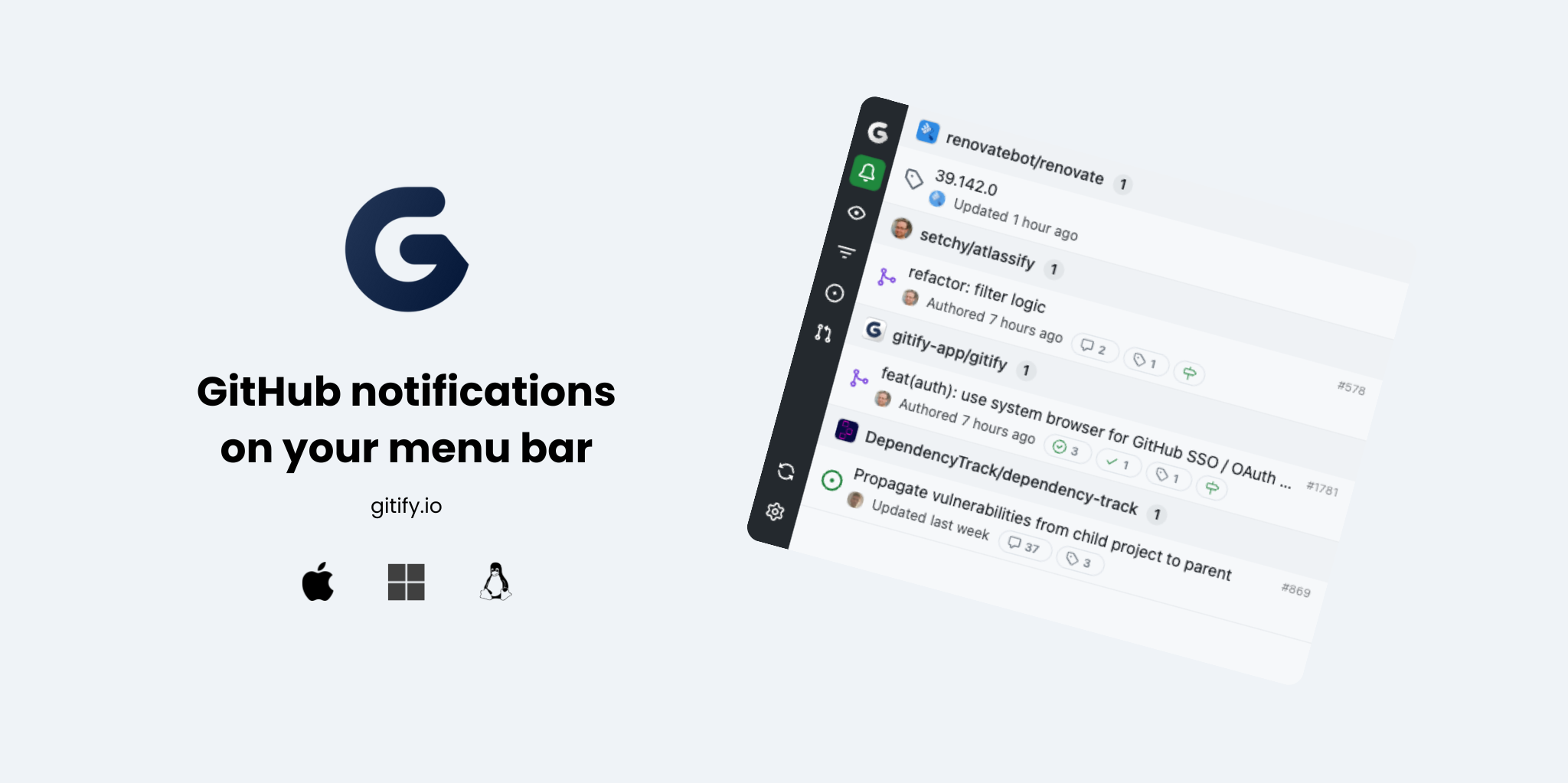
Git Notifications on your menu bar. Available on macOS, Windows and Linux.
Features
- 🔔 Unified notifications from your Git platforms
- ⚒️ Multi-forge: GitHub Cloud, GitHub Enterprise, Gitea, Forgejo, Codeberg, Bitbucket Cloud
- 💻 Cross-platform: macOS, Windows, and Linux
- 🎨 Customizable settings, filters and themes
- 🖥️ Tray/menu bar integration
- ⚡ Fast, native experience
Supported forges
Gitify uses a forge adapter pattern so notifications can come from any compatible Git forge, not just GitHub.
| Forge | Status | Notifications | Mark read | Mark done | Unsubscribe | Enriched details |
|---|---|---|---|---|---|---|
| GitHub Cloud | ✅ | ✅ | ✅ | ✅ | ✅ | ✅ |
| GitHub Enterprise Server (< 3.13) | ✅ | ✅ | ✅ | ❌ | ✅ | ✅ |
| GitHub Enterprise Server (≥ 3.13) | ✅ | ✅ | ✅ | ✅ | ✅ | ✅ |
| GitHub Enterprise Cloud with Data Residency | ✅ | ✅ | ✅ | ✅ | ✅ | ✅ |
| Gitea (incl. Forgejo, Codeberg) | ✅ | ✅ | ✅ | — | — | — |
| Bitbucket Cloud | ✅ | ✅ | ✅ | — | — | — |
| GitLab (todos) | 💭 | — | — | — | — | — |
| Azure DevOps | 💭 | — | — | — | — | — |
| Gerrit | 💭 | — | — | — | — | — |
Status legend
| Symbol | Meaning |
|---|---|
| ✅ | Supported |
| ❌ | Unsupported |
| 🧪 | Experimental (rough edges expected) |
| 🚧 | In progress (adapter is being worked on) |
| 💭 | Considering (open to a maintainer picking it up) |
[!NOTE]
A new forge needs an adapter plus a designated maintainer. See our contributing guide for the full policy.
Quick Start
- Download Gitify for free from gitify.io.
- Install and launch the app for your platform.
- Authenticate with one or many supported accounts and start receiving notifications.
Homebrew
macOS users can also install via Homebrew
brew install gitifyBuild & Development
To build and run Gitify locally:
pnpm install
pnpm build
pnpm dev
See CONTRIBUTING.md for full development and contribution instructions.
FAQ
See our Gitify FAQs for answers to common questions.
Community & Support
- Open an issue for bugs or feature requests
- See CONTRIBUTING.md for more ways to get involved
License
Gitify is licensed under the MIT Open Source license.
For more information, see LICENSE.
2. Official Technical Reference & Guides (gitify-app/website)
gitify.io

The source code for our gitify.io website
Made with Astro.
🚀 Project Structure
Inside of your Astro project, you'll see the following folders and files:
/
├── public/
│   └── favicon.svg
├── src/
│   ├── components/
│   │   └── Logo.astro
│   ├── layouts/
│   │   └── Layout.astro
│   └── pages/
│       └── index.astro
└── package.json
Astro looks for .astro or .md files in the src/pages/ directory. Each page is exposed as a route based on its file name.
There's nothing special about src/components/, but that's where we like to put any Astro/React/Vue/Svelte/Preact components.
Any static assets, like images, can be placed in the public/ directory.
🧞 Commands
All commands are run from the root of the project, from a terminal:
| Command | Action |
|---|---|
pnpm install |
Installs dependencies |
pnpm run dev |
Starts local dev server at http://localhost:4321 |
pnpm run build |
Build your production site to ./dist/ |
pnpm run preview |
Preview your build locally, before deploying |
pnpm astro ... |
Run CLI commands like astro add, astro check |
pnpm astro --help |
Get help using the Astro CLI |