

File: README.md
Slint is an open-source declarative GUI toolkit for building native user interfaces for embedded systems, desktops, and mobile platforms.
Write your UI once in .slint, a simple markup language. Connect it to business logic written in Rust, C++, JavaScript, or Python.
Why Slint?
The name Slint is derived from our design goals:
- Scalable: Slint should support responsive UI design, allow cross-platform
usage across operating systems and processor architectures and support
multiple programming languages. - Lightweight: Slint should require minimal resources, in terms of memory
and processing power, and yet deliver a smooth, smartphone-like user
experience on any device. - Intuitive: Designers and developers should feel productive while enjoying
the GUI design and development process. The design creation tools should be
intuitive to use for the designers. Similarly for the developers, the APIs
should be consistent and easy to use, no matter which programming language
they choose. - Native: GUI built with Slint should match the end users' expectations of a
native application irrespective of the platform - desktop, mobile, web or
embedded system. The UI design should be compiled to machine code and provide
flexibility that only a native application can offer: Access full operating
system APIs, utilize all CPU and GPU cores, connect to any peripheral.
Beyond the design goals, here’s what makes Slint stand out:
- Independent UI Design: Use a declarative language to separate your UI from business logic. Designers can work in parallel with developers.
- Tooling: Iterate quickly with our Live Preview & editor integrations. Integrate from Figma with the Figma to Slint plugin.
- Stable APIs: Slint follows a stable 1.x API. We evolve carefully without breaking your code.
See what others have built: #MadeWithSlint
Examples
Embedded
| RaspberryPi | STM32 | RP2040 |
|---|---|---|
| Video of Slint on Raspberry Pi | Video of Slint on STM32 | Video of Slint on RP2040 |
Desktop
| Windows | macOS | Linux |
|---|---|---|
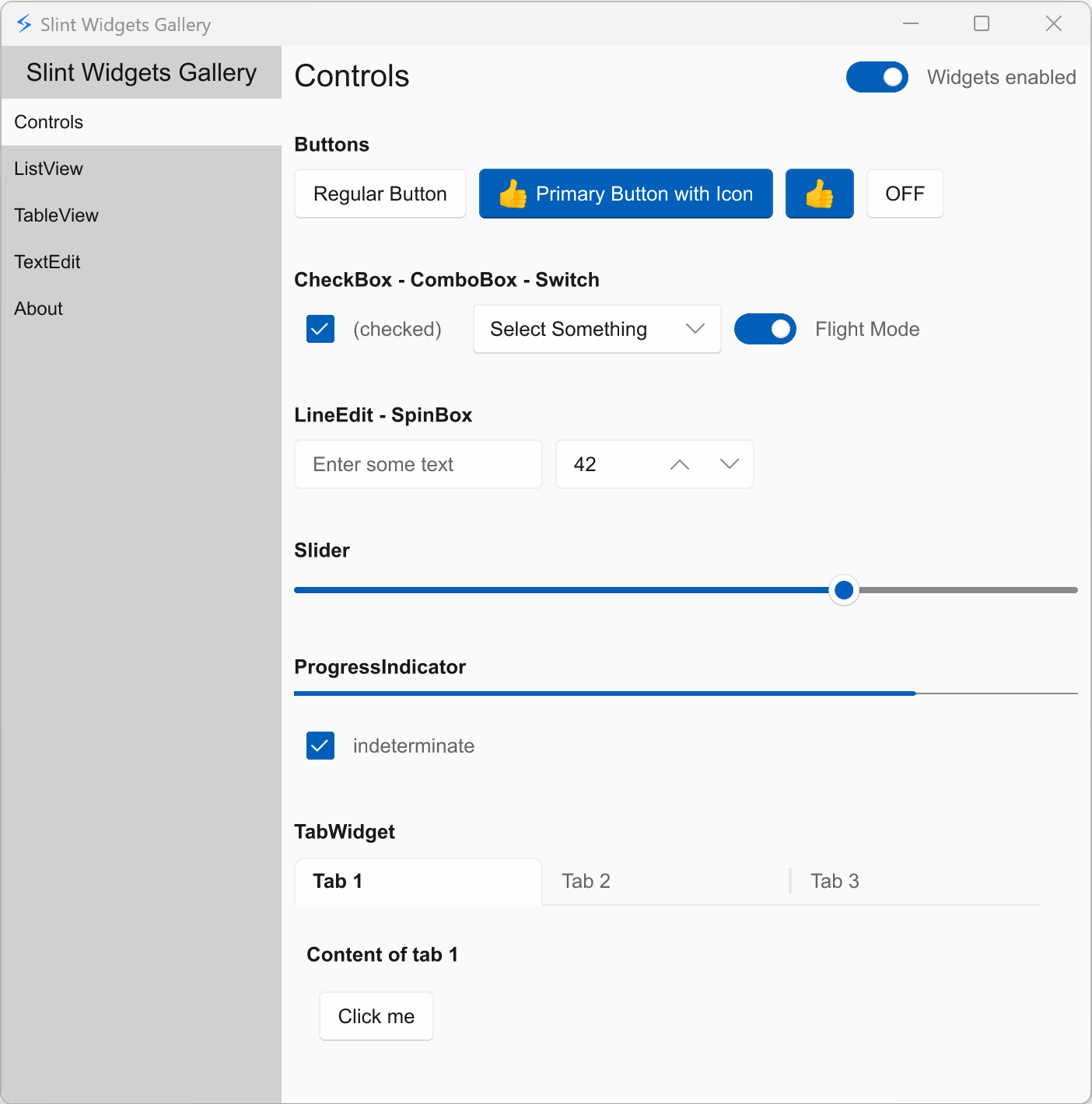 |
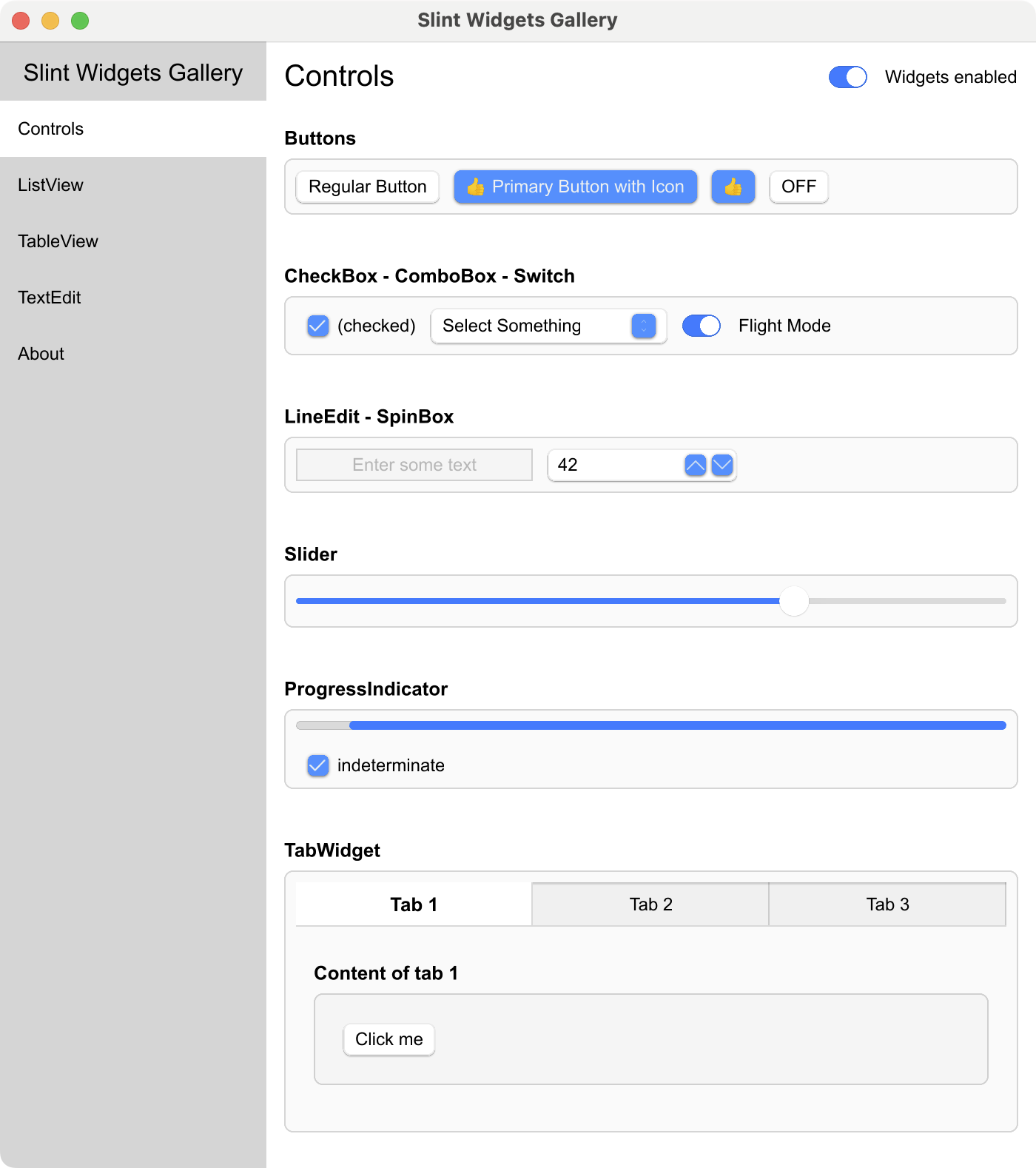 |
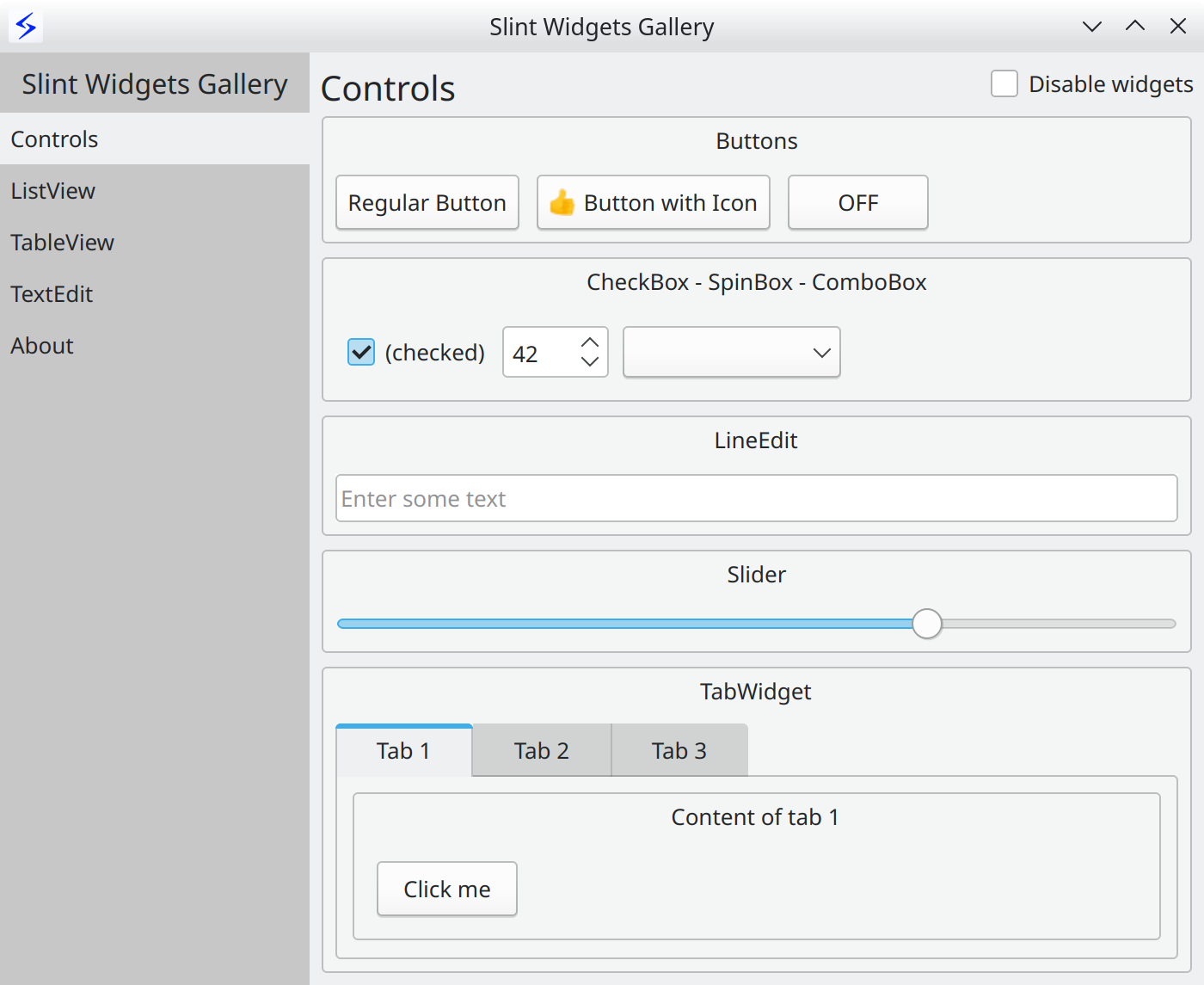 |
Web using WebAssembly
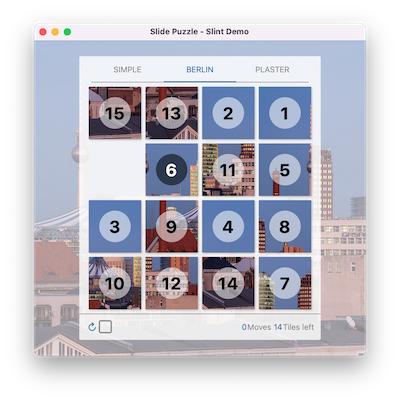
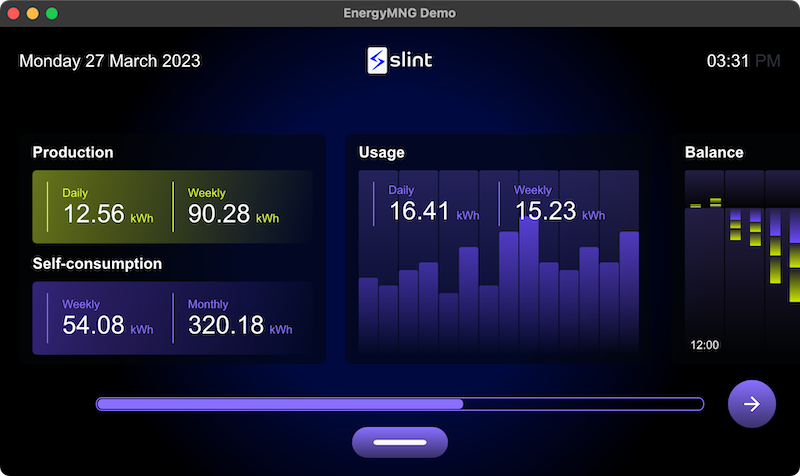
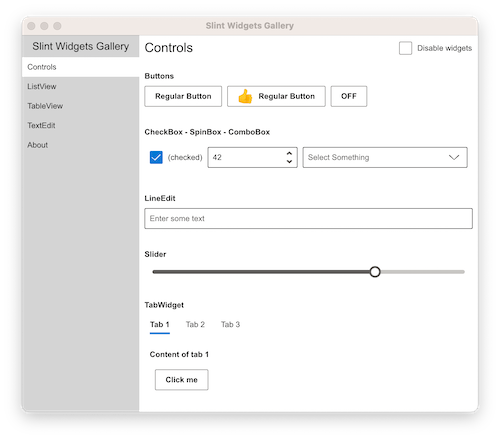
| Printer Demo | Slide Puzzle | Energy Monitor | Widget Gallery | Weather demo |
|---|---|---|---|---|
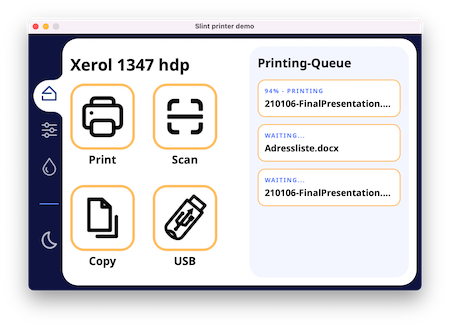 |
 |
 |
 |
 |
More examples and demos in the examples folder
Get Started
Hello World
The UI is defined in a Domain Specific Language that is declarative, easy to use,
intuitive, and provides a powerful way to describe graphical elements, their
placement, their hierarchy, property bindings, and the flow of data through the
different states.
Here's the obligatory "Hello World":
export component HelloWorld inherits Window {
    width: 400px;
    height: 400px;

    Text {
       y: parent.width / 2;
       x: parent.x + 200px;
       text: "Hello, world";
       color: blue;
    }
}
Documentation
For more details, check out the Slint Documentation.
The examples folder contains examples and demos, showing how to
use the Slint markup language and how to interact with a Slint user interface
from supported programming languages.
The docs folder contains a lot more information, including
build instructions, and
internal developer docs.
Refer to the README of each language directory in the api folder:
- C++ (Documentation | Getting Started Template)
- Rust
(Documentation | Tutorial Video | Getting Started Template)
- JavaScript/NodeJS (Beta)
(Documentation | Getting Started Template)
- Python (Beta)
(Documentation | Getting Started Template)
Architecture
An application is composed of the business logic written in Rust, C++, Python, or
JavaScript and the .slint user interface design markup, which is compiled to
native code.
Compiler
The .slint files are compiled ahead of time. The expressions in the .slint
are pure functions that the compiler can optimize. For example, the compiler
could choose to "inline" properties and remove those that are constant or
unchanged.
The compiler uses the typical compiler phases of lexing, parsing, optimization,
and finally code generation. It provides different back-ends for code generation
in the target language. The C++ code generator produces a C++ header file, the
Rust generator produces Rust code, and so on. An interpreter for dynamic
languages is also included.
Runtime
The runtime library consists of an engine that supports properties declared in
the .slint language. Components with their elements, items, and properties are
laid out in a single memory region, to reduce memory allocations.
Rendering backends and styles are configurable at compile time:
- The
femtovgrenderer uses OpenGL ES 2.0 for rendering. - The
skiarenderer uses Skia for rendering. - The
softwarerenderer uses the CPU with no additional dependencies.
NOTE: When Qt is installed on the system, the qt style becomes available,
using Qt's QStyle to achieve native looking widgets.
Tooling
We have a few tools to help with the development of .slint files:
- A LSP Server that adds features like auto-complete and live
preview of the .slint files to many editors. - It is bundled in a Visual Studio Code Extension
available from the market place. - A slint-viewer tool which displays the .slint files. The
--auto-reloadargument makes it easy to preview your UI while you are
working on it (when using the LSP preview is not possible). - SlintPad, an online editor to try out .slint syntax
without installing anything (sources). - A Figma to Slint plugin.
Please check our Editors README for tips on how to
configure your favorite editor to work well with Slint.
License
See LICENSE.md for the licensing terms of the whole repository, including documentation and examples.
You can use Slint under any of the following licenses, at your choice:
- Build proprietary desktop, mobile, or web applications for free with the Royalty-free License,
- Build open source embedded, desktop, mobile, or web applications for free with the GNU GPLv3,
- Build proprietary embedded, desktop, mobile, or web applications with the Commercial license.
See the Slint licensing options on the website and the Licensing FAQ.
Contributions
We welcome your contributions: in the form of code, bug reports or feedback.
For contribution guidelines see CONTRIBUTING.md.
Frequently Asked Questions
Please see our separate FAQ.
About us (SixtyFPS GmbH)
We are passionate about software - API design, cross-platform software
development and user interface components. Our aim is to make developing user
interfaces fun for everyone: from Python, JavaScript, C++, or Rust developers all the
way to UI/UX designers. We believe that software grows organically and keeping
it open source is the best way to sustain that growth. Our team members are
located remotely in Germany, Finland, and US.
Stay up to date
- Follow @slint_ui on X/Twitter.
- Follow @[email protected] on Mastodon.
- Follow @slint-ui on LinkedIn.
- Follow @slint.dev on Bluesky
- Subscribe to our YouTube channel
Contact us
Feel free to join Github discussions
for general chat or questions. Use Github issues
to report public suggestions or bugs.
We chat in our Mattermost instance where you are
welcome to listen in or ask your questions.
You can of course also contact us privately via email to [email protected].
File: api/rs/slint/README.md
Slint
A Rust UI toolkit
Slint is a Rust based UI toolkit to build native user interfaces on desktop platforms and for embedded devices.
This crate provides the Rust APIs to interact with the user interface implemented in Slint.
The complete Rust documentation for Slint can be viewed online at https://slint.rs/docs/rust/slint/.
Getting Started
The crate documentation shows how to use this crate.
Hello World
The most basic "Hello world" application can be achieved with a few lines of code:
In your Cargo.toml add:
[dependencies]
slint = "1.16.0"
And in your main.rs:
slint::slint!{
    export component HelloWorld {
        Text {
            text: "hello world";
            color: green;
        }
    }
}
fn main() {
    HelloWorld::new().unwrap().run().unwrap();
}
The slint crate documentation
contains more advanced examples and alternative ways to use this crate.
To quickly get started, use the Template Repository with
the code of a minimal application using Slint as a starting point for your program.
- Download and extract the ZIP archive of the Rust Template.
- Rename the extracted directory and change into it:
mv slint-rust-template-main my-project
cd my-project
More examples
You can quickly try out the examples by cloning this repo and running them with cargo run
# Runs the "printerdemo" example
cargo run --release --bin printerdemo
File: api/rs/macros/README.md
NOTE: This library is an internal crate for the Slint project.
This crate should not be used directly by applications using Slint.
You should use the slint crate instead.
WARNING: This crate does not follow the semver convention for versioning and can
only be used with version = "=x.y.z" in Cargo.toml.
File: api/node/README.md
Slint-node (Beta)
Slint is a UI toolkit that supports different programming languages.
Slint-node is the integration with Node.js.
To get started you use the walk-through tutorial.
We also have a Getting Started Template repository with
the code of a minimal application using Slint that can be used as a starting point to your program.
Warning: Beta
Slint-node is still in the early stages of development: APIs will change and important features are still being developed.
Slint Language Manual
The Slint Language Documentation covers the Slint UI description language
in detail.
API documentation (local build)
Published API docs for this binding live under slint.dev …/docs/node/. See docs/building.md and docs/nodejs/README.md.
Installing Slint
Slint is available via NPM, so you can install by running the following command:
npm install slint-uiThis requires Node.js (v20 or newer). Pre-built binaries are
included for Linux (x86-64 and ARM64, glibc), macOS (ARM64), and Windows (x86-64 and ARM64).
Building from Source
On platforms without pre-built binaries, build Slint-node from a checkout of this repository by runningpnpm install && pnpm build in api/node. You need to install the following components:
You will also need a few more dependencies, see https://github.com/slint-ui/slint/blob/master/docs/building.md#prerequisites
Using Slint
First, import the API from the slint-ui module. In the following examples we're using ECMAScript module syntax, but if you prefer you can also import the API using CommonJS syntax.
To initialize the API, you first need to import the slint-ui module in our code:
import * as slint from "slint-ui";Next, load a slint file with the loadFile function:
let ui = slint.loadFile("ui/main.slint");Combining these two steps leads us to the obligatory "Hello World" example:
import * as slint from "slint-ui";
let ui = slint.loadFile(new URL(".ui/main.slint", import.meta.url));
let main = new ui.Main();
main.run();
For a full example, see /examples/todo/node.
API Overview
Instantiating a Component
The following example shows how to instantiate a Slint component from JavaScript.
ui/main.slint
export component MainWindow inherits Window {
    callback clicked <=> i-touch-area.clicked;

    in property  counter;

    width: 400px;
    height: 200px;

    i-touch-area := TouchArea {}
}
Each exported Window component is exposed as a type constructor. The type constructor takes as parameter
an object which allow to initialize the value of public properties or callbacks. A name declared with a
dash in .slint can be given either as declared ("my-property") or with underscores (my_property),
which is how it is exposed on the instance.
main.js
import * as slint from "slint-ui";
// In this example, the main.slint file exports a module which
// has a counter property and a clicked callback
let ui = slint.loadFile(new URL("ui/main.slint", import.meta.url));
let component = new ui.MainWindow({
    counter: 42,
    clicked: function() { console.log("hello"); }
});
Accessing a property
Properties declared as out or in-out in .slint files are visible as JavaScript on the component instance.
component.counter = 42;
console.log(component.counter);
Callbacks
Callbacks in Slint can be defined using the callback keyword and can be connected to a callback of an other component
using the <=> syntax.
ui/my-component.slint
export component MyComponent inherits Window {
    callback clicked <=> i-touch-area.clicked;

    width: 400px;
    height: 200px;

    i-touch-area := TouchArea {}
}
The callbacks in Slint are exposed as properties in JavaScript and that can be called as a function.
main.js
import * as slint from "slint-ui";

let ui = slint.loadFile(new URL("ui/my-component.slint", import.meta.url));
let component = new ui.MyComponent();

// connect to a callback
component.clicked = function() { console.log("hello"); };
// emit a callback
component.clicked();
Functions
Functions in Slint can be defined using the function keyword.
ui/my-component.slint
export component MyComponent inherits Window {
    width: 400px;
    height: 200px;

    public function my-function() -> int {
        return 42;
    }
}
If the function is marked public, it can also be called from JavaScript.
main.js
import * as slint from "slint-ui";

let ui = slint.loadFile(new URL("ui/my-component.slint", import.meta.url));
let component = new ui.MyComponent();

// call a public function
let result = component.my_function();
Type Mappings
The types used for properties in .slint design markup each translate to specific types in JavaScript. The follow table summarizes the entire mapping:
.slint Type |
JavaScript Type | Notes |
|---|---|---|
int |
Number |
|
float |
Number |
|
string |
String |
|
color |
RgbaColor |
|
brush |
Brush |
|
image |
ImageData |
|
data-transfer |
DataTransfer |
Drag-and-drop and clipboard payload; usually obtained from a callback parameter. See Drag and Drop. |
length |
Number |
|
physical_length |
Number |
|
duration |
Number |
The number of milliseconds |
angle |
Number |
The angle in degrees |
| structure | Object |
Structures are mapped to JavaScript objects where each structure field is a property. |
| array | Array or any implementation of Model |
|
styled-text |
StyledText |
Use StyledText.fromMarkdown() or StyledText.fromPlainText() to create. |
| enumeration | String |
The value of an enum |
Arrays and Models
For property of array type, they can either be set using an array.
In that case, getting the property also return an array.
If the array was set within the .slint file, the array can be obtained
component.model = [1, 2, 3];
// component.model.push(4); // does not work, because it operate on a copy
// but re-assigning works
component.model = component.model.concat(4);
Another option is to set a model object. A model object has the following function:
rowCount(): returns the number of element in the model.rowData(index): return the row at the given indexsetRowData(index, data): called when the model need to be changed.this.notify.rowDataChangedmust be called if successful.
As an example, here is the implementation of the ArrayModel (which is available as slint.ArrayModel)
import * as slint from "slint-ui";

let array = [1, 2, 3];

export class ArrayModel<T> extends slint.Model<T> {
    private a: Array<T>

   constructor(arr: Array<T>) {
        super();
        this.a = arr;
    }

    rowCount() {
        return this.a.length;
    }

    rowData(row: number) {
       return this.a[row];
    }

    setRowData(row: number, data: T) {
        this.a[row] = data;
        this.notify.rowDataChanged(row);
    }

    push(...values: T[]) {
        let size = this.a.length;
        Array.prototype.push.apply(this.a, values);
        this.notify.rowAdded(size, arguments.length);
    }

    remove(index: number, size: number) {
        let r = this.a.splice(index, size);
        this.notify.rowRemoved(index, size);
    }

    get length(): number {
        return this.a.length;
    }

    values(): IterableIterator<T> {
        return this.a.values();
    }

    entries(): IterableIterator<[number, T]> {
        return this.a.entries()
    }
}

let model = new ArrayModel(array);

component.model = model;
model.push(4); // this works
// does NOT work, getting the model does not return the right object
// component.model.push(5);
structs
An exported struct can be created either by defining an object literal or by using the new keyword.
my-component.slint
export struct Person {
    name: string,
    age: int
}

export component MyComponent inherits Window {
    in-out property  person;
}
main.js
import * as slint from "slint-ui";

let ui = slint.loadFile(new URL("my-component.slint", import.meta.url));
let component = new ui.MyComponent();

// object literal
component.person = { name: "Peter", age: 22 };

// new keyword (sets property values to default e.g. '' for string)
component.person = new ui.Person();

// new keyword with parameters
component.person = new ui.Person({ name: "Tim", age: 30 });
enums
A value of an exported enum can be set as string or by using the value from the exported enum.
my-component.slint
export enum Position {
    top,
    bottom
}

export component MyComponent inherits Window {
    in-out property  position;
}
main.js
import * as slint from "slint-ui";

let ui = slint.loadFile(new URL("my-component.slint", import.meta.url));
let component = new ui.MyComponent();

// set enum value as string
component.position = "top";

// use the value of the enum
component.position = ui.Position.bottom;