
 [](https://open-vsx.org/extension/yoavbls/pretty-ts-errors)
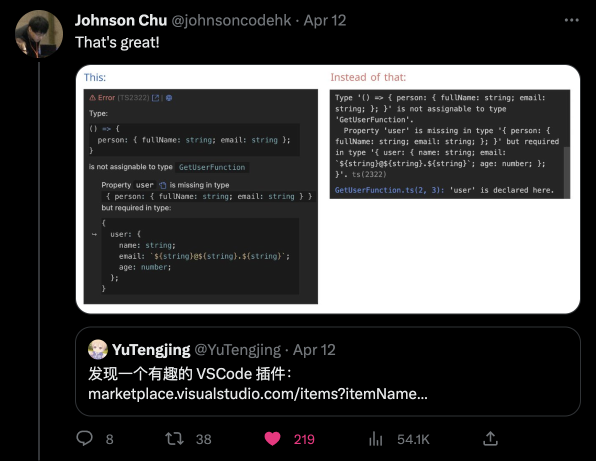
TypeScript errors become messier as the complexity of types increases. At some point, TypeScript will throw on you a shitty heap of parentheses and `"..."`.
This extension will help you understand what's going on. For example, in this relatively simple error:
[](https://open-vsx.org/extension/yoavbls/pretty-ts-errors)
TypeScript errors become messier as the complexity of types increases. At some point, TypeScript will throw on you a shitty heap of parentheses and `"..."`.
This extension will help you understand what's going on. For example, in this relatively simple error:

 ## Watch this
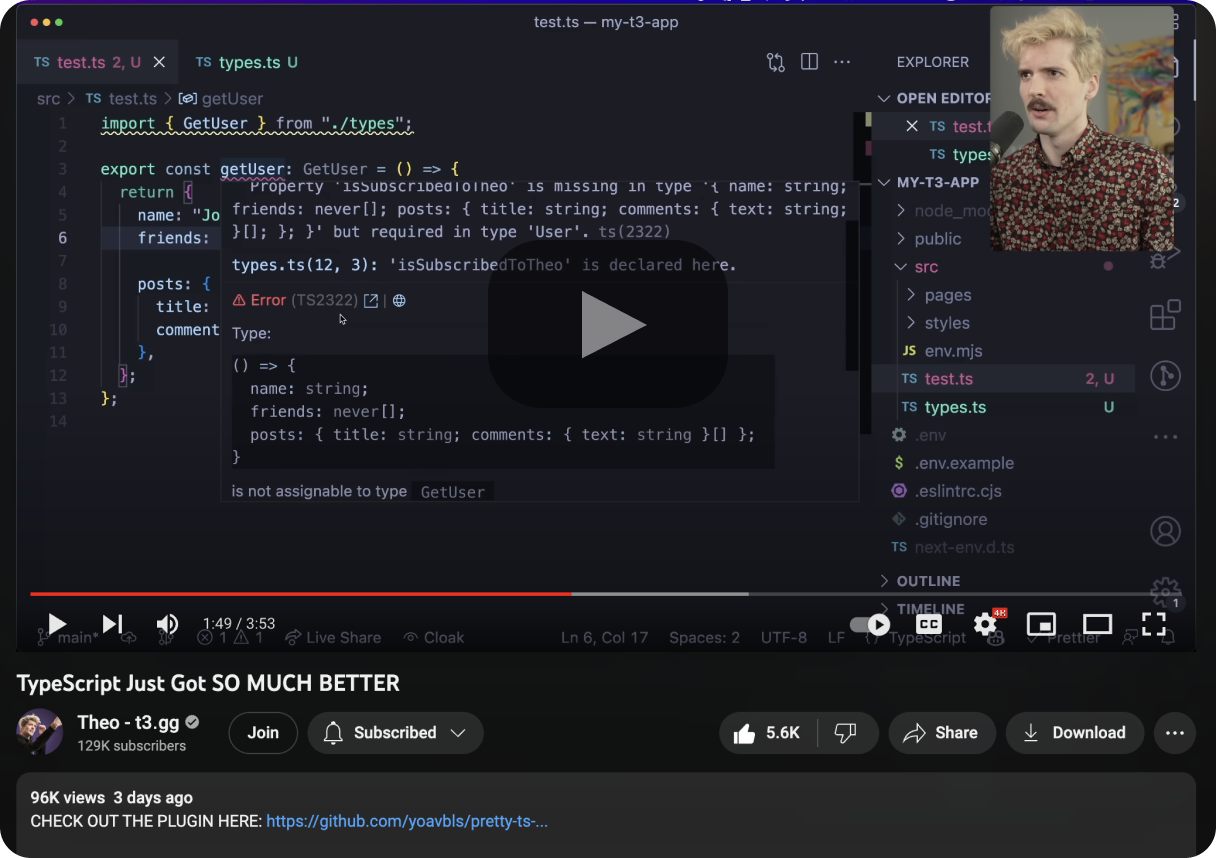 and others from:
[Web Dev Simplified](https://www.youtube.com/watch?v=ccg-erZYO4k&list=PL0rc4JAdEsVpOriHzlAG7KUnhKIK9c7OR&index=1),
[Josh tried coding](https://www.youtube.com/watch?v=_9y29Cyo9uU&list=PL0rc4JAdEsVpOriHzlAG7KUnhKIK9c7OR&index=3),
[trash dev](https://www.youtube.com/watch?v=WJeD3DKlWT4&list=PL0rc4JAdEsVpOriHzlAG7KUnhKIK9c7OR&index=4&t=208),
and [more](https://www.youtube.com/playlist?list=PL0rc4JAdEsVpOriHzlAG7KUnhKIK9c7OR)
## Features
- Syntax highlighting with your theme colors for types in error messages, supporting both light and dark themes
- A button that leads you to the relevant type declaration next to the type in the error message
- A button that navigates you to the error at [typescript.tv](http://typescript.tv), where you can find a detailed explanation, sometimes with a video
- A button that navigates you to [ts-error-translator](https://ts-error-translator.vercel.app/), where you can read the error in plain English
## Supports
- Node and Deno TypeScript error reporters (in `.ts` files)
- JSDoc type errors (in `.js` and `.jsx` files)
- React, Solid and Qwik errors (in `.tsx` and `.mdx` files)
- Astro, Svelte and Vue files when TypeScript is enabled (in `.astro`, `.svelte` and `.vue` files)
- Ember and Glimmer TypeScript errors and template issues reported by Glint (in `.hbs`, `.gjs`, and `.gts` files)
## Installation
```
code --install-extension yoavbls.pretty-ts-errors
```
Or simply by searching for `pretty-ts-errors` in the [VSCode marketplace](https://marketplace.visualstudio.com/items?itemName=yoavbls.pretty-ts-errors)
#### How to hide the original errors and make the types copyable
Follow the instructions [there](./docs/hide-original-errors.md). unfortunately, this hack is required because of VSCode limitations.
## Why isn't it trivial
1. TypeScript errors contain types that are not valid in TypeScript.
Yes, these types include things like `... more ...`, `{ ... }`, etc in an inconsistent manner. Some are also cutting in the middle because they're too long.
2. Types can't be syntax highlighted in code blocks because the part of `type X = ...` is missing, so I needed to create a new TextMate grammar, a superset of TypeScript grammar called `type`.
3. VSCode markdown blocks all styling options, so I had to find hacks to style the error messages. e.g., there isn't an inlined code block on VSCode markdown, so I used a code block inside a codicon icon, which is the only thing that can be inlined. That's why it can't be copied. but it isn't a problem because you can still hover on the error and copy things from the original error pane.
and others from:
[Web Dev Simplified](https://www.youtube.com/watch?v=ccg-erZYO4k&list=PL0rc4JAdEsVpOriHzlAG7KUnhKIK9c7OR&index=1),
[Josh tried coding](https://www.youtube.com/watch?v=_9y29Cyo9uU&list=PL0rc4JAdEsVpOriHzlAG7KUnhKIK9c7OR&index=3),
[trash dev](https://www.youtube.com/watch?v=WJeD3DKlWT4&list=PL0rc4JAdEsVpOriHzlAG7KUnhKIK9c7OR&index=4&t=208),
and [more](https://www.youtube.com/playlist?list=PL0rc4JAdEsVpOriHzlAG7KUnhKIK9c7OR)
## Features
- Syntax highlighting with your theme colors for types in error messages, supporting both light and dark themes
- A button that leads you to the relevant type declaration next to the type in the error message
- A button that navigates you to the error at [typescript.tv](http://typescript.tv), where you can find a detailed explanation, sometimes with a video
- A button that navigates you to [ts-error-translator](https://ts-error-translator.vercel.app/), where you can read the error in plain English
## Supports
- Node and Deno TypeScript error reporters (in `.ts` files)
- JSDoc type errors (in `.js` and `.jsx` files)
- React, Solid and Qwik errors (in `.tsx` and `.mdx` files)
- Astro, Svelte and Vue files when TypeScript is enabled (in `.astro`, `.svelte` and `.vue` files)
- Ember and Glimmer TypeScript errors and template issues reported by Glint (in `.hbs`, `.gjs`, and `.gts` files)
## Installation
```
code --install-extension yoavbls.pretty-ts-errors
```
Or simply by searching for `pretty-ts-errors` in the [VSCode marketplace](https://marketplace.visualstudio.com/items?itemName=yoavbls.pretty-ts-errors)
#### How to hide the original errors and make the types copyable
Follow the instructions [there](./docs/hide-original-errors.md). unfortunately, this hack is required because of VSCode limitations.
## Why isn't it trivial
1. TypeScript errors contain types that are not valid in TypeScript.
Yes, these types include things like `... more ...`, `{ ... }`, etc in an inconsistent manner. Some are also cutting in the middle because they're too long.
2. Types can't be syntax highlighted in code blocks because the part of `type X = ...` is missing, so I needed to create a new TextMate grammar, a superset of TypeScript grammar called `type`.
3. VSCode markdown blocks all styling options, so I had to find hacks to style the error messages. e.g., there isn't an inlined code block on VSCode markdown, so I used a code block inside a codicon icon, which is the only thing that can be inlined. That's why it can't be copied. but it isn't a problem because you can still hover on the error and copy things from the original error pane.
 ## Hype section
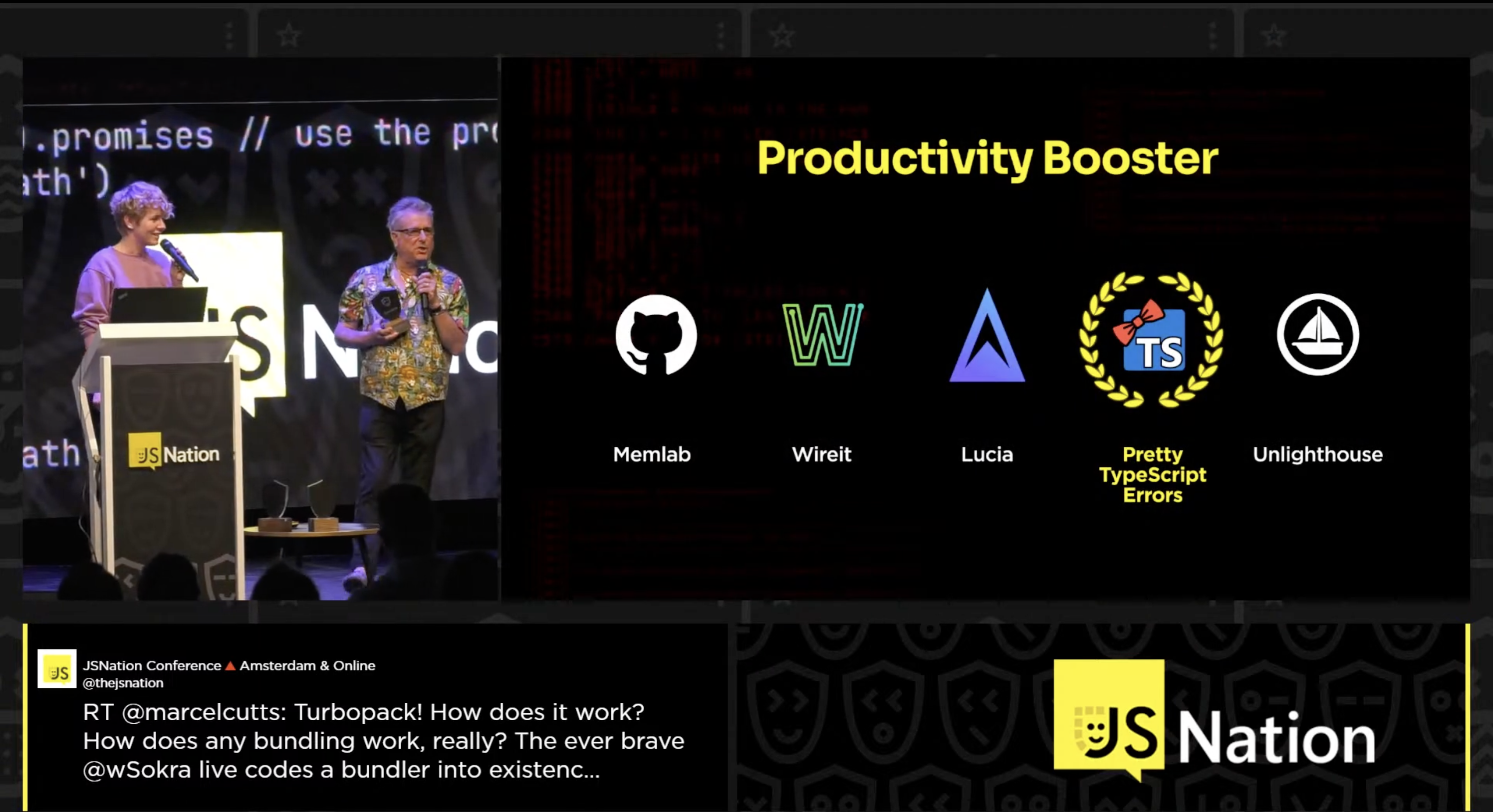
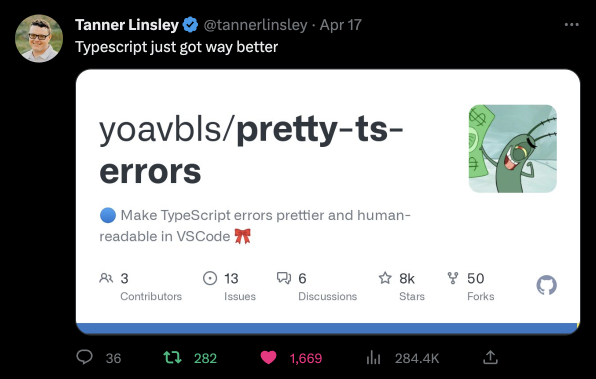
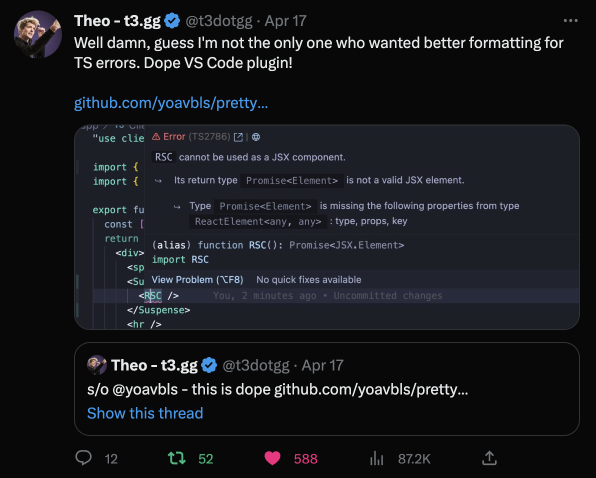
 Kent C. Dodds |
 Matt Pocock |
 Alex / KATT |
 Tanner Linsley |
 Theo Browne |