# Technical Documentation: ish-app/ish
> ℹ️ **Provenance:** Multi-Tier Ingestion · [CodeWiki Reference](https://codewiki.google/github.com/ish-app/ish)
### Overview (`README.md`)
# [iSH](https://ish.app)
[](https://github.com/ish-app/ish/actions)
[](https://github.com/ish-app/ish/search?q=goto)
[](https://github.com/ish-app/ish/search?q=fuck)
[](https://github.com/ish-app/ish/search?q=shit)
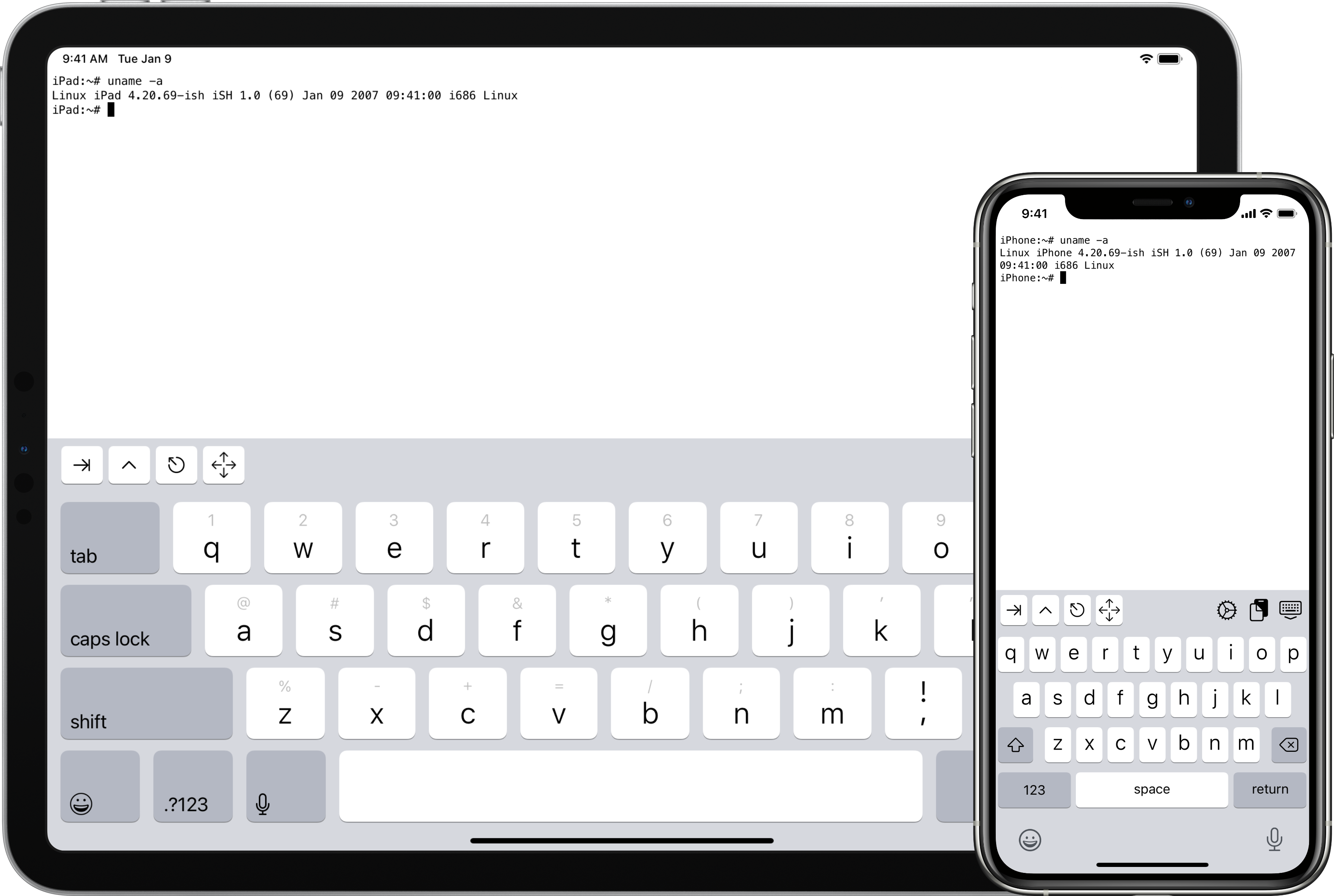
A project to get a Linux shell running on iOS, using usermode x86 emulation and syscall translation.
For the current status of the project, check the issues tab, and the commit logs.
- [App Store page](https://apps.apple.com/us/app/ish-shell/id1436902243)
- [TestFlight beta](https://testflight.apple.com/join/97i7KM8O)
- [Discord server](https://discord.gg/HFAXj44)
- [Wiki with help and tutorials](https://github.com/ish-app/ish/wiki)
- [README中文](https://github.com/ish-app/ish/blob/master/README_ZH.md) (如若未能保持最新,请提交PR以更新)
# Hacking
This project has a git submodule, make sure to clone with `--recurse-submodules` or run `git submodule update --init` after cloning.
You'll need these things to build the project:
- Python 3
+ Meson (`pip3 install meson`)
- Ninja
- Clang and LLD (on mac, `brew install llvm`, on linux, `sudo apt install clang lld` or `sudo pacman -S clang lld` or whatever)
- sqlite3 (this is so common it may already be installed on linux and is definitely already installed on mac. if not, do something like `sudo apt install libsqlite3-dev`)
- libarchive (`brew install libarchive`, `sudo port install libarchive`, `sudo apt install libarchive-dev`) TODO: bundle this dependency
## Build for iOS
Open the project in Xcode, open iSH.xcconfig, and change `ROOT_BUNDLE_IDENTIFIER` to something unique. You'll also need to update the development team ID in the project (not target!) build settings. Then click Run. There are scripts that should do everything else automatically. If you run into any problems, open an issue and I'll try to help.
## Build command line tool for testing
To set up your environment, cd to the project and run `meson build` to create a build directory in `build`. Then cd to the build directory and run `ninja`.
To set up a self-contained Alpine linux filesystem, download the Alpine minirootfs tarball for i386 from the [Alpine website](https://alpinelinux.org/downloads/) and run `./tools/fakefsify`, with the minirootfs tarball as the first argument and the name of the output directory as the second argument. Then you can run things inside the Alpine filesystem with `./ish -f alpine /bin/sh`, assuming the output directory is called `alpine`. If `tools/fakefsify` doesn't exist for you in your build directory, that might be because it couldn't find libarchive on your system (see above for ways to install it.)
You can replace `ish` with `tools/ptraceomatic` to run the program in a real process and single step and compare the registers at each step. I use it for debugging. Requires 64-bit Linux 4.11 or later.
## Logging
iSH has several logging channels which can be enabled at build time. By default, all of them are disabled. To enable them:
- In Xcode: Set the `ISH_LOG` setting in iSH.xcconfig to a space-separated list of log channels.
- With Meson (command line tool for testing): Run `meson configure -Dlog=""`.
Available channels:
- `strace`: The most useful channel, logs the parameters and return value of almost every system call.
- `instr`: Logs every instruction executed by the emulator. This slows things down a lot.
- `verbose`: Debug logs that don't fit into another category.
- Grep for `DEFAULT_CHANNEL` to see if more log channels have been added since this list was updated.
# A note on the interpreter
Possibly the most interesting thing I wrote as part of iSH is the interpreter. It's not quite a JIT since it doesn't target machine code. Instead it generates an array of pointers to functions called gadgets, and each gadget ends with a tailcall to the next function; like the threaded code technique used by some Forth interpreters. The result is a speedup of roughly 3-5x compared to emulation using a simpler switch dispatch.
Unfortunately, I made the decision to write nearly all of the gadgets in assembly language. This was probably a good decision with regards to performance (though I'll never know for sure), but a horrible decision with regards to readability, maintainability, and my sanity. The amount of bullshit I've had to put up with from the compiler/assembler/linker is insane. It's like there's a demon in there that makes sure my code is sufficiently deformed, and if not, makes up stupid reasons why it shouldn't compile. In order to stay sane while writing this code, I've had to ignore best practices in code structure and naming. You'll find macros and variables with such descriptive names as `ss` and `s` and `a`. Assembler macros nested beyond belief. And to top it off, there are almost no comments.
So a warning: Long-term exposure to this code may cause loss of sanity, nightmares about GAS macros and linker errors, or any number of other debilitating side effects. This code is known to the State of California to cause cancer, birth defects, and reproductive harm.
---
### Overview (`fastlane/README.md`)
fastlane documentation
================
# Installation
Make sure you have the latest version of the Xcode command line tools installed:
```
xcode-select --install
```
Install _fastlane_ using
```
[sudo] gem install fastlane -NV
```
or alternatively using `brew install fastlane`
# Available Actions
### build
```
fastlane build
```
### upload_build
```
fastlane upload_build
```
----
This README.md is auto-generated and will be re-generated every time [_fastlane_](https://fastlane.tools) is run.
More information about fastlane can be found on [fastlane.tools](https://fastlane.tools).
The documentation of fastlane can be found on [docs.fastlane.tools](https://docs.fastlane.tools).
---
--- METRICS ---
- Files Extracted: 2
- Estimated Token Budget: ~1486 tokens
- Canonical Reference: https://codewiki.google/github.com/ish-app/ish