CocoIndex turns codebases, meeting notes, inboxes, Slack, PDFs, and videos into live, continuously fresh context for your AI agents and LLM apps to reason over effectively — with minimal incremental processing. Get your production AI agent ready in 10 minutes with reliable, continuously fresh data — no stale batches, no context gap
Incremental · only the delta · Any scale · parallel by default · Declarative · Python, 5 min
```sh
pip install -U cocoindex
```
Declare *what* should be in your target — CocoIndex keeps it in sync forever, recomputing only the Δ.
```python
import cocoindex as coco
from cocoindex.connectors import localfs, postgres
from cocoindex.ops.text import RecursiveSplitter
@coco.fn(memo=True) # ← cached by hash(input) + hash(code)
async def index_file(file, table):
for chunk in RecursiveSplitter().split(await file.read_text()):
table.declare_row(text=chunk.text, embedding=embed(chunk.text))
@coco.fn
async def main(src):
table = await postgres.mount_table_target(PG, table_name="docs")
table.declare_vector_index(column="embedding")
await coco.mount_each(index_file, localfs.walk_dir(src).items(), table)
coco.App(coco.AppConfig(name="docs"), main, src="./docs").update_blocking()
```
Run once to backfill. Re-run anytime — only the changed files re-embed.
Building with an AI coding agent?
Drop in our CocoIndex skill so your agent writes correct v1 code — concepts, APIs, patterns, all in one file. See Use with AI coding agents for install steps.
Working starters from the examples tree — clone, plug your source, ship.
Building something with CocoIndex? We want to see it. Tag @cocoindex_io on X or drop a link in #showcase on Discord. We'll boost it. 🥥
Community
We are so excited to meet you.
Every typo fix, new connector, doc tweak, or full-on rewrite makes CocoIndex better.
Come hang out — big PRs and small ones, both welcome.
Incremental compute is the only way to keep large corpora fresh without re-embedding them every cycle.
CocoIndex scales from a single repo to petabyte-scale stores — parallel by default, delta-only by design.
Process once. Reconcile forever.
When a source changes, CocoIndex identifies the affected records, propagates the change
across joins and lookups, updates the target, and retires stale rows —
without touching anything that didn't change.
Built on a Rust engine.
The core is Rust — production-grade from day zero.
Parallel chunking, zero-copy transforms where possible, and failure isolation
so one bad record doesn't stall the flow.
---
### Overview (`dev/README.md`)
# Development Scripts
This directory contains development and maintenance scripts for the CocoIndex project.
## Scripts
### `generate_cli_docs.py`
Automatically generates CLI documentation from the CocoIndex Click commands.
**Usage:**
```sh
python dev/generate_cli_docs.py
```
**What it does:**
- Extracts help messages from all Click commands in `python/cocoindex/cli.py`
- Generates comprehensive Markdown documentation with properly formatted tables
- Saves the output to `docs/docs/core/cli.mdx`
- Only updates the file if content has changed (avoids unnecessary git diffs)
- Automatically escapes HTML-like tags to prevent MDX parsing issues
- Wraps URLs with placeholders in code blocks for proper rendering
**Integration:**
- Runs automatically as a prek hook when `python/cocoindex/cli.py` is modified
- The generated documentation is directly imported into `docs/docs/core/cli.mdx` via MDX import
- Provides seamless single-page CLI documentation experience without separate reference pages
**Dependencies:**
- `md-click` package for extracting Click help information
- `cocoindex` package must be importable (the CLI module)
This ensures that CLI documentation is always kept in sync with the actual command-line interface.
## Type-checking Examples
We provide a helper script to run mypy on each example entry point individually with minimal assumptions about optional dependencies.
### `mypy_check_examples.ps1`
Runs mypy for every `main.py` (and `colpali_main.py`) under the `examples/` folder using these rules:
- Only ignore missing imports (no broad suppressions)
- Avoid type-checking CocoIndex internals by setting `--follow-imports=silent`
- Make CocoIndex sources discoverable via `MYPYPATH=python`
Usage (Windows PowerShell):
```powershell
powershell -NoProfile -ExecutionPolicy Bypass -File dev/mypy_check_examples.ps1
```
Notes:
- Ensure you have a local virtual environment with `mypy` installed (e.g. `.venv` with `pip install mypy`).
- The script will report any failing example files and exit non-zero on failures.
---
### Overview (`benchmarks/entity_resolution/README.md`)
# Entity resolution benchmark
Synthetic benchmark for `cocoindex.ops.entity_resolution.resolve_entities`.
The goal is to measure the current operation before changing the algorithm. It
generates deterministic clusters of entity-name aliases, runs the real
`resolve_entities` implementation, and records where time goes:
- total entities, groups, and aliases
- embedding call count, latency, and max logical concurrency
- resolver call count, latency, candidate counts, and max concurrency
- resolution events, zero-candidate events, matches, and repoints
- end-to-end elapsed time
## Fast local baseline
This uses a deterministic in-memory embedder and resolver. It is useful for
measuring FAISS/search/loop overhead and for simulating expensive resolver
latency without spending LLM tokens.
```sh
uv run --project benchmarks/entity_resolution python benchmarks/entity_resolution/benchmark.py \
--profile synthetic-fast \
--output-json benchmarks/entity_resolution/.work/synthetic-fast.json
```
Simulate resolver latency to make resolver-call latency the dominant cost:
```sh
uv run --project benchmarks/entity_resolution python benchmarks/entity_resolution/benchmark.py \
--profile synthetic-latency \
--output-json benchmarks/entity_resolution/.work/synthetic-latency.json
```
## Component parallelism
`resolve_entities` partitions entities into connected components of the
candidate-similarity graph and resolves each component concurrently. Two
profiles measure the two extremes:
```sh
# Many independent clusters → high resolver-call concurrency.
uv run --project benchmarks/entity_resolution python benchmarks/entity_resolution/benchmark.py \
--profile synthetic-many-components \
--output-json benchmarks/entity_resolution/.work/synthetic-many-components.json
# A single giant cluster → no parallelism opportunity (regression check).
uv run --project benchmarks/entity_resolution python benchmarks/entity_resolution/benchmark.py \
--profile synthetic-one-giant \
--output-json benchmarks/entity_resolution/.work/synthetic-one-giant.json
```
Before (sequential) vs. after (component-parallel), 20 ms simulated resolver
latency:
| Profile | Components | Before | After | Resolver concurrency |
|---|---|---|---|---|
| `synthetic-latency` | 200 | 6397 ms | 69 ms | 1 → 100 |
| `synthetic-many-components` | 180 | 2448 ms | 47 ms | 1 → 80 |
| `synthetic-one-giant` | 1 | 2110 ms | 2111 ms | 1 → 1 |
`wrong_mixed_groups` stays at 0 and the canonical map matches the prior
sequential implementation in every profile.
The benchmark measures logical `embed(...)` calls. CocoIndex embedders such as
`LiteLLMEmbedder` and `SentenceTransformerEmbedder` may batch those concurrent
logical calls into fewer provider/model calls internally.
## OpenAI-backed run
The benchmark automatically loads `benchmarks/entity_resolution/.env`.
`.env.example` contains a small OpenAI-backed configuration using
LiteLLM-backed embeddings and the built-in `LlmPairResolver`.
```sh
uv run --project benchmarks/entity_resolution python benchmarks/entity_resolution/benchmark.py
```
Two OpenAI-backed profiles ship out of the box:
```sh
# Small sanity check (5 templated groups + 5 isolates, default threshold).
uv run --project benchmarks/entity_resolution python benchmarks/entity_resolution/benchmark.py \
--profile openai-small \
--output-json benchmarks/entity_resolution/.work/openai-small.json
# Many-component workload designed to exercise resolver-call parallelism.
# Uses cluster_sizes=10×3+5×1 and max_distance=0.15 to keep ground-truth
# clusters in separate similarity components even with shared vocabulary.
uv run --project benchmarks/entity_resolution python benchmarks/entity_resolution/benchmark.py \
--profile openai-many-components \
--output-json benchmarks/entity_resolution/.work/openai-many-components.json
```
Measured before (sequential) vs. after (component-parallel) on
`openai/gpt-5.4-nano` + `text-embedding-3-small`:
| Profile | max_distance | Components | Before | After | Speedup |
|---|---|---|---|---|---|
| `openai-small` | 0.3 (default) | 2 | 10513 ms | 8691 ms | 1.21× |
| `openai-many-components` | 0.15 | 15 | 15063 ms | 3075 ms | **4.90×** |
Two takeaways. First, the synthetic numbers above are an upper bound that
assumes embeddings produce perfectly disjoint components; real embedders
may collapse multiple ground-truth clusters into one similarity component
when canonicals share vocabulary, in which case the resolver still
correctly partitions them but parallelism is bounded by the component
count. Second, `max_distance` controls how aggressively the component
graph admits edges — looser thresholds add safety candidates for the
resolver but reduce parallelism; tighter thresholds increase parallelism
but assume your embeddings cleanly separate distinct entities.
Keep OpenAI-backed runs small at first. The benchmark prints the number of LLM
resolver calls, which is the main cost driver.
## JSON output
```sh
uv run --project benchmarks/entity_resolution python benchmarks/entity_resolution/benchmark.py \
--profile synthetic-fast \
--output-json benchmarks/entity_resolution/.work/metrics.json
```
The benchmark sets `COCOINDEX_DB` to `.work/cocoindex` by default so memoized
CocoIndex functions, such as the LiteLLM embedder and LLM resolver, have a local
state path.
---
### Overview (`benchmarks/file_summarization/README.md`)
# Rust SDK vs Python SDK — side-by-side benchmark
## TL;DR
The same pipeline is written twice — once with the CocoIndex Rust SDK, once
with the Python SDK — and both are run against the same input files under the
same rules. Wall-clock times get compared, and the outputs must match byte for
byte.
The headline result: **at 10k files, the Rust SDK's cold run is 30–80× faster
than the Python SDK** (see [BENCHMARK_REPORT.md](./BENCHMARK_REPORT.md)). Warm
reruns are ~10× faster. Incremental edits stay small in both.
## What does the pipeline actually do?
It's a realistic "turn a bunch of files into JSON summaries" workload:
```mermaid
flowchart LR
IN[input files .rs .py .md .toml] --> SPLIT[split each file into sections]
SPLIT --> ANALYZE[analyze each section hash, top tokens, sketch]
ANALYZE --> SUM[summarize each project / site]
SUM --> OUT[write JSON tree one file per collection]
```
Every step uses a CocoIndex primitive:
- **Split each file into sections** → `#[function(memo)]` — skipped on rerun
if the file didn't change.
- **Analyze each section** → `#[function(memo, batching)]` — cache hits
return instantly; cache misses are collected into one batch call (this is
the same shape as a real LLM pipeline).
- **Summarize each collection** → `#[function(memo)]` — skipped if none of
its sections changed.
- **Write JSON tree** → diff-aware writer: only rewrites files whose contents
actually changed.
That's it. Same pipeline, different language.
## What do "memo" and "batching" actually mean?
Two words that come up a lot:
- **memo** = "if this function has already been called with these exact
inputs, return the cached output and skip running it."
- **batching** = "instead of N separate calls, wait for the misses, group
them into one call to the expensive function, then hand the results back
in order."
The benchmark exists to prove both of these work well in the Rust SDK, not
just the Python SDK.
## Why four phases?
A single cold run doesn't tell you much. Real CocoIndex users care about what
happens on the *second* run, and what happens after a small edit. So every
trial runs four phases back to back, each against the same state directory:
```mermaid
flowchart LR
C[cold fresh state, nothing cached] --> W[warm same files, no edits]
W --> E[edit append to ~1/8 files]
E --> S[shape delete 1, rename 1, add 1]
```
| Phase | What changes | What you expect to see |
| ------- | ------------------------- | ------------------------------------------ |
| `cold` | nothing cached yet | every section processed (all misses) |
| `warm` | same inputs, cache ready | every section hits cache (work ≈ 0) |
| `edit` | small content changes | only touched files re-process |
| `shape` | files added/renamed/removed | only the affected collections re-process |
If `edit` or `shape` re-processed the whole dataset, the incremental contract
would be broken. The benchmark watches for that.
## A concrete tiny example
`--scenario codebase --scale tiny` generates 3 projects, ~9 files each. After
one full run you'd see something like:
```
dataset/
├─ project_000/
│ ├─ src/module_00.rs (4 sections)
│ ├─ src/module_01.rs (4 sections)
│ ├─ python/worker_00.py (4 sections)
│ ├─ docs/guide_00.md (3 sections)
│ └─ Cargo_00.toml (2 sections)
├─ project_001/ ...
└─ project_002/ ...
output/
├─ projects/project_000.json ← one JSON per project
├─ projects/project_001.json
├─ projects/project_002.json
└─ manifest.json ← index of everything
```
Now walk through the phases for `project_000`:
- **cold** → all 17 sections go through `analyze_sections`. 1 batch call per
project. All 4 output JSON files get written.
- **warm** → all 17 sections hit the cache. 0 batch calls. 0 output files
rewritten.
- **edit** → `module_00.rs` gets a patch appended. Its 4 sections re-extract
(their text changed), so 4 sections miss. 13 sections still hit. 1 output
file rewritten (`project_000.json`). The other two projects are untouched.
- **shape** → one file deleted, one renamed, one new file added. The sections
inside those files miss. Two output files change (the two affected
projects). The third project is untouched.
That's the incremental contract the benchmark measures.
## How the runner glues it together
```mermaid
flowchart LR
start([runner.py]) --> build[cargo build --release]
build --> trial[for each trial: generate fresh dataset]
trial --> phase[for each phase]
phase --> mutate[apply mutation cold/warm: none edit: patch shape: add/delete/rename]
mutate --> runR[run Rust binary]
runR --> runP[run Python script]
runP --> check{output hashes match?}
check -->|no| fail([fail fast])
check -->|yes| phase
```
The two binaries each emit a `metrics.json` with timings and counters. The
runner diffs the output trees; if Rust and Python produce different bytes,
the run fails immediately. That invariant is what makes the timing numbers
trustworthy.
## Running it
```sh
# fastest smoke check — tiny dataset, one scenario
./run.sh --scenario codebase --profile mixed --scale tiny
# medium is where the real numbers start
./run.sh --scenario all --profile mixed --scale medium --trials 3
# full matrix (all scenarios × all profiles)
./run.sh --scenario all --profile all --scale large
# the 10k+ file matrix behind BENCHMARK_REPORT.md
./run.sh --scenario all --profile all --scale xlarge
# JSON output for piping into something else
./run.sh --scenario all --profile all --scale tiny --format json
```
`./run.sh` is a thin wrapper that invokes `python/runner.py`, so flags pass through identically.
Under the hood the runner will:
1. Build the Rust binary (`rust/`) in release mode.
2. Create `.work////trial_NN/` with fresh dataset,
state, and output dirs.
3. For each of `cold / warm / edit / shape`: run Rust, run Python, compare
the output trees' hashes.
4. Aggregate medians across trials and print a per-phase table.
## Scenarios, profiles, scales
Three dimensions you can tune independently:
| What it changes | Values | Knob |
| ----------------- | ---------------------------------------- | -------------------------------------------------------------- |
| **scenario** | `codebase` / `docs` / `all` | what kind of trees are generated |
| **profile** | `io` / `cpu` / `mixed` / `all` | where the work goes |
| **scale** | `tiny` / `medium` / `large` / `xlarge` | how many files total |
Profiles in plain English:
- **`io`** — more files, larger files, and a per-file JSON report gets emitted
under `output/artifacts/`. Stresses filesystem fanout and diff-aware
writing.
- **`cpu`** — the analysis step does 8 rounds of rolling hashes and larger
shingles. Stresses the per-section work.
- **`mixed`** — balanced default.
Scales in plain English:
| Scale | `--scenario all --profile mixed` raw files | Good for |
| -------- | -----------------------------------------: | ---------------------- |
| `tiny` | 51 | smoke test only |
| `medium` | 368 | first real numbers |
| `large` | 1280 | full-matrix production |
| `xlarge` | 10752 | headline runs |
## Where everything lives
```
benchmarks/file_summarization/
├─ README.md ← you are here
├─ BENCHMARK_REPORT.md ← captured results across the full matrix
├─ run.sh ← thin wrapper: invokes python/runner.py
├─ python/
│ ├─ runner.py ← orchestrator (builds Rust, runs both, compares)
│ ├─ benchmark.py ← CocoIndex Python SDK pipeline
│ ├─ common.py ← dataset generator, mutations, Python reference impl
│ └─ pyproject.toml ← uv project pinning the local cocoindex editable install
├─ rust/ ← CocoIndex Rust SDK pipeline (Cargo crate)
│ ├─ Cargo.toml
│ └─ src/main.rs
└─ .work/ ← per-trial dataset/state/output (gitignored)
```
`common.py` is the single source of truth for dataset generation and for the
Python-side section/analysis logic. The Rust binary ports the same algorithms
and is cross-checked against Python by hashing the output tree.
## What's in `metrics.json`
| Field | What it means |
| ----------------------- | ---------------------------------------------------------------- |
| `elapsed_ms` | wall-clock for this phase |
| `files_seen` | files matched by the glob |
| `sections_total` | sections extracted across all files |
| `cache_misses` | sections that went through `analyze_sections` |
| `cache_hits` | `sections_total - cache_misses` (memo cache skipped these) |
| `batch_calls` | how many times the batch analyze function was invoked |
| `output_files_rebuilt` | JSON files actually rewritten or deleted |
| `output_file_count` | total JSON files in the output tree |
| `output_hash` | FNV-1a hash of the output tree — must match the other language |
A healthy warm phase has `cache_misses = 0` and `output_files_rebuilt = 0`.
A healthy edit/shape phase has both *small* and bounded.
## How to read the timing tables
`./run.sh --format table` prints one block per `(scenario, profile)`:
```
Scenario: codebase | Profile: cpu
phase rust_ms py_ms ratio rust_miss py_miss rust_out py_out
cold 193.0 10173.7 52.71 ...
warm 129.1 798.4 6.18 ...
edit 142.7 837.1 5.87 ...
shape 165.6 871.6 5.26 ...
```
- `ratio` = `py_ms / rust_ms`. Bigger is a bigger Rust win.
- `*_miss` = cache misses (should be 0 on warm).
- `*_out` = output files rewritten (should be 0 on warm, small on edit/shape).
---
### Overview (`benchmarks/state_store/README.md`)
# State-store latency benchmark
A focused benchmark that isolates the state-store cost of three core
operations as the component count grows:
| Phase | What the CLI does | What gets measured |
| ----- | ----------------- | ------------------ |
| `cold` | first `cocoindex update` against a fresh state | path bookkeeping + memo writes for all `N` components |
| `warm` | a second `cocoindex update` against the populated state | memo lookups (all cache hits) for all `N` components |
| `drop` | `cocoindex drop -f` against the populated state | drop cascade + tombstone GC + final clear |
The pipeline ([main.py](main.py)) is a single `app_main` that
`mount_each`'s `N` child components, each running a memoized function that
declares `M` target states against a no-op fake target. The engine still
runs the full pre_commit / commit lifecycle and writes the per-target
tracking records, but the user-facing sink does nothing — so the only work
measured is cocoindex's own state-store traffic, isolated from any external
IO. With `M = 0` (the default) no target states are declared at all, leaving
just component-path bookkeeping, memo read/write, and tombstone GC on drop.
`N` and `M` are read from the `BENCH_N` / `BENCH_M` env vars. The runner
sweeps across multiple values, pointing `COCOINDEX_DB` at a fresh temp
directory per cell, so each `(N, M)` cell starts from a truly cold state.
## Running
```sh
# Default: N ∈ {100, 1000, 10000}, M = 0
./run.sh
# Just one N
./run.sh --n 100
# Also exercise the target-state write path (M states per component)
./run.sh --n 1000 --m 0,10
# JSON output (for piping into something)
./run.sh --format json
```
## Requirements
- `cocoindex` importable by the current `python3` (e.g. built from this repo
via `uv run maturin develop`); the runner invokes the CLI as
`python -m cocoindex.cli` subprocesses.
Alternatively, run through the benchmark's own uv project from the repo root
(builds the editable install automatically):
```sh
uv run --project benchmarks/state_store python benchmarks/state_store/runner.py --n 100
```
## How to read the output
```
N M cold warm drop
---------------------------------------------
100 0 0.500 0.300 0.250
1000 0 0.700 0.350 0.300
10000 0 2.100 0.900 0.500
```
(Illustrative numbers; run the benchmark for the real ones.) If state-store
round-trip cost dominates, times should grow roughly linearly with `N` for
`cold` and `warm`; `drop` additionally exercises the cascade, which is
serialized through the single-writer transaction batcher.
## Files
```
benchmarks/state_store/
├─ README.md ← you are here
├─ run.sh ← thin wrapper → python3 runner.py
├─ runner.py ← orchestrator: cell loop + table/JSON output
├─ main.py ← the benchmarked pipeline (N memoized children × M no-op target states)
└─ pyproject.toml ← uv project pinning the local cocoindex editable install
```
---
### Overview (`examples/amazon_s3_embedding/README.md`)
Semantic search over Markdown in an S3 bucket.
The Semantic Search 101 pipeline with one thing swapped: the source is an Amazon S3 bucket instead of a local folder.
List objects, chunk, embed locally, store in Postgres + pgvector — incrementally — in plain async Python.
This is [Semantic Search 101](https://cocoindex.io/docs/examples/text-embedding/) with one thing swapped: the source is an Amazon S3 bucket instead of a local directory. Everything downstream — chunking, embedding, the Postgres/pgvector target, and the query — is identical. You declare the transformation in native Python and your own types — `target_state = transformation(source_state)` — and the heavy lifting (incremental processing, change tracking, managed targets) runs in a Rust engine underneath, so adding one object embeds one object, not the whole bucket.
## How it works
The S3 connector needs an [aiobotocore](https://github.com/aio-libs/aiobotocore) client, opened once in the lifespan alongside the Postgres pool and embedder. `app_main` mounts the Postgres table exactly as in the base example, then swaps `localfs.walk_dir` for `amazon_s3.list_objects` — same `path_matcher` glob, same `mount_each` fan-out. Read it in [`main.py`](main.py):
```python
@coco.fn
async def app_main() -> None:
target_table = await postgres.mount_table_target(
PG_DB, table_name=TABLE_NAME,
table_schema=await postgres.TableSchema.from_class(DocEmbedding, primary_key=["id"]),
pg_schema_name=PG_SCHEMA_NAME,
)
client = coco.use_context(S3_CLIENT)
files = amazon_s3.list_objects(
client, S3_BUCKET, prefix=S3_PREFIX,
path_matcher=PatternFilePathMatcher(included_patterns=["**/*.md"]),
)
await coco.mount_each(process_file, files.items(), target_table)
```
`list_objects` yields one `S3File` per matching object; `prefix` scopes the listing server-side, and the glob filters the rest. `process_file` then reads, chunks, and embeds each one — identical to the base example. `create_client("s3")` picks up standard AWS credentials (env vars, `~/.aws/credentials`, or an IAM role); set `AWS_ENDPOINT_URL` to point at an S3-compatible service like MinIO.
📘 Full Tutorial →
Step-by-step walkthrough with the S3 client, the prefix/glob listing, the Postgres target, and the catch-up run.
## Why it's worth a star ⭐
- **S3 as a first-class source.** `amazon_s3.list_objects` drops into the same `mount_each` fan-out as a local folder — the source is a swappable detail, not a rewrite.
- **Scoped listing.** `prefix` filters server-side and the `**/*.md` glob filters the rest, so you index only what you mean to.
- **S3-compatible too.** Point `AWS_ENDPOINT_URL` at MinIO or any S3-compatible service; credentials come from the standard AWS chain.
- **Incremental by default.** `@coco.fn(memo=True)` skips objects whose content and code are unchanged; each row's `id` is derived from its chunk text, so re-running upserts only changed rows and deletes rows whose source object is gone.
- **Managed Postgres target.** A single `mount_table_target` owns the schema, idempotent upserts, and orphan cleanup; the same local `all-MiniLM-L6-v2` embedder is reused at query time so indexing and search stay consistent.
## Run it
**1. Start Postgres + pgvector:**
```sh
docker compose -f ../../dev/postgres.yaml up -d
```
**2. Configure & install** — set the bucket, optional prefix, and your AWS credentials:
```sh
cp .env.example .env # set S3_BUCKET, optional S3_PREFIX; AWS creds from env / ~/.aws / IAM role
pip install -e .
```
**3. Build the index** — the `amazon_s3` source does not support live mode, so this is a one-shot catch-up run (scan the bucket, sync, exit):
```sh
cocoindex update main
```
**4. Search** — embeds your query with the *same* model and returns the nearest chunks by pgvector cosine distance:
```sh
python main.py "what is self-attention?"
```
The most semantically similar chunks come back ranked — even when they share none of the words in your query. Re-run `cocoindex update main` to pick up bucket changes; the engine still applies just the difference.
---
Walk a directory of recordings, send each file to a LiteLLM speech-to-text model, and write one transcript row per file into Postgres — keyed by filename.
A plain table you can query, join, or feed into an embedding pipeline — in plain async Python.
A folder of voice memos, meeting recordings, and podcast clips is dead weight until it's text. CocoIndex walks the directory, sends every file to a [LiteLLM](https://docs.litellm.ai/) transcription model, and writes the result to Postgres as one row per file, keyed by filename. You declare the transformation in native Python and your own types — `target_state = transformation(source_state)` — and the heavy lifting (incremental processing, change tracking, managed targets) runs in a Rust engine underneath, so only new or changed files get re-transcribed and removed files have their rows cleaned up automatically.
## How it works
The indexing path is the shortest there is — no chunking, one row per file:
- **Walk** a local directory (recursive), matching common audio extensions (`.mp3`, `.wav`, `.m4a`, `.flac`, `.ogg`, `.webm`, `.aac`, `.aiff`).
- **Transcribe** each file with a LiteLLM speech-to-text model (`whisper-1` by default).
- **Store** one `AudioTranscription` row per file in Postgres, keyed by filename.
`process_file` runs once per file: read the audio, transcribe it, declare a single target row. Read it in [`main.py`](main.py):
```python
_transcriber = LiteLLMTranscriber("whisper-1")
@dataclass
class AudioTranscription:
filename: str
text: str
@coco.fn(memo=True) # unchanged file is never re-transcribed
async def process_file(
file: localfs.File,
table: postgres.TableTarget[AudioTranscription],
) -> None:
transcript = await _transcriber.transcribe(file)
table.declare_row(
row=AudioTranscription(filename=str(file.file_path.path), text=transcript),
)
```
`mount_table_target` creates and manages the Postgres table for you with `primary_key=["filename"]` — so each file maps to exactly one row, the table doubles as an index of what's been transcribed, and re-runs upsert only what changed.
📘 Full Tutorial →
Step-by-step walkthrough with the row schema, the LiteLLM transcriber, the managed Postgres target, and exactly what happens on each kind of change.
## Why it's worth a star ⭐
- **Swap the model with one string.** `LiteLLMTranscriber("whisper-1")` wraps LiteLLM's transcription API — change that string (and the matching credential) for `elevenlabs/scribe_v1`, a self-hosted endpoint, whatever.
- **The table is the index.** `filename` is the primary key, so the output table doubles as a record of which files have been transcribed — no separate bookkeeping.
- **Incremental by default.** `@coco.fn(memo=True)` skips a file when its content and the function's code are both unchanged, so you never pay for the same transcription twice.
- **Managed Postgres target.** `mount_table_target` handles schema, idempotent upserts, and orphan cleanup — delete a file and its row is removed automatically.
- **Logic changes reconcile too.** Swap the transcription model and CocoIndex re-transcribes against it, compares with what's in Postgres, and applies only the difference.
## Run it
> Needs a running **Postgres** and **LiteLLM credentials** for the transcription model (the default `whisper-1` uses `OPENAI_API_KEY`).
**1. Start Postgres** — a ready compose file ships in the repo:
```sh
docker compose -f ../../dev/postgres.yaml up -d
```
**2. Configure & install:**
```sh
cp .env.example .env # set OPENAI_API_KEY; POSTGRES_URL defaults to the local container
pip install -e .
```
**3. Build the table** — drop a few audio files into `audio_files/`, then:
```sh
cocoindex update main.py
```
This writes to `coco_examples.audio_transcriptions`, with `filename` as the primary key and `text` as the transcript.
**4. Check the results** with plain SQL:
```sh
psql "$POSTGRES_URL" -c \
'SELECT filename, left(text, 200) AS preview FROM coco_examples.audio_transcriptions ORDER BY filename;'
```
Re-running `cocoindex update main.py` incrementally processes only added, changed, and removed files.
---
---
### Overview (`examples/azure_blob_embedding/README.md`)
# Azure Blob Storage Embedding
This example indexes Markdown files from an Azure Blob Storage container into Postgres with pgvector.
It is the same basic flow as the local text embedding example:
1. List matching Markdown blobs from a container.
2. Split each file into chunks.
3. Embed each chunk with `sentence-transformers/all-MiniLM-L6-v2`.
4. Store the chunks and vectors in Postgres.
## Requirements
- Azure CLI login or another `DefaultAzureCredential` source.
- An Azure Storage account and container.
- Read/list permission on the container. `Storage Blob Data Reader` is enough.
- Postgres with pgvector.
## Configure Azure
```bash
az login
az account set --subscription ""
```
Upload a few `.md` files to your container. If you only want to index a folder inside the container, set `AZURE_BLOB_PREFIX`.
## Run it
Start Postgres:
```bash
docker compose -f ../../dev/postgres.yaml up -d
```
Configure the example:
```bash
cp .env.example .env
```
Edit `.env`:
```bash
AZURE_STORAGE_ACCOUNT=myaccount
AZURE_STORAGE_CONTAINER=docs
AZURE_BLOB_PREFIX=
```
Install dependencies:
```bash
pip install -e .
```
Build the index:
```bash
cocoindex update main
```
Query the index:
```bash
python main.py "what is in these docs?"
```
Re-run `cocoindex update main` to pick up changed, added, or deleted blobs.
---
### Overview (`examples/bigquery_target/README.md`)
# BigQuery Target Example
This example shows how to use BigQuery as a CocoIndex target.
BigQuery is the table store in this example. CocoIndex is responsible for the
target state: it creates the dataset and table when needed, writes rows with
BigQuery `MERGE`, and deletes rows that are no longer declared by the flow.
The example keeps the source data in Python so the BigQuery target behavior is
easy to see. It declares three order records, computes `order_total`, writes the
rows to BigQuery, then reads the table back with the BigQuery Python client.
## What this creates
By default the flow writes to:
| Object | Default value | Created by |
|--------|---------------|------------|
| Project | value of `BIGQUERY_PROJECT` | You, before running the example |
| Dataset | `cocoindex_demo` | CocoIndex, if the service account has permission |
| Table | `cocoindex_orders` | CocoIndex |
The Google Cloud project must exist before the flow runs. The BigQuery
connector creates the dataset and table.
## How the flow works
1. `coco_lifespan` reads `BIGQUERY_*` environment variables and provides a
BigQuery connection config to CocoIndex.
2. `mount_table_target` declares the BigQuery table target and its primary key.
3. `process_order` converts each source order into the row shape stored in
BigQuery.
4. `cocoindex update main` reconciles the declared rows with the table.
## Prerequisites
Run commands from this directory:
```sh
cd examples/bigquery_target
```
1. Install dependencies from a source checkout:
```sh
pip install -e "../..[bigquery]" -e .
```
2. Copy the environment template:
```sh
cp .env.example .env
```
3. Fill in `.env`.
| Variable | Required | How to choose it |
|----------|----------|------------------|
| `COCOINDEX_DB` | Yes | Local CocoIndex state database. The default `./cocoindex.db` is fine for the example. |
| `BIGQUERY_PROJECT` | Yes | Google Cloud project that owns the target dataset and table. |
| `BIGQUERY_DATASET` | Yes | Target dataset name. CocoIndex creates it when the credential has permission. |
| `BIGQUERY_TABLE` | Yes | Target table name. The default is `cocoindex_orders`. |
| `BIGQUERY_LOCATION` | No | BigQuery job location, for example `US` or `EU`. Use the same location as the dataset. |
| `GOOGLE_APPLICATION_CREDENTIALS` | No | Path to a service account JSON key. Leave blank to use Application Default Credentials. |
4. Use a credential with the needed permissions.
For a small demo, the credential needs:
- permission to create or use the target dataset
- permission to create the target table
- permission to run BigQuery query jobs
- permission to run `MERGE` and `DELETE` on the target table
## Authentication used here
This example supports two standard Google authentication paths:
```python
bigquery.ConnectionConfig(
project=os.environ.get("BIGQUERY_PROJECT"),
credentials_path=os.environ.get("GOOGLE_APPLICATION_CREDENTIALS") or None,
location=os.environ.get("BIGQUERY_LOCATION") or None,
)
```
If `GOOGLE_APPLICATION_CREDENTIALS` is blank, the Google client uses
Application Default Credentials.
## Run
Build/update the target table:
```sh
cocoindex update main
```
Print the rows written to BigQuery:
```sh
python main.py
```
Expected output:
```text
('ORD-1001', 'Summit Labs', 'mechanical keyboard', 2, 259.0, 'paid', 'web')
('ORD-1002', 'Beacon Retail', 'standing desk', 1, 399.0, 'paid', 'sales')
('ORD-1003', 'Ridgeview Health', 'noise cancelling headphones', 3, 599.97, 'pending', 'partner')
```
## Try an incremental update
Edit `SAMPLE_ORDERS` in `main.py`, then run:
```sh
cocoindex update main
python main.py
```
Only the changed order rows are upserted. If you remove one of the sample
orders, CocoIndex deletes the corresponding row from BigQuery on the next run.
---
### Overview (`examples/code_embedding/README.md`)
Index your codebase for AI agents.
A live, syntax-aware vector index over your repo — in ~100 lines of plain async Python.
Point it at a directory, search it in natural language, and it re-embeds only what changes as you edit.
You declare the transformation in native Python and your own types — `target_state = transformation(source_state)`. The heavy lifting (incremental processing, change tracking, managed targets) runs in a Rust engine underneath, so a one-line edit re-embeds one chunk, not the repo.
```python
query: "where do we embed chunks?"
[0.582] examples/code_embedding/main.py (L66-L83)
@coco.fn
async def process_chunk(chunk, filename, id_gen, table):
embedding = await coco.use_context(EMBEDDER).embed(chunk.text)
...
```
## How it works
Walk a repo → detect language → split along the **syntax tree** with Tree-sitter → embed each chunk → upsert into Postgres (pgvector). With `live=True`, the source keeps watching and the index stays fresh as you code.
The whole indexing path is the snippet below — read it top-to-bottom in [`main.py`](main.py):
```python
@coco.fn(memo=True)
async def process_file(file: FileLike, table: postgres.TableTarget[CodeEmbedding]) -> None:
text = await file.read_text()
language = detect_code_language(filename=str(file.file_path.path.name))
chunks = _splitter.split(text, chunk_size=1000, min_chunk_size=300,
chunk_overlap=300, language=language) # Tree-sitter, syntax-aware
id_gen = IdGenerator()
await coco.map(process_chunk, chunks, file.file_path.path, id_gen, table)
@coco.fn
async def process_chunk(chunk, filename, id_gen, table) -> None:
embedding = await coco.use_context(EMBEDDER).embed(chunk.text)
table.declare_row(row=CodeEmbedding(
id=await id_gen.next_id(chunk.text), filename=str(filename), code=chunk.text,
embedding=embedding, start_line=chunk.start.line, end_line=chunk.end.line,
))
@coco.fn
async def app_main(sourcedir: pathlib.Path) -> None:
table = await postgres.mount_table_target(PG_DB, table_name=TABLE_NAME, ...)
table.declare_vector_index(column="embedding")
files = localfs.walk_dir(sourcedir, recursive=True,
path_matcher=PatternFilePathMatcher(included_patterns=["**/*.py", ...]),
live=True)
await coco.mount_each(process_file, files.items(), table)
```
📘 Full Tutorial →
Step-by-step walkthrough with the data model, the lifespan, chunking, embedding, the App, and exactly what happens on each kind of change.
## Why it's worth a star ⭐
- **Syntax-aware chunking, built in.** Tree-sitter splits along real code structure — functions, classes, blocks — so retrieval returns whole units, not fragments cut mid-statement. Every major language; unknown types fall back to plain text.
- **Incremental by default.** `@coco.fn(memo=True)` skips unchanged files and reuses embeddings for unchanged chunks; `mount_table_target` upserts only the rows that moved and deletes orphans. Edit one function → one chunk is re-embedded.
- **Live updates.** `live=True` + `cocoindex update -L` keeps watching the filesystem and applies changes with low latency — always-fresh context for an agent.
- **Plain Python, your stack.** Swap the embedding model (12k+ on Hugging Face), the chunking, or the [vector store](https://cocoindex.io/docs/). No DSL.
- **Consistent index & query.** The same embedder is shared by the indexing and query paths, so what you index is what you search.
## Run it
**1. Postgres + pgvector.** If you don't have one, start a local instance with the compose file in this repo:
```sh
docker compose -f ../../dev/postgres.yaml up -d
export POSTGRES_URL="postgres://cocoindex:cocoindex@localhost/cocoindex"
```
**2. Install deps:**
```sh
pip install -e .
```
**3. Build / update the index** (writes rows into Postgres) — pick one:
```sh
cocoindex update main # catch-up: scan, sync changes, exit
cocoindex update -L main # live: catch up, then keep watching for edits
```
**4. Query it** — semantic search from the terminal:
```sh
python main.py "embedding"
```
Each result carries `start_line`/`end_line`, so hits point straight at the lines that matched. Query uses pgvector's `<=>` cosine distance, turned into a similarity score.
## Want it production-ready, not DIY?
[**CocoIndex Code**](https://github.com/cocoindex-io/cocoindex-code) is this exact pipeline — AST-aware chunking, incremental re-index, local embeddings — hardened and packaged as a CLI and an MCP server you can plug straight into a coding or code-review agent.
```sh
npx skills add cocoindex-io/cocoindex-code # Claude Code skill, then /ccc
claude mcp add cocoindex-code -- ccc mcp # MCP: Codex, OpenCode, Cursor, any client
ccc index && ccc search "where we embed chunks" # CLI
```
---
A live, syntax-aware vector index over your repo — into embedded LanceDB, with no database to run — in ~100 lines of plain async Python.
Point it at a directory, search it in natural language, and it re-embeds only what changes as you edit.
This is the Tree-sitter code-embedding pipeline, targeting [LanceDB](https://lancedb.github.io/lancedb/) instead of Postgres. LanceDB is an embedded vector store — no server to start, no connection string; the index is just a `./lancedb_data/` directory you can copy or delete. You declare the transformation in native Python and your own types — `target_state = transformation(source_state)`. The heavy lifting (incremental processing, change tracking, managed targets) runs in a Rust engine underneath, so a one-line edit re-embeds one chunk, not the repo.
```python
query: "where do we embed chunks?"
[0.582] examples/code_embedding_lancedb/main.py (L66-L82)
@coco.fn
async def process_chunk(chunk, filename, id_gen, table):
... embedding=await coco.use_context(EMBEDDER).embed(chunk.text) ...
```
## How it works
Walk a repo → detect language → split along the **syntax tree** with Tree-sitter → embed each chunk → upsert into LanceDB. With `live=True`, the source keeps watching and the index stays fresh as you code.
The whole indexing path is the snippet below — read it top-to-bottom in [`main.py`](main.py):
```python
@coco.fn(memo=True)
async def process_file(file: FileLike, table: lancedb.TableTarget[CodeEmbedding]) -> None:
text = await file.read_text()
language = detect_code_language(filename=str(file.file_path.path.name))
chunks = _splitter.split(text, chunk_size=1000, min_chunk_size=300,
chunk_overlap=300, language=language) # Tree-sitter, syntax-aware
id_gen = IdGenerator()
await coco.map(process_chunk, chunks, file.file_path.path, id_gen, table)
@coco.fn
async def process_chunk(chunk, filename, id_gen, table) -> None:
table.declare_row(row=CodeEmbedding(
id=await id_gen.next_id(chunk.text), filename=str(filename), code=chunk.text,
embedding=await coco.use_context(EMBEDDER).embed(chunk.text),
start_line=chunk.start.line, end_line=chunk.end.line,
))
@coco.fn
async def app_main(sourcedir: pathlib.Path) -> None:
table = await lancedb.mount_table_target(
LANCE_DB, table_name=TABLE_NAME,
table_schema=await lancedb.TableSchema.from_class(CodeEmbedding, primary_key=["id"]),
)
files = localfs.walk_dir(sourcedir, recursive=True,
path_matcher=PatternFilePathMatcher(included_patterns=["**/*.py", ...]),
live=True)
await coco.mount_each(process_file, files.items(), table)
```
📘 Full Tutorial →
The closest walkthrough is the Postgres version — same chunking, embedding, and incremental flow; only the target store differs. Step-by-step coverage of the data model, the lifespan, chunking, embedding, the App, and exactly what happens on each kind of change.
## Why it's worth a star ⭐
- **No database to run.** LanceDB is embedded — the index lives in `./lancedb_data/`. Nothing to start, nothing to connect to; copy the directory to move it, delete it to start fresh.
- **Syntax-aware chunking, built in.** Tree-sitter splits along real code structure — functions, classes, blocks — so retrieval returns whole units, not fragments cut mid-statement. Every major language; unknown types fall back to plain text.
- **Incremental by default.** `@coco.fn(memo=True)` skips unchanged files and reuses embeddings for unchanged chunks; `mount_table_target` upserts only the rows that moved and deletes orphans. Edit one function → one chunk is re-embedded.
- **Live updates.** `live=True` + `cocoindex update -L` keeps watching the filesystem and applies changes with low latency — always-fresh context for an agent.
- **Plain Python, your stack.** Swap the embedding model (12k+ on Hugging Face), the chunking, or the [vector store](https://cocoindex.io/docs/). No DSL.
## Run it
LanceDB is embedded, so there's no server to start — the index is created on first run.
**1. Install deps:**
```sh
pip install -e .
```
**2. Build / update the index** (writes rows into LanceDB at `./lancedb_data/`) — pick one:
```sh
cocoindex update main # catch-up: scan, sync changes, exit
cocoindex update -L main # live: catch up, then keep watching for edits
```
**3. Query it** — semantic search from the terminal:
```sh
python main.py "embedding"
```
Each result carries `start_line`/`end_line`, so hits point straight at the lines that matched. Query uses LanceDB's vector search, with the returned distance turned into a similarity score.
## Want it production-ready, not DIY?
[**CocoIndex Code**](https://github.com/cocoindex-io/cocoindex-code) is this exact pipeline — AST-aware chunking, incremental re-index, local embeddings — hardened and packaged as a CLI and an MCP server you can plug straight into a coding or code-review agent.
```sh
npx skills add cocoindex-io/cocoindex-code # Claude Code skill, then /ccc
claude mcp add cocoindex-code -- ccc mcp # MCP: Codex, OpenCode, Cursor, any client
ccc index && ccc search "where we embed chunks" # CLI
```
---
YouTube episodes → a queryable graph of who said what about which technologies — in plain async Python.
Transcribe with speaker diarization, extract statements & entities with an LLM, resolve duplicates with embeddings, and sync it all into SurrealDB.
You declare the graph in native Python and your own types — `target_state = transformation(source_state)`. The heavy lifting (incremental processing, change tracking, managed graph targets) runs in a Rust engine underneath, so adding one episode processes one episode, not the whole corpus.
## How it works
Read YouTube URLs → fetch & transcribe (yt-dlp + AssemblyAI diarization) → extract speakers, statements, and mentioned entities with an LLM → resolve duplicate people/techs/orgs with embeddings + LLM → declare nodes and relationships into SurrealDB.
The whole graph is declared as **target states** — read it in [`conv_knowledge/app.py`](conv_knowledge/app.py):
```python
# Phase 1 — one memoized component per episode: transcribe, extract, declare nodes + edges
@coco.fn(memo=True)
async def process_session(youtube_id, session_table, statement_table, session_statement_rel):
transcript = await fetch_transcript(youtube_id) # yt-dlp + AssemblyAI diarization
metadata = await extract_metadata(step1_text, transcript) # LLM → who is speaking
stmts = await extract_statements(step2_text) # LLM → claims + mentioned entities
session_table.declare_record(row=Session(id=session_id, ...)) # graph node
for stmt in stmts.statements:
statement_table.declare_record(row=Statement(id=..., statement=stmt.statement))
session_statement_rel.declare_relation(from_id=session_id, to_id=stmt_id) # edge
# Phase 2 — collapse "GPT-4" / "gpt4" / "ChatGPT-4" into one canonical node
entity_dedup = await resolve_entities(
entities=raw_names, embedder=coco.use_context(EMBEDDER),
resolve_pair=LlmPairResolver(model=coco.use_context(RESOLUTION_LLM_MODEL)),
)
# Polymorphic edge: a statement can mention a person, a tech, or an org
statement_mentions_rel = await surrealdb.mount_relation_target(
SURREAL_DB, "statement_mentions", statement_table,
[entity_tables[c.name] for c in ENTITY_TYPES],
)
```
📘 Full Tutorial →
Step-by-step walkthrough: the two-step LLM extraction, the data models, entity resolution, the graph schema, and exactly what happens on each kind of change.
## Why it's worth a star ⭐
- **Structured LLM extraction.** OpenAI (via LiteLLM) + Pydantic models pull speakers, thematic statements, and mentioned entities as *typed data* — not freeform text you have to re-parse.
- **Entity resolution, built in.** [`resolve_entities`](https://cocoindex.io/docs/ops/entity_resolution/) collapses near-duplicate people, techs, and orgs using embedding similarity + LLM confirmation, so the graph has one canonical node per real-world thing.
- **Incremental, per episode.** `@coco.fn(memo=True)` with one component per YouTube ID means adding an episode processes only that episode; unchanged sessions are skipped.
- **A real graph, declaratively.** Nodes and polymorphic relationships are declared as target states; CocoIndex syncs them into [SurrealDB](https://cocoindex.io/docs/connectors/) and cleans up what's gone — no migration scripts.
- **Plain async Python, swappable parts.** Transcriber, LLM, embedder, and graph store are all yours to change.
## Run it
**1. Start SurrealDB** (Docker):
```sh
docker run -d --name surrealdb --user root -p 8787:8000 \
-v surrealdb-data:/data surrealdb/surrealdb:latest \
start --user root --pass root surrealkv:/data/database
```
**2. Set keys** — transcription + extraction:
```sh
export ASSEMBLYAI_API_KEY="..." # speaker-diarized transcription
export OPENAI_API_KEY="sk-..." # LLM extraction via LiteLLM
# Optional (shown with defaults)
export SURREALDB_URL="ws://localhost:8787/rpc"
export SURREALDB_NS="cocoindex"
export SURREALDB_DB="yt_conversations"
export SURREALDB_USER="root"
export SURREALDB_PASS="root"
export INPUT_DIR="./input"
export LLM_MODEL="openai/gpt-5-mini"
export RESOLUTION_LLM_MODEL="openai/gpt-5-mini"
```
**3. Install deps:**
```sh
pip install -e .
```
**4. Add YouTube URLs** — one per line in `input/sample.txt` (`#` for comments):
```
https://www.youtube.com/watch?v=VIDEO_ID_1
https://www.youtube.com/watch?v=VIDEO_ID_2
```
**5. Build the graph** (incremental — re-running skips unchanged sessions):
```sh
cocoindex update conv_knowledge.app
```
## Explore the graph
SurrealDB ships [Surrealist](https://surrealdb.com/surrealist), a built-in UI for browsing and querying. For example — *which technologies are mentioned by the most distinct people?*
```surql
SELECT name,
array::len(array::distinct(
<-statement_mentions<-statement<-person_statement<-person.id
)) AS person_count
FROM tech ORDER BY person_count DESC LIMIT 10;
```
The graph is small and expressive — `session`, `statement`, `person`, `tech`, `org` nodes, joined by `session_statement`, `person_session`, `person_statement`, and the polymorphic `statement_mentions`.
## More graph examples
Building graphs from other sources? See [meeting notes → Neo4j](https://github.com/cocoindex-io/cocoindex/tree/main/examples/meeting_notes_graph_neo4j) and [→ FalkorDB](https://github.com/cocoindex-io/cocoindex/tree/main/examples/meeting_notes_graph_falkordb), or [browse all examples](https://github.com/cocoindex-io/cocoindex/tree/main/examples).
---
Each row published as a JSON message keyed by its primary key — edit one cell and exactly one message lands on the topic, within a second — in plain async Python.
Declare the topic as a target state; CocoIndex produces the upserts and deletes, never the no-ops.
CSV is the format that shows up everywhere and gets respect nowhere — BI exports, vendor dumps, spreadsheets parked in a shared drive, dropped into a folder and edited at random with no schema contract. This pipeline turns a directory of them into a clean, row-keyed, diff-only [Kafka](https://kafka.apache.org/) stream. You declare the transformation in native Python — `target_state = transformation(source_state)` — and the Rust engine does the [incremental processing](https://cocoindex.io/docs/programming_guide/core_concepts/) underneath: it tracks what each row last looked like and produces a message only for rows that *actually changed* — no producer loop, no dedup bookkeeping.
## How it works
The Kafka topic is just a [target](https://cocoindex.io/docs/connectors/kafka/) you declare on, the same way you'd declare a Postgres table. `process_csv` runs once per file: parse rows with `csv.DictReader`, then declare each row as a target state — key from the first column, value the JSON-encoded row. Read it in [`main.py`](main.py):
```python
@coco.fn(memo=True)
async def process_csv(file: FileLike, topic_target: kafka.KafkaTopicTarget) -> None:
reader = csv.DictReader(io.StringIO(await file.read_text()))
headers = reader.fieldnames
if not headers:
return
first_col = headers[0]
for row in reader:
key_value = row.get(first_col)
if key_value is not None:
topic_target.declare_target_state(key=key_value, value=json.dumps(row))
@coco.fn
async def app_main() -> None:
topic_target = await kafka.mount_kafka_topic_target(KAFKA_PRODUCER, KAFKA_TOPIC)
files = localfs.walk_dir(
localfs.FilePath(path="./data"),
path_matcher=PatternFilePathMatcher(included_patterns=["**/*.csv"]),
live=True, # watch for changes; pass -L to `cocoindex update` to run live
)
await coco.mount_each(process_csv, files.items(), topic_target)
```
The one line worth pausing on is `declare_target_state` — deliberately *not* `produce()`. You describe what the topic *should be* as a function of the source; CocoIndex turns the state transitions into wire messages. A new or changed key produces an upsert `(k, v)`; a key that's no longer declared produces a delete `(k, None)`; a key declared with the same value sends **nothing**.
📘 Full Tutorial →
Step-by-step walkthrough with the producer lifespan, the state-vs-messages model, live mode, and exactly which messages each change produces.
## Why it's worth a star ⭐
- **Declare states, not messages.** A topic is a log of events; you only ever talk about row states. CocoIndex owns the gap — it produces the upserts and deletes a hand-rolled producer would, and skips the no-ops.
- **Live mode is one keyword + one flag.** `live=True` on `walk_dir` and `-L` on the CLI is the entire difference between a catch-up run and a streaming one — `process_csv` and the target don't change. No separate "streaming" code path.
- **Survives restarts.** An [internal state store](https://cocoindex.io/docs/advanced_topics/internal_storage/) remembers the last value sent for every key, so stopping and restarting never re-broadcasts unchanged rows.
- **User-managed topic.** CocoIndex never creates or deletes topics — it produces into one you already own, so it slots into existing Kafka ops.
- **Managed broker ready.** A SASL block in the lifespan covers managed brokers (StreamNative and similar); drop it for a local broker.
## Run it
> Needs a running Kafka broker. CocoIndex never creates topics — you create the one it produces into.
**1. Start a broker & create the topic** — a single-container [Redpanda](https://redpanda.com/) (Kafka-API compatible) is the quickest local broker:
```sh
docker run -d --name redpanda -p 9092:9092 redpandadata/redpanda:latest \
redpanda start --mode dev-container --smp 1 \
--kafka-addr PLAINTEXT://0.0.0.0:9092 --advertise-kafka-addr PLAINTEXT://localhost:9092
docker exec redpanda rpk topic create cocoindex-csv-rows
```
**2. Configure & install:**
```sh
cp .env.example .env # set KAFKA_BOOTSTRAP_SERVERS / KAFKA_TOPIC (+ SASL creds for a managed broker)
pip install -e .
```
**3. Run the pipeline** — the example ships a `data/` folder of sample CSVs. Choose catch-up (scan, sync, exit) or live (catch up, then keep watching `./data`):
```sh
# Catch-up run: reconcile the topic up to now, then exit
cocoindex update main.py
# Live run: catch up, then produce on every change
cocoindex update -L main.py
```
**4. Look at the topic** — keys are each row's first column, values the JSON-encoded rows:
```sh
docker exec redpanda rpk topic consume cocoindex-csv-rows --num 10
```
Edit a cell in `data/products.csv` while live mode runs, and a new message with the *same key* appears within a second. The consumer side — [kafka_to_lancedb](https://github.com/cocoindex-io/cocoindex/tree/main/examples/kafka_to_lancedb) — reads these messages back off the topic and dispatches them into LanceDB tables.
---
Turn a folder of docs into a concept knowledge graph.
An LLM reads each Markdown doc and emits (subject, predicate, object) triples; the shared concept nodes and predicate edges become a graph you query in Cypher — in plain async Python.
Point it at a docs folder, and it re-extracts only the doc you edited, then reconciles the graph.
Documentation is a web of concepts pretending to be a list of files — "incremental processing relies on change detection", "a target receives declared target states" — every page asserts relationships, but they're locked in prose. You declare the transformation in native Python and your own types — `target_state = transformation(source_state)` — and the heavy lifting (incremental processing, change tracking, managed graph targets) runs in a Rust engine underneath, so editing one doc re-extracts one doc, and the graph reconciles itself: no orphaned nodes, no stale edges, no cleanup scripts.
## How it works
Two node types, two relationship types, and the concept map falls out of the graph:
- **`Document`** nodes — one per Markdown file, keyed by filename, with an LLM-generated `title` and `summary`.
- **`Entity`** nodes — one per distinct concept named in any triple, keyed by the concept name and **shared** across documents.
- **`RELATIONSHIP`** edges — `Entity → Entity`, with the `predicate` stored as an edge property.
- **`MENTION`** edges — `Document → Entity`, recording which document named which concept.
Because entities are shared across documents, the pipeline runs in two phases — read it top-to-bottom in [`main.py`](main.py):
```python
@coco.fn(memo=True) # Phase 1 — per doc: declare the Document node, carry triples forward
async def process_file(file: localfs.File, document_table: neo4j.TableTarget[Document]) -> DocTriples:
content = await file.read_text()
filename = file.file_path.path.as_posix()
summary = await extract_summary(content)
document_table.declare_record(row=Document(filename=filename, title=summary.title, summary=summary.summary))
triples = await extract_relationships(content)
return DocTriples(filename=filename, triples=triples)
@coco.fn # Phase 2 — one pass owns the shared Entity nodes + both edge types
async def build_graph(docs, entity_table, relationship_rel, mention_rel) -> None:
for doc in docs:
for t in doc.triples:
rel_id = await generate_id((t.subject, t.predicate, t.object)) # stable edge identity
relationship_rel.declare_relation(from_id=t.subject, to_id=t.object,
record=Relationship(id=rel_id, predicate=t.predicate))
mention_rel.declare_relation(from_id=doc.filename, to_id=t.subject)
...
for value in entities: entity_table.declare_record(row=Entity(value=value))
```
Extraction is [instructor](https://github.com/instructor-ai/instructor) over [LiteLLM](https://docs.litellm.ai/) with your own Pydantic models; `MENTION` carries no payload, so the Neo4j connector derives its identity from the `(document, entity)` endpoints — one edge per pair.
📘 Full Tutorial →
Step-by-step walkthrough with the graph schema, the two-phase flow, the extraction models, and exactly what happens on each kind of change.
## Why it's worth a star ⭐
- **Shared nodes, done right.** Concepts are deduplicated and owned by a single graph pass, so `Incremental Processing` is one `Entity` node every doc can point at — not a copy per doc.
- **Incremental by default.** `@coco.fn(memo=True)` caches each LLM extraction by content; edit one doc and only that doc re-extracts, then the graph diffs — adding new nodes/edges and removing ones no longer supported anywhere. A no-change re-run makes zero LLM calls.
- **Stable edge identity.** `generate_id` hashes each triple, so the same `(subject, predicate, object)` always maps to one edge — re-asserting a fact in another doc is a no-op, not a duplicate.
- **Plain Python, your stack.** Swap `LLM_MODEL` for any [LiteLLM provider](https://docs.litellm.ai/docs/providers) (OpenAI, Ollama, …). No DSL.
- **Honest cache busting.** `LLM_MODEL` is declared with `detect_change=True`, so swapping the model re-extracts the whole corpus against it with no cache to clear by hand.
## Run it
**1. Start Neo4j:**
```sh
docker run -d -p 7474:7474 -p 7687:7687 -e NEO4J_AUTH=neo4j/cocoindex --name cocoindex-neo4j neo4j:5.26-community
```
**2. Configure & install:**
```sh
cp .env.example .env # set OPENAI_API_KEY (or LLM_MODEL=ollama/llama3.2 to run locally)
pip install -e .
```
**3. Build the graph** — the example ships a `markdown_files/` folder of sample docs so it runs out of the box:
```sh
cocoindex update main
```
To graph your own docs, drop `.md` / `.mdx` files into `markdown_files/` (or point `sourcedir` at your real docs folder) and re-run.
**4. Explore the graph** — open [Neo4j Browser](http://localhost:7474) (`neo4j` / `cocoindex`) and ask:
```cypher
-- How concepts relate
MATCH (a:Entity)-[r:RELATIONSHIP]->(b:Entity)
RETURN a.value, r.predicate, b.value
-- Concepts mentioned in the most documents
MATCH (d:Document)-[:MENTION]->(e:Entity)
RETURN e.value, count(DISTINCT d) AS docs
ORDER BY docs DESC LIMIT 10
```
The LLM will sometimes name the same concept two ways ("CocoIndex" vs "Cocoindex"). The [meeting notes graph example](https://github.com/cocoindex-io/cocoindex/tree/main/examples/meeting_notes_graph_neo4j) adds an embedding + LLM entity-resolution pass that collapses near-duplicates — it drops into this pipeline between the two phases.
---
Walk a folder of Entire checkpoints, route each file by name, and embed transcripts, prompts, and context into Postgres pgvector.
"How did I fix the auth bug" finds the right session even with zero shared keywords — in plain async Python.
[Entire](https://entire.io) captures every AI coding session you run — the full transcript, the prompt you started from, an AI-written context summary, and metadata like token counts and files touched — as checkpoints on disk. This pipeline turns that folder into a [vector index](https://github.com/pgvector/pgvector) you can search in plain English. You declare the transformation in native Python and your own types — `target_state = transformation(source_state)` — and the heavy lifting (incremental processing, change tracking, managed targets) runs in a Rust engine underneath, so each new session you capture only embeds what changed.
## How it works
A checkpoint folder holds four file types, and `process_file` routes on the name: `full.jsonl` is parsed into per-turn transcript chunks, `prompt.txt` is embedded whole, `context.md` is split into overlapping chunks, and `metadata.json` becomes a structured row in a *second* table. The transcript and context paths fan out to many rows via `coco.map(process_chunk, ...)`; the prompt is a single short string embedded inline. Read it in [`main.py`](main.py):
```python
@coco.fn(memo=True)
async def process_file(file, emb_table, meta_table) -> None:
info = extract_session_info(file)
filename = file.file_path.path.name
id_gen = IdGenerator()
if filename == "full.jsonl":
chunks = parse_transcript(await file.read_text())
await coco.map(process_chunk,
[ChunkInput(text=c.text, content_type="transcript", role=c.role) for c in chunks],
info, id_gen, emb_table)
elif filename == "prompt.txt":
text = (await file.read_text()).strip()
if text:
emb_table.declare_row(row=SessionEmbeddingRow(
id=await id_gen.next_id(text), ..., content_type="prompt", role="user",
text=text, embedding=await coco.use_context(EMBEDDER).embed(text)))
elif filename == "context.md":
... # split into chunks, then coco.map(process_chunk, ..., content_type="context")
elif filename == "metadata.json":
meta = json.loads(await file.read_text())
meta_table.declare_row(row=SessionMetadataRow(..., total_tokens=..., files_touched=...))
```
Three content types and a structured record, all from one component. Each embedding row's `id` is derived from its text, so a turn that survives a re-parse keeps its row.
📘 Full Tutorial →
Step-by-step walkthrough with the two row shapes, the per-filename routing, the chunk fan-out, and the query.
## Why it's worth a star ⭐
- **One component, four file types.** A single `included_patterns` list pulls `full.jsonl`, `prompt.txt`, `context.md`, and `metadata.json` into the same `process_file`, which routes on the name — no four separate pipelines.
- **Two tables, one pass.** Searchable text lands in the embeddings table; structured fields (tokens, files touched, agent percentage) land in a metadata table — declared side by side.
- **Incremental by default.** `@coco.fn(memo=True)` skips a file whose content and code are unchanged, so a finished session is never re-embedded; `id` derived from text means only genuinely new turns are inserted and vanished turns are deleted.
- **Live without re-scanning.** The filesystem source declares `live=True` — pass `-L` and new sessions are picked up and embedded as they're written.
- **Plain Python, your stack.** Local `all-MiniLM-L6-v2` embedder, no API key; swap `EMBED_MODEL` for any of the 12k+ sentence-transformer models on Hugging Face.
## Run it
**1. Start Postgres + pgvector** (the repo ships a compose file):
```sh
docker compose -f ../../dev/postgres.yaml up -d
```
**2. Configure & install:**
```sh
cp .env.example .env # set POSTGRES_URL (schema/table names are optional overrides)
pip install -e .
```
**3. Check out some checkpoints** — from any repo where [Entire](https://entire.io) is capturing sessions:
```sh
git worktree add entire_checkpoints entire/checkpoints/v1
```
Each session is laid out as `///` with `full.jsonl`, `prompt.txt`, `context.md`, and `metadata.json`.
**4. Build the index** — catch-up (scan, sync, exit) or live (catch up, then keep watching for new sessions):
```sh
cocoindex update main # catch-up
cocoindex update -L main # live
```
**5. Search from the command line:**
```sh
python main.py "how did I fix the auth bug"
```
Results print which session and content type matched, so a transcript turn, a prompt, and a context chunk are all distinguishable. This example keeps it minimal and doesn't declare a vector index, so queries do a sequential scan — fine for a personal history. For a larger corpus, add `emb_table.declare_vector_index(column="embedding")` exactly as [Semantic Search 101](https://cocoindex.io/docs/examples/text-embedding/) does.
---
Detect every face in a folder of photos, embed each into a 128-d vector with face_recognition (dlib), and index them in Qdrant — then a query face finds the same person across photos.
The core of "find every photo of this person," with no labels or tags — in plain async Python.
A folder of group photos has every person hiding in plain sight — the same face shows up across shots, but that knowledge is locked in pixels. This pipeline makes it searchable: detect every face, crop it, embed it into a 128-d vector with [`face_recognition`](https://github.com/ageitgey/face_recognition) (dlib), and index the faces in [Qdrant](https://qdrant.tech/). You declare the transformation in native Python and your own types — `target_state = transformation(source_state)` — while incremental processing, change tracking, and the managed Qdrant collection run in a Rust engine underneath, and the slow detection/embedding steps run on a [GPU runner](https://cocoindex.io/docs/programming_guide/function/) instead of blocking the event loop.
## How it works
Unlike a one-embedding-per-image index, an image here fans out to **many** faces — so the shape is *image → N faces → N points*:
- **Walk** a local image folder (live), matching `.jpg` / `.jpeg` / `.png`.
- **Detect** every face in each image (CNN detector, downscaling large images first), and crop it.
- **Embed** each face into a 128-d vector and store one Qdrant point per face, keyed by `(filename, bounding box)`, with the source filename and box in the payload.
The dlib calls are synchronous and CPU/GPU-heavy, so each is wrapped with `@coco.fn.as_async(runner=coco.GPU)`. `process_file` detects a photo's faces, then maps each through `process_face` with [`coco.map`](https://cocoindex.io/docs/programming_guide/app/). Read it in [`main.py`](main.py):
```python
@coco.fn
async def process_face(face: Face, filename: str, target: qdrant.CollectionTarget) -> None:
embedding = await embed_face(face.image)
target.declare_point(
qdrant.PointStruct(
id=_face_id(filename, face.rect), # uuid5 of (filename, box) — stable
vector=embedding,
payload={"filename": filename, "min_x": face.rect.min_x, "min_y": face.rect.min_y,
"max_x": face.rect.max_x, "max_y": face.rect.max_y},
)
)
@coco.fn(memo=True) # unchanged photo is never re-detected
async def process_file(file: FileLike, target: qdrant.CollectionTarget) -> None:
faces = await extract_faces(await file.read())
await coco.map(process_face, faces, str(file.file_path.path), target)
```
The collection is sized to the 128-d face vector with **Euclidean** distance — dlib's own rule of thumb is that a distance under ~0.6 means "same person."
📘 Full Tutorial →
Step-by-step walkthrough with face detection and embedding, the image → faces fan-out, the Euclidean Qdrant collection, and searching by face.
## Why it's worth a star ⭐
- **Image → many faces.** Each photo fans out to one Qdrant point per detected face with `coco.map` — the multi-face equivalent of chunking a document.
- **Recognition without labels.** dlib's 128-d encodings put the same person close together; a Euclidean search under ~0.6 means "same person," with no tags or training.
- **The box travels with the match.** Each point's payload carries the bounding box, so a search hit tells you *where* in the source image the face is.
- **Incremental & self-cleaning.** `@coco.fn(memo=True)` skips unchanged photos; each image is its own processing component, so deleting a photo removes all its faces from Qdrant automatically.
- **Heavy work off the event loop.** CNN detection and embedding run on a `coco.GPU` runner; large images are downscaled for detection, then boxes are mapped back to full size.
## Run it
> Needs **Qdrant** plus the `face_recognition` library (it depends on **dlib** — see its [install notes](https://github.com/ageitgey/face_recognition#installation) if the build needs CMake/boost).
**1. Start Qdrant:**
```sh
docker run -d -p 6333:6333 -p 6334:6334 qdrant/qdrant
```
**2. Configure & install:**
```sh
cp .env.example .env # QDRANT_URL (defaults to the local container above)
pip install -e .
```
**3. Build the index** — the example ships a handful of famous group photos in `images/` (the 1927 Solvay physics conference, Steve Jobs & Bill Gates, …):
```sh
cocoindex update main # or: cocoindex update -L main (keep watching the folder)
```
On the sample set this indexes **36 faces** — 29 from the Solvay conference alone — each a Qdrant point keyed by `(filename, bounding box)`.
**4. Search by face** — embed a query face the same way and find the nearest indexed faces:
```sh
python main.py query images/einplanck3.jpg
```
Because Einstein appears in *both* the Einstein–Planck photo and the Solvay conference, the query pulls his Solvay face back as a close match — a Euclidean distance around `0.46`, comfortably under dlib's ~0.6 same-person threshold. That's face recognition across photos, with no labels or tags.
---
The smallest source → transform → target pipeline.
Watch a folder of Markdown, render each file to HTML with markdown-it-py, and write the .html outputs to a folder that stays in sync.
No database, no embeddings, no API keys — files in, files out, in plain async Python.
Take a folder of Markdown files, render each one to HTML, and write the results to a second folder that stays in sync with the source. It's the smallest complete CocoIndex pipeline, and the cleanest way to see the **source → transform → target** shape that every larger example is built from. You declare the transformation in native Python — `target_state = transformation(source_state)` — and the heavy lifting (incremental processing, change tracking, watching the directory, keeping the output folder in sync) runs in a Rust engine underneath, so only the files that actually changed get re-rendered.
## How it works
The whole pipeline is about 25 lines. `process_file` reads the Markdown, renders it to HTML, derives a flat output name from the source path, and declares the output file as a target state; `app_main` walks the source folder for `*.md` and mounts one component per file. Read all of [`main.py`](main.py):
```python
_markdown_it = MarkdownIt("gfm-like")
@coco.fn(memo=True)
async def process_file(file: FileLike, outdir: pathlib.Path) -> None:
html = _markdown_it.render(await file.read_text())
outname = "__".join(file.file_path.path.parts) + ".html"
localfs.declare_file(outdir / outname, html, create_parent_dirs=True)
@coco.fn
async def app_main(sourcedir: pathlib.Path, outdir: pathlib.Path) -> None:
files = localfs.walk_dir(
sourcedir,
path_matcher=PatternFilePathMatcher(included_patterns=["**/*.md"]),
live=True,
)
await coco.mount_each(process_file, files.items(), outdir)
```
The transform itself is just two lines: read the text, render it. The output name joins the source path parts with `__`, so `subdir/file.md` becomes `subdir__file.html` — a flat, collision-free name. `localfs.declare_file` describes the file you *want to exist*; CocoIndex writes it, overwrites it on change, and deletes it when the source Markdown is gone.
📘 Full Tutorial →
Step-by-step walkthrough with the transform, the main function, the App, and how incremental updates work.
## Why it's worth a star ⭐
- **The whole shape, minimized.** Source → transform → target in ~25 lines, no database or embeddings — once it clicks, every larger example reads the same way.
- **Your transform is just a function.** `_markdown_it.render` is plain Python; swap it for any function and you have a different pipeline.
- **Managed file targets.** `localfs.declare_file` handles writing, overwriting on change, and deleting the `.html` when the source `.md` disappears — you never write file I/O glue.
- **Incremental by default.** `@coco.fn(memo=True)` skips a file whose content and code are unchanged; add, edit, or delete one Markdown file and only that file's HTML moves.
- **Live without re-scanning.** The filesystem source declares `live=True` — pass `-L` and it keeps watching the directory, applying each change with low latency.
## Run it
**1. Install** (no external services required):
```sh
pip install -e .
```
**2. Add some Markdown** — the example ships a `data/` folder of sample files, or drop your own in. The `.env` sets `COCOINDEX_DB=./cocoindex.db` for internal state.
**3. Build the output folder** — catch-up (scan, sync, exit) or live (catch up, then keep watching):
```sh
cocoindex update main # catch-up
cocoindex update -L main # live: keep watching for file changes
```
The converted files appear in `./output_html/`, one `.html` per source `.md` (named by the source path parts joined with `__`, e.g. `subdir__file.html`).
**4. Try incremental updates** — add, edit, or delete a `.md` in `data/` and re-run: only the changed file is re-rendered, and a removed source's `.html` is deleted automatically.
---
The Semantic Search 101 pipeline with one thing swapped: it reads documents straight from a Google Drive folder instead of local disk.
Export Docs/Sheets/Slides to text, chunk, embed locally, store in Postgres + pgvector — incrementally — in plain async Python.
This is [Semantic Search 101](https://cocoindex.io/docs/examples/text-embedding/) with exactly one thing swapped: instead of reading Markdown off local disk, it reads documents straight from a Google Drive folder. Everything downstream — chunking, embedding, and storing the vectors in Postgres with pgvector — is identical. You declare the transformation in native Python and your own types — `target_state = transformation(source_state)` — and the heavy lifting (incremental processing, change tracking, managed targets) runs in a Rust engine underneath, so adding one document embeds one document, not the whole folder.
## How it works
The Drive source needs two things, both read from environment variables so nothing is hardcoded: a Google Cloud **service-account JSON key** with Drive access, and the **folder id(s)** to index. `GoogleDriveSource` walks each root folder recursively and yields one `DriveFile` per document; native Docs, Sheets, and Slides are exported to text, and any other file is downloaded as-is. From there a `DriveFile` behaves like any other `FileLike`, so the rest is the base example. Read it in [`main.py`](main.py):
```python
@coco.fn
async def app_main() -> None:
table = await postgres.mount_table_target(
PG_DB, table_name=TABLE_NAME,
table_schema=await postgres.TableSchema.from_class(DocEmbedding, primary_key=["id"]),
pg_schema_name=PG_SCHEMA_NAME,
)
credential_path = os.environ["GOOGLE_SERVICE_ACCOUNT_CREDENTIAL"]
root_folder_ids = [f.strip() for f in os.environ["GOOGLE_DRIVE_ROOT_FOLDER_IDS"].split(",") if f.strip()]
source = google_drive.GoogleDriveSource(
service_account_credential_path=credential_path,
root_folder_ids=root_folder_ids,
)
await coco.mount_each(process_file, source.items(), table)
```
`source.items()` yields `(key, file)` pairs keyed by the file's name path — exactly what `mount_each` expects — so the engine tracks each Drive file as its own component and updates them independently. `mount_table_target` creates and manages the Postgres table: schema, idempotent upserts, and orphan cleanup when a file disappears from the folder.
📘 Full Tutorial →
Step-by-step walkthrough with the Drive source, the service-account wiring, the Postgres target, and the catch-up run.
## Why it's worth a star ⭐
- **Drive as a first-class source.** `GoogleDriveSource.items()` drops into the same `mount_each` fan-out as a local folder — the source is a swappable detail, not a rewrite.
- **Docs/Sheets/Slides handled.** Native Google formats are exported to text (Markdown, CSV, plain text); everything else downloads as-is, then `await file.read_text()` works just like a local file.
- **Nothing hardcoded.** The service-account key path and folder id(s) come from environment variables, so forks and deployments configure their own.
- **Incremental by default.** `@coco.fn(memo=True)` skips Drive files whose content and code are unchanged; each row's `id` is derived from its chunk text, so re-running upserts only changed rows and deletes rows whose source is gone.
- **Managed Postgres target.** A single `mount_table_target` owns the schema, idempotent upserts, and orphan cleanup; the same local `all-MiniLM-L6-v2` embedder is reused at query time so indexing and search stay consistent.
## Run it
**1. Start Postgres + pgvector:**
```sh
docker compose -f ../../dev/postgres.yaml up -d
```
**2. Set up Google Drive access** — create a Google Cloud service account with Drive access, then share the folder(s) you want to index with the service account's email.
**3. Configure & install:**
```sh
cp .env.example .env # set GOOGLE_SERVICE_ACCOUNT_CREDENTIAL (JSON key path) and GOOGLE_DRIVE_ROOT_FOLDER_IDS
pip install -e .
```
**4. Build the index** — the `google_drive` source does not support live mode, so this is a one-shot catch-up run:
```sh
cocoindex update main
```
**5. Search** — embeds your query with the *same* model and returns the nearest chunks by pgvector cosine distance:
```sh
python main.py "what is self-attention?"
```
The most semantically similar chunks come back ranked — even when they share none of the words in your query. Re-run `cocoindex update main` to rescan the folders; the engine applies exactly the difference.
---
Scrape recent HN threads and comments from a live HTTP API, let an LLM pull the topics out of every message, and rank what's trending in Postgres — in plain async Python.
The source isn't a folder of files; it's a public API — so this doubles as a recipe for plugging any custom source into a pipeline.
The tech community's attention is hiding in plain sight — scattered across story titles and thousands of comments. This pipeline fetches recent HackerNews threads on the fly with the [Algolia HN API](https://hn.algolia.com/api), asks an LLM to normalize each message into a list of topics, and writes messages and topics into two Postgres tables you can rank and search. You declare the transformation in native Python and your own types — `target_state = transformation(source_state)` — and the heavy lifting (incremental processing, change tracking, managed targets) runs in a Rust engine underneath, so re-running only does the work for content it hasn't seen.
## How it works
The data source is a custom one: two small `async` functions over the Algolia HN API fetch the recent story IDs and flatten each thread's comment tree — no special decorator, just plain HTTP. Then each thread becomes its own processing component:
- **`extract_topics`** — text in, a list of topics out, via [litellm](https://docs.litellm.ai/) with a strict Pydantic schema. The prompt in `TopicsResponse` does the heavy lifting: it normalizes phrases into separate topics, keeps proper nouns canonical (`PostgreSQL`, `Claude`), and emits aliases for the same thing (`JFK`, `John Kennedy`).
- **`process_thread`** — fetches one story and its comments, extracts topics for each, and declares an `HnMessage` row plus one `HnTopic` row per topic.
The same topic mentioned in many messages becomes many `HnTopic` rows keyed on `(topic, message_id)` — exactly what makes the trending ranking meaningful. Read it in [`main.py`](main.py):
```python
@coco.fn
async def process_thread(thread_id: str, targets: TableTargets) -> None:
async with aiohttp.ClientSession() as session:
thread = await fetch_thread(session, thread_id)
thread_topics = await extract_topics(thread.text)
targets.messages.declare_row(row=HnMessage(
id=thread.id, thread_id=thread.id, content_type="thread",
author=thread.author, text=thread.text, url=thread.url, created_at=thread.created_at,
))
for topic in thread_topics:
targets.topics.declare_row(row=HnTopic(
topic=topic, message_id=thread.id, thread_id=thread.id,
content_type="thread", created_at=thread.created_at,
))
for comment in thread.comments:
comment_topics = await extract_topics(comment.text)
targets.messages.declare_row(row=HnMessage(..., content_type="comment", ...))
for topic in comment_topics:
targets.topics.declare_row(row=HnTopic(..., content_type="comment", ...))
```
You *declare* what rows should exist — no inserts or deletes. `app_main` mounts the two Postgres tables, fetches the recent thread IDs, and fans out one `process_thread` component per thread with `mount_each`. If a thread drops out of the feed, the rows it owned are cleaned up automatically.
📘 Full Tutorial →
Step-by-step walkthrough with the data models, the custom HTTP source, the per-thread component, and the trending SQL.
## Why it's worth a star ⭐
- **Any source, not just files.** The source here is a live HTTP API — `fetch_thread_list` and `fetch_thread` are ordinary `async def` functions. Any API, queue, or SDK plugs in the same way: fetch in plain Python, hand it to the pipeline.
- **A component per thread.** Each thread's work and its rows are grouped together, run in parallel, and committed to Postgres as soon as that thread is done — no waiting for the batch.
- **Incremental by default.** Per-message extraction is tracked, so the expensive LLM calls only run for content CocoIndex hasn't seen; re-running catches up on new stories and reuses committed rows.
- **The prompt is the product.** Topic normalization (splitting phrases, canonical proper nouns, aliases) is what makes the trending ranking meaningful — and it lives in one Pydantic `Field` description.
- **Plain Python, your stack.** Extraction is litellm, so swapping `LLM_MODEL` switches providers (Gemini, OpenAI, Ollama, …). No DSL.
## Run it
**1. Start Postgres:**
```sh
docker compose -f ../../dev/postgres.yaml up -d
```
**2. Configure & install** — the default model is `gemini/gemini-2.5-flash`:
```sh
cp .env.example .env # set POSTGRES_URL and GEMINI_API_KEY (or LLM_MODEL + matching key)
pip install -e .
```
**3. Build the index** — a one-shot catch-up over the latest threads (this source isn't live):
```sh
cocoindex update main
```
This fetches the most recent `MAX_THREADS` (default 10) stories and their comments, runs LLM topic extraction on every message, and writes `coco_examples.hn_messages` and `coco_examples.hn_topics`.
**4. Explore the results** — show the top trending topics and drop into a search loop, or jump straight to a topic:
```sh
python main.py # top 20 trending topics + interactive search
python main.py "rust" # search content for one topic
```
The trending score is computed in SQL: a thread-level mention counts for more than a comment-level one, grouped by topic and ordered by score. Re-run `cocoindex update main` anytime to catch up on new stories — only new content hits the LLM.
---
CLIP embeds images and text into the same vector space — so "long neck" lands next to the giraffe, with no captions, no labels, no manual tagging.
Vectors live in Qdrant, the index runs live inside a FastAPI app, and it's all plain async Python.
A folder of photos is searchable by *meaning* the moment you stop relying on filenames and tags. [CLIP](https://huggingface.co/openai/clip-vit-large-patch14) is the trick: it embeds an image and its caption into the *same* space, so a text query and a matching picture land near each other. You declare the transformation in native Python and your own types — `target_state = transformation(source_state)` — and the heavy lifting (incremental processing, change tracking, the managed Qdrant collection) runs in a Rust engine underneath, in **live mode** inside the API server, so dropping a new photo into the folder updates the index within a second.
## How it works
The indexing path is short — there's no text to chunk, just one embedding per image:
- **Walk** a local image folder (live), matching `.jpg` / `.jpeg` / `.png`.
- **Embed** each image with the CLIP image encoder.
- **Store** the vector as a Qdrant point, keyed by a stable `uuid5` of the path, with the filename in the payload.
The whole point is one shared space: the **same** CLIP model embeds images at index time and text at query time, so a cosine search with a text vector finds the nearest *image* vectors. Each image runs as its own [processing component](https://cocoindex.io/docs/programming_guide/processing_component/), so delete a photo and its point is removed automatically. Read it in [`pipeline.py`](pipeline.py):
```python
@coco.fn(memo=True) # unchanged image is never re-embedded
async def process_file(file: FileLike, target: qdrant.CollectionTarget) -> None:
content = await file.read()
embedding = embed_image_bytes(content)
point = qdrant.PointStruct(
id=_image_id(file.file_path.path), # uuid5 of the path — stable
vector=embedding,
payload={"filename": str(file.file_path.path)},
)
target.declare_point(point)
def embed_query(text: str) -> list[float]: # query side — same model, text encoder
model, processor = get_clip_model()
inputs = processor(text=[text], return_tensors="pt", padding=True)
with torch.no_grad():
out = model.get_text_features(**inputs)
return _projected_features(out)[0].tolist()
```
`api.py` is a FastAPI app whose [lifespan](https://fastapi.tiangolo.com/advanced/events/) starts the flow in live mode, blocks startup until the initial sweep is `READY`, then keeps watching `img/` while serving `/search`. There's no separate "build the index" step.
📘 Full Tutorial →
Step-by-step walkthrough with the shared image-text space, the Qdrant collection setup, the live-mode API server, and the React frontend.
## Why it's worth a star ⭐
- **One model, two encoders.** CLIP embeds images at index time and text at query time into the *same* 768-d space — search matches by meaning, never by metadata.
- **Live by default.** The flow runs in [live mode](https://cocoindex.io/docs/programming_guide/live_mode/) inside the API server; drop a photo into `img/` and it's searchable within a second, no rebuild step.
- **Incremental & self-cleaning.** `@coco.fn(memo=True)` skips unchanged images; each photo is its own processing component, so deleting one removes its Qdrant point automatically.
- **Managed Qdrant target.** `mount_collection_target` creates and reconciles the collection — the vector size comes straight from `model.config.projection_dim`, so swapping CLIP variants just works.
- **Plain Python, your stack.** FastAPI + React + Qdrant, no DSL — the indexing logic is a handful of ordinary async functions.
## Run it
> Needs **Qdrant** (vector store) and the CLIP model deps (`torch`, `transformers`, `pillow`), all pulled in by `pip install -e .`.
**1. Start Qdrant:**
```sh
docker run -d -p 6333:6333 -p 6334:6334 qdrant/qdrant
```
**2. Configure & install:**
```sh
cp .env.example .env # QDRANT_URL (defaults to the local container above)
pip install -e .
```
**3. Run it as a service** — the example ships an `img/` folder (a cat, a dog, an elephant, a giraffe). The server runs the index in live mode in the background and blocks startup until the first sweep finishes, so there's no separate indexing command:
```sh
python -m uvicorn api:app --reload --host 0.0.0.0 --port 8000
```
**4. Open the frontend:**
```sh
cd frontend && npm install && npm run dev # http://localhost:5173
```
Query *"long neck"* and the giraffe ranks first, then the other animals by CLIP similarity — none of which was ever tagged with a word. That's the whole point of a shared image-text space: the match is by *meaning*.
---
Instead of one vector per image, ColPali emits a bag of patch vectors — and Qdrant's MaxSim scores a query against each image's best-matching patches, late-interaction style.
Finer-grained retrieval on dense, text-heavy, busy images — live, in plain async Python.
This is the multi-vector cousin of the [CLIP image search example](https://github.com/cocoindex-io/cocoindex/tree/main/examples/image_search). Same idea — type *"long neck"*, get the giraffe back — but instead of squeezing each image into a *single* vector, [ColPali](https://huggingface.co/vidore/colpali-v1.2) emits a *bag* of vectors, one per image patch, and matches a query token-against-patch. You declare the transformation in native Python and your own types — `target_state = transformation(source_state)` — while incremental processing, change tracking, and the managed Qdrant collection run in a Rust engine underneath, in **live mode** inside the API server. The cost is more vectors per image; the payoff is retrieval that holds up on dense, text-heavy, or busy images where a single embedding blurs everything together.
## How it works
The indexing path is short — there's no text to chunk, just one *multi-vector* embedding per image:
- **Walk** a local image folder (live), matching `.jpg` / `.jpeg` / `.png`.
- **Embed** each image with ColPali into a list of 128-d patch vectors — `list[list[float]]`, not one vector.
- **Store** it as a point in a Qdrant **multivector** collection configured for **MaxSim**, keyed by a stable `uuid5` of the path.
The store does the heavy lifting on the query side: the query's bag of token vectors and an image's bag of patch vectors are scored late-interaction style — each query vector finds its best-matching patch, summed across the query. The only difference from the CLIP version is the *shape* of the embedding. Read it in [`pipeline.py`](pipeline.py):
```python
@coco.fn(memo=True) # unchanged image is never re-embedded
async def process_file(file: FileLike, target: qdrant.CollectionTarget) -> None:
content = await file.read()
embedding = embed_image_bytes(content) # list[list[float]] — multi-vector
point = qdrant.PointStruct(
id=_image_id(file.file_path.path), # uuid5 of the path — stable
vector=embedding,
payload={"filename": str(file.file_path.path)},
)
target.declare_point(point)
# the collection itself carries the multi-vector setup:
schema = await qdrant.CollectionSchema.create(
vectors=qdrant.QdrantVectorDef(
schema=MultiVectorSchema(vector_schema=VectorSchema(dtype=np.dtype(np.float32), size=dim)),
distance="cosine",
multivector_comparator="max_sim", # late-interaction MaxSim
)
)
```
`api.py` is a FastAPI app whose [lifespan](https://fastapi.tiangolo.com/advanced/events/) starts the flow in live mode, blocks startup until the initial sweep is `READY`, then watches `img/` while serving `/search` — which hands Qdrant the query's *bag* of vectors and lets it do the MaxSim scoring.
📘 Full Tutorial →
Step-by-step walkthrough with multi-vector embeddings, the MaxSim multivector collection, the live-mode API server, and how it differs from the CLIP sibling.
## Why it's worth a star ⭐
- **Multi-vector, not single.** ColPali emits a vector per patch and matches a query patch-by-patch — finer-grained than a single CLIP embedding on dense or text-heavy images.
- **MaxSim in the store.** A `MultiVectorSchema` + `multivector_comparator="max_sim"` makes Qdrant do the late-interaction scoring; the query side just hands over the query's bag of vectors.
- **Live by default.** The flow runs in [live mode](https://cocoindex.io/docs/programming_guide/live_mode/) inside the API server; a new photo in `img/` is searchable within a second, no rebuild step.
- **Incremental & self-cleaning.** `@coco.fn(memo=True)` skips unchanged images; each photo is its own processing component, so deleting one removes its Qdrant point automatically.
- **Drop-in swap from CLIP.** Same Qdrant target, same fan-out, same FastAPI + React app — only the encoder and the collection's vector schema change.
## Run it
> Needs **Qdrant** (vector store) plus the ColPali model deps (`torch`, `transformers`, `pillow`), all pulled in by `pip install -e .` (`cocoindex[colpali,qdrant]`).
**1. Start Qdrant:**
```sh
docker run -d -p 6333:6333 -p 6334:6334 qdrant/qdrant
```
**2. Configure & install:**
```sh
cp .env.example .env # QDRANT_URL (defaults to the local container above)
pip install -e .
```
**3. Run it as a service** — the example ships an `img/` folder (a cat, a dog, an elephant, a giraffe). The server runs the index in live mode in the background and blocks startup until the first sweep finishes, so there's no separate indexing command:
```sh
python -m uvicorn api:app --reload --host 0.0.0.0 --port 8000
```
**4. Open the frontend:**
```sh
cd frontend && npm install && npm run dev # http://localhost:5173
```
The React app posts your query to `/search`, which embeds the text into ColPali's per-token space and runs a MaxSim search in Qdrant — the match is by *meaning*, patch by patch, never by metadata.
---
Consume a Kafka topic into LanceDB, routed by shape.
Each message parsed and dispatched to the table that matches it — a sku field becomes a products row, an emp_id field an employees row — in plain async Python.
CocoIndex commits each Kafka offset only after the row is durably written, so a crash mid-flight replays cleanly.
A topic is often a firehose of heterogeneous events — orders, users, inventory — sharing a transport but not a schema. The consumer's job is to *sort the mail*: read each envelope, decide what it is, and put it where it belongs. This is the consumer side of [csv-to-kafka](https://github.com/cocoindex-io/cocoindex/tree/main/examples/csv_to_kafka): the same declarative flow that *produced* the topic now *consumes* it. You declare the transformation in native Python — `target_state = transformation(source_state)` — and the Rust engine consumes one message per processing component, writes the row, and only then commits the offset, so a crash replays from the last durably-written message.
## How it works
Kafka is a [source](https://cocoindex.io/docs/connectors/kafka/) you treat as a keyed map; each LanceDB table is a [target](https://cocoindex.io/docs/connectors/lancedb/) you declare rows on. `process_message` runs once per message: decode the value, `json.loads` it, and dispatch on shape. Read it in [`main.py`](main.py):
```python
@coco.fn
async def process_message(
msg: Message,
products_table: lancedb.TableTarget[Product],
employees_table: lancedb.TableTarget[Employee],
) -> None:
value = msg.value()
if value is None:
return
text = value.decode() if isinstance(value, bytes) else value
row = json.loads(text)
if "sku" in row:
products_table.declare_row(row=Product(**{**row, "price": float(row["price"])}))
elif "emp_id" in row:
employees_table.declare_row(row=Employee(**row))
@coco.fn
async def app_main() -> None:
products_table = await lancedb.mount_table_target(
LANCE_DB, table_name="products",
table_schema=await lancedb.TableSchema.from_class(Product, primary_key=["sku"]))
employees_table = await lancedb.mount_table_target(
LANCE_DB, table_name="employees",
table_schema=await lancedb.TableSchema.from_class(Employee, primary_key=["emp_id"]))
config = {"bootstrap.servers": KAFKA_BOOTSTRAP_SERVERS, "group.id": KAFKA_GROUP_ID,
"enable.auto.commit": "false", "auto.offset.reset": "earliest"}
consumer = AIOConsumer(config)
items = kafka.topic_as_map(consumer, [KAFKA_TOPIC])
await coco.mount_each(process_message, items, products_table, employees_table)
```
The line worth pausing on is `declare_row` — deliberately *not* `upsert()`. A new or changed primary key is upserted; a tombstone (null value) removes that key's row; the same row declared again writes nothing. `enable.auto.commit` is **off** on purpose: CocoIndex commits each offset *after* the row is durably written, so the consumer group resumes from the last message it actually persisted.
📘 Full Tutorial →
Step-by-step walkthrough with the row schemas, shape dispatch, offset-after-write delivery, and exactly what each message does.
## Why it's worth a star ⭐
- **Sort the mail.** Branch on a discriminator field (`sku` vs `emp_id`) and declare a typed row — the same pattern whether the destination is LanceDB, Postgres, or a vector index. A message matching neither shape is quietly skipped.
- **At-least-once, your offsets won't drift.** Auto-commit off + offset-after-write means `__consumer_offsets` never runs ahead of the data; a crash mid-flight replays from the last committed offset.
- **The dataclass is the schema.** [`TableSchema.from_class`](https://cocoindex.io/docs/connectors/lancedb/) maps your dataclass to LanceDB/PyArrow column types — `Product` keyed by `sku`, `Employee` by `emp_id`, the same keys the messages carried in.
- **Embedded target, no server.** LanceDB tables are just files under `./lancedb_data` — there's nothing to run alongside the consumer.
- **Live mode is one flag.** `-L` is the entire difference between draining the backlog and exiting versus consuming forever — `process_message` doesn't change.
## Run it
> Needs a running Kafka broker with a topic to consume. The easy way to populate it: run [csv-to-kafka](https://github.com/cocoindex-io/cocoindex/tree/main/examples/csv_to_kafka) first.
**1. Configure & install** — both examples default to the same `KAFKA_TOPIC` (`cocoindex-csv-rows`), so the producer and consumer line up out of the box; override it in `.env` only if you changed it on the producer side:
```sh
cp .env.example .env # set KAFKA_BOOTSTRAP_SERVERS / KAFKA_TOPIC / LANCEDB_URI (+ SASL for a managed broker)
pip install -e .
```
**2. Run the pipeline** — choose catch-up (drain what's there, then exit) or live (catch up, then keep consuming):
```sh
# Catch-up run: consume everything up to now, write the rows, then exit
cocoindex update main.py
# Live run: catch up, then keep consuming new messages
cocoindex update -L main.py
```
**3. Look at the tables** — they're just files under `./lancedb_data`:
```python
import lancedb
db = lancedb.connect("./lancedb_data")
for row in db.open_table("products").to_arrow().to_pylist():
print(row)
for row in db.open_table("employees").to_arrow().to_pylist():
print(row)
```
Every `sku` message is a row in `products`, every `emp_id` message a row in `employees` — keyed exactly as it was on the topic, so re-consuming the same key updates the row in place rather than duplicating.
---
Convert each PDF manual to Markdown with docling, LLM-extract a typed summary — classes, methods, arguments — and store it in Postgres — in plain async Python.
Manuals are full of structure laid out for humans, not machines; this pulls it back out into a nested schema.
Manuals, datasheets, and reference docs are full of structure — classes, functions, parameters, defaults — laid out for humans, not machines. This pipeline pulls that structure out: convert each PDF to Markdown with [docling](https://github.com/docling-project/docling), LLM-extract a typed summary of the module it documents, and store the result in Postgres. You declare the transformation in native Python and your own types — `target_state = transformation(source_state)` — and the heavy lifting (the GPU PDF parse, incremental processing, change tracking, managed targets) runs in a Rust engine underneath, so editing one manual re-parses and re-extracts only that one.
## How it works
The output type is nested Pydantic, and the structure itself tells the model what to pull out — a `ModuleInfo` has `classes` (each with `methods`) and module-level `methods` (each with `args`). Per manual, two transforms and a row: `pdf_to_markdown` runs docling on a GPU runner, `extract_module` does the [instructor](https://github.com/instructor-ai/instructor)-over-[LiteLLM](https://docs.litellm.ai/) extraction, and `process_file` declares one Postgres row with the summary counts plus the full structure as JSON. Read it in [`main.py`](main.py):
```python
@coco.fn.as_async(runner=coco.GPU)
def pdf_to_markdown(content: bytes) -> str:
source = DocumentStream(name="manual.pdf", stream=io.BytesIO(content))
return pdf_converter().convert(source).document.export_to_markdown()
@coco.fn(memo=True)
async def extract_module(markdown: str) -> ModuleInfo:
client = instructor.from_litellm(litellm.acompletion, mode=instructor.Mode.JSON)
result = await client.chat.completions.create(
model=coco.use_context(LLM_MODEL), response_model=ModuleInfo,
messages=[{"role": "system", "content": EXTRACT_PROMPT},
{"role": "user", "content": markdown}],
)
return ModuleInfo.model_validate(result.model_dump())
@coco.fn(memo=True)
async def process_file(file: FileLike, table: postgres.TableTarget[ModuleRecord]) -> None:
markdown = await pdf_to_markdown(await file.read())
info = await extract_module(markdown)
table.declare_row(row=ModuleRecord(
filename=file.file_path.path.name, title=info.title, description=info.description,
num_classes=len(info.classes), num_methods=len(info.methods),
module_info=json.dumps(info.model_dump()),
))
```
You *declare* the row; CocoIndex inserts, updates, or deletes it to match. `app_main` mounts the Postgres table, walks the source for `*.pdf`, and runs one `process_file` component per manual with `mount_each`.
📘 Full Tutorial →
Step-by-step walkthrough with the nested extraction schema, the GPU PDF parse, the Postgres row, and the per-manual results.
## Why it's worth a star ⭐
- **The schema is the prompt.** A nested `ModuleInfo` — module → classes → methods → args — tells the model exactly what to pull out, no hand-tuned prompt for each level.
- **Heavy parse on a GPU runner.** `pdf_to_markdown` is decorated `@coco.fn.as_async(runner=coco.GPU)`, so the docling parse runs where the hardware is while the rest stays async.
- **Incremental by default.** `@coco.fn(memo=True)` caches both the PDF parse and the extraction by content, so editing one manual re-parses and re-extracts only that one — the row is updated in place.
- **Plain Python, your stack.** Extraction is instructor over LiteLLM, so swapping `LLM_MODEL` switches providers (OpenAI, Gemini, a local Ollama model). No DSL.
- **Honest cache busting.** `LLM_MODEL` is declared with `detect_change=True`, so swapping the model re-extracts everything against it with no cache to clear by hand.
## Run it
**1. Start Postgres:**
```sh
docker compose -f ../../dev/postgres.yaml up -d
```
**2. Configure & install** — the example ships a `manuals/` folder of Python module reference PDFs (`array`, `base64`, `copy`):
```sh
cp .env.example .env # set POSTGRES_URL and OPENAI_API_KEY (or LLM_MODEL=gemini/gemini-2.0-flash, ollama/llama3.2, …)
pip install -e .
```
**3. Build the index** — catch-up (scan, sync, exit) or live (catch up, then keep watching):
```sh
cocoindex update main # catch-up run
cocoindex update -L main # live run — watch the manuals/ folder for changes
```
This produces one row per manual in `coco_examples.modules_info`, and the extraction is faithful to each module's shape — `base64` comes out function-based (22 module functions, no classes), while `array` is a single class.
**4. Explore the results:**
```sql
SELECT filename, title, num_classes, num_methods FROM coco_examples.modules_info;
-- pull the full nested structure for one module
SELECT module_info::jsonb -> 'classes' -> 0 -> 'methods'
FROM coco_examples.modules_info WHERE filename = 'copy.pdf';
```
Re-run `cocoindex update main` anytime — only changed manuals are re-parsed and re-extracted.
---
Turn meeting notes into a self-updating graph in FalkorDB.
An LLM pulls the organizer, participants, and tasks out of each meeting; an embedding + LLM pass collapses "Alice", "Alice Chen", and "alice c." into one Person node — into FalkorDB, in plain async Python.
Point it at a Drive folder of Markdown notes, and it re-extracts only the note you edited, then reconciles the graph.
This is the meeting-notes knowledge graph, targeting [FalkorDB](https://www.falkordb.com/) instead of Neo4j — a Redis-based property graph you talk to in Cypher. Meeting notes are a graph pretending to be a folder of documents: every note records who ran the meeting, who showed up, what got decided, and who owns each task. But it's prose, scattered across a shared drive, so you can full-text search it and not much else. You declare the transformation in native Python and your own types — `target_state = transformation(source_state)` — and the heavy lifting (incremental processing, change tracking, managed graph targets) runs in a Rust engine underneath, so editing one note re-extracts one note, and the graph reconciles itself: no orphaned people, no stale edges, no cleanup scripts.
## How it works
Three node types, three relationship types, and "who is on the hook for what" becomes an edge you traverse:
- **`Meeting`** nodes — one per meeting section, keyed by a stable integer id derived from `(note_file, date)`.
- **`Person`** nodes — canonical organizers, participants, and assignees, deduplicated by an embedding + LLM entity-resolution pass.
- **`Task`** nodes — tasks decided in meetings, keyed by description.
- **`ATTENDED`** edges — `Person → Meeting`, carrying an `is_organizer` flag. **`DECIDED`** edges — `Meeting → Task`. **`ASSIGNED_TO`** edges — `Person → Task`.
Because people are shared across notes, the pipeline runs in three phases — read it top-to-bottom in [`main.py`](main.py):
```python
@coco.fn(memo=True) # Phase 1 — per note: split into meetings, declare Meeting/Task + DECIDED, carry raw names forward
async def process_file(file, meeting_table, task_table, decided_rel) -> list[MeetingExtraction]:
for section in _split_meetings(await file.read_text()):
extracted = await extract_meeting(section)
meeting_id = await id_generator.next_id(extracted.time)
meeting_table.declare_record(row=Meeting(id=meeting_id, ...))
for task in extracted.tasks:
task_table.declare_record(row=Task(description=task.description))
decided_rel.declare_relation(from_id=meeting_id, to_id=task.description)
...
@coco.fn(memo=True) # Phase 2 — collapse "Alice" / "Alice Chen" / "alice c." into canonical names
async def _resolve_persons(raw_persons: set[str]) -> ResolvedEntities:
return await resolve_entities(entities=raw_persons, embedder=coco.use_context(EMBEDDER),
resolve_pair=LlmPairResolver(model=coco.use_context(RESOLUTION_LLM_MODEL)))
@coco.fn # Phase 3 — declare canonical Person nodes + ATTENDED / ASSIGNED_TO using resolved names
async def create_person_relations(meetings, persons, person_table, attended_rel, assigned_rel) -> None:
for canonical_name in persons.canonicals(): person_table.declare_record(row=Person(name=canonical_name))
...
```
Extraction is [instructor](https://github.com/instructor-ai/instructor) over [LiteLLM](https://docs.litellm.ai/) with your own Pydantic models; `DECIDED` and `ASSIGNED_TO` carry no payload, so the FalkorDB connector derives their identity from the endpoints — one edge per pair.
📘 Full Tutorial →
The closest walkthrough is the Neo4j version — same extraction, resolution, and three-phase flow; only the graph store differs. Step-by-step coverage of the property-graph schema, entity resolution, and exactly what happens on each kind of change.
## Why it's worth a star ⭐
- **Entity resolution built in.** CocoIndex's [`entity_resolution`](https://cocoindex.io/docs/ops/entity_resolution/) op embeds every raw name, filters by vector similarity, and asks the LLM to confirm *only* the close pairs — so the same person written five ways collapses to one node, cheaply.
- **Cross-file nodes, owned in one place.** People are shared across notes, so no single note's component can own a `Person` node. The two cross-file phases own the canonical set and the person-touching edges, exactly once.
- **Incremental by default.** `@coco.fn(memo=True)` caches each extraction by content; edit one note and only that note re-extracts, then resolution and the graph diff. A no-change re-run makes zero LLM calls.
- **Two models on purpose.** A stronger `LLM_MODEL` does the structured extraction; a cheaper `RESOLUTION_LLM_MODEL` confirms resolution pairs — both are [LiteLLM provider strings](https://docs.litellm.ai/docs/providers) you can swap.
- **Honest cache busting.** The model ids and embedder are declared with `detect_change=True`, so swapping any of them re-extracts against it with no cache to clear by hand.
## Run it
**1. Start FalkorDB** (Docker) — the image bundles a browser UI on port 3000:
```sh
docker run -d -p 6379:6379 -p 3000:3000 --name cocoindex-falkordb falkordb/falkordb:latest
```
**2. Configure & install** — this source reads notes from one or more Google Drive folders shared with a service account (see [Setting up a service account](https://cocoindex.io/docs/connectors/google_drive/#setting-up-a-service-account)):
```sh
cp .env.example .env # set OPENAI_API_KEY, GOOGLE_SERVICE_ACCOUNT_CREDENTIAL, GOOGLE_DRIVE_ROOT_FOLDER_IDS
pip install -e .
```
Both the extraction and resolution models default to `openai/gpt-5-mini`; override `LLM_MODEL` / `RESOLUTION_LLM_MODEL` for any [LiteLLM provider](https://docs.litellm.ai/docs/providers). `FALKORDB_URI` and `FALKORDB_GRAPH` default to `falkor://localhost:6379` and `meeting_notes`.
**3. Build the graph:**
```sh
cocoindex update main
```
**4. Explore the graph** — open the bundled FalkorDB Browser at [localhost:3000](http://localhost:3000), select the `meeting_notes` graph, and ask:
```cypher
-- Who attended which meetings (including organizer; one edge per attendee)
MATCH (p:Person)-[:ATTENDED]->(m:Meeting)
RETURN p.name, m.note_file, m.time
-- Everything one person is on the hook for
MATCH (p:Person {name: "Alice Chen"})-[:ASSIGNED_TO]->(t:Task)
RETURN t.description
-- Meetings someone organized
MATCH (p:Person)-[r:ATTENDED {is_organizer: true}]->(m:Meeting)
RETURN p.name, m.note_file, m.time
```
This pipeline is the [docs knowledge graph](https://cocoindex.io/docs/examples/docs-to-knowledge-graph/) plus an entity-resolution pass — the natural next step when the LLM names the same thing two ways. Want Neo4j instead? See the [Neo4j variant](https://github.com/cocoindex-io/cocoindex/tree/main/examples/meeting_notes_graph_neo4j).
---
Turn meeting notes into a self-updating knowledge graph.
An LLM pulls the organizer, participants, and tasks out of each meeting; an embedding + LLM pass collapses "Alice", "Alice Chen", and "alice c." into one Person node — in plain async Python.
Point it at a Drive folder of Markdown notes, and it re-extracts only the note you edited, then reconciles the graph.
Meeting notes are a graph pretending to be a folder of documents — every note records who ran the meeting, who showed up, what got decided, and who owns each task. But it's prose, scattered across a shared drive, so you can full-text search it and not much else. You declare the transformation in native Python and your own types — `target_state = transformation(source_state)` — and the heavy lifting (incremental processing, change tracking, managed graph targets) runs in a Rust engine underneath, so editing one note re-extracts one note, and the graph reconciles itself: no orphaned people, no stale edges, no cleanup scripts.
## How it works
Three node types, three relationship types, and "who is on the hook for what" becomes an edge you traverse:
- **`Meeting`** nodes — one per meeting section, keyed by a stable integer id derived from `(note_file, date)`.
- **`Person`** nodes — canonical organizers, participants, and assignees, deduplicated by an embedding + LLM entity-resolution pass.
- **`Task`** nodes — tasks decided in meetings, keyed by description.
- **`ATTENDED`** edges — `Person → Meeting`, carrying an `is_organizer` flag. **`DECIDED`** edges — `Meeting → Task`. **`ASSIGNED_TO`** edges — `Person → Task`.
Because people are shared across notes, the pipeline runs in three phases — read it top-to-bottom in [`main.py`](main.py):
```python
@coco.fn(memo=True) # Phase 1 — per note: split into meetings, declare Meeting/Task + DECIDED, carry raw names forward
async def process_file(file, meeting_table, task_table, decided_rel) -> list[MeetingExtraction]:
for section in _split_meetings(await file.read_text()):
extracted = await extract_meeting(section)
meeting_id = await id_generator.next_id(extracted.time)
meeting_table.declare_record(row=Meeting(id=meeting_id, ...))
for task in extracted.tasks:
task_table.declare_record(row=Task(description=task.description))
decided_rel.declare_relation(from_id=meeting_id, to_id=task.description)
...
@coco.fn(memo=True) # Phase 2 — collapse "Alice" / "Alice Chen" / "alice c." into canonical names
async def _resolve_persons(raw_persons: set[str]) -> ResolvedEntities:
return await resolve_entities(entities=raw_persons, embedder=coco.use_context(EMBEDDER),
resolve_pair=LlmPairResolver(model=coco.use_context(RESOLUTION_LLM_MODEL)))
@coco.fn # Phase 3 — declare canonical Person nodes + ATTENDED / ASSIGNED_TO using resolved names
async def create_person_relations(meetings, persons, person_table, attended_rel, assigned_rel) -> None:
for canonical_name in persons.canonicals(): person_table.declare_record(row=Person(name=canonical_name))
...
```
Extraction is [instructor](https://github.com/instructor-ai/instructor) over [LiteLLM](https://docs.litellm.ai/) with your own Pydantic models; `DECIDED` and `ASSIGNED_TO` carry no payload, so the Neo4j connector derives their identity from the endpoints — one edge per pair.
📘 Full Tutorial →
Step-by-step walkthrough with the property-graph schema, the three-phase flow, entity resolution, and exactly what happens on each kind of change.
## Why it's worth a star ⭐
- **Entity resolution built in.** CocoIndex's [`entity_resolution`](https://cocoindex.io/docs/ops/entity_resolution/) op embeds every raw name, filters by vector similarity, and asks the LLM to confirm *only* the close pairs — so the same person written five ways collapses to one node, cheaply.
- **Cross-file nodes, owned in one place.** People are shared across notes, so no single note's component can own a `Person` node. The two cross-file phases own the canonical set and the person-touching edges, exactly once.
- **Incremental by default.** `@coco.fn(memo=True)` caches each extraction by content; edit one note and only that note re-extracts, then resolution and the graph diff. A no-change re-run makes zero LLM calls.
- **Two models on purpose.** A stronger `LLM_MODEL` does the structured extraction; a cheaper `RESOLUTION_LLM_MODEL` confirms resolution pairs — both are [LiteLLM provider strings](https://docs.litellm.ai/docs/providers) you can swap.
- **Honest cache busting.** The model ids and embedder are declared with `detect_change=True`, so swapping any of them re-extracts against it with no cache to clear by hand.
## Run it
**1. Start Neo4j:**
```sh
docker run -d -p 7474:7474 -p 7687:7687 -e NEO4J_AUTH=neo4j/cocoindex --name cocoindex-neo4j neo4j:5.26-community
```
**2. Configure & install** — this source reads notes from one or more Google Drive folders shared with a service account (see [Setting up a service account](https://cocoindex.io/docs/connectors/google_drive/#setting-up-a-service-account)):
```sh
cp .env.example .env # set OPENAI_API_KEY, GOOGLE_SERVICE_ACCOUNT_CREDENTIAL, GOOGLE_DRIVE_ROOT_FOLDER_IDS
pip install -e .
```
**3. Build the graph:**
```sh
cocoindex update main
```
**4. Explore the graph** — open [Neo4j Browser](http://localhost:7474) (`neo4j` / `cocoindex`) and ask:
```cypher
-- Who attended which meetings (including organizer; one edge per attendee)
MATCH (p:Person)-[:ATTENDED]->(m:Meeting)
RETURN p.name, m.note_file, m.time
-- Everything one person is on the hook for
MATCH (p:Person {name: "Alice Chen"})-[:ASSIGNED_TO]->(t:Task)
RETURN t.description
-- Meetings someone organized
MATCH (p:Person)-[r:ATTENDED {is_organizer: true}]->(m:Meeting)
RETURN p.name, m.note_file, m.time
```
This pipeline is the [docs knowledge graph](https://cocoindex.io/docs/examples/docs-to-knowledge-graph/) plus an entity-resolution pass — the natural next step when the LLM names the same thing two ways.
---
Turn meeting notes into a self-updating graph in SurrealDB.
An LLM pulls the organizer, participants, and tasks out of each meeting; an embedding + LLM pass collapses "Alice", "Alice Chen", and "alice c." into one person record — into SurrealDB, in plain async Python.
Point it at a folder of Markdown notes, and it re-extracts only the note you edited, then reconciles the graph.
This is the meeting-notes knowledge graph, targeting [SurrealDB](https://surrealdb.com/) instead of Neo4j — a multi-model database whose `RELATE` edges you traverse in SurrealQL. Meeting notes are a graph pretending to be a folder of documents: every note records who ran the meeting, who showed up, what got decided, and who owns each task. But it's prose, scattered across a shared drive, so you can full-text search it and not much else. You declare the transformation in native Python and your own types — `target_state = transformation(source_state)` — and the heavy lifting (incremental processing, change tracking, managed graph targets) runs in a Rust engine underneath, so editing one note re-extracts one note, and the graph reconciles itself: no orphaned people, no stale edges, no cleanup scripts.
## How it works
Three record tables, three relation tables, and "who is on the hook for what" becomes an edge you traverse:
- **`meeting`** records — one per meeting section, keyed by a stable integer id derived from `(note_file, date)`.
- **`person`** records — canonical organizers, participants, and assignees, deduplicated by an embedding + LLM entity-resolution pass. The record id *is* the canonical name: `person:⟨Alice Chen⟩`.
- **`task`** records — tasks decided in meetings, keyed by description.
- **`attended`** edges — `person → meeting`, carrying an `is_organizer` flag. **`decided`** edges — `meeting → task`. **`assigned_to`** edges — `person → task`.
Because people are shared across notes, the pipeline runs in three phases — read it top-to-bottom in [`main.py`](main.py):
```python
@coco.fn(memo=True) # Phase 1 — per note: split into meetings, declare meeting/task + decided, carry raw names forward
async def process_file(file, meeting_table, task_table, decided_rel) -> list[MeetingExtraction]:
for section in _split_meetings(await file.read_text()):
extracted = await extract_meeting(section)
meeting_id = await id_generator.next_id(extracted.time)
meeting_table.declare_record(row=Meeting(id=meeting_id, ...))
for task in extracted.tasks:
task_table.declare_record(row=Task(id=task.description))
decided_rel.declare_relation(from_id=meeting_id, to_id=task.description)
...
@coco.fn(memo=True) # Phase 2 — collapse "Alice" / "Alice Chen" / "alice c." into canonical names
async def _resolve_persons(raw_persons: set[str]) -> ResolvedEntities:
return await resolve_entities(entities=raw_persons, embedder=coco.use_context(EMBEDDER),
resolve_pair=LlmPairResolver(model=coco.use_context(RESOLUTION_LLM_MODEL)))
@coco.fn # Phase 3 — declare canonical person records + attended / assigned_to using resolved names
async def create_person_relations(meetings, persons, person_table, attended_rel, assigned_rel) -> None:
for canonical_name in persons.canonicals(): person_table.declare_record(row=Person(id=canonical_name))
...
```
Extraction is [instructor](https://github.com/instructor-ai/instructor) over [LiteLLM](https://docs.litellm.ai/) with your own Pydantic models; `decided` and `assigned_to` carry no payload, so the SurrealDB connector derives their record ids from the endpoints — one edge per pair.
📘 Full Tutorial →
The closest walkthrough is the Neo4j version — same extraction, resolution, and three-phase flow; only the graph store differs. Step-by-step coverage of the property-graph schema, entity resolution, and exactly what happens on each kind of change.
## Why it's worth a star ⭐
- **Entity resolution built in.** CocoIndex's [`entity_resolution`](https://cocoindex.io/docs/ops/entity_resolution/) op embeds every raw name, filters by vector similarity, and asks the LLM to confirm *only* the close pairs — so the same person written five ways collapses to one record, cheaply.
- **Cross-file records, owned in one place.** People are shared across notes, so no single note's component can own a `person` record. The two cross-file phases own the canonical set and the person-touching edges, exactly once.
- **Incremental by default.** `@coco.fn(memo=True)` caches each extraction by content; edit one note and only that note re-extracts, then resolution and the graph diff. A no-change re-run makes zero LLM calls.
- **Two models on purpose.** A stronger `LLM_MODEL` does the structured extraction; a cheaper `RESOLUTION_LLM_MODEL` confirms resolution pairs — both are [LiteLLM provider strings](https://docs.litellm.ai/docs/providers) you can swap.
- **Honest cache busting.** The model ids and embedder are declared with `detect_change=True`, so swapping any of them re-extracts against it with no cache to clear by hand.
## Run it
**1. Start SurrealDB** (Docker) — in-memory storage is fine for a demo:
```sh
docker run -d --name cocoindex-surrealdb -p 8000:8000 surrealdb/surrealdb:latest start --user root --pass root
```
**2. Configure & install** — the pipeline reads Markdown notes from the local [`notes/`](notes/) folder; two sample notes are included (edit them, add your own, and re-run to watch the graph reconcile):
```sh
cp .env.example .env # set OPENAI_API_KEY
pip install -e .
```
Both the extraction and resolution models default to `openai/gpt-5-mini`; override `LLM_MODEL` / `RESOLUTION_LLM_MODEL` for any [LiteLLM provider](https://docs.litellm.ai/docs/providers). The `SURREALDB_*` variables default to `ws://localhost:8000/rpc` with namespace `cocoindex` and database `meeting_notes`.
**3. Build the graph:**
```sh
cocoindex update main
```
**4. Explore the graph** — open [Surrealist](https://surrealist.app/) or `surreal sql --endpoint ws://localhost:8000 -u root -p root --ns cocoindex --db meeting_notes`, and ask:
```surql
-- Who attended which meetings (including organizer; one edge per attendee)
SELECT in AS person, out.note_file AS note_file, out.time AS time FROM attended;
-- Everything one person is on the hook for (task ids are the descriptions)
SELECT ->assigned_to->task AS tasks FROM person:⟨Alice Chen⟩;
-- Meetings someone organized
SELECT in AS person, out.note_file AS note_file FROM attended WHERE is_organizer;
```
This pipeline is the [docs knowledge graph](https://cocoindex.io/docs/examples/docs-to-knowledge-graph/) plus an entity-resolution pass — the natural next step when the LLM names the same thing two ways. Prefer another graph store? See the [Neo4j variant](https://github.com/cocoindex-io/cocoindex/tree/main/examples/meeting_notes_graph_neo4j).
---
A self-updating wiki for every codebase in a folder.
An LLM reads each Python file, extracts its public classes, functions, and CocoIndex call graphs, and aggregates them into a one-pager Markdown wiki per project — in plain async Python.
Edit a file, re-run, and only that file is re-analyzed; the wiki stays fresh without going out of date.
Your code is the source of truth, but a hand-written wiki drifts the moment someone merges a PR. This pipeline builds your own deep wiki — a one-pager per project that's always fresh, because it's regenerated by [incremental processing](https://cocoindex.io/docs/programming_guide/core_concepts/) instead of by hand. You declare the transformation in native Python — `target_state = transformation(source_state)` — and the Rust engine reprocesses the minimum: switch the model or edit one file, and only what changed is re-analyzed, keeping the wikis current in production.
## How it works
Each top-level subdirectory is treated as a project. The pipeline extracts a structured `CodebaseInfo` per file with an LLM, aggregates files into a project summary, and writes Markdown with Mermaid diagrams. Read it in [`main.py`](main.py):
```
/* Detailed source-code truncated for AI context efficiency. */
```
Extraction is [instructor](https://github.com/instructor-ai/instructor) over [LiteLLM](https://docs.litellm.ai/) with the Pydantic models in [`models.py`](models.py); the LLM emits Mermaid graph syntax directly (bold for `@coco.fn` functions, thick `==>` arrows for `mount`/`use_mount` calls). Each project mounts as its own [processing component](https://cocoindex.io/docs/programming_guide/processing_component/), so projects run in parallel and one finishing doesn't wait on the rest.
📘 Full Tutorial →
Step-by-step walkthrough with the data models, per-project granularity, concurrent extraction, and the Markdown + Mermaid output.
## Why it's worth a star ⭐
- **Always fresh, never by hand.** The wiki is a [target state](https://cocoindex.io/docs/programming_guide/target_state/) regenerated from the code — edit a file and the one-pager updates itself; the docs can't drift from the source.
- **Incremental by default.** `@coco.fn(memo=True)` caches each file's extraction by content, so re-running only re-analyzes changed files. Add a project and only that project is processed.
- **Concurrent by construction.** `coco.map(extract_file_info, files)` fans every file out at once while staying visible to the pipeline — far faster than sequential LLM calls.
- **You pick the granularity.** Here it's one wiki page per project directory, but the same shape works per file, per page, or per semantic unit.
- **Structured outputs, your stack.** One `CodebaseInfo` Pydantic model drives both file- and project-level extraction; swap `LLM_MODEL` for any [LiteLLM provider](https://docs.litellm.ai/docs/providers).
## Run it
**1. Configure & install** — the default model is `gemini/gemini-2.5-flash`:
```sh
cp .env.example .env # set GEMINI_API_KEY (or LLM_MODEL= with its matching key)
pip install -e .
```
**2. Generate the wiki** — `root_dir` defaults to `../`, so out of the box it documents the CocoIndex `examples/` folder itself, writing one page per example into `./output`:
```sh
cocoindex update main.py
```
To document your own code, point `root_dir` in `main.py` at a folder of project subdirectories and re-run.
**3. Read the output:**
```sh
ls output/
cat output/code_embedding.md
```
Each page has an **Overview**, a **Components** list (★ marks `@coco.fn` functions), a **CocoIndex Pipeline** Mermaid diagram where applicable, and per-file summaries for multi-file projects. Edit a `.py` file and re-run — only that file is re-analyzed, every other file served from the memo cache.
---
Render every PDF page to an image, embed pages and images alike with multi-vector ColPali, and retrieve the most relevant page with MaxSim — whatever format it came from.
No OCR, no text extraction, no brittle per-format parsers — in plain async Python.
Real document sets are a mix — scanned reports, slide exports, screenshots, and PDFs all jumbled together. Parsing each format into clean text is brittle and loses the layout (tables, charts, figures) that often *is* the answer. This pipeline sidesteps parsing entirely: render every PDF page to an image, embed pages and standalone images alike with the multi-vector [ColPali](https://huggingface.co/vidore/colpali-v1.2) model, and store them in one [Qdrant](https://qdrant.tech/) collection. You declare the transformation in native Python — `target_state = transformation(source_state)` — the slow per-page inference runs on a [GPU runner](https://cocoindex.io/docs/programming_guide/function/), and the Rust engine handles incremental processing, so adding a document embeds only its pages.
## How it works
A file fans out to **pages**, so the shape is *file → N pages → N points*:
- **Walk** a folder of PDFs and images (live), matching `.pdf` / `.jpg` / `.jpeg` / `.png`.
- **Split** each file into pages — a PDF renders to one image per page via [`pdf2image`](https://github.com/Belval/pdf2image); a standalone image is a single page; anything else is skipped.
- **Embed** every page with ColPali into a multi-vector and store one MaxSim Qdrant point per page, tagged with filename and page number.
One file-splitting function handles every format, and `process_file` fans each page out with [`coco.map`](https://cocoindex.io/docs/programming_guide/app/). Read it in [`main.py`](main.py):
```python
@coco.fn.as_async(runner=coco.GPU)
def file_to_pages(filename: str, content: bytes) -> list[Page]:
mime_type, _ = mimetypes.guess_type(filename)
if mime_type == "application/pdf":
return [Page(page_number=i + 1, image=_to_png(img))
for i, img in enumerate(convert_from_bytes(content, dpi=PDF_RENDER_DPI))]
if mime_type and mime_type.startswith("image/"):
return [Page(page_number=None, image=content)]
return []
@coco.fn(memo=True) # unchanged file is never re-rendered or re-embedded
async def process_file(file: FileLike, target: qdrant.CollectionTarget) -> None:
filename = str(file.file_path.path)
pages = await file_to_pages(filename, await file.read())
await coco.map(process_page, pages, filename, target) # one point per page
```
The Qdrant collection is declared with a `MultiVectorSchema` and `multivector_comparator="max_sim"`, so a text query is scored against the *best-matching patch* of each page — the same query reaches pages from PDFs and standalone images alike.
📘 Full Tutorial →
Step-by-step walkthrough with the file-to-pages split, the GPU runner, the multi-vector MaxSim collection, and cross-format search.
## Why it's worth a star ⭐
- **One index, every format.** PDFs and images funnel into the same Qdrant collection through one `file_to_pages` path — a query reaches them all, no per-format retrievers.
- **No parsing, no OCR.** ColPali embeds the rendered *page image*, so tables, charts, and figures stay intact — exactly the layout that OCR-and-embed throws away.
- **MaxSim multi-vector retrieval.** A `MultiVectorSchema` + `max_sim` comparator scores a query against each page's best-matching patches, late-interaction style.
- **Fan-out done right.** A file expands to N pages with `coco.map`, each its own point keyed by `(filename, page)` — re-running reconciles cleanly instead of duplicating.
- **Incremental on a GPU runner.** Slow per-page inference runs on `coco.GPU`; `@coco.fn(memo=True)` means adding a document embeds only its pages and leaves the rest untouched.
## Run it
> Needs **Qdrant** plus the ColPali deps (`torch`, `transformers`, `pdf2image`). `pdf2image` needs **poppler** installed for PDF rendering (`brew install poppler` / `apt install poppler-utils`).
**1. Start Qdrant:**
```sh
docker run -d -p 6333:6333 -p 6334:6334 qdrant/qdrant
```
**2. Configure & install:**
```sh
cp .env.example .env # QDRANT_URL (defaults to the local container above)
pip install -e .
```
**3. Build the index** — the example ships a `source_files/` folder mixing PDFs (papers) and images (financial report pages). A PDF expands to one point per page (the sample BERT paper alone is 16 pages):
```sh
cocoindex update main # or: cocoindex update -L main (keep watching the folder)
```
**4. Search across formats** — embed a text query with ColPali; the same query reaches pages from PDFs and standalone images alike:
```sh
python main.py "revenue growth"
```
On the sample set, *"revenue growth"* ranks the two financial-report images at the top (Sweetgreen, then Restaurant Brands), above an unrelated healthcare page — MaxSim matching the query against the most relevant patches of each page, with zero text extraction.
---
Semantic search over an OCI Object Storage bucket.
List Markdown objects from an Oracle Cloud bucket, chunk and embed each one, and store the vectors in Postgres pgvector — kept live off OCI Streaming.
It's Semantic Search 101 with the source swapped for a bucket — in plain async Python.
Most documents already live in object storage, not on your laptop. This pipeline lists Markdown objects from an [OCI Object Storage](https://cocoindex.io/docs/connectors/oci_object_storage/) bucket, splits each into overlapping chunks, embeds them with sentence-transformers, and stores the vectors in Postgres with pgvector. You declare the transformation in native Python and your own types — `target_state = transformation(source_state)` — and the heavy lifting (incremental processing, change tracking, managed targets) runs in a Rust engine underneath, so adding one object embeds one object, not the whole bucket.
## How it works
The chunk → embed → store half is identical to [Semantic Search 101](https://cocoindex.io/docs/examples/text-embedding/); the part that differs is the source. The OCI SDK is synchronous and you create the client yourself, so the example builds one from a config-file profile, hands it to the [context](https://cocoindex.io/docs/programming_guide/context/), and lists objects with `oci_object_storage.list_objects` — the OCI analogue of `localfs.walk_dir`. Live mode is opt-in: when the four `OCI_STREAMING_*` env vars are set, it builds a Kafka-protocol `AIOConsumer` against OCI Streaming and passes it through as a `LiveStream[bytes]`. Read it in [`main.py`](main.py):
```python
@coco.fn
async def app_main() -> None:
target_table = await postgres.mount_table_target(
PG_DB, table_name=TABLE_NAME,
table_schema=await postgres.TableSchema.from_class(DocEmbedding, primary_key=["id"]),
pg_schema_name=PG_SCHEMA_NAME,
)
client = coco.use_context(OCI_CLIENT)
# Live mode is opt-in: build a LiveStream[bytes] from OCI Streaming if configured.
consumer = _build_streaming_consumer()
live_stream = None
if consumer is not None and OCI_STREAMING_TOPIC is not None:
live_stream = kafka.topic_as_stream(consumer, [OCI_STREAMING_TOPIC]).payloads()
files = oci_object_storage.list_objects(
client, OCI_NAMESPACE, OCI_BUCKET, prefix=OCI_PREFIX,
path_matcher=PatternFilePathMatcher(included_patterns=["**/*.md"]),
live_stream=live_stream,
)
await coco.mount_each(process_file, files.items(), target_table)
```
With `live_stream=None` (the default), `list_objects` does a one-shot catch-up scan. Pass a stream and the connector keeps watching, re-reading each post-cutoff object to apply an authoritative update or delete. `mount_each` runs one [processing component](https://cocoindex.io/docs/programming_guide/processing_component/) per object so the engine tracks each independently.
📘 Full Tutorial →
Step-by-step walkthrough with the OCI client, the source call, the row schema, and exactly how live mode rides OCI Streaming.
## Why it's worth a star ⭐
- **Swap the source, keep the flow.** Only the source line changes from the local-folder example — `process_file` takes an `oci_object_storage.OCIFile` and reads it with `await file.read_text()`, just like a local `FileLike`.
- **Live without re-scanning.** OCI Streaming is Kafka-compatible, so object create/update/delete events ride the [Kafka connector](https://cocoindex.io/docs/connectors/kafka/) and drive incremental updates with no full bucket re-scan.
- **Authoritative, not event-trusting.** For each accepted event the connector re-reads the object (`head_object`) to determine current state, then issues an update (present) or delete (404) — the event type is never trusted as the dispatch signal.
- **Incremental by default.** `@coco.fn(memo=True)` skips an object whose content and code are unchanged; `mount_table_target` upserts only changed rows and deletes rows whose source is gone.
- **Plain Python, your stack.** Local sentence-transformer embedder, no API key; swap `EMBED_MODEL` for any of the 12k+ models on Hugging Face.
## Run it
**1. Start Postgres + pgvector** (the repo ships a compose file):
```sh
docker compose -f ../../dev/postgres.yaml up -d
```
**2. Configure & install** — point at a bucket with Markdown objects and an [OCI config file](https://docs.oracle.com/en-us/iaas/Content/API/Concepts/sdkconfig.htm) (default `~/.oci/config`):
```sh
cp .env.example .env # set POSTGRES_URL, OCI_NAMESPACE, OCI_BUCKET (optional OCI_PREFIX)
pip install -e .
```
For live mode, also set `OCI_STREAMING_BOOTSTRAP_SERVERS`, `OCI_STREAMING_TOPIC`, `OCI_STREAMING_USERNAME`, and `OCI_STREAMING_AUTH_TOKEN` in `.env` (the `.env.example` documents each format). With those unset, the connector skips the subscription and just does the catch-up scan.
**3. Build the index** — catch-up (scan, sync, exit) or live (catch up, then keep watching the topic):
```sh
cocoindex update main # catch-up
cocoindex update -L main # live
```
**4. Search from the command line:**
```sh
python main.py "what is self-attention?"
```
This example keeps it minimal and doesn't declare a vector index, so queries do a sequential scan — fine for a few objects. For a larger corpus, add `target_table.declare_vector_index(column="embedding")` exactly as [Semantic Search 101](https://cocoindex.io/docs/examples/text-embedding/) does.
---
Read just the first page, LLM-extract title, authors, abstract into typed rows, then embed the metadata so you can search papers by meaning — in plain async Python.
One PDF fans out into three Postgres tables, and CocoIndex keeps all three in sync as the folder changes.
The first page of a paper holds almost everything you'd want to query — title, authors, abstract — but it's locked in PDF prose. This pipeline reads just that page, hands the text to an LLM with a strict schema, and gets back clean typed JSON; the same metadata is then embedded so you can search by meaning, not exact words. You declare the transformation in native Python and your own types — `target_state = transformation(source_state)` — and the heavy lifting (incremental processing, change tracking, managed targets) runs in a Rust engine underneath, so only changed PDFs get re-extracted and re-embedded.
## How it works
One PDF flows through three small functions and fans into three tables:
1. **`extract_basic_info`** slices the first page out of the PDF and counts the pages; **`pdf_to_markdown`** pulls the text off that page with [pypdf](https://github.com/py-pdf/pypdf).
2. **`extract_metadata`** hands that text to `gpt-4o` (via the `openai` SDK) with `response_format={"type": "json_object"}` and `temperature=0`, then `model_validate_json` parses it into a typed `PaperMetadataModel` — a malformed response fails loudly instead of writing junk.
3. **`process_file`** declares the rows: one metadata row, one author-index row per author, one embedding row for the title plus one per abstract chunk.
Read it in [`main.py`](main.py):
```python
@coco.fn(memo=True)
async def process_file(
file: FileLike,
metadata_table: postgres.TableTarget[PaperMetadataRow],
author_table: postgres.TableTarget[AuthorPaperRow],
embedding_table: postgres.TableTarget[MetadataEmbeddingRow],
) -> None:
content = await file.read()
basic_info = extract_basic_info(content)
metadata = extract_metadata(pdf_to_markdown(basic_info.first_page))
metadata_table.declare_row(row=PaperMetadataRow(
filename=str(file.file_path.path), title=metadata.title,
authors=[a.model_dump() for a in metadata.authors],
abstract=metadata.abstract, num_pages=basic_info.num_pages,
))
for author in metadata.authors:
if author.name:
author_table.declare_row(row=AuthorPaperRow(
author_name=author.name, filename=str(file.file_path.path)))
title_embedding = await coco.use_context(EMBEDDER).embed(metadata.title)
embedding_table.declare_row(row=MetadataEmbeddingRow(
id=uuid.uuid4(), filename=str(file.file_path.path),
location="title", text=metadata.title, embedding=title_embedding))
for chunk in _abstract_splitter.split(metadata.abstract, chunk_size=500, ...):
embedding_table.declare_row(row=MetadataEmbeddingRow(
id=uuid.uuid4(), filename=str(file.file_path.path), location="abstract",
text=chunk.text, embedding=await coco.use_context(EMBEDDER).embed(chunk.text)))
```
`embedding: Annotated[NDArray, EMBEDDER]` ties the vector column to the embedder, so its dimensions are inferred automatically. `app_main` mounts the three tables (with different primary keys), walks the source for `*.pdf`, and runs one `process_file` component per file with `mount_each`.
📘 Full Tutorial →
Step-by-step walkthrough with the Pydantic schema, the three-table fan-out, the abstract splitter, and the pgvector query.
## Why it's worth a star ⭐
- **One file, three tables, kept in sync.** Paper metadata, an author-to-paper index, and embeddings — `mount_table_target` upserts only what changed and removes rows whose PDF is gone, across all three.
- **First page only, capped at 4000 chars.** That's almost always enough for the title block and abstract, and it keeps token cost flat regardless of paper length.
- **Typed extraction, validated loud.** `gpt-4o` returns JSON, `PaperMetadataModel.model_validate_json` rejects anything off-schema — junk never reaches Postgres.
- **Incremental by default.** `@coco.fn(memo=True)` skips a PDF entirely when its bytes and the function's code are unchanged, so you never re-pay for the LLM call or the embeddings on a file you've seen.
- **Honest cache busting.** `EMBEDDER` is declared with `detect_change=True`, so swapping the embedding model re-embeds everything with no cache to clear by hand.
## Run it
**1. Start Postgres (with pgvector):**
```sh
docker compose -f ../../dev/postgres.yaml up -d
```
**2. Configure & install** — the example ships a `papers/` folder of well-known papers:
```sh
cp .env.example .env # set POSTGRES_URL and OPENAI_API_KEY
pip install -e .
```
**3. Build the index** — catch-up (scan, sync, exit) or live (catch up, then keep watching):
```sh
cocoindex update main # catch-up run
cocoindex update -L main # live run — watch the papers/ folder for changes
```
This reads each PDF's first page, LLM-extracts the metadata, embeds the title and abstract chunks, and writes the `coco_examples_v1` schema's three tables.
**4. Search by meaning** — a plain SQL query over pgvector's cosine distance, reusing the *same* embedder:
```sh
python main.py "graph neural networks"
```
The most semantically similar titles and abstracts come back ranked — even when they share none of the query's words. Note: to keep the example minimal it declares **no vector index**, so queries do a sequential scan (fine for a handful of papers).
---
Declare the Patient schema in BAML, run one type-safe Gemini vision extraction per intake PDF, and get back a validated JSON record — the same shape every time — in plain async Python.
The hard part isn't reading the PDF; it's getting data that matches a schema so downstream code can trust it.
Intake forms are messy, multi-section PDFs — demographics, insurance, medications, allergies, consent — and the real challenge is getting back data that *matches a schema* every time. This pipeline uses [BAML](https://boundaryml.com/) to declare that schema and run a single type-safe extraction per form against a Gemini vision model. You declare the transformation in native Python and your own types — `target_state = transformation(source_state)` — and the heavy lifting (incremental processing, change tracking, managed targets) runs in a Rust engine underneath, so only changed PDFs get re-extracted and the LLM call is skipped entirely for forms you've already processed.
## How it works
The schema lives in `baml_src/patient.baml`, not in Python. You describe the `Patient` record as BAML classes; the same file holds the extraction function and the `Gemini` client (pointing at `gemini-2.5-flash`), which reads PDFs natively as vision input — no separate parse or OCR step. Running `baml generate` compiles this into a `baml_client/` package you import from Python: `b.ExtractPatientInfo(...)` and the `Patient` Pydantic model.
The CocoIndex side is two short functions — wrap BAML in a `@coco.fn`, then declare one JSON file per form. Read it in [`main.py`](main.py):
```python
@coco.fn
async def extract_patient_info(content: bytes) -> Patient:
"""Extract patient information from PDF content using BAML."""
pdf = baml_py.Pdf.from_base64(base64.b64encode(content).decode("utf-8"))
return await b.ExtractPatientInfo(pdf)
@coco.fn(memo=True)
async def process_patient_form(file: FileLike, outdir: pathlib.Path) -> None:
content = await file.read()
patient_info = await extract_patient_info(content)
patient_json = patient_info.model_dump_json(indent=2)
output_filename = file.file_path.path.stem + ".json"
localfs.declare_file(outdir / output_filename, patient_json, create_parent_dirs=True)
```
The return type is `Patient` — the actual Pydantic class BAML generated, not a dict — so everything downstream is typed and validated. There's no prompt engineering or response parsing here; that all lives in the BAML schema, and the LLM call is one `await`. `app_main` walks `data/patient_forms/` for `*.pdf` and runs one `process_patient_form` component per file with `mount_each`.
📘 Full Tutorial →
Step-by-step walkthrough with the BAML schema, the type-safe extraction function, the per-form component, and what happens on each kind of change.
## Why it's worth a star ⭐
- **The schema is the contract.** `ExtractPatientInfo(intake_form: pdf) -> Patient` is the whole spec — BAML forces the model's output to conform, so every record has the same shape, ready to load into a database or chart.
- **Native PDF vision, no OCR.** The `Gemini` client reads the PDF directly as vision input — checkboxes, hand-filled fields, tables — with no separate parse or Markdown step.
- **Typed all the way down.** `b.ExtractPatientInfo` returns a generated Pydantic `Patient`, not a string to parse — `model_dump_json` serializes the validated model straight to disk.
- **Incremental by default.** `@coco.fn(memo=True)` skips a form entirely when its bytes and the function's code are unchanged, so you never pay for a second Gemini call on a PDF you've already extracted.
- **Compare libraries on one flow.** A [DSPy twin](https://github.com/cocoindex-io/cocoindex/tree/main/examples/patient_intake_extraction_dspy) runs the exact same task with a DSPy signature instead of BAML — same input, same output, swap the extraction layer.
## Run it
**1. Install:**
```sh
pip install -e .
```
**2. Generate the BAML client** — compiles `baml_src/patient.baml` into the `baml_client/` package that `main.py` imports (required):
```sh
baml generate
```
**3. Configure** — the extraction uses a Gemini vision model:
```sh
cp .env.example .env # set GEMINI_API_KEY
```
**4. Run the pipeline** — a catch-up run scans the forms, extracts, writes, and exits:
```sh
cocoindex update main.py
```
This reads each PDF in `data/patient_forms/`, extracts a `Patient`, and writes one JSON file per form to `output_patients/`:
```sh
ls output_patients/
# Patient_Intake_Form_David_Artificial.json
# Patient_Intake_Form_Emily_Artificial.json
# ...one .json per intake PDF
```
Each file is a fully populated, schema-validated patient record — the same shape every time. Edit the BAML schema or swap the model, run `baml generate` again, and the next `cocoindex update main.py` re-extracts only what changed.
---
Render each PDF page to an image and let a typed ChainOfThought vision module on Gemini read the form the way a person would — returning a validated Patient, no prompt strings to hand-tune — in plain async Python.
Intake forms are visual: checkboxes, hand-filled fields, tables of medications — so we extract from the rendered page, not the text.
Intake forms are *visual* — checkboxes, hand-filled fields, tables of medications — so instead of extracting text, this pipeline renders each PDF page to an image and lets a vision model read the form the way a person would. [DSPy](https://github.com/stanfordnlp/dspy) handles the prompting: you declare a typed `Signature` and it produces a Pydantic `Patient`, no prompt strings to hand-tune. You declare the transformation in native Python and your own types — `target_state = transformation(source_state)` — and the heavy lifting (incremental processing, change tracking, managed targets) runs in a Rust engine underneath, so only changed forms get re-extracted and each one becomes exactly one JSON file on disk.
## How it works
The output is just Python types: `Patient` (in `models.py`) is a Pydantic model with nested models for address, insurance, medications, and the rest. That model *is* the contract — DSPy fills it in, Pydantic validates it, it serializes straight to JSON. Rather than write a prompt, you declare a typed `Signature` and wrap it in `ChainOfThought` so the model reasons before it answers; `extract_patient` rasterizes every page to a PNG and runs the extractor. Read it in [`main.py`](main.py):
```python
class PatientExtractionSignature(dspy.Signature):
"""Extract structured patient information from a medical intake form image."""
form_images: list[dspy.Image] = dspy.InputField(desc="Images of the intake form pages")
patient: Patient = dspy.OutputField(desc="Extracted patient information")
class PatientExtractor(dspy.Module):
def __init__(self) -> None:
super().__init__()
self.extract = dspy.ChainOfThought(PatientExtractionSignature)
def forward(self, form_images: list[dspy.Image]) -> Patient:
return self.extract(form_images=form_images).patient
@coco.fn
def extract_patient(pdf_content: bytes) -> Patient:
pdf_doc = pymupdf.open(stream=pdf_content, filetype="pdf")
form_images = []
for page in pdf_doc:
pix = page.get_pixmap(matrix=pymupdf.Matrix(2, 2)) # 2x scale: small print stays legible
form_images.append(dspy.Image(pix.tobytes("png")))
pdf_doc.close()
return PatientExtractor()(form_images=form_images)
```
Because the `OutputField` is typed as `Patient`, DSPy asks the model for that exact shape and hands back a validated object, not a string to parse. The LM is configured once at module load — `dspy.configure(lm=dspy.LM("gemini/gemini-2.5-flash"))`. `process_patient_form` (decorated `@coco.fn(memo=True)`) reads each PDF, extracts the `Patient`, and declares one JSON file named after the source form; `app_main` runs one component per file with `mount_each`.
📘 Full Tutorial →
Step-by-step walkthrough with the Pydantic schema, the DSPy signature and module, the PDF rasterization, and what happens on each kind of change.
## Why it's worth a star ⭐
- **Read the form, not the text.** Each page is rendered at `Matrix(2, 2)` so small hand-entered text stays legible — the difference between reading a zip code and guessing one. No OCR, no Markdown step.
- **Declared, not prompted.** A typed `Signature` plus `ChainOfThought` is the whole spec; DSPy compiles the typed in/out into the actual prompt and reasons before answering on dense, checkbox-heavy forms.
- **Typed and validated.** The `OutputField` is `Patient`, so DSPy returns a validated Pydantic object; optional fields and `default_factory=list` mean a form that omits medications yields an empty list, not a failure.
- **Incremental by default.** `@coco.fn(memo=True)` skips a form entirely when its bytes and the function's code are unchanged, so you never re-run the slow, paid vision extraction on a PDF you've already processed.
- **Compare libraries on one flow.** A [BAML twin](https://github.com/cocoindex-io/cocoindex/tree/main/examples/patient_intake_extraction_baml) runs the exact same task with a BAML schema instead of a DSPy signature — same input, same output, swap the extraction layer.
## Run it
**1. Install** — this pulls in DSPy, PyMuPDF (to rasterize PDFs), and Pillow (for the image bytes DSPy passes along):
```sh
pip install -e .
```
**2. Configure** — the extraction runs on a Gemini vision model:
```sh
cp .env.example .env # set GEMINI_API_KEY
```
**3. Run the pipeline** — a catch-up run scans the forms, extracts, writes, and exits:
```sh
cocoindex update main.py
```
Each PDF in `data/patient_forms/` becomes a JSON file in `output_patients/`, named after the source form:
```sh
ls output_patients/
# Patient_Intake_Form_David_Artificial.json
# Patient_Intake_Form_Emily_Artificial.json
# ...one .json per intake PDF
```
Open one and you'll see the full `Patient` record — name, date of birth, address, insurance, the medication and allergy lists, consent — extracted straight from the rendered form and validated against the schema. Add a field to the `Patient` model or switch the LM, and the next run re-extracts only the affected forms.
---
Convert each PDF to Markdown with docling on a GPU runner, chunk and embed it, and store the vectors in Postgres pgvector.
Papers, RFCs, manuals, contracts — searchable in plain English, in plain async Python.
Take a folder of PDFs and turn it into a [vector index](https://github.com/pgvector/pgvector) you can search in plain English. The trick PDFs add over plain text: they have to be *parsed* first. This pipeline uses [docling](https://github.com/docling-project/docling) to convert each PDF to clean Markdown, then chunks, embeds, and stores the vectors in Postgres. You declare the transformation in native Python and your own types — `target_state = transformation(source_state)` — and the heavy lifting (incremental processing, change tracking, managed targets) runs in a Rust engine underneath, so only changed PDFs get re-parsed and re-embedded.
## How it works
The one genuinely expensive step is PDF parsing, so it runs on a [GPU runner](https://cocoindex.io/docs/programming_guide/function/) and the docling converter is built once with `@functools.cache`. `process_file` converts the PDF to Markdown, splits it into overlapping chunks, and maps each chunk to `process_chunk` for embedding. Read it in [`main.py`](main.py):
```python
@coco.fn.as_async(runner=coco.GPU)
def pdf_to_markdown(content: bytes) -> str:
source = DocumentStream(name="input.pdf", stream=io.BytesIO(content))
return pdf_converter().convert(source).document.export_to_markdown()
@coco.fn(memo=True)
async def process_file(file: FileLike, table: postgres.TableTarget[PdfEmbedding]) -> None:
markdown = await pdf_to_markdown(await file.read())
chunks = _splitter.split(markdown, chunk_size=2000, chunk_overlap=500, language="markdown")
id_gen = IdGenerator()
await coco.map(process_chunk, chunks, file.file_path.path, id_gen, table)
```
`@coco.fn.as_async(runner=coco.GPU)` wraps the *synchronous*, GPU-heavy parse so it runs off the async event loop. Each chunk's row `id` is derived from its text, so a chunk that survives a re-parse keeps its row.
📘 Full Tutorial →
Step-by-step walkthrough with the docling converter, the GPU runner, the row schema, and the query.
## Why it's worth a star ⭐
- **Parsing where text embedding has none.** docling reads the PDF and exports Markdown that preserves headings, tables, and reading order — which is exactly what makes the downstream chunks coherent.
- **The slow step, off the event loop.** `@coco.fn.as_async(runner=coco.GPU)` offloads PDF parsing to a dedicated GPU runner; `@functools.cache` loads the docling model once, not per file.
- **Incremental by default.** `@coco.fn(memo=True)` skips a PDF whose bytes and code are unchanged, so docling never re-parses a file you've already converted; `mount_table_target` upserts only changed rows and deletes rows whose source is gone.
- **Live without re-scanning.** The filesystem source declares `live=True` — pass `-L` and added, replaced, or deleted PDFs are picked up as they change.
- **Plain Python, your stack.** Local `all-MiniLM-L6-v2` embedder, no API key; swap `EMBED_MODEL` for any of the 12k+ sentence-transformer models on Hugging Face.
## Run it
**1. Start Postgres + pgvector** (the repo ships a compose file):
```sh
docker compose -f ../../dev/postgres.yaml up -d
```
**2. Configure & install** (docling pulls in the PDF parser):
```sh
cp .env.example .env # set POSTGRES_URL
pip install -e .
```
**3. Build the index** — the example ships a `pdf_files/` folder of sample papers/RFCs; catch-up or live:
```sh
cocoindex update main # catch-up
cocoindex update -L main # live: keep watching for file changes
```
**4. Search from the command line:**
```sh
python main.py "what is attention?"
```
With the sample papers indexed, the most semantically similar passages come back ranked — even when they share none of the words in your query. This example keeps it minimal and doesn't declare a vector index, so queries do a sequential scan. For a larger corpus, add `target_table.declare_vector_index(column="embedding")` exactly as [Semantic Search 101](https://cocoindex.io/docs/examples/text-embedding/) does.
---
Walk a directory of PDFs, convert each one to clean Markdown with docling, and write the .md files to an output folder that stays in sync.
No database, no embeddings — just files in, files out, in plain Python.
Convert a folder of PDFs to Markdown and write the results to a second folder that stays in sync with the source. No database, no embeddings, no API keys — just files in, files out. You declare the transformation in native Python — `target_state = transformation(source_state)` — and the heavy lifting (incremental processing, change tracking, managed file targets) runs in a Rust engine underneath, so switching parsers or replacing one PDF reprocesses only the minimum.
## How it works
A single docling `DocumentConverter` is built once and pinned to CPU for portability across machines. `process_file` runs once per PDF: it converts the file to Markdown, derives the output name by swapping the extension, and declares the `.md` file as a [target state](https://cocoindex.io/docs/programming_guide/target_state/). Read it in [`main.py`](main.py):
```python
_converter = DocumentConverter(
format_options={InputFormat.PDF: PdfFormatOption(pipeline_options=_pipeline_options)}
)
@coco.fn(memo=True)
def process_file(file: localfs.File, outdir: pathlib.Path) -> None:
markdown = _converter.convert(file.file_path.resolve()).document.export_to_markdown()
outname = file.file_path.path.stem + ".md"
localfs.declare_file(outdir / outname, markdown, create_parent_dirs=True)
@coco.fn
async def app_main(sourcedir: pathlib.Path, outdir: pathlib.Path) -> None:
files = localfs.walk_dir(
sourcedir, recursive=True,
path_matcher=PatternFilePathMatcher(included_patterns=["**/*.pdf"]),
)
await coco.mount_each(process_file, files.items(), outdir)
```
`mount_each` runs one [processing component](https://cocoindex.io/docs/programming_guide/processing_component/) per PDF, so the engine tracks and updates each file independently — it's up to you to pick the granularity (directory, file, or page); file level is the natural choice here.
📘 Full Tutorial →
Step-by-step walkthrough with the App definition, the docling converter, the per-file component, and incremental updates.
## Why it's worth a star ⭐
- **Clean Markdown, not raw text dumps.** docling preserves headings, tables, and reading order — the structure that makes the output actually usable.
- **Managed file targets.** `localfs.declare_file` describes the file you *want to exist*; CocoIndex writes it, overwrites it when the source changes, and deletes its `.md` when the source PDF is gone.
- **Incremental by default.** `@coco.fn(memo=True)` skips a PDF whose content and code are unchanged, so docling never re-parses a file you've already converted — add one PDF and only that file is processed.
- **Pick your granularity.** `mount_each` mounts one component per file here, but the same shape works at directory or page level — your choice.
- **No services, runs anywhere.** Pure local CPU processing, no database or API keys to set up.
## Run it
**1. Install:**
```sh
pip install -e .
```
**2. Add some PDFs** — the example ships a `pdf_files/` folder (the "Attention Is All You Need" paper), or drop your own in. The `.env` sets `COCOINDEX_DB=./cocoindex.db` for internal state.
**3. Convert** — writes Markdown into `out/`, one `.md` per input PDF:
```sh
cocoindex update main
```
**4. Check the output:**
```sh
ls out/ # e.g. 1706.03762v7.md
```
Add, replace, or delete a PDF in `pdf_files/` and re-run `cocoindex update main` — only the changed file is reprocessed, and a removed PDF's `.md` is deleted automatically.
---
Turn an existing Postgres table into a semantic index.
Read product rows from a Postgres table, derive fields and embed each one, and write the enriched rows plus their vectors back to Postgres with pgvector.
Your structured data, searchable by meaning — in plain async Python.
Most data already lives in a database. This example takes an existing Postgres table of products, reads it row by row, derives a couple of fields, embeds each row, and writes the result — including the vector — back into Postgres with [pgvector](https://github.com/pgvector/pgvector). You declare the transformation in native Python and your own types — `target_state = transformation(source_state)` — and the heavy lifting (incremental processing, change tracking, managed targets) runs in a Rust engine underneath, so only the rows that changed get re-embedded and re-upserted.
## How it works
`app_main` wires the source to the target: it mounts the Postgres target table, opens the source table with [`PgTableSource`](https://cocoindex.io/docs/connectors/postgres/), and mounts one [processing component](https://cocoindex.io/docs/programming_guide/processing_component/) per source row. Passing `row_type=SourceProduct` maps each row straight into the dataclass; `items(...)` tags each one with its `(product_category, product_name)` composite key. Read it in [`main.py`](main.py):
```python
@coco.fn(memo=True)
async def process_product(product: SourceProduct, table: postgres.TableTarget[OutputProduct]) -> None:
full_description = f"Category: {product.product_category}\nName: {product.product_name}\n\n{product.description}"
total_value = product.price * product.amount
embedding = await coco.use_context(EMBEDDER).embed(full_description)
table.declare_row(row=OutputProduct(..., total_value=total_value, embedding=embedding))
@coco.fn
async def app_main() -> None:
target_table = await postgres.mount_table_target(
PG_DB, table_name=TABLE_NAME,
table_schema=await postgres.TableSchema.from_class(
OutputProduct, primary_key=["product_category", "product_name"]),
pg_schema_name=PG_SCHEMA_NAME,
)
source = postgres.PgTableSource(
coco.use_context(SOURCE_POOL), table_name="source_products", row_type=SourceProduct)
await coco.mount_each(
process_product,
source.fetch_rows().items(lambda p: (p.product_category, p.product_name)),
target_table,
)
```
We embed the *composed* description — category and name included — so a search for "wireless audio" matches even when the body never says it. `embedding: Annotated[NDArray, EMBEDDER]` ties the vector column to the embedder, so its dimensions are inferred automatically.
📘 Full Tutorial →
Step-by-step walkthrough with the source/target row shapes, the derived fields, the embedder wiring, and the SQL query.
## Why it's worth a star ⭐
- **Your database is the source.** `PgTableSource` reads an existing table directly — point it at any table and you have a semantic index over your structured data, no export step.
- **Source and target, same engine.** The same Postgres instance can hold both, or set `SOURCE_DATABASE_URL` to read from a separate database. `mount_table_target` creates and manages the target table — schema, idempotent upserts, orphan cleanup.
- **Embed what matters.** The composed `full_description` carries the category and name into the vector, so meaning-based search works even when the query words never appear in the body.
- **Incremental by default.** `@coco.fn(memo=True)` skips a row whose content and code are unchanged; the output's primary key is derived from the source row, so only changed rows are re-embedded and upserted and vanished rows are deleted.
- **Plain Python, your stack.** Local `all-MiniLM-L6-v2` embedder, no API key; swap `EMBED_MODEL` for any of the 12k+ sentence-transformer models on Hugging Face.
## Run it
**1. Start Postgres + pgvector** (the repo ships a compose file):
```sh
docker compose -f ../../dev/postgres.yaml up -d
```
**2. Configure & install:**
```sh
cp .env.example .env # set POSTGRES_URL and SOURCE_DATABASE_URL (can be the same instance)
pip install -e .
```
**3. Seed the source table** — create `source_products` with the sample rows:
```sh
psql "$SOURCE_DATABASE_URL" -f ./prepare_source_data.sql
```
**4. Build the index** — the Postgres source runs as a one-shot catch-up (scan the source table, sync the target, exit):
```sh
cocoindex update main
```
**5. Search from the command line:**
```sh
python main.py "wireless headphones"
```
The most semantically similar products come back ranked — even when they share none of the words in your query. That's the whole point of a vector index.
---
Turn a product catalog into a recommendation graph.
An LLM tags what each product is and what pairs with it; the shared taxonomy edges become a "people who bought this also need…" engine — in plain async Python.
Point it at a folder of product JSON, and it re-extracts only what changes as you edit the catalog.
A pile of product listings has the recommendations hiding in plain sight — a *pen* pairs with *ink refills* and a *notebook*; a *monitor* pairs with a *stand* and an *HDMI cable*. But that knowledge is locked in prose. You declare the transformation in native Python and your own types — `target_state = transformation(source_state)` — and the heavy lifting (incremental processing, change tracking, managed graph targets) runs in a Rust engine underneath, so editing one product re-extracts one product, not the catalog.
## How it works
Two node types, two relationship types, and the recommendation falls out of the graph:
- **`Product`** nodes — one per listing (title, price).
- **`Taxonomy`** nodes — one per distinct label (`gel pen`, `notebook`, `ink refill`), keyed by value and **shared** across products.
- **`PRODUCT_TAXONOMY`** edges — `Product → Taxonomy`: what the product is.
- **`PRODUCT_COMPLEMENTARY_TAXONOMY`** edges — `Product → Taxonomy`: what a buyer might also need.
Products whose *complementary* taxonomy matches another product's *is-a* taxonomy are the things to recommend together.
Because taxonomy labels are shared across products, the pipeline runs in two phases — read it top-to-bottom in [`main.py`](main.py):
```
/* Detailed source-code truncated for AI context efficiency. */
```
📘 Full Tutorial →
Step-by-step walkthrough with the data model, the two-phase flow, the extraction schema, and exactly what happens on each kind of change.
## Why it's worth a star ⭐
- **Shared nodes, done right.** Taxonomy labels are deduplicated and owned by a single graph pass, so `gel pen` is one node every product can point at — not a copy per product.
- **Incremental by default.** `@coco.fn(memo=True)` caches each LLM extraction by content; edit one product and only that product re-extracts, then the graph diffs — adding new nodes/edges and removing ones no longer supported anywhere.
- **The graph IS the recommender.** No separate model. One Cypher query walks *complementary → is-a* edges to surface what to cross-sell.
- **Plain Python, your stack.** Extraction is [instructor](https://github.com/instructor-ai/instructor) over [LiteLLM](https://docs.litellm.ai/) — swap `LLM_MODEL` for any provider (OpenAI, Ollama, …). No DSL.
- **Honest cache busting.** `LLM_MODEL` is declared with `detect_change=True`, so swapping the model re-extracts everything against it with no cache to clear by hand.
## Run it
**1. Start Neo4j:**
```sh
docker run -d -p 7474:7474 -p 7687:7687 -e NEO4J_AUTH=neo4j/cocoindex --name cocoindex-neo4j neo4j:5.26-community
```
**2. Configure & install:**
```sh
cp .env.example .env # set OPENAI_API_KEY (or LLM_MODEL=ollama/llama3.2)
pip install -e .
```
**3. Build the graph** — the example ships a `products/` folder of sample listings (pens, notebooks, monitors, …):
```sh
cocoindex update main
```
On the 9 sample products that's **9 `Product` nodes, ~40 `Taxonomy` nodes**, and the two edge types wired up.
**4. Explore the recommendations** — open [Neo4j Browser](http://localhost:7474) (`neo4j` / `cocoindex`) and ask the graph:
```cypher
-- Recommend products to pair with anything that is a "gel pen":
-- find products whose is-a taxonomy matches a pen's complementary taxonomy
MATCH (:Taxonomy {value: "gel pen"})<-[:PRODUCT_TAXONOMY]-(:Product)
-[:PRODUCT_COMPLEMENTARY_TAXONOMY]->(need:Taxonomy)
MATCH (rec:Product)-[:PRODUCT_TAXONOMY]->(need)
RETURN DISTINCT rec.title
```
On the sample data, recommending for a pen surfaces the notepad and the multipurpose paper — exactly the cross-sell you'd want.
---
Scrub, chunk, embed, and tag 10-K text and XBRL JSON into one Apache Doris table — with a vector index and a full-text index, fused with RRF.
Semantic relevance and keyword presence combined, not either alone — in plain async Python.
SEC filings come in many shapes — narrative 10-K risk factors as text, structured financials as XBRL JSON, exhibits as PDF. This pipeline pulls those formats into a **single** searchable index in [Apache Doris](https://doris.apache.org/), with both a vector index for semantic search and a full-text index for keyword search. You declare the transformation in native Python — `target_state = transformation(source_state)` — and the Rust engine handles incremental processing, so adding a filing embeds and loads only its chunks.
## How it works
Two source formats fan into one chunk table:
1. **Sources** — `*.txt` 10-K filings and `*.json` XBRL company facts (the JSON is rendered to searchable text first).
2. **Scrub & chunk** — strip SSNs / phones / emails **before** indexing, then split into overlapping chunks.
3. **Embed & tag** — a sentence-transformer embeds each chunk; a keyword pass tags `RISK:*` / `TOPIC:*` labels.
4. **Load into Doris** — one row per chunk, into a table with a vector (ANN) index and a full-text (inverted) index.
The magic is in `mount_table_target` — the same table gets a **vector index** (for `l2_distance` semantic search) and an **inverted index** (for `MATCH_ANY` keyword search). Read it in [`main.py`](main.py):
```python
table = await doris.mount_table_target(
DORIS_DB, TABLE,
await doris.TableSchema.from_class(FilingChunk, primary_key=["chunk_id"]),
vector_indexes=[doris.VectorIndexDef(field_name="embedding", metric_type="l2_distance")],
inverted_indexes=[doris.InvertedIndexDef(field_name="text", parser="unicode")],
)
# PII is redacted *before* chunking, so it never enters the index. Both source
# formats funnel into one shared path — scrub, chunk, embed, tag, declare a row per chunk:
async def _index_text(text, source_type, filename, cik, filing_date, form_type, table):
embedder = coco.use_context(EMBEDDER)
for chunk in _splitter.split(_scrub_pii(text), chunk_size=1000, chunk_overlap=200, language="markdown"):
table.declare_row(row=FilingChunk(
chunk_id=_chunk_id(filename, chunk.start.char_offset, chunk.end.char_offset),
source_type=source_type, doc_filename=filename, cik=cik, filing_date=filing_date,
form_type=form_type, text=chunk.text, topics=_extract_topics(chunk.text),
embedding=await embedder.embed(chunk.text),
))
```
Both sources `declare_row` into the **same** Doris table — `chunk_id` is a stable `uuid5` of the file and chunk offsets, so re-running reconciles cleanly instead of duplicating.
📘 Full Tutorial →
Step-by-step walkthrough with the row schema, the dual-index target, PII scrubbing, and the hybrid RRF query.
## Why it's worth a star ⭐
- **One table, two index types.** A single `mount_table_target` declares both a vector (ANN) and a full-text (inverted) index — the foundation for hybrid retrieval, with no second store to keep in sync.
- **Many formats, one index.** Text 10-Ks and XBRL JSON facts fan into the same chunk table; the PDF path is the same shared `_index_text` (see [Manuals to Structured Data](https://cocoindex.io/docs/examples/manuals-llm-extraction/)).
- **PII never enters the index.** Scrubbing runs *before* chunking and embedding, so SSNs / phones / emails are gone before anything is stored.
- **Incremental by default.** Add a filing and only its chunks are scrubbed, embedded, tagged, and stream-loaded; `chunk_id` reconciles edits in place instead of duplicating.
- **Hybrid search that actually fuses.** `search.py` ranks by vector distance and by keyword match, then combines them with [Reciprocal Rank Fusion](https://en.wikipedia.org/wiki/Learning_to_rank) in one SQL query.
## Run it
> Needs **Apache Doris 4.0+** for vector-index support — a ready `docker-compose.yml` is included.
**1. Start Doris (FE + BE):**
```sh
docker compose up -d fe be
```
**2. Fetch sample data, configure & install** — synthetic 10-K filings + XBRL company facts:
```sh
python download.py
cp .env.example .env # Doris host/ports
pip install -e .
```
**3. Build the index:**
```sh
cocoindex update main
```
On the sample data this loads 4 chunks (2 filings + 2 company-facts) into Doris, creating both `idx_vec_embedding` (ANN) and `idx_inv_text` (INVERTED). Topics come out as you'd expect — Apple tagged `RISK:CYBER, RISK:CLIMATE, RISK:SUPPLY, RISK:REGULATORY, TOPIC:AI`; Microsoft `RISK:CYBER, RISK:REGULATORY, TOPIC:AI, TOPIC:CLOUD`.
**4. Hybrid search** — vector + keyword, fused with RRF:
```sh
python search.py "cloud computing and AI risk"
```
On the sample data that ranks **Microsoft's** cloud-and-AI filing first (it carries both `TOPIC:CLOUD` and `TOPIC:AI`), Apple's second, and the company-facts rows below.
---
Turn a slide deck into narrated, searchable audio.
A vision LLM writes speaker notes for each slide, Pocket TTS synthesizes them to audio locally on the CPU, and the notes are embedded into LanceDB — so you search the deck by meaning and play back the narration for any hit.
A deck is a great outline and a terrible thing to listen to or search; this fixes both — in plain async Python.
A slide deck is a great outline and a terrible thing to *listen to* or *search*. This pipeline fixes both: for each slide, a vision LLM writes natural speaker notes, [Pocket TTS](https://github.com/kyutai-labs/pocket-tts) synthesizes them to audio locally on the CPU, and the notes are embedded into [LanceDB](https://lancedb.com/) so you can search the deck by meaning and play back the narration for any hit. You declare the transformation in native Python and your own types — `target_state = transformation(source_state)` — the vision and TTS steps run on a [`coco.GPU` runner](https://cocoindex.io/docs/programming_guide/function/) that serializes them off the event loop, and the Rust engine handles incremental processing, so adding a deck processes only its slides.
## How it works
A deck fans out to **slides**, and each slide produces text, audio, and a vector:
- **Render** each slide of the PDF to an image (pymupdf).
- **Narrate** — a vision LLM (via DSPy) writes natural speaker notes for the slide image.
- **Voice + embed** — Pocket TTS synthesizes the notes to MP3 while a sentence-transformer embeds them, concurrently.
- **Store** one LanceDB row per slide — page, notes, audio (a binary column), and the embedding.
`process_file` renders the deck, then mounts one `process_slide` component per page. Each slide component runs the vision LLM, synthesizes audio *and* embeds the notes with `asyncio.gather`, and declares its own row. Read it in [`main.py`](main.py):
```python
@coco.fn(memo=True) # unchanged slide replays its previously declared row
async def process_slide(slide: SlidePage, filename: str, table: lancedb.TableTarget[SlideRecord]) -> None:
notes = await extract_speaker_notes(slide.image) # vision LLM
voice, embedding = await asyncio.gather(
text_to_speech(notes, coco.use_context(TTS_VOICE)), # Pocket TTS — local CPU
coco.use_context(EMBEDDER).embed(notes), # sentence-transformer
)
table.declare_row(row=SlideRecord(
id=f"{filename}#{slide.page_number}", filename=filename, page=slide.page_number,
speaker_notes=notes, voice=voice, embedding=embedding,
))
@coco.fn(memo=True) # unchanged deck skips reading and rendering entirely
async def process_file(file: FileLike, table: lancedb.TableTarget[SlideRecord]) -> None:
slides = await pdf_to_slides(await file.read())
await coco.mount_each(
process_slide,
((slide.page_number, slide) for slide in slides),
str(file.file_path.path),
table,
)
```
The MP3 audio is stored right in the LanceDB row, so a semantic-search hit comes with playable narration attached.
An unchanged PDF is skipped at the `process_file` boundary, before CocoIndex reads or renders it. When a PDF does change, its pages are rendered again to discover the new slide inputs. Each page is then matched to its own memoized component, so unchanged slides carry their existing rows forward while changed slides recompute and synchronize independently.
📘 Full Tutorial →
Step-by-step walkthrough with the vision-LLM speaker notes, local Pocket TTS, the per-slide LanceDB row, and searching the deck by meaning.
## Why it's worth a star ⭐
- **Three modalities, one row.** Each slide becomes text (LLM notes), audio (Pocket TTS MP3), and a vector (sentence-transformer) — declared as a single LanceDB `SlideRecord`.
- **Local TTS, no per-character billing.** Pocket TTS is a fast, ~100M-param neural voice that runs entirely on the CPU — no API, no GPU, no streaming costs; the model and voice state load once via `@functools.cache`.
- **Audio travels with the hit.** The MP3 lives in a binary LanceDB column, so a search result carries its own playable narration.
- **Concurrent per slide.** `asyncio.gather` runs TTS and embedding side by side; the heavy vision and TTS steps run on a `coco.GPU` runner.
- **Incremental & swappable.** Each slide is its own memoized processing component, so an unchanged slide replays its prior LanceDB row without rerunning vision, TTS, or embedding. `LLM_MODEL`, `EMBEDDER`, and `TTS_VOICE` use `detect_change=True`, so configuration changes invalidate the affected work.
## Run it
> Needs **LLM credentials** for the vision model (default `gemini/gemini-2.5-flash` → `GEMINI_API_KEY`) and **ffmpeg** for MP3 export. **Pocket TTS** runs locally on the CPU — its weights download automatically on first run, no GPU or API key required.
**1. Configure & install:**
```sh
cp .env.example .env # set GEMINI_API_KEY (or swap LLM_MODEL, e.g. OpenAI)
pip install -e .
```
**2. Build the index** — drop a slide-deck PDF into `slides/`, then:
```sh
cocoindex update main # or: cocoindex update -L main (keep watching the folder)
```
The first run downloads the Pocket TTS weights (~100M params) from Hugging Face and caches them. On a 3-slide sample deck this produces three LanceDB rows, each with vision-LLM speaker notes and ~170–280 KB of MP3 narration. Pick a different voice with `POCKET_TTS_VOICE` (e.g. `alba`, `charles`, `vera`).
**3. Search the deck** — embed a query the same way and search LanceDB:
```sh
python main.py "reducing latency and reliability"
```
On the sample deck, that query ranks the **Engineering Priorities** slide first — above the roadmap and go-to-market slides — matching the spoken notes by meaning, not keywords. Each hit carries the slide's MP3 narration, ready to play.
---
---
### Overview (`examples/snowflake_target/README.md`)
# Snowflake Target Example
This example shows how to use Snowflake as a CocoIndex target.
Snowflake is the table store in this example. CocoIndex is responsible for the
target state: it creates the database, schema, and table when needed, writes
rows with Snowflake `MERGE`, and deletes rows that are no longer declared by the
flow.
The example keeps the source data in Python so the Snowflake target behavior is
easy to see. It declares three order records, computes `order_total`, writes the
rows to Snowflake, then reads the table back with the Snowflake Python
connector.
## What this creates
By default the flow writes to:
| Object | Default value | Created by |
|--------|---------------|------------|
| Warehouse | `COCOINDEX_DEMO_WH` | You, before running the example |
| Database | `COCOINDEX_DEMO_DB` | CocoIndex |
| Schema | `PUBLIC` | CocoIndex, if needed |
| Table | `COCOINDEX_ORDERS` | CocoIndex |
The warehouse must exist before the flow runs. The Snowflake connector creates
the database, schema, and table.
## How the flow works
1. `coco_lifespan` reads `SNOWFLAKE_*` environment variables and provides a
Snowflake connection config to CocoIndex.
2. `mount_table_target` declares the Snowflake table target and its primary key.
3. `process_order` converts each source order into the row shape stored in
Snowflake.
4. `cocoindex update main` reconciles the declared rows with the table.
## Prerequisites
Run commands from this directory:
```sh
cd examples/snowflake_target
```
1. Install dependencies from a source checkout:
```sh
pip install -e "../..[snowflake]" -e .
```
2. Copy the environment template:
```sh
cp .env.example .env
```
3. Fill in `.env`.
| Variable | Required | How to choose it |
|----------|----------|------------------|
| `COCOINDEX_DB` | Yes | Local CocoIndex state database. The default `./cocoindex.db` is fine for the example. |
| `SNOWFLAKE_ACCOUNT` | Yes | Snowflake account identifier, for example `ORGNAME-ACCOUNTNAME`. Do not include `.snowflakecomputing.com`. |
| `SNOWFLAKE_USER` | Yes | Snowflake login name. |
| `SNOWFLAKE_PASSWORD` | Yes | Password for `SNOWFLAKE_USER`. |
| `SNOWFLAKE_ROLE` | No | Role for the session. Leave blank to use the user's default role. |
| `SNOWFLAKE_WAREHOUSE` | Yes | Existing warehouse used to run DDL and DML. The README uses `COCOINDEX_DEMO_WH`. |
| `SNOWFLAKE_DATABASE` | Yes | Target database name. CocoIndex creates it when the role has permission. |
| `SNOWFLAKE_SCHEMA` | Yes | Target schema name. The default is `PUBLIC`. |
| `SNOWFLAKE_TABLE` | Yes | Target table name. The default is `COCOINDEX_ORDERS`. |
You can also check the current Snowflake session values in a worksheet:
```sql
SELECT
CURRENT_ORGANIZATION_NAME() AS organization_name,
CURRENT_ACCOUNT_NAME() AS account_name,
CURRENT_USER() AS user_name,
CURRENT_ROLE() AS role_name,
CURRENT_WAREHOUSE() AS warehouse_name;
```
For `SNOWFLAKE_ACCOUNT`, use the account identifier shown in Snowflake Account
Details. In newer accounts this usually matches
`ORGANIZATION_NAME-ACCOUNT_NAME`.
4. Create a small warehouse for the demo in Snowflake:
```sql
CREATE WAREHOUSE IF NOT EXISTS COCOINDEX_DEMO_WH
WAREHOUSE_SIZE = XSMALL
AUTO_SUSPEND = 60
AUTO_RESUME = TRUE;
```
If you use a different warehouse name, update `SNOWFLAKE_WAREHOUSE` in `.env`.
5. Use a role with the needed permissions.
For a trial account, `ACCOUNTADMIN` is enough. For a narrower role, it needs:
- `USAGE` on the warehouse
- permission to create or use the target database
- permission to create or use the target schema
- permission to create the target table and run `MERGE` and `DELETE`
## Authentication used here
This example uses username and password authentication:
```python
snowflake.ConnectionConfig(
account=os.environ["SNOWFLAKE_ACCOUNT"],
user=os.environ["SNOWFLAKE_USER"],
password=os.environ["SNOWFLAKE_PASSWORD"],
warehouse=os.environ.get("SNOWFLAKE_WAREHOUSE"),
role=os.environ.get("SNOWFLAKE_ROLE") or None,
)
```
Key-pair authentication is not covered by this example. The current
`ConnectionConfig` in this PR accepts `account`, `user`, `password`,
`warehouse`, and `role`, and the live validation used the password path.
## Run
Build/update the target table:
```sh
cocoindex update main
```
Print the rows written to Snowflake:
```sh
python main.py
```
Expected output:
```text
('ORD-1001', 'Summit Labs', 'mechanical keyboard', 2, 259.0, 'paid', 'web')
('ORD-1002', 'Beacon Retail', 'standing desk', 1, 399.0, 'paid', 'sales')
('ORD-1003', 'Ridgeview Health', 'noise cancelling headphones', 3, 599.97, 'pending', 'partner')
```
## Try an incremental update
Edit `SAMPLE_ORDERS` in `main.py`, then run:
```sh
cocoindex update main
python main.py
```
Only the changed order rows are upserted. If you remove one of the sample
orders, CocoIndex deletes the corresponding row from Snowflake on the next run.
---
### Overview (`examples/text_embedding/README.md`)
Turn a folder of Markdown into a searchable vector index.
Chunk, embed, and store every passage in Postgres + pgvector, then search it in plain English — the foundation under every RAG and semantic-search system.
"How does incremental processing work?" finds the right passage even when it shares no keywords — in plain async Python.
A pile of Markdown has the answers hiding in plain sight — but locked behind exact-keyword search. This pipeline reads each file, splits it into overlapping chunks, embeds every chunk with a local sentence-transformer, and stores the vectors in [Postgres + pgvector](https://github.com/pgvector/pgvector) so you can search by *meaning*. You declare the transformation in native Python and your own types — `target_state = transformation(source_state)` — and the heavy lifting (incremental processing, change tracking, managed targets) runs in a Rust engine underneath, so editing one file re-embeds one file, not the whole folder.
## How it works
The whole pipeline is ordinary `async` Python and the row type is your own dataclass:
1. **Walk** Markdown files from a local directory (`live=True`, so it can watch for changes).
2. **Chunk** each file into overlapping pieces with `RecursiveSplitter` — small, focused units, with overlap so an idea straddling a boundary still lands whole.
3. **Embed** every chunk with `all-MiniLM-L6-v2`, a small, fast model that runs locally with no API key.
4. **Store** one row per chunk in Postgres, with a pgvector index over the embedding.
`process_file` runs once per file; `memo=True` makes it incremental — if a file's content and the function's code are unchanged, the whole file is skipped on the next run. Read it top-to-bottom in [`main.py`](main.py):
```python
@dataclass
class DocEmbedding:
id: int
filename: str
chunk_start: int
chunk_end: int
text: str
embedding: Annotated[NDArray, EMBEDDER] # dimension inferred from the embedder
@coco.fn(memo=True)
async def process_file(file: FileLike, table: postgres.TableTarget[DocEmbedding]) -> None:
text = await file.read_text()
chunks = _splitter.split(text, chunk_size=2000, chunk_overlap=500, language="markdown")
id_gen = IdGenerator()
await coco.map(process_chunk, chunks, file.file_path.path, id_gen, table)
@coco.fn
async def app_main(sourcedir: pathlib.Path) -> None:
target_table = await postgres.mount_table_target(
PG_DB, table_name=TABLE_NAME,
table_schema=await postgres.TableSchema.from_class(DocEmbedding, primary_key=["id"]),
pg_schema_name=PG_SCHEMA_NAME,
)
target_table.declare_vector_index(column="embedding")
files = localfs.walk_dir(sourcedir, recursive=True,
path_matcher=PatternFilePathMatcher(included_patterns=["**/*.md"]), live=True)
await coco.mount_each(process_file, files.items(), target_table)
```
Each row's `id` is derived from its chunk text, so re-running upserts only the rows that actually changed and deletes the ones whose source is gone — you never write update logic.
📘 Full Tutorial →
Step-by-step walkthrough with the row schema, the chunk-and-embed flow, the vector index, the SQL query, and exactly what happens on each kind of change.
## Why it's worth a star ⭐
- **The simplest end-to-end vector index.** Walk → chunk → embed → store, in one short `main.py` — the canonical foundation under RAG and semantic search.
- **Incremental by default.** `@coco.fn(memo=True)` caches per file; edit one file and only its changed chunks re-embed, then `mount_table_target` upserts the diff and cleans up orphans — no diff logic to write.
- **Managed Postgres target.** A single `mount_table_target` owns the table schema, the pgvector index, idempotent upserts, and deletion when a file disappears.
- **Local, no API key.** Embeddings come from `all-MiniLM-L6-v2` via [sentence-transformers](https://huggingface.co/models?other=sentence-transformers) — swap in any of 12k+ models. The same embedder is reused at query time so indexing and search stay consistent.
- **Honest cache busting.** `EMBEDDER` is declared with `detect_change=True`, so swapping the model re-embeds everything against it with no cache to clear by hand.
## Run it
**1. Start Postgres + pgvector:**
```sh
docker compose -f ../../dev/postgres.yaml up -d
```
**2. Configure & install:**
```sh
cp .env.example .env # set POSTGRES_URL (defaults to the local docker one)
pip install -e .
```
**3. Build the index** — the example ships a `markdown_files/` folder of sample docs:
```sh
cocoindex update main # catch-up: scan, sync, exit
cocoindex update -L main # live: keep watching for file changes
```
**4. Search** — embeds your query with the *same* model and returns the nearest chunks by pgvector cosine distance:
```sh
python main.py "what is self-attention?"
```
The most semantically similar chunks come back ranked — even when they share none of the words in your query. That's the whole point of a vector index.
---
The Semantic Search 101 pipeline pointed at LanceDB — an embedded, file-based vector store with no server to stand up, no POSTGRES_URL, just a directory on disk you can copy to move.
Walk, chunk, embed locally, store — incrementally — in plain async Python.
This is [Semantic Search 101](https://cocoindex.io/docs/examples/text-embedding/) with one thing changed: the vectors land in [LanceDB](https://lancedb.github.io/lancedb/) instead of Postgres. LanceDB is an embedded, file-based vector store — no server to stand up, just a `./lancedb_data/` directory created on first run. You declare the transformation in native Python and your own types — `target_state = transformation(source_state)` — and the heavy lifting (incremental processing, change tracking, managed targets) runs in a Rust engine underneath, so editing one file re-embeds one file, not the whole folder.
## How it works
The chunk-and-embed half is byte-for-byte the base example — `RecursiveSplitter` cuts each file into overlapping Markdown chunks, and a local `SentenceTransformerEmbedder` (`all-MiniLM-L6-v2`, no API key) turns each into a vector. What changes is the resource and the target: a `LanceAsyncConnection` instead of an `asyncpg` pool, and `lancedb.mount_table_target` instead of the Postgres one — same call shape, same `table.declare_row(...)`. Read it in [`main.py`](main.py):
```python
@coco.lifespan
async def coco_lifespan(builder: coco.EnvironmentBuilder) -> AsyncIterator[None]:
conn = await lancedb.connect_async(LANCEDB_URI) # the "connection" is just a path on disk
builder.provide(LANCE_DB, conn)
builder.provide(EMBEDDER, SentenceTransformerEmbedder(EMBED_MODEL))
yield
@coco.fn
async def app_main(sourcedir: pathlib.Path) -> None:
target_table = await lancedb.mount_table_target(
LANCE_DB, table_name=TABLE_NAME,
table_schema=await lancedb.TableSchema.from_class(DocEmbedding, primary_key=["id"]),
)
files = localfs.walk_dir(sourcedir, recursive=True,
path_matcher=PatternFilePathMatcher(included_patterns=["**/*.md"]), live=True)
await coco.mount_each(process_file, files.items(), target_table)
```
`lancedb.mount_table_target` is the LanceDB counterpart to the Postgres `mount_table_target`: it creates and manages the table, handles idempotent upserts keyed on the primary key, and cleans up orphan rows when a file disappears. Only the import changed.
📘 Full Tutorial →
Step-by-step walkthrough with the LanceDB connection, the managed table target, the row schema, and the async search query.
## Why it's worth a star ⭐
- **Zero infrastructure.** No database to install, no `POSTGRES_URL` — LanceDB writes to `./lancedb_data/`, created on first run. To start fresh, delete the directory and re-run.
- **Portable by design.** Data lives in one directory on disk; copy it to move the whole index.
- **Managed table target.** `lancedb.mount_table_target` owns the schema, idempotent upserts, and orphan cleanup — the same guarantees the Postgres target gives, against a local store.
- **Incremental by default.** `@coco.fn(memo=True)` skips files whose content and code are unchanged; each row's `id` is derived from its chunk text, so only changed rows are upserted and vanished ones are deleted.
- **Same flow, different store.** The chunk-and-embed code is identical to the Postgres version — proof the target is a swappable detail. The same local embedder is reused at query time so indexing and search stay consistent.
## Run it
> No database to install — LanceDB is embedded and writes to `./lancedb_data/`, created on first run.
**1. Configure & install:**
```sh
cp .env.example .env # no required secrets; optional LANCEDB_URI override
pip install -e .
```
**2. Build the index** — the example ships a `markdown_files/` folder of sample docs:
```sh
cocoindex update main # catch-up: scan, sync, exit
cocoindex update -L main # live: keep watching for file changes
```
**3. Search** — embeds your query with the *same* model and returns the nearest vectors via LanceDB's async search:
```sh
python main.py "what is self-attention?"
```
The most semantically similar chunks come back ranked — even when they share none of the words in your query.
---
The Semantic Search 101 pipeline with one thing swapped: the vectors land in a managed Qdrant collection instead of Postgres.
Walk, chunk, embed locally, upsert — incrementally — in plain async Python.
This is [Semantic Search 101](https://cocoindex.io/docs/examples/text-embedding/) with one thing changed: instead of Postgres + pgvector, the vectors land in a [Qdrant](https://qdrant.tech/) collection. Walk Markdown, chunk, embed locally with `all-MiniLM-L6-v2` — all identical — and only the target differs. You declare the transformation in native Python and your own types — `target_state = transformation(source_state)` — and the heavy lifting (incremental processing, change tracking, managed targets) runs in a Rust engine underneath, so editing one file re-embeds one file, not the whole folder.
## How it works
Read each file, split into overlapping chunks, embed each chunk, then upsert it as a Qdrant point — text and offsets in the `payload`, the embedding as the `vector`. The one Qdrant-specific call is `mount_collection_target`, which derives the vector dimensions straight from the embedder (`QdrantVectorDef(schema=EMBEDDER)` — no hardcoded `384`) and manages the collection for you. Read it in [`main.py`](main.py):
```python
@coco.fn
async def process_chunk(chunk, filename, id_gen, target: qdrant.CollectionTarget) -> None:
embedding_vec = await coco.use_context(EMBEDDER).embed(chunk.text)
point = qdrant.PointStruct(
id=await id_gen.next_id(chunk.text), # stable id derived from chunk text
vector=embedding_vec.tolist(),
payload={"filename": str(filename), "chunk_start": chunk.start.char_offset,
"chunk_end": chunk.end.char_offset, "text": chunk.text},
)
target.declare_point(point)
@coco.fn
async def app_main(sourcedir: pathlib.Path) -> None:
target_collection = await qdrant.mount_collection_target(
QDRANT_DB, collection_name=QDRANT_COLLECTION,
schema=await qdrant.CollectionSchema.create(vectors=qdrant.QdrantVectorDef(schema=EMBEDDER)),
)
files = localfs.walk_dir(sourcedir, recursive=True,
path_matcher=PatternFilePathMatcher(included_patterns=["**/*.md"]), live=True)
await coco.mount_each(process_file, files.items(), target_collection)
```
`target.declare_point` declares the point as a target state; CocoIndex inserts, updates, or deletes it to match — you never write upsert calls yourself.
📘 Full Tutorial →
Step-by-step walkthrough with the Qdrant client setup, the collection target, the point schema, and the incremental story.
## Why it's worth a star ⭐
- **Managed Qdrant target.** A single `mount_collection_target` handles collection creation, idempotent point upserts, and orphan cleanup when a file disappears — the same managed-target guarantees pgvector gets in the base example.
- **No hardcoded dimensions.** The collection's vector size comes straight from the embedder via `QdrantVectorDef(schema=EMBEDDER)`, so swap the model and the schema follows.
- **Incremental by default.** `@coco.fn(memo=True)` on `process_file` skips files whose content and code are unchanged; each point's `id` is derived from its chunk text, so only changed points are upserted and vanished ones are deleted.
- **Same flow, different store.** The chunk-and-embed half is byte-for-byte the Postgres version — proof that the target is a swappable detail, not a rewrite.
- **gRPC for fast upserts.** The client connects over gRPC (`prefer_grpc=True`); the same local `all-MiniLM-L6-v2` embedder is reused at query time so indexing and search stay consistent.
## Run it
**1. Start Qdrant** — HTTP on `6333`, gRPC on `6334`:
```sh
docker run -d -p 6333:6333 -p 6334:6334 qdrant/qdrant
```
**2. Configure & install:**
```sh
cp .env.example .env # no required secrets; optional QDRANT_URL override (default http://localhost:6334/)
pip install -e .
```
**3. Build the index** — the example ships a `markdown_files/` folder of sample docs:
```sh
cocoindex update main # catch-up: scan, sync, exit
cocoindex update -L main # live: keep watching for file changes
```
**4. Search** — embeds your query with the *same* model and asks Qdrant for the nearest points:
```sh
python main.py "what is self-attention?"
```
You can also browse the collection in the [Qdrant dashboard](http://localhost:6333/dashboard). The most semantically similar chunks come back ranked — even when they share none of the words in your query.
---
Semantic search over Markdown, stored in Turbopuffer.
The Semantic Search 101 pipeline pointed at Turbopuffer — a managed, serverless vector store, so there's no database to run yourself.
Walk, chunk, embed locally, upsert — incrementally — in plain async Python.
This is [Semantic Search 101](https://cocoindex.io/docs/examples/text-embedding/) with one thing swapped: instead of storing the vectors in Postgres with pgvector, we write them to a [Turbopuffer](https://turbopuffer.com/) namespace — a managed, serverless vector store, so there's no database to run yourself. The chunking and embedding are identical; only the target changes. You declare the transformation in native Python and your own types — `target_state = transformation(source_state)` — and the heavy lifting (incremental processing, change tracking, managed targets) runs in a Rust engine underneath, so editing one file re-embeds one file, not the whole folder.
## How it works
Turbopuffer is a cloud service, so the shared resource is an `AsyncTurbopuffer` client (keyed off `TURBOPUFFER_API_KEY`) rather than a database pool. A Turbopuffer row is an `id`, a `vector`, and an open bag of `attributes` — the filename, text, and offsets ride along as attributes while the embedding is the indexed vector. Read it in [`main.py`](main.py):
```python
@coco.fn
async def process_chunk(chunk, filename, id_gen, target: turbopuffer.NamespaceTarget) -> None:
embedding_vec = await coco.use_context(EMBEDDER).embed(chunk.text)
target.declare_row(
turbopuffer.Row(
id=str(await id_gen.next_id(chunk.text)), # stable id derived from chunk text
vector=embedding_vec,
attributes={"filename": str(filename), "chunk_start": chunk.start.char_offset,
"chunk_end": chunk.end.char_offset, "text": chunk.text},
)
)
@coco.fn
async def app_main(sourcedir: pathlib.Path) -> None:
target_namespace = await turbopuffer.mount_namespace_target(
TPUF_DB, namespace_name=TPUF_NAMESPACE,
schema=await turbopuffer.NamespaceSchema.create(vectors=turbopuffer.VectorDef(schema=EMBEDDER)),
)
files = localfs.walk_dir(sourcedir, recursive=True,
path_matcher=PatternFilePathMatcher(included_patterns=["**/*.md"]), live=True)
await coco.mount_each(process_file, files.items(), target_namespace)
```
`target.declare_row` declares the row as a target state; CocoIndex handles upserting and deleting it to match. The namespace's dimension comes straight from the embedder, so it always matches what you write.
📘 Full Tutorial →
Step-by-step walkthrough with the Turbopuffer client, the namespace target, the row schema, and the incremental story.
## Why it's worth a star ⭐
- **No database to run.** Turbopuffer is managed and serverless — bring an API key and the namespace is created and managed for you.
- **Managed namespace target.** A single `mount_namespace_target` handles schema, idempotent upserts, and orphan cleanup when a file disappears.
- **No hardcoded dimensions.** The namespace's vector size comes from `VectorDef(schema=EMBEDDER)`, so swapping the model carries the schema along.
- **Incremental by default.** `@coco.fn(memo=True)` skips files whose content and code are unchanged; each row's `id` is derived from its chunk text, so only changed rows are upserted and vanished ones are deleted.
- **Same flow, different store.** The chunk-and-embed half is identical to the Postgres version; the query reuses the *same* local `all-MiniLM-L6-v2` embedder and asks Turbopuffer for the nearest vectors with `rank_by=("vector", "ANN", ...)`.
## Run it
**1. Get a Turbopuffer API key** — a free key from [turbopuffer.com](https://turbopuffer.com/).
**2. Configure & install:**
```sh
cp .env.example .env # set TURBOPUFFER_API_KEY=tpuf_... (TURBOPUFFER_REGION defaults to gcp-us-central1)
pip install -e .
```
**3. Build the index** — the example ships a `markdown_files/` folder of sample docs:
```sh
cocoindex update main # catch-up: scan, sync, exit
cocoindex update -L main # live: keep watching for file changes
```
**4. Search** — embeds your query with the *same* model and asks Turbopuffer for the nearest vectors:
```sh
python main.py "what is self-attention?"
```
The most semantically similar chunks come back ranked — even when they share none of the words in your query.
---
---
### Overview (`rust/code_match/README.md`)
# cocoindex_code_match
Match **by-example code patterns** against **tree-sitter ASTs**, with metavariables.
The bet: parse the *source* with a full tree-sitter grammar, but keep the *pattern* a flat token + metavar skeleton, and match it against the AST with metavariables snapping to node boundaries. This gives Comby-style pattern ergonomics (fragments like `else { \(*\) }` need not parse as a node) together with tree-sitter's correctness — balanced/context-sensitive nesting (`>>`, `<>`), AST-resolved precedence, and matches that are integral subtrees.
## Example
```rust
use cocoindex_code_match::{lang, Pattern};
let cfg = lang::typescript();
let pat = Pattern::compile(r"console.log(\(ARGS*\))", &cfg).unwrap();
let src = r#"console.log("hi", x);"#;
for m in pat.matches(src) {
println!("{} -> ARGS = {:?}", m.text, m.capture_text("ARGS"));
// console.log("hi", x) -> ARGS = Some("\"hi\", x")
}
```
### Metavariables
The sigil is `\` by default (shell-safe; configurable to `$` via `LangConfig::with_meta_char('$')`). Names are `[A-Za-z0-9_]+` (uppercase by convention; lowercase/digits allowed).
Metavar delimiters are **symmetric** — a metavar is `\( … \)` (the `\` marks both ends).
- `\NAME` — one node (named); `\_` — one node, anonymous.
- `\(NAME*\)` — a run of **same-level** sibling nodes (many); `\*` — anonymous. A cross-level skip is written as multiple `\*`, one per grammar level.
- `\(NAME?\)` — optional (zero or one node); `\?` — anonymous.
- `\(NAME:/regex/\)` — the captured source text must match the regex, **anchored to the whole node** (`/set_/` is exactly `set_`; add `.*` for prefix/suffix/substring). Anonymous: `\(/regex/\)` or the short form `\/regex/`.
- A repeated name must capture equal text: `\X == \X` matches `a == a`, not `a == b`.
Use raw strings (`r"..."`) when writing patterns in Rust so the backslashes stay literal.
## Supported languages
Parity with the cocoindex chunk splitter. Each language supplies a `LangConfig`
describing its literal syntax; the matcher remains language-agnostic:
- **Programming:** TypeScript/TSX, JavaScript, C, C++, Python, Rust, Go, Java, C#, Ruby, PHP, Scala, Bash, SQL, Kotlin, Swift, Julia, R, Fortran, Pascal, Elm, Solidity, HCL, CMake, Nix.
- **Data:** JSON, TOML, YAML.
- **Markup:** HTML, CSS, XML.
For data/markup, match over content with a metavar (`
\X
`, `{"key": \V}`) — literal free text in a pattern isn't supported (the flat lexer would split it).
## Status
Matching + captures (same-level runs, leading/trailing tolerance, regex matchers, descendant containment `\{{ … \}}`, prefiltering/indexing); no rewriting yet. Planned: sub-patterns with alternation/quantifiers (`\{ … \}`, `|`, `*`/`+`/`?` on terms), node-kind matchers, rewriting, a rule DSL.
---
### Overview (`examples/patient_intake_extraction_dspy/data/README.md`)
## Note:
Example files here are purely artificial and not real, for testing purposes only.
Please do not use these examples for any other purpose.
---
### Overview (`examples/rust/amazon_s3_embedding/README.md`)
# Amazon S3 Text Embedding (Rust)
Rust port of the Python [`amazon_s3_embedding`](../../amazon_s3_embedding) example.
Lists markdown files from an S3 bucket (or an S3-compatible service like MinIO),
chunks each file, embeds the chunks, and stores them in Postgres/pgvector — then
serves similarity search.
## Parallel to the Python example
| Concern | Python | Rust (this example) |
| ---------------- | ---------------------------------------- | ---------------------------------------------------- |
| Source | `amazon_s3.list_objects` (aiobotocore) | `cocoindex::connectors::amazon_s3::list_objects` (aws-sdk-s3) |
| Per-file compute | `@coco.fn(memo=True) process_file` | `#[cocoindex::function(memo)] process_file` |
| Chunking | `RecursiveSplitter` (markdown, 2000/500) | `cocoindex_ops_text` `RecursiveChunker` (markdown) |
| Embeddings | `sentence-transformers/all-MiniLM-L6-v2` | `fastembed` `AllMiniLML6V2` (same model, 384-dim) |
| Target | `postgres.mount_table_target` + pgvector | `postgres::mount_table_target` + `declare_vector_index` |
The S3 source is one-shot (no live mode), matching the Python example. Reads go
through `S3Client` (the listed `S3File` is a serializable metadata item, so
per-file memoization handles edits and the managed `TableTarget` reconciles away
rows for deleted objects).
## Run
Against real S3, or a local MinIO:
```bash
# Local MinIO:
docker run -d --name minio -p 9000:9000 \
-e MINIO_ROOT_USER=minioadmin -e MINIO_ROOT_PASSWORD=minioadmin \
minio/minio server /data
export AWS_ENDPOINT_URL=http://localhost:9000 # omit for real AWS S3
export AWS_REGION=us-east-1
export AWS_ACCESS_KEY_ID=minioadmin
export AWS_SECRET_ACCESS_KEY=minioadmin
export S3_BUCKET=my-bucket
export S3_PREFIX=docs/ # optional
export POSTGRES_URL=postgres://cocoindex:cocoindex@localhost/cocoindex # pgvector-enabled
cargo run -- index # list s3://$S3_BUCKET/$S3_PREFIX/**.md -> embed -> Postgres
cargo run -- query "your query" # cosine similarity search
```
---
### Overview (`examples/rust/audio_to_text/README.md`)
# Audio to Text (Rust)
Rust port of the Python [`audio_to_text`](../../audio_to_text) example.
Walks local audio files, transcribes each with OpenAI Whisper, and stores one
row per file in Postgres — keyed by filename, so the table is an index of
available transcriptions.
## Parallel to the Python example
| Concern | Python | Rust (this example) |
| ---------------- | ---------------------------------------- | ---------------------------------------------------- |
| Source | `localfs.walk_dir` | `cocoindex::resources::fs::walk` |
| Per-file compute | `@coco.fn(memo=True) process_file` | `#[cocoindex::function(memo)] transcribe` |
| Transcription | `LiteLLMTranscriber("whisper-1")` | OpenAI `/v1/audio/transcriptions` (`whisper-1`) |
| Target | `postgres.mount_table_target` | `postgres::mount_table_target` |
Incrementality: unchanged audio files are memo-skipped; rows for removed files
are reconciled away (the managed `TableTarget` deletes orphaned rows).
Target table is `coco_examples.audio_transcriptions` with `filename` (primary
key) and `text`.
## Run
```bash
export POSTGRES_URL=postgres://cocoindex:cocoindex@localhost/cocoindex
export OPENAI_API_KEY=...
cargo run # walk ./audio_files -> transcribe -> Postgres
cargo run -- /path/to/audio # custom source directory
```
---
### Overview (`examples/rust/code_embedding/README.md`)
# Code Embedding (Rust)
Rust port of the Python [`code_embedding`](../../code_embedding) example.
Pipeline: **walk → detect language → tree-sitter chunk → embed → store in pgvector**, with a vector-similarity query mode.
## How it maps to the Python example
| Step | Python | Rust (this example) |
|------|--------|---------------------|
| Walk files | `localfs.walk_dir` | `cocoindex::walk` |
| Per-file incremental skip | `@coco.fn(memo=True)` | `#[cocoindex::function(memo)]` |
| Language detection | `detect_code_language` | `cocoindex_ops_text::prog_langs::detect_language` |
| Chunking | `RecursiveSplitter` | `cocoindex_ops_text::split::RecursiveChunker` |
| Embeddings | `SentenceTransformerEmbedder` (all-MiniLM-L6-v2) | `fastembed` `AllMiniLML6V2` — **the same model**, local ONNX |
| Embedder change-detection | `ContextKey(..., detect_change=True)` | `context_key!(..., detect_change)` with type-owned `MemoInput` behavior |
| Vector store | `postgres.TableTarget` + `declare_vector_index` | `cocoindex::connectors::postgres` `TableTarget` + `declare_vector_index` |
| Stable row ids | `IdGenerator.next_id(chunk.text)` | `IdGenerator::next_id(ctx, chunk_text)` |
| Query | pgvector `<=>` | pgvector `<=>` |
Chunking and language detection *do* exist in the engine (`cocoindex_ops_text`) but aren't re-exported by the `cocoindex` SDK crate, so we depend on that crate directly.
## Prerequisites
- **Postgres with the `pgvector` extension.** Quick start:
```sh
docker run -d --name cocoindex-pg -p 5432:5432 \
-e POSTGRES_USER=cocoindex -e POSTGRES_PASSWORD=cocoindex -e POSTGRES_DB=cocoindex \
pgvector/pgvector:pg16
```
Override the connection with `POSTGRES_URL` (default `postgres://cocoindex:cocoindex@localhost/cocoindex`).
- The embedding model is downloaded automatically by `fastembed` on first run (cached afterwards).
## Usage
```sh
# Index (incremental — unchanged files are skipped). Defaults to the repo root.
cargo run -- index # or: cargo run -- index /path/to/code
# Query
cargo run -- query "how is memoization implemented"
```
Re-running `index` after editing a file re-embeds only that file; deleting a file
removes its rows on the next `index` through target reconciliation.
---
### Overview (`examples/rust/code_embedding_lancedb/README.md`)
# Code Embedding with LanceDB (Rust)
Rust port of the Python [`code_embedding_lancedb`](../../code_embedding_lancedb) example.
Walks a source tree, detects each file's language, chunks it (tree-sitter-aware),
embeds the chunks, and stores them in **LanceDB** — then serves vector search.
Same pipeline as [`code_embedding`](../code_embedding), but the target is the
native `cocoindex::connectors::lancedb` connector instead of Postgres/pgvector.
## Parallel to the Python example
| Concern | Python | Rust (this example) |
| ---------------- | ---------------------------------------- | -------------------------------------------------- |
| Source | `localfs.walk_dir` | `cocoindex::resources::fs::walk` |
| Per-file compute | `@coco.fn(memo=True) process_file` | `#[cocoindex::function(memo)] process_file` |
| Language detect | `detect_code_language` | `cocoindex_ops_text::prog_langs::detect_language` |
| Chunking | `RecursiveSplitter` (1000/300/300) | `cocoindex_ops_text` `RecursiveChunker` (1000/300/300) |
| Embeddings | `sentence-transformers/all-MiniLM-L6-v2` | `fastembed` `AllMiniLML6V2` (same model, 384-dim) |
| Target | `lancedb.mount_table_target` | `cocoindex::connectors::lancedb::mount_table_target` |
Incrementality: unchanged files are memo-skipped; chunks of a removed/edited file
are reconciled away by the managed LanceDB `TableTarget`.
> **Build dependency:** LanceDB pulls in crates that compile `.proto` files, so a
> `protoc` (protobuf) compiler must be on `PATH` (`brew install protobuf` /
> `apt-get install protobuf-compiler`).
## Run
```bash
cargo run -- index [SOURCE_DIR] # default: the repository root
cargo run -- query "your query" # LanceDB vector search
# LanceDB data dir defaults to ./lancedb_data (override with LANCEDB_URI)
```
---
### Overview (`examples/rust/conversation_to_knowledge/README.md`)
# Conversation to Knowledge (Rust)
Rust port of the Python [`conversation_to_knowledge`](../../conversation_to_knowledge) example.
Turns podcast/interview sessions into a **knowledge graph in SurrealDB**:
sessions, statements, persons, techs, orgs, and the relationships between them.
**Pipeline:** read sources → (YouTube: `yt-dlp` + AssemblyAI diarized transcription | local transcript) → two LLM passes (identify speakers/metadata, then extract statements + mentioned person/tech/org) → `cocoindex::entity_resolution` (embed names → candidate search → LLM pair resolver) → SurrealDB graph targets.
## How it maps to the Python example
| Step | Python | Rust (this example) |
|------|--------|---------------------|
| Read sources | `localfs.walk_dir` | `cocoindex::walk` (`*.txt` URLs, `*.json` transcripts) |
| Per-session incremental skip | `@coco.fn(memo=True)` | `#[cocoindex::function(memo)]` |
| Audio + transcription | `yt-dlp` + `assemblyai` SDK | `yt-dlp` (subprocess) + AssemblyAI REST (`reqwest`) |
| LLM extraction (2 passes) | `instructor` + `litellm` | `reqwest` → OpenAI JSON mode |
| Stable ids | `IdGenerator` | `cocoindex::IdGenerator` |
| Entity resolution | `ops.entity_resolution` (faiss + LLM) | `cocoindex::entity_resolution` + `fastembed` Snowflake embeddings + LLM pair resolver |
| Graph store | `surrealdb` connector (`TableTarget`/`RelationTarget`) | `cocoindex::connectors::surrealdb` targets over the native `surrealdb` crate |
| Embedder change-detection | `ContextKey(..., detect_change=True)` | `context_key!(..., detect_change)` with type-owned `MemoInput` behavior |
### Design notes / where it differs
- **SurrealDB target scope:** Rust now uses schema-aware `TableTarget`/`RelationTarget` declarations backed by CocoIndex target-state reconciliation. The connector is still narrower than Python's full connector surface (for example, Python has richer type inference and vector index helpers).
- **Embedding model:** the entity-resolution embedder defaults to the same `Snowflake/snowflake-arctic-embed-xs` model used by the Python example, loaded through the model's ONNX artifact. Set `EMBEDDING_MODEL=sentence-transformers/all-MiniLM-L6-v2` for a smaller local fallback.
- **Two input modes** (both supported):
- `input/*.txt` — one YouTube URL per line (real path; needs `yt-dlp`, `ffmpeg`, `ASSEMBLYAI_API_KEY`).
- `input/*.json` — a pre-transcribed session (cheap, audio-free; see [`input/sample.json`](input/sample.json)). Great for trying the extract→resolve→graph half without audio.
## Prerequisites
- **SurrealDB** (graph store):
```sh
docker run -d --name surrealdb -p 8787:8000 surrealdb/surrealdb:latest \
start --user root --pass root surrealkv:/data/database
```
- **OpenAI API key**: `export OPENAI_API_KEY="your-openai-api-key"` (override model with `LLM_MODEL`, default `gpt-4o-mini`).
- For the YouTube path only: `yt-dlp` + `ffmpeg` installed and `export ASSEMBLYAI_API_KEY="your-assemblyai-api-key"`.
- The embedding model downloads automatically into the Hugging Face / fastembed cache on first run.
Connection/config via env (defaults shown): `SURREALDB_URL=127.0.0.1:8787`, `SURREALDB_NS=cocoindex`, `SURREALDB_DB=yt_conversations`, `SURREALDB_USER=root`, `SURREALDB_PASS=root`.
## Usage
```sh
# Build the graph from the input directory (default ./input).
cargo run -- index # or: cargo run -- index /path/to/input
```
Re-running skips fetch+LLM for unchanged sessions (memoized) and reconciles graph target state.
## Inspecting the graph
```sh
curl -s -X POST http://localhost:8787/sql \
-H "surreal-ns: cocoindex" -H "surreal-db: yt_conversations" -u root:root \
-d "SELECT name FROM person; SELECT ->statement_mentions->{tech,org} FROM statement LIMIT 5;"
```
---
### Overview (`examples/rust/csv_to_iggy/README.md`)
# CSV to Iggy (Rust)
Rust analogue of the Python [`csv_to_kafka`](../../csv_to_kafka) example, targeting
**Apache Iggy** instead of Kafka. (Python ships an `iggy` connector with the same
shape as its `kafka` one; this mirrors the Rust [`csv_to_kafka`](../csv_to_kafka)
example onto `cocoindex::connectors::iggy`.)
Reads local CSV files, converts each row to a JSON object (header row as keys),
and publishes one Iggy message per row via CocoIndex's declarative
`IggyTopicTarget`.
## Parallel to the Python example
| Concern | Python (`csv_to_kafka` / `iggy`) | Rust (this example) |
| ---------------- | ---------------------------------------- | --------------------------------------------------- |
| Per-file compute | `@coco.fn(memo=True)` | `#[cocoindex::function(memo)] process_csv` |
| Target | `mount_kafka_topic_target` / `mount_iggy_topic_target` | `cocoindex::connectors::iggy::mount_iggy_topic_target` |
| Declare a message| `target.declare_target_state(key, value)`| `target.declare_message(key, value)` |
Incrementality (two layers): unchanged CSV files are memo-skipped, and the
managed `IggyTopicTarget` only *sends* a message when its value changed since the
last run.
**Iggy vs Kafka:** Iggy has no tombstone (null-value) concept, so a removed row
is represented by a custom **deletion value** (`{"_deleted":""}`) via
`IggyTopicOptions::deletion_value_fn`. Streams and topics are **user-managed**
(CocoIndex never creates/drops them); `index` creates them up front as a
convenience. Iggy messages have no key field, so the row payload is the JSON
object itself.
## Run
Start an Iggy server (the Apache image needs `io_uring` syscalls and binding to
`0.0.0.0`; it generates a random root password on first boot — see its logs):
```bash
docker run -d --name iggy --security-opt seccomp=unconfined \
-e IGGY_TCP_ADDRESS=0.0.0.0:8090 -p 8090:8090 apache/iggy:latest
docker logs iggy 2>&1 | grep 'root user password' # grab the generated password
export IGGY_CONNECTION_STRING="iggy://iggy:@localhost:8090"
cargo run -- index # ./data/*.csv -> send changed rows
cargo run -- consume # poll and print all messages on the topic
```
`IGGY_STREAM` / `IGGY_TOPIC` override the defaults (`cocoindex` / `csv-rows`).
---
### Overview (`examples/rust/csv_to_kafka/README.md`)
# CSV to Kafka (Rust)
Rust port of the Python [`csv_to_kafka`](../../csv_to_kafka) example.
It reads local CSV files, converts each row to a JSON object (using the header
row as keys), and publishes one Kafka message per row through CocoIndex's
declarative `KafkaTopicTarget`. Each message is keyed by the first CSV column,
matching the Python example.
## Parallel to the Python example
| Concern | Python | Rust (this example) |
| ------------------ | --------------------------------------------- | ------------------------------------------------ |
| Target | `kafka.mount_kafka_topic_target(...)` | `kafka::mount_kafka_topic_target(...)` |
| Per-file compute | `@coco.fn(memo=True) process_csv` | `#[cocoindex::function(memo)] process_csv` |
| Declare a message | `topic_target.declare_target_state(key, val)` | `target.declare_message(ctx, key, val)` |
| Kafka client | `confluent_kafka` (librdkafka) | [`rskafka`] (pure Rust, no C deps) |
### Incrementality (two layers)
- `process_csv` is **memoized** — a CSV file whose content is unchanged is not
re-parsed.
- The managed `KafkaTopicTarget` only **produces** a message when its value
changed since the last run, and produces a **tombstone** (a record with a null
value) for a row that disappeared from the source.
Both the topic and the partitioning are user-managed: like the Python connector,
CocoIndex never creates or drops topics during reconciliation (this example
calls `ensure_topic` explicitly), and messages are produced to partition 0.
## Run
Start a Kafka or Redpanda broker on `localhost:9092`, then:
```bash
export KAFKA_BOOTSTRAP_SERVERS=localhost:9092 # default
export KAFKA_TOPIC=cocoindex-csv-rows # default
# Read ./data/*.csv and produce a message per row (incremental on re-run)
cargo run -- index
# Print all messages currently on the topic
cargo run -- consume
```
Edit a row in `data/products.csv` and re-run `cargo run -- index`: only the
changed row is re-produced. Delete a row and re-run: a tombstone is produced for
it.
> Note: unlike the Python example (`live=True` continuous watch), this runs a
> single pass per `index` invocation — the Rust SDK's `fs::walk` is one-shot.
[`rskafka`]: https://crates.io/crates/rskafka
---
### Overview (`examples/rust/files_to_sqlite/README.md`)
# Files → SQLite (Rust)
A self-contained example of the Rust SDK's embedded **SQLite table target**
(`cocoindex::connectors::sqlite`). No external server is needed — SQLite is embedded.
It walks `**/*.md` / `**/*.txt` files under a source directory, computes a small
per-file summary (word count + first line), and writes one row per file into a
SQLite table through the declarative target. Reconciliation upserts changed
files, skips unchanged ones (the `summarize` function is memoized), and removes
rows for files that disappear.
| Concept | API |
| --- | --- |
| Connection | `sqlite::Database::connect(path)` |
| Schema | `sqlite::TableSchema` + `sqlite::ColumnDef` |
| Target | `sqlite::mount_table_target` + `TableTarget::declare_row` |
| Source | `cocoindex::resources::fs::walk` + `Ctx::mount_each` |
## Run
```bash
# Walk the bundled data/ dir and write rows into ./files.db
cargo run -- index
# Or point at your own directory + db path
cargo run -- index /path/to/dir ./my.db
# List the indexed files by word count
cargo run -- query
```
Re-running `index` after editing/adding/deleting files reconciles the table:
changed files are re-summarized and upserted, unchanged files are skipped, and
rows for deleted files are removed.
---
### Overview (`examples/rust/files_transform/README.md`)
# Files Transform
Rust equivalent of the Python [`files_transform`](../../files_transform)
example.
It walks a directory of markdown files, memoizes the markdown-to-HTML transform
per file, and writes one HTML file per markdown input.
## Build
```sh
cd examples/rust/files_transform
cargo build --release
```
## Usage
Run against the sample data from the Python example:
```sh
cargo run -- ../../files_transform/data ./output_html
```
Defaults:
- source dir: `../../files_transform/data`
- output dir: `./output_html`
## Notes
- The markdown→HTML render is memoized, so unchanged inputs skip the work.
- Output uses a **declarative `DirTarget`** (the Rust analogue of Python's
`localfs` directory target): files are written/updated, unchanged files are
skipped, and an output whose source markdown was **deleted is removed
automatically** on the next run.
- Like the Python example (whose `walk_dir` defaults to `recursive=False`), only
**top-level** `*.md` files are processed.
- Markdown rendering uses `pulldown-cmark` with GFM options (tables,
strikethrough, tasklists). It is not byte-identical to Python's
`markdown-it-py("gfm-like")` — notably, pulldown-cmark does not "linkify" bare
URLs (only angle-bracket `` autolinks render).
---
### Overview (`examples/rust/gdrive_text_embedding/README.md`)
# Google Drive Text Embedding (Rust)
Rust port of `examples/gdrive_text_embedding`.
Pipeline:
```text
Google Drive files -> markdown chunks -> all-MiniLM-L6-v2 embeddings -> Postgres/pgvector
```
## Prerequisites
- Postgres with `pgvector`
- A Google Cloud service account that can read the target Drive folders
- Environment variables:
```sh
export POSTGRES_URL="postgres://cocoindex:cocoindex@localhost/cocoindex"
export GOOGLE_SERVICE_ACCOUNT_CREDENTIAL="/path/to/service-account.json"
export GOOGLE_DRIVE_ROOT_FOLDER_IDS="folder_id_1,folder_id_2"
```
## Run
Index:
```sh
cargo run -- index
```
Query:
```sh
cargo run -- query "what is self-attention?"
```
The Rust source currently uses Drive file id as the `mount_each` key to avoid
duplicate-name collisions. The stored `filename` is the path relative to the
configured Drive root folder, matching the Python example's path-oriented
metadata.
---
### Overview (`examples/rust/hn_trending_topics/README.md`)
# HackerNews Trending Topics (Rust)
Rust port of the Python [`hn_trending_topics`](../../hn_trending_topics) example.
Scrapes recent HackerNews threads + comments via the public [Algolia HN API](https://hn.algolia.com/api), extracts topics from each message with an LLM, stores them in Postgres, and offers a small CLI for trending topics and topic search.
## How it maps to the Python example
| Step | Python | Rust |
|------|--------|------|
| Fetch threads/comments | `aiohttp` + Algolia HN API | `reqwest` + Algolia HN API (no key) |
| Per-thread incremental skip | component memo | `#[cocoindex::function(memo)]` on `process_thread` |
| Topic extraction | `litellm` (`gemini-2.5-flash`) | `reqwest` → OpenAI JSON (`gpt-4o-mini`) |
| Store | `postgres.TableTarget` (`hn_messages`, `hn_topics`) | `cocoindex::connectors::postgres` `TableTarget` (same two tables) |
| Trending / search | SQL | SQL (same scoring: thread mention = 5, comment = 1) |
**Differences:** Python defaults to Gemini; this uses OpenAI (`OPENAI_API_KEY`). Target writes are declarative in both SDKs; the incremental win is the per-thread memo plus target-state reconciliation.
## Prerequisites
- **Postgres** (no extensions needed):
```sh
docker run -d --name hn-pg -p 5432:5432 \
-e POSTGRES_USER=cocoindex -e POSTGRES_PASSWORD=cocoindex -e POSTGRES_DB=cocoindex \
postgres:16-alpine
```
Override with `POSTGRES_URL` (default `postgres://cocoindex:cocoindex@localhost/cocoindex`).
- `export OPENAI_API_KEY="your-openai-api-key"` (override model with `LLM_MODEL`, default `gpt-4o-mini`).
Optional caps (handy to limit LLM calls): `HN_MAX_THREADS` (default 10), `HN_MAX_COMMENTS` (default unlimited).
## Usage
```sh
cargo run -- index # fetch + extract + store (incremental; re-runs skip done threads)
cargo run -- trending # top trending topics by score
cargo run -- search "rust" # messages mentioning a topic
```
---
### Overview (`examples/rust/image_search/README.md`)
# Image search (CLIP + Qdrant, Rust)
Rust port of the Python [`image_search`](../../image_search) example. Embeds
images with the **CLIP ViT-B/32** vision tower and indexes them in Qdrant;
queries embed text with the matching CLIP text tower (same 512-dim space), so
you can search images by natural language.
Both embedders run locally via [`fastembed`](https://github.com/Anush008/fastembed-rs)
(ONNX, no Python) — the vision tower through `cocoindex::ops::image::ImageEmbedder`
and the text tower through `cocoindex::ops::sentence_transformers`.
## Prerequisites
- A running Qdrant (gRPC on `:6334`):
```bash
docker run -p 6333:6333 -p 6334:6334 qdrant/qdrant
```
Override with `QDRANT_URL` (default `http://localhost:6334`).
- `protoc` on `PATH` (the `qdrant-client` crate compiles protobufs).
- Some images in `img/` (`.jpg/.jpeg/.png/.webp/.gif/.bmp`). The CLIP ONNX
models are downloaded automatically on first run.
## Run
```bash
# Index every image under img/ (or a directory you pass).
cargo run -- index # defaults to ./img
cargo run -- index /path/to/images
# Search by text — CLIP text vector against indexed image vectors.
cargo run -- query "a dog on a beach"
```
Re-running `index` is incremental: unchanged images are memo-skipped and removed
images are deleted from the collection.
---
### Overview (`examples/rust/image_search_colpali/README.md`)
# ColPali multi-vector image search (Qdrant, Rust)
Rust port of the Python [`image_search_colpali`](../../image_search_colpali)
example. Embeds each image with **ColPali** into a *list* of vectors
(late-interaction), indexes them in a Qdrant **MAX_SIM multi-vector** collection
(`cocoindex::connectors::qdrant::CollectionSchema::multivector` +
`declare_multivector_point`), and searches with `qdrant::multivector_search`.
ColPali has no pure-Rust model, so inference is offloaded to a small external
ColPali HTTP service; the indexing pipeline and the Qdrant multi-vector wiring
are native Rust.
## Prerequisites
- A running Qdrant (gRPC `:6334`): `docker run -p 6333:6333 -p 6334:6334 qdrant/qdrant`
(override with `QDRANT_URL`).
- `protoc` on `PATH` (`qdrant-client` compiles protobufs).
- A ColPali HTTP service on `COLPALI_URL` (default `http://localhost:8000`)
exposing the contract below.
- Images in `img/`.
### ColPali service contract
```
POST /embed-image body: raw image bytes -> {"embedding": [[f32; 128]; N]}
POST /embed-query body: {"query": ""} -> {"embedding": [[f32; 128]; M]}
```
Reference server (Python, mirrors the Python example's model usage):
```python
# pip install colpali-engine fastapi uvicorn pillow torch
import io
from fastapi import FastAPI, Request
from PIL import Image
import torch
from colpali_engine import ColPali, ColPaliProcessor
from colpali_engine.utils.torch_utils import get_torch_device, unbind_padded_multivector_embeddings
model = ColPali.from_pretrained("vidore/colpali-v1.2")
proc = ColPaliProcessor.from_pretrained("vidore/colpali-v1.2")
device = get_torch_device("auto"); model = model.to(device).eval()
app = FastAPI()
def post(emb): return unbind_padded_multivector_embeddings(
emb, padding_side=getattr(proc.tokenizer, "padding_side", "right"))[0].cpu().tolist()
@app.post("/embed-image")
async def embed_image(request: Request):
img = Image.open(io.BytesIO(await request.body())).convert("RGB")
batch = proc.process_images([img]).to(device)
with torch.no_grad(): emb = model(**batch)
return {"embedding": post(emb)}
@app.post("/embed-query")
async def embed_query(body: dict):
batch = proc.process_queries(texts=[body["query"]]).to(device)
with torch.no_grad(): emb = model(**batch)
return {"embedding": post(emb)}
# uvicorn server:app --port 8000
```
## Run
```bash
cargo run -- index # defaults to ./img
cargo run -- query "an invoice with a total amount"
```
Re-running `index` is incremental: unchanged images are memo-skipped; removed
images are deleted from the collection.
---
### Overview (`examples/rust/kafka_consume/README.md`)
# Kafka consume (Rust)
A self-contained example of the Rust SDK's native Kafka **source**
(`cocoindex::connectors::kafka::topic_as_map` + `Ctx::mount_each_live`) — the analogue of
Python's `topic_as_map`. Pairs with the [`csv_to_kafka`](../csv_to_kafka) target
example: produce with that, consume with this.
`topic_as_map` is a `LiveMapView` over a topic's partition 0:
- **catch-up** (default): `scan()` reads the log up to the high-watermark,
compacted to the latest value per key (tombstones remove keys), then exits.
- **live** (`--live`): after the catch-up scan it `watch()`es, tailing new
records as they are produced.
Each message value becomes one child component via `mount_each_live`; this demo
just prints it.
## Run
```bash
# Snapshot the current state of a topic and exit
KAFKA_BOOTSTRAP_SERVERS=localhost:9092 cargo run -- my_topic
# Tail new records live (Ctrl-C to stop)
KAFKA_BOOTSTRAP_SERVERS=localhost:9092 cargo run -- my_topic --live
```
Requires a running Kafka/Redpanda broker. The native source is also covered by
`rust/sdk/cocoindex/tests/kafka_source.rs` (catch-up compaction + live tailing).
---
### Overview (`examples/rust/meeting_notes_graph_falkordb/README.md`)
# Meeting Notes Graph — FalkorDB (Rust)
Rust companion to the Python
[`meeting_notes_graph_falkordb`](../../meeting_notes_graph_falkordb) example.
It builds the same graph shape in FalkorDB:
- `Meeting` nodes
- `Person` nodes
- `Task` nodes
- `ATTENDED`, `DECIDED`, and `ASSIGNED_TO` relationships
For local end-to-end testing this Rust example uses deterministic Markdown
parsing over `input/*.md` instead of Google Drive + LLM extraction. The target
side is native CocoIndex Rust: `cocoindex::connectors::falkordb` table and relation targets
with target-state reconciliation.
## Run
Start FalkorDB:
```sh
docker run -d --name cocoindex-falkordb-rust \
-p 6379:6379 -p 3000:3000 \
falkordb/falkordb:latest
```
Build the graph:
```sh
export FALKORDB_URI=falkor://localhost:6379
export FALKORDB_GRAPH=meeting_notes
cargo run
```
Inspect:
```sh
redis-cli GRAPH.QUERY meeting_notes "MATCH p=()-->() RETURN p"
redis-cli GRAPH.QUERY meeting_notes \
"MATCH (p:Person)-[:ATTENDED]->(m:Meeting) RETURN p.name, m.time, m.note_file"
```
---
### Overview (`examples/rust/meeting_notes_graph_neo4j/README.md`)
# Meeting Notes Graph — Neo4j (Rust)
Rust companion to the Python
[`meeting_notes_graph_neo4j`](../../meeting_notes_graph_neo4j) example.
It builds the same graph shape in Neo4j:
- `Meeting` nodes
- `Person` nodes
- `Task` nodes
- `ATTENDED`, `DECIDED`, and `ASSIGNED_TO` relationships
For local end-to-end testing this Rust example uses deterministic Markdown
parsing over `input/*.md` instead of Google Drive + LLM extraction. The target
side is native CocoIndex Rust: `cocoindex::connectors::neo4j` table and relation targets
with target-state reconciliation.
## Run
Start Neo4j:
```sh
docker run -d --name cocoindex-neo4j-rust \
-p 7474:7474 -p 7687:7687 \
-e NEO4J_AUTH=neo4j/cocoindex \
neo4j:5.26-community
```
Build the graph:
```sh
export NEO4J_URI=bolt://localhost:7687
export NEO4J_USER=neo4j
export NEO4J_PASSWORD=cocoindex
export NEO4J_DATABASE=neo4j
cargo run
```
Inspect:
```cypher
MATCH p=()-->() RETURN p LIMIT 100
MATCH (p:Person)-[:ATTENDED]->(m:Meeting) RETURN p.name, m.time, m.note_file
MATCH (p:Person)-[:ASSIGNED_TO]->(t:Task) RETURN p.name, t.description
```
---
### Overview (`examples/rust/multi_codebase_summarization/README.md`)
# Multi-Codebase Summarization 📝
Rust equivalent of the Python [`multi_codebase_summarization`](../../multi_codebase_summarization) example.
Scans subdirectories of a root folder (each treated as a Python project), uses an LLM to extract structured info (public classes, functions, CocoIndex pipeline graphs), aggregates into project-level summaries, and outputs markdown documentation.
## Prerequisites
- An OpenAI-compatible API key:
```sh
export LLM_API_KEY="sk-..."
# Optional overrides:
export LLM_MODEL="gpt-4o-mini" # default
export LLM_BASE_URL="https://api.openai.com/v1" # default
```
## Build
```sh
cd examples/rust/multi_codebase_summarization
cargo build --release
```
## Usage
**Summarize** all Python examples in this repo:
```sh
cargo run -- ../.. ./output
```
This will:
1. Scan each subdirectory of `../..` as a project
2. Walk `*.py` and `**/*.py` files in each project
3. Extract per-file info via LLM (memoized — unchanged files skip the LLM)
4. Aggregate into a project-level summary via LLM (memoized — unchanged projects skip the LLM)
5. Write `output/.md` for each project and remove stale markdown for deleted projects
**Re-run** — unchanged files and unchanged project summaries are cached (memoized in LMDB), so a fully warm rerun makes zero LLM calls:
```sh
cargo run -- ../.. ./output
# Much faster — skips files and project summaries already analyzed
```
## Macro Showcase
This example demonstrates:
| Macro | Purpose |
|---|---|
| `#[cocoindex::function(memo)]` | `extract_file_info` — LLM call cached per file fingerprint |
| `#[cocoindex::function(memo)]` | `aggregate_project_info` — LLM call cached until any file summary changes |
| `#[cocoindex::function]` | `generate_markdown` — pure transform, no caching needed |
| `ctx.scope(...)` | Mirror Python's per-project `coco.mount(...)` component |
| `ctx.mount_each(...)` | Process all files concurrently within each project |
| `OnceLock` | Access a process-wide shared LLM client |
---
### Overview (`examples/rust/oci_object_storage_embedding/README.md`)
# OCI Object Storage Text Embedding (Rust)
Rust port of the Python [`oci_object_storage_embedding`](../../oci_object_storage_embedding)
example.
Lists markdown files from an Oracle Cloud Infrastructure (OCI) Object Storage
bucket, chunks each file, embeds the chunks, and stores them in
Postgres/pgvector — then serves similarity search.
## Parallel to the Python example
| Concern | Python | Rust (this example) |
| ---------------- | ----------------------------------------------- | --------------------------------------------------------- |
| Source | `oci_object_storage.list_objects` (`oci` SDK) | `cocoindex::connectors::oci_object_storage::list_objects` (native REST)|
| Auth | `oci.config.from_file` + `ObjectStorageClient` | `OciClient::connect` reads `~/.oci/config`, signs requests |
| Per-file compute | `@coco.fn(memo=True) process_file` | `#[cocoindex::function(memo)] process_file` |
| Chunking | `RecursiveSplitter` (markdown, 2000/500) | `RecursiveSplitter` (markdown, 2000/500) |
| Embeddings | `sentence-transformers/all-MiniLM-L6-v2` | `fastembed` `AllMiniLML6V2` (same model, 384-dim) |
| Target | `postgres.mount_table_target` + pgvector | `postgres::mount_table_target` + `declare_vector_index` |
There is no official Oracle SDK for Rust, so the connector talks to the Object
Storage REST API directly and implements OCI's RSA-SHA256 HTTP Signature signing
(the same `~/.oci/config` API-key auth the Python SDK uses). The source is
one-shot (no live mode); the listed `OciFile` is a serializable metadata item, so
per-file memoization handles edits and the managed `TableTarget` reconciles away
rows for deleted objects.
## Prerequisites
- An `~/.oci/config` profile with an **unencrypted** API key. Generate one in the
OCI console (Profile → API Keys → Add API Key) and download the config snippet
and private key. It looks like:
```ini
[DEFAULT]
user=ocid1.user.oc1..aaaa
fingerprint=aa:bb:cc:...
tenancy=ocid1.tenancy.oc1..bbbb
region=us-ashburn-1
key_file=~/.oci/oci_api_key.pem
```
- A pgvector-enabled Postgres.
## Run
```bash
export OCI_NAMESPACE=my-namespace # your Object Storage namespace
export OCI_BUCKET=my-bucket
export OCI_PREFIX=docs/ # optional
# Optional overrides (defaults: ~/.oci/config and the DEFAULT profile):
# export OCI_CONFIG_FILE=~/.oci/config
# export OCI_PROFILE=DEFAULT
export POSTGRES_URL=postgres://cocoindex:cocoindex@localhost/cocoindex # pgvector-enabled
cargo run -- index # list oci://$OCI_NAMESPACE/$OCI_BUCKET/$OCI_PREFIX/**.md -> embed -> Postgres
cargo run -- query "your query" # cosine similarity search
```
## Not yet supported
- Live bucket watching (OCI Events / Streaming) — deferred until the Rust live
source API is generalized, matching the Amazon S3 example.
- Pass-phrase-encrypted private keys — use an unencrypted API key.
---
### Overview (`examples/rust/paper_metadata/README.md`)
# Paper Metadata (Rust)
Rust port of the Python [`paper_metadata`](../../paper_metadata) example.
Walks local PDFs, extracts first-page text + page count, LLM-extracts
title/authors/abstract, embeds the title and abstract chunks, and stores
everything across three Postgres tables — then serves similarity search.
## Parallel to the Python example
| Concern | Python | Rust (this example) |
| ---------------- | -------------------------------------------- | --------------------------------------------------------- |
| Source | `localfs.walk_dir` (`**/*.pdf`, live) | `cocoindex::resources::fs::walk` (`**/*.pdf`) |
| Per-file compute | `@coco.fn(memo=True) process_file` | `#[cocoindex::function(memo)] process_file` |
| PDF parsing | `pypdf` (first-page text + page count) | `lopdf` (first-page text + page count) |
| LLM extraction | `openai` chat completions (`gpt-4o`, JSON) | OpenAI chat completions REST (`gpt-4o`, JSON mode) |
| Chunking | `RecursiveSplitter` + custom "abstract" lang | `RecursiveChunker` + `CustomLanguageConfig` ("abstract") |
| Embeddings | `sentence-transformers/all-MiniLM-L6-v2` | `fastembed` `AllMiniLML6V2` (same model, 384-dim) |
| Targets | 3× `postgres.mount_table_target` | 3× `postgres::mount_table_target` |
Tables (schema `coco_examples_v1`):
- `paper_metadata` — `filename` (pk), `title`, `authors` (jsonb), `abstract`, `num_pages`
- `author_papers` — (`author_name`, `filename`) pk
- `metadata_embeddings` — `id` (uuid pk), `filename`, `location`, `text`, `embedding vector(384)`
Incrementality: unchanged PDFs are memo-skipped; rows of a removed/edited PDF
are reconciled away (the managed `TableTarget`s delete orphaned rows).
**Deviation from Python:** embedding-row UUIDs are derived deterministically
from `(filename, location, text)` via the SDK's `UuidGenerator` (vs Python's
`uuid.uuid4()`), so re-runs are stable. Like Python, no pgvector index is
created — the query demo does a sequential cosine scan.
## Run
```bash
export POSTGRES_URL=postgres://cocoindex:cocoindex@localhost/cocoindex # pgvector-enabled
export OPENAI_API_KEY=...
cargo run -- index # walk ./papers -> extract -> embed -> Postgres
cargo run -- query "attention mechanism" # cosine similarity search
```
---
### Overview (`examples/rust/pdf_embedding/README.md`)
# PDF Embedding (Rust)
Rust port of the Python [`pdf_embedding`](../../pdf_embedding) example.
Walks local PDFs, extracts their text, chunks it, embeds the chunks, and stores
them in Postgres/pgvector — then serves similarity search.
## Parallel to the Python example
| Concern | Python | Rust (this example) |
| ---------------- | ---------------------------------------- | -------------------------------------------------- |
| Source | `localfs.walk_dir` (`**/*.pdf`) | `cocoindex::resources::fs::walk` (`**/*.pdf`) |
| PDF → text | `docling` (PDF → Markdown, ML pipeline) | `lopdf` text extraction |
| Per-file compute | `@coco.fn(memo=True) process_file` | `#[cocoindex::function(memo)] process_file` |
| Chunking | `RecursiveSplitter` (markdown, 2000/500) | `cocoindex_ops_text` `RecursiveChunker` (markdown, 2000/500) |
| Embeddings | `sentence-transformers/all-MiniLM-L6-v2` | `fastembed` `AllMiniLML6V2` (same model, 384-dim) |
| Target | `postgres.mount_table_target` | `postgres::mount_table_target` |
**Deviation from Python:** Python converts PDFs to Markdown with `docling` (a
heavy ML document-understanding pipeline) and runs it on a `coco.GPU` runner.
There is no Rust equivalent, so this port extracts plain text with `lopdf` (the
same Rust-native PDF approach as `paper_metadata`). Extraction quality varies by
PDF, but everything downstream — chunking, embeddings, target, query — mirrors
Python. Like Python, no pgvector index is created (sequential cosine scan).
Target table is `coco_examples.pdf_embeddings` (`id` pk, `filename`,
`chunk_start`, `chunk_end`, `text`, `embedding vector(384)`).
## Run
```bash
export POSTGRES_URL=postgres://cocoindex:cocoindex@localhost/cocoindex # pgvector-enabled
cargo run -- index # walk ./pdf_files -> extract -> chunk -> embed -> Postgres
cargo run -- query "your query" # cosine similarity search
```
---
### Overview (`examples/rust/pdf_to_markdown/README.md`)
# PDF to Markdown (Rust)
Rust port of the Python [`pdf_to_markdown`](../../pdf_to_markdown) example.
Walks local PDF files, extracts their text, and writes one `.md` output per PDF
through a declarative `DirTarget`: files are written/updated, unchanged files
are memo-skipped, and outputs whose source PDF was deleted are removed
automatically.
## Parallel to the Python example
| Concern | Python | Rust (this example) |
| ---------------- | ---------------------------------------- | ----------------------------------------- |
| Source | `localfs.walk_dir` (`**/*.pdf`) | `cocoindex::resources::fs::walk` (`**/*.pdf`) |
| PDF → markdown | `docling` (PDF → Markdown, ML pipeline) | `lopdf` text extraction |
| Per-file compute | `@coco.fn(memo=True) process_file` | `#[cocoindex::function(memo)] convert_pdf` |
| Output | `localfs.declare_file` (`.md`) | `DirTarget::declare_file` (`.md`) |
**Deviation from Python:** Python uses `docling` (a heavy ML document-understanding
pipeline) for high-fidelity PDF→Markdown. There is no Rust equivalent, so this
port extracts plain text with `lopdf`; output is text rather than richly
structured Markdown, and quality varies by PDF. The declarative directory target
and `.md` naming mirror Python.
## Run
```bash
cargo run # ./pdf_files -> ./out
cargo run -- /path/to/pdfs ./out # custom source / output dirs
```
---
### Overview (`examples/rust/postgres_source/README.md`)
# Postgres Source (Rust)
Rust port of the Python [`postgres_source`](../../postgres_source) example.
It reads product rows from a Postgres **source** table, computes a derived field
(`total_value = price × amount`) and a text embedding per row, and writes the
result into another Postgres table (with a pgvector index) using CocoIndex's
declarative `TableTarget`. Then it serves pgvector similarity search over the
output.
## Parallel to the Python example
| Concern | Python | Rust (this example) |
| ------------------ | ------------------------------------------------- | ------------------------------------------------------ |
| Source rows | `postgres.PgTableSource(...).fetch_rows()` | `postgres::read_table::(db, "source_products")` |
| Per-row compute | `@coco.fn(memo=True) process_product` | `#[cocoindex::function(memo)] process_product` |
| Output store | `postgres.TableTarget` + vector index | `postgres::mount_table_target` + `declare_vector_index` |
| Embeddings | `sentence-transformers/all-MiniLM-L6-v2` | `fastembed` `AllMiniLML6V2` (same model, 384-dim) |
### Incrementality
- Unchanged source rows are **memo-skipped** — no re-embedding on re-runs.
- Changed source rows are **reprocessed**, and their output rows updated.
- Source rows that are **deleted** have their derived output rows reconciled
away automatically (the managed `TableTarget` deletes the orphaned row).
## Run
Start a Postgres with pgvector and point `POSTGRES_URL` at it:
```bash
export POSTGRES_URL="postgres://cocoindex:cocoindex@localhost/cocoindex"
export SOURCE_DATABASE_URL="$POSTGRES_URL" # optional; defaults to POSTGRES_URL
# 1. Create + seed the source table
psql "$SOURCE_DATABASE_URL" -f prepare_source_data.sql
# 2. Read source -> embed -> write output table (incremental on re-run)
cargo run -- index
# 3. Semantic search over the output
cargo run -- query "wireless headphones"
```
Re-run `cargo run -- index` after `UPDATE`/`DELETE`/`INSERT` on
`source_products` to see incremental reprocessing.
---
### Overview (`examples/rust/text_embedding/README.md`)
# Text Embedding (Rust)
Rust port of the Python [`text_embedding`](../../text_embedding) example.
Walks local markdown files, chunks each file (markdown-aware), embeds the chunks,
and stores them in Postgres/pgvector — then serves similarity search.
## Parallel to the Python example
| Concern | Python | Rust (this example) |
| ---------------- | ---------------------------------------- | -------------------------------------------------------- |
| Source | `localfs.walk_dir` | `resources::fs::walk_items` |
| Per-file compute | `coco.mount_each(process_file, ...)` | `mount_each!(files, \|file\| process_file(ctx, file))` |
| Chunking | `RecursiveSplitter` (Markdown) | `ops::text::RecursiveSplitter` (Markdown) |
| Embeddings | `SentenceTransformerEmbedder.embed` | `SentenceTransformerEmbedder::embed(&ctx, text)` |
| Target | `postgres.TableTarget` + pgvector index | `postgres::TableTarget` + `declare_vector_index` |
| Row schema | Dataclass annotations | `#[derive(SchemaFields)]` + runtime model dimension |
Incrementality: `mount_each!` skips unchanged file components before their
function runs. The embedder memoizes individual texts and automatically groups
concurrent cache misses into batches of up to 64. Chunks from a removed or
edited file are reconciled away by the managed `TableTarget`.
## Run
```bash
export POSTGRES_URL=postgres://cocoindex:cocoindex@localhost/cocoindex # pgvector-enabled
cargo run -- index # walk ./markdown_files -> chunk -> embed -> pgvector
cargo run -- query "your query" # cosine similarity search
```
---
### Overview (`examples/rust/text_embedding_lancedb/README.md`)
# Text Embedding with LanceDB (Rust)
Rust port of the Python [`text_embedding_lancedb`](../../text_embedding_lancedb)
example. Same pipeline as [`text_embedding`](../text_embedding), but the vector
store is **LanceDB** (an embedded, file-based vector database) via the native
`cocoindex::connectors::lancedb` connector instead of Postgres/pgvector.
## Parallel to the Python example
| Concern | Python | Rust (this example) |
| ---------------- | ---------------------------------------- | -------------------------------------------------- |
| Source | `localfs.walk_dir` | `cocoindex::resources::fs::walk` |
| Per-file compute | `@coco.fn(memo=True) process_file` | `#[cocoindex::function(memo)] process_file` |
| Chunking | `RecursiveSplitter` (markdown) | `cocoindex_ops_text` `RecursiveChunker` (markdown) |
| Embeddings | `sentence-transformers/all-MiniLM-L6-v2` | `fastembed` `AllMiniLML6V2` (same model, 384-dim) |
| Target | `lancedb.TableTarget` | `cocoindex::connectors::lancedb::LanceTableTarget` |
| Vector search | `table.search(vec)` | `cocoindex::connectors::lancedb::vector_search` (cosine) |
The `cocoindex::connectors::lancedb` connector is a declarative two-level managed target
(table → rows), mirroring `postgres`: it creates the table to match the schema,
upserts changed rows, skips unchanged ones (fingerprint tracking), and deletes
rows that are no longer declared. It's built on the native Rust `lancedb` crate +
Arrow.
## Build requirement: `protoc`
The `lancedb` crate compiles Lance's protobuf definitions, so a **`protoc`**
binary is required to build this example (Lance does not vendor it). Install it
(`brew install protobuf`, or download a release from
) and either put it on
`PATH` or point `PROTOC` at it:
```bash
export PROTOC=/path/to/protoc
```
## Run
```bash
# Optional: defaults to ./lancedb_data
export LANCEDB_URI=./lancedb_data
cargo run -- index # walk ./markdown_files -> chunk -> embed -> LanceDB
cargo run -- query "your query" # LanceDB cosine vector search
```
No database server needed — LanceDB stores everything under `LANCEDB_URI`.
---
### Overview (`examples/rust/text_embedding_qdrant/README.md`)
# Text Embedding with Qdrant (Rust)
Rust port of the Python [`text_embedding_qdrant`](../../text_embedding_qdrant) example.
Same pipeline as [`text_embedding`](../text_embedding), but the vector store is
**Qdrant** via the native `cocoindex::connectors::qdrant` collection target.
## Parallel to the Python example
| Concern | Python | Rust (this example) |
| ---------------- | ---------------------------------------- | -------------------------------------------------- |
| Source | `localfs.walk_dir` | `cocoindex::resources::fs::walk` |
| Chunking | `RecursiveSplitter` (markdown) | `cocoindex_ops_text` `RecursiveChunker` (markdown) |
| Embeddings | `sentence-transformers/all-MiniLM-L6-v2` | `fastembed` `AllMiniLML6V2` (same model, 384-dim) |
| Target | `qdrant.CollectionTarget` | `cocoindex::connectors::qdrant::CollectionTarget` |
| Search | `client.query_points(...)` | `cocoindex::connectors::qdrant::named_vector_search` (cosine score) |
The `cocoindex::connectors::qdrant` connector is a declarative two-level **managed target**
(collection → points) built on CocoIndex's public target-state facade: it
creates the collection to match the vector schema, upserts changed points, skips
unchanged ones (fingerprint tracking), deletes orphaned points, and recreates
the collection if the vector schema changes. It uses the native Rust
`qdrant-client` (gRPC).
## Build requirement: `protoc`
The `qdrant-client` crate compiles protobufs, so a `protoc` binary is required to
build this example. Install it (`brew install protobuf`, or download a release
from ) and put it on `PATH`
or point `PROTOC` at it.
## Run
Start Qdrant (e.g. `docker run -p 6333:6333 -p 6334:6334 qdrant/qdrant`), then:
```bash
export QDRANT_URL=http://localhost:6334 # default (gRPC)
cargo run -- index # walk ./markdown_files -> chunk -> embed -> Qdrant
cargo run -- query "your query" # Qdrant cosine vector search
```
---
### Overview (`examples/rust/text_embedding_turbopuffer/README.md`)
# Text Embedding with Turbopuffer (Rust)
Rust port of the Python [`text_embedding_turbopuffer`](../../text_embedding_turbopuffer)
example. Same pipeline as [`text_embedding`](../text_embedding), but the vector
store is **Turbopuffer** (a hosted vector database) via the native
`cocoindex::connectors::turbopuffer` namespace target.
## Parallel to the Python example
| Concern | Python | Rust (this example) |
| ---------------- | ---------------------------------------- | -------------------------------------------------- |
| Source | `localfs.walk_dir` | `cocoindex::resources::fs::walk` |
| Chunking | `RecursiveSplitter` (markdown) | `cocoindex_ops_text` `RecursiveChunker` (markdown) |
| Embeddings | `sentence-transformers/all-MiniLM-L6-v2` | `fastembed` `AllMiniLML6V2` (same model, 384-dim) |
| Target | `turbopuffer.NamespaceTarget` | `cocoindex::connectors::turbopuffer::NamespaceTarget` |
| Search | `ns.query(rank_by=("vector","ANN",...))` | `cocoindex::connectors::turbopuffer::vector_search_by_field` |
The `cocoindex::connectors::turbopuffer` connector is a declarative two-level **managed
target** (namespace → rows) built on CocoIndex's public target-state facade: it
upserts changed rows, skips unchanged ones (fingerprint tracking), deletes
orphaned rows, and clears the namespace if the vector schema changes. Turbopuffer
has no official Rust client, so this talks to its v2 HTTP API via `reqwest`.
## Run
Turbopuffer is a hosted service — set your API key (and region):
```bash
export TURBOPUFFER_API_KEY=...
export TURBOPUFFER_REGION=gcp-us-central1 # default
export TURBOPUFFER_NAMESPACE=TextEmbedding # default
cargo run -- index # walk ./markdown_files -> chunk -> embed -> Turbopuffer
cargo run -- query "your query" # Turbopuffer vector search (cosine score = 1 - distance)
```
---
### Overview (`python/tests/cli/README.md`)
# CLI Test Examples
Test examples for CLI commands: `ls`, `update`, `show`, and `drop`.
## Automated Tests
Run the automated CLI tests with:
```bash
pytest python/tests/cli/test_cli.py -v
```
The tests in `test_cli.py` use subprocess to run CLI commands and verify outputs.
## Manual Test Instructions
The sections below document manual test scenarios for reference.
## Test Setup
```bash
cd python/tests/cli
# Clean up all test artifacts before starting
rm -rf cocoindex*.db db1 db2 db_alpha out_* __pycache__
```
## Test Cases
### 1. No Apps Defined (Edge Case)
Tests the error message when a module has no apps.
```bash
# Should show: "No apps are defined in './no_apps.py'."
cocoindex ls ./no_apps.py
# Should show error: "No apps found after loading..."
cocoindex update ./no_apps.py
```
### 2. Single App (Auto-Select)
Tests that a single app is automatically selected without needing `:app_name`.
```bash
# List - should show SingleApp with [+] indicator
cocoindex ls ./single_app.py
# Update without specifying app name - should auto-select
cocoindex update ./single_app.py
# Verify it ran
ls out_single/
# Expected: single.txt
# List again - no [+] indicator
cocoindex ls ./single_app.py
# Clean up
cocoindex drop ./single_app.py -f
```
### 3. Multiple Apps (Requires Specifier)
Tests that multiple apps require explicit `:app_name` specifier.
```bash
# List - should show both apps grouped under their db path
cocoindex ls ./multi_app.py
# Update without specifier - should ERROR with "Multiple apps found"
cocoindex update ./multi_app.py
# Expected error: "Multiple apps found in './multi_app.py': MultiApp1, MultiApp2..."
# Update with explicit app name
cocoindex update ./multi_app.py:MultiApp1
cocoindex update ./multi_app.py:MultiApp2
# Verify target states
ls out_multi_1/
ls out_multi_2/
# List - both should be persisted now
cocoindex ls ./multi_app.py
# Remove one
cocoindex drop ./multi_app.py:MultiApp1 -f
# List - MultiApp1 should show [+], MultiApp2 should not
cocoindex ls ./multi_app.py
# Clean up
cocoindex drop ./multi_app.py:MultiApp2 -f
```
### 4. App NOT Bound to Module-Level Variable (WeakValueDictionary Test)
Tests that apps created via factory functions (not bound to obvious module attributes) are still discoverable.
```bash
# List - should find UnboundApp even though it's created via factory
cocoindex ls ./app_not_bound.py
# Update - should work
cocoindex update ./app_not_bound.py
# Verify target state
ls out_unbound/
# Clean up
cocoindex drop ./app_not_bound.py -f
```
### 5. Multiple Environments (Different Databases, Same Filename)
Tests apps in different environments are grouped correctly. Both use `cocoindex.db` but in different directories.
```bash
# List - should show TWO groups (two different db paths, both ending in cocoindex.db)
cocoindex ls ./multi_env.py
# Expected output:
# ./db1/cocoindex.db:
# DB1App [+]
#
# ./db2/cocoindex.db:
# DB2App [+]
# Update both
cocoindex update ./multi_env.py:DB1App
cocoindex update ./multi_env.py:DB2App
# List again - should show both without [+]
cocoindex ls ./multi_env.py
# Verify target states in different directories
ls out_db1/
ls out_db2/
# Clean up
cocoindex drop ./multi_env.py:DB1App -f
cocoindex drop ./multi_env.py:DB2App -f
rm -rf db1 db2
```
### 6. Same App Name in Different Environments
Tests that apps with the same name can coexist in different environments using the `@env_name` syntax. One app uses a named environment ("alpha"), and the other uses the default environment ("default").
```bash
# List - should show TWO groups, both with "MyApp" and their environment names
cocoindex ls ./same_name_diff_env.py
# Expected output:
# alpha (./db_alpha/cocoindex.db):
# MyApp [+]
#
# default (./cocoindex.db):
# MyApp [+]
# Update without env specifier - should ERROR
cocoindex update ./same_name_diff_env.py:MyApp
# Expected error: "Multiple apps named 'MyApp' found in different environments..."
# Update with @env_name specifier
cocoindex update ./same_name_diff_env.py:MyApp@alpha
cocoindex update ./same_name_diff_env.py:MyApp@default
# Verify target states in different directories
ls out_alpha/
ls out_default/
# List - both should be persisted now
cocoindex ls ./same_name_diff_env.py
# Drop one environment's app
cocoindex drop ./same_name_diff_env.py:MyApp@alpha -f
# List - alpha should show [+], default should not
cocoindex ls ./same_name_diff_env.py
# Clean up
cocoindex drop ./same_name_diff_env.py:MyApp@default -f
rm -rf db_alpha
```
### 7. Invalid App Name (Error Handling)
```bash
# Should error: "No app named 'NonExistent' found..."
cocoindex update ./single_app.py:NonExistent
```
### 8. List from Database (--db option)
```bash
# First, run an app to persist it
cocoindex update ./app1.py
# List using --db option (no module needed)
cocoindex ls --db ./cocoindex.db
# Expected: Shows TestApp1
# Clean up
cocoindex drop ./app1.py -f
```
## Full Cleanup
```bash
rm -rf cocoindex*.db db1 db2 db_alpha out_* __pycache__
```
---
### Overview (`docs/src/components/diagrams/README.md`)
# Docs Diagrams
Inline, componentized SVG diagrams for the docs site. This directory is the
**single source of truth** for any diagram embedded in docs pages — old
`/public/img/**/*.svg` files should be treated as legacy and replaced here
over time.
## Why components, not static SVGs
Static SVGs exported from tools (Excalidraw, Figma, Sketch) are opaque —
editing requires round-tripping through the tool, and there's no shared
style. Homepage-style inline SVG (`cocoindex.github.io/src/pages/index.astro`)
is the model we follow: authored directly in `.astro`, styled with shared
CSS classes, animated with `@keyframes` + hover selectors.
Benefits we get for free:
- Single palette (CSS vars) — change once, update everywhere
- Animations via CSS `:hover` — no JS, SSR-friendly
- Labels/props typed at the component boundary
- Diffs are readable (git review works)
## Shape semantics
Shape carries meaning. Pick the primitive by what the element *is*, not
by how it looks:
| Shape | Meaning | Primitive |
|---|---|---|
| Sharp rectangle | **Data** (a file, a chunk, a row) | `DataBox` |
| Round-cornered rectangle | **Subsystem / logic** (Split, Embed, Drive Folder, Vector Database) | `LogicBox` |
| Peach round-cornered container | A **CocoIndex App** (hosts other elements) | `AppContainer` |
| Cream round-cornered container with header | A **Processing Component** (hosts other elements) | `ProcessingComponent` |
| Bullet / capsule (flat left, rounded right) | **Target state** (vector, output file, db row) | `TargetBullet` |
Annotations (attached to the above, not standalone):
| Glyph | Prop | Position | Meaning |
|---|---|---|---|
| Maroon ribbon | `memoized={true}` on `LogicBox` / `ProcessingComponent` | top-right, bisecting top edge | Memoized function/component |
| Green disc + check | `status="cache-ready"` on `LogicBox` / `ProcessingComponent` | top-left, bisecting both top and left edges | Memo hit — result reused |
| Coral disc + arrow | `status="refreshing"` on `LogicBox` / `ProcessingComponent` | top-left, bisecting both top and left edges | Memo miss — re-executing |
| Thick palm-green border | `highlight={true}` on any shape primitive | whole box | "The thing the surrounding prose is talking about" |
## Directory layout
```
/* Detailed source-code truncated for AI context efficiency. */
```
## The `ShapeGroup` base
Every shape primitive (`DataBox`, `LogicBox`, `TargetBullet`,
`ProcessingComponent`) wraps its content in a shared `ShapeGroup` that
handles:
- The outer ``
- Base class + state modifier + highlight modifier composition
- Native `deleted` tooltip when `state="removed"`
- Optional `StatusBadge` (top-left) and `MemoMark` (top-right), both
auto-suppressed when `state="removed"` — a deleted thing has no
cache status and nothing to memoize
When adding a new shape primitive, compose it on top of `ShapeGroup`
rather than re-implementing the wrapper `` + state logic. Example:
```astro
---
import ShapeGroup from './ShapeGroup.astro';
// ...
---
{label}
```
## Delta states
The `state` prop is how primitives indicate "what happened to me
during this run". Applied by `ShapeGroup` as a class on the wrapper
``. All three delta states share the same motion vocabulary — a
border pulse on `.dg-root:hover`.
| `state` | Fill / stroke | Label treatment | Hover tooltip | Purpose |
|---|---|---|---|---|
| `idle` (default) | cream + maroon | normal | — | Unchanged |
| `new` | palm-green | normal | — | Inserted this run |
| `updated` | gold | normal | — | Changed in place this run |
| `removed` | pink | struck through + muted | `deleted` | Deleted this run |
| `changed` | thin pink (no fill pulse) | normal | — | Fingerprint-propagation signal (narrow, for `FingerprintPropagation.astro` only) |
**Critical: state rules use the direct-child combinator (`> .dg-box`)
in `diagrams.css`.** If you ever write a new state rule, use `>`, not
descendant — otherwise a state class on a container (e.g. a PC with
`pcState="updated"`) will cascade into every nested `.dg-box` inside
it (chunks, embeds, vectors) and paint them all gold. Each shape
primitive owns its own state on its own wrapper.
Gold is a diagram-local var (`--dg-gold: #D4A835`) defined on
`.dg-root` in `diagrams.css` so it doesn't leak outside diagrams.
## Cache status badges
`status` on `LogicBox` / `ProcessingComponent` marks memoization
behavior for a specific element within a run:
- `cache-ready` — green disc with cream check. On hover, the check
**writes itself in from left to right** (stroke-dasharray draw,
~0.6s), holds ~1.2s, snaps back for the next loop.
- `refreshing` — coral disc with cream circular arrow. On hover, the
arrow **spins continuously**. Static page stays calm.
Both suppressed when `state="removed"` (since a deleted thing has no
live cache status). Badges sit at the top-left corner, bisected by
both the top and left edges — mirror of `MemoMark` at top-right.
## The `scenario` pattern for multi-state diagrams
`ComponentWithChunks` takes a `scenario?: Scenario` prop describing
per-row / per-chunk overrides:
```mdx
```
Inline the scenario directly in the `.mdx` next to the prose that
describes it. Do NOT create one `.astro` wrapper per scenario — the
scenario is content, not a reusable component.
## Palette
Pulled from `src/styles/globals.css` (already matches the brand guidelines):
| CSS var | Hex | Use |
|---|---|---|
| `--coral` | `#BE5133` | Flow arrows, peach containers, "refreshing" badge |
| `--peach` | `#E59A63` | App/Processing Component fills (tinted) |
| `--palm` | `#27E62B` | `new` state, `cache-ready` badge, `highlight` prop |
| `--pink` | `#FB6A76` | `removed`/`changed` state, fingerprint invalidation |
| `--maroon` | `#532638` | Primary strokes, `MemoMark` fill |
| `--maroon-ink` | `#2A121B` | Body ink |
| `--cream` | `#FCF3D8` | Default fills, badge inner marks |
| `--dg-gold` | `#D4A835` | `updated` state (diagram-local) |
| `--paper` | `#FBF6E8` | Diagram background |
Do not hardcode hex values in diagrams. Always use the vars.
## Shared CSS classes (quick reference)
- `dg-root` — outermost `
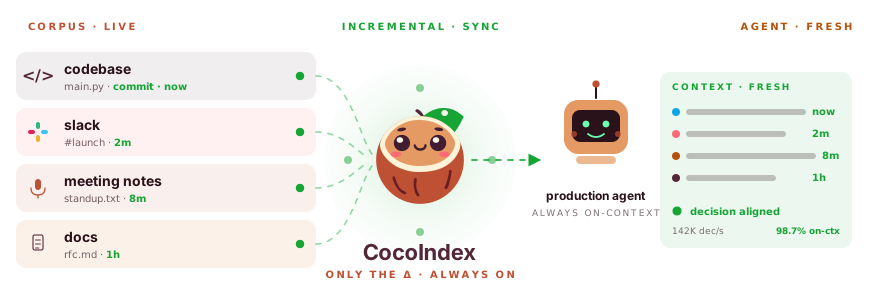




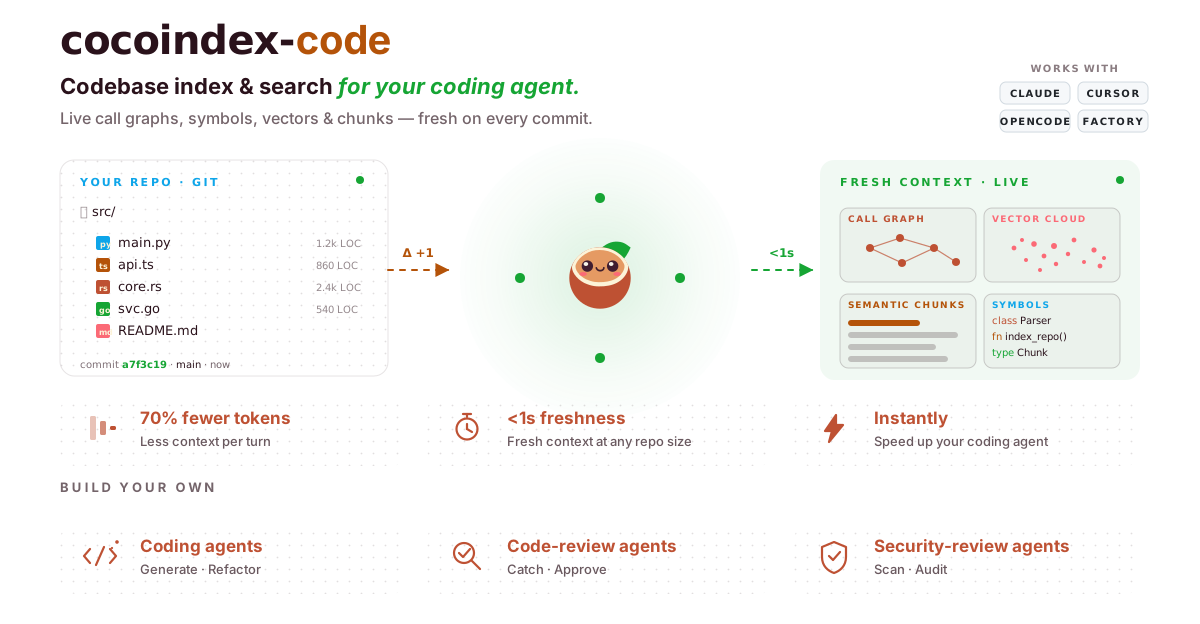



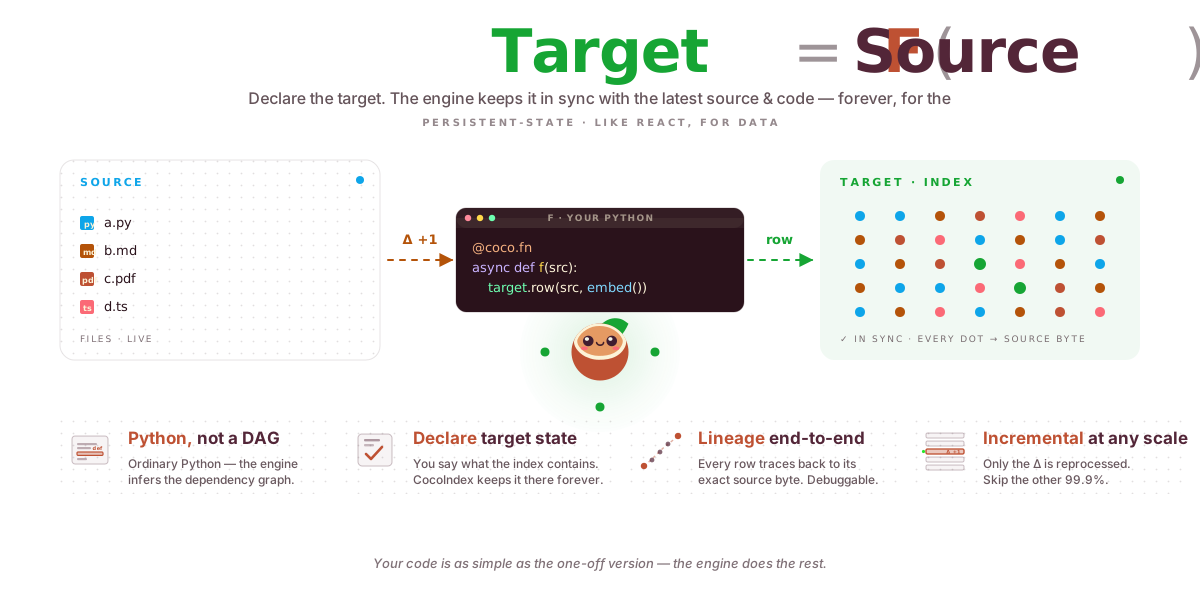
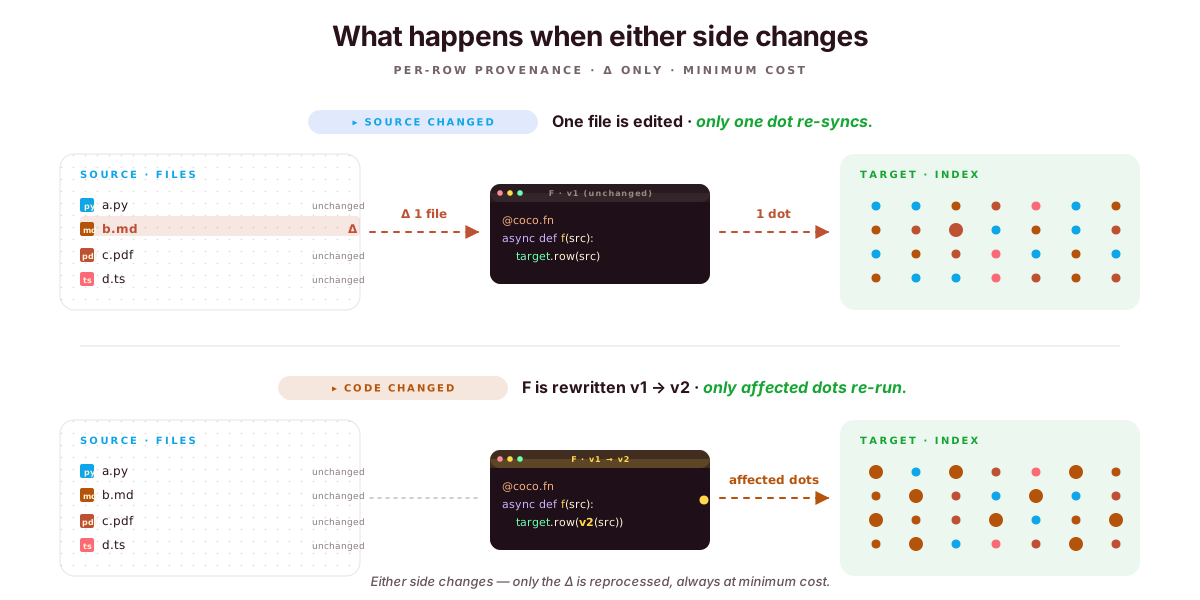
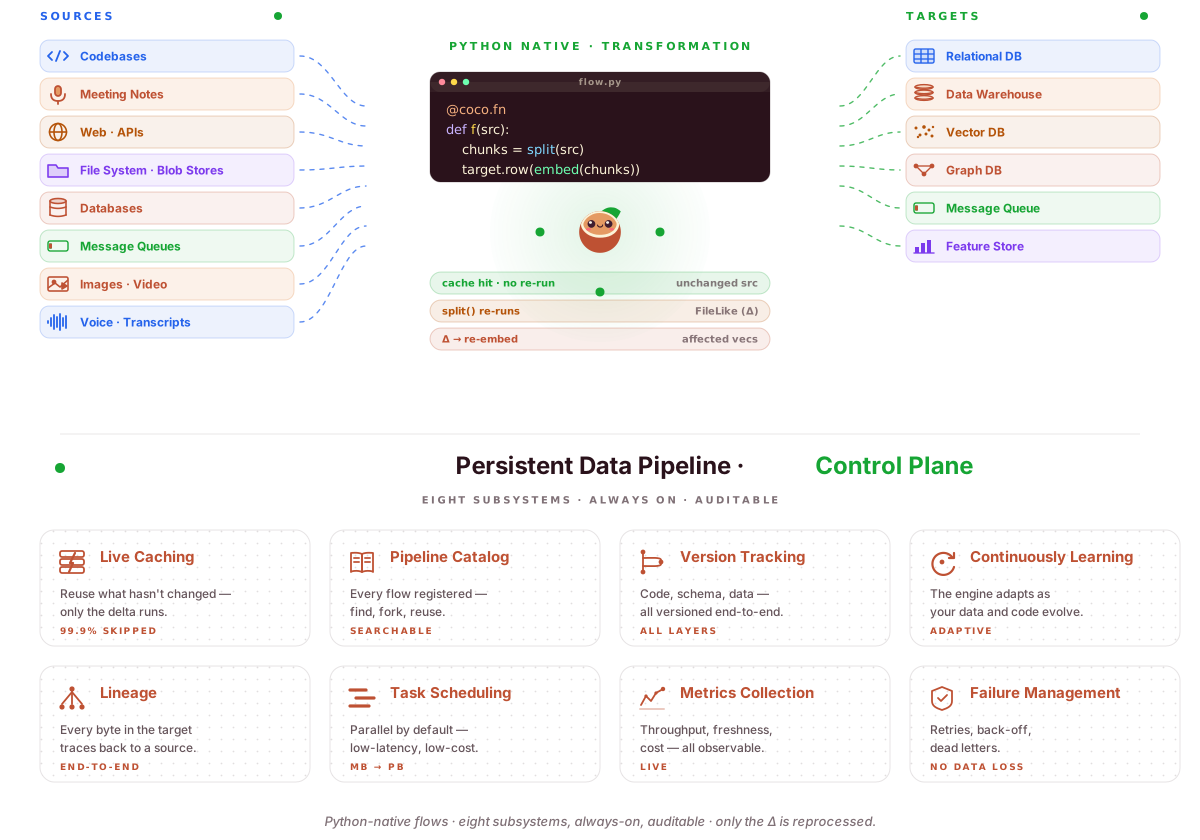
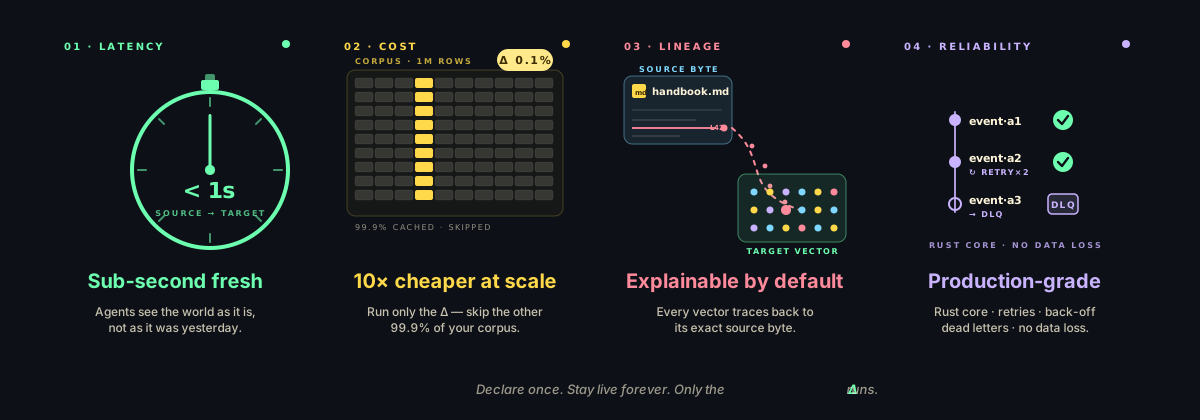
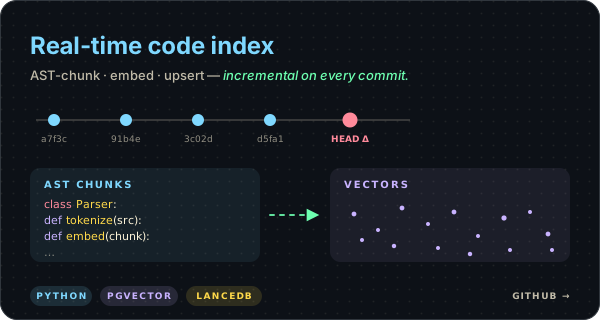
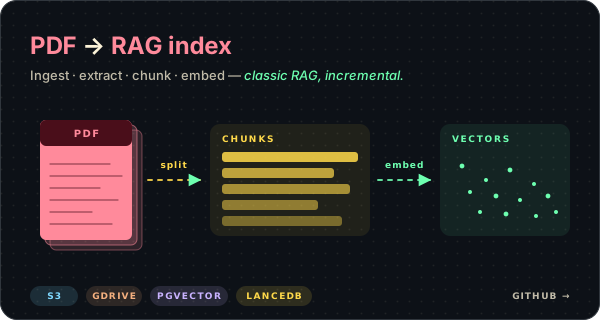
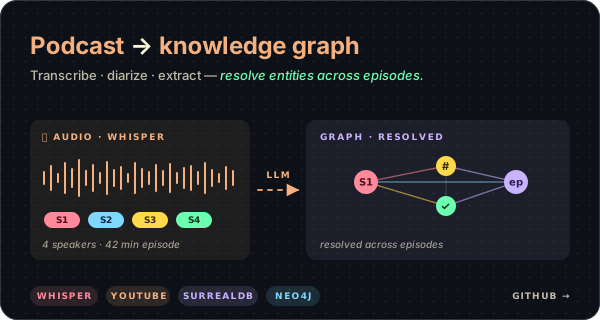
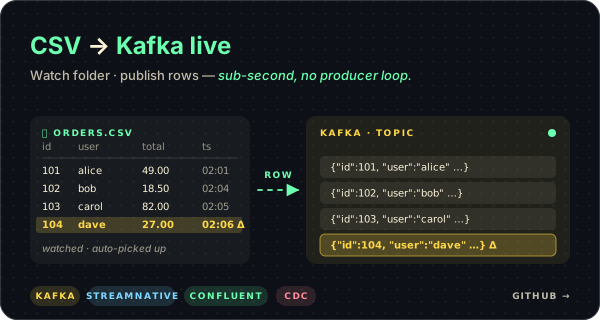






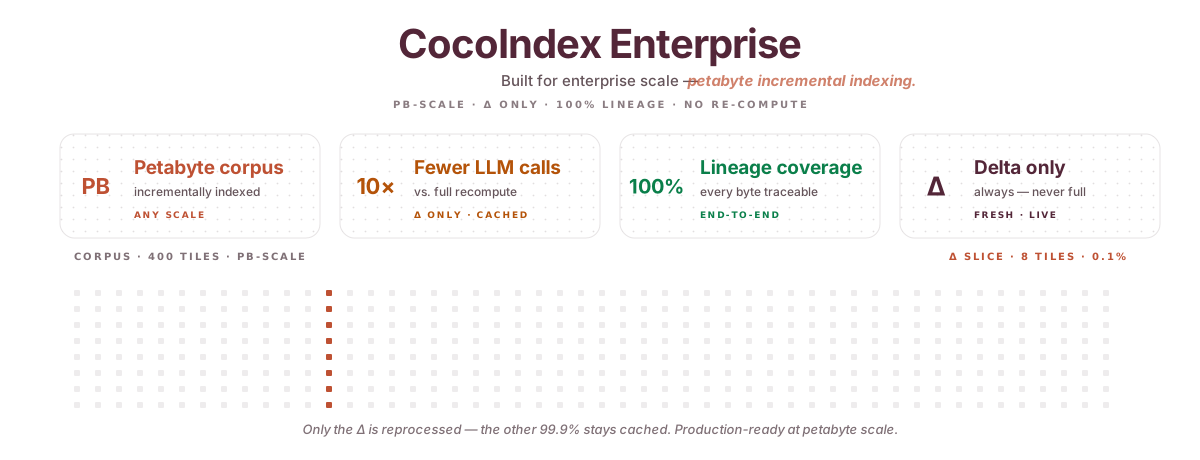

 ---
### Overview (`dev/README.md`)
# Development Scripts
This directory contains development and maintenance scripts for the CocoIndex project.
## Scripts
### `generate_cli_docs.py`
Automatically generates CLI documentation from the CocoIndex Click commands.
**Usage:**
```sh
python dev/generate_cli_docs.py
```
**What it does:**
- Extracts help messages from all Click commands in `python/cocoindex/cli.py`
- Generates comprehensive Markdown documentation with properly formatted tables
- Saves the output to `docs/docs/core/cli.mdx`
- Only updates the file if content has changed (avoids unnecessary git diffs)
- Automatically escapes HTML-like tags to prevent MDX parsing issues
- Wraps URLs with placeholders in code blocks for proper rendering
**Integration:**
- Runs automatically as a prek hook when `python/cocoindex/cli.py` is modified
- The generated documentation is directly imported into `docs/docs/core/cli.mdx` via MDX import
- Provides seamless single-page CLI documentation experience without separate reference pages
**Dependencies:**
- `md-click` package for extracting Click help information
- `cocoindex` package must be importable (the CLI module)
This ensures that CLI documentation is always kept in sync with the actual command-line interface.
## Type-checking Examples
We provide a helper script to run mypy on each example entry point individually with minimal assumptions about optional dependencies.
### `mypy_check_examples.ps1`
Runs mypy for every `main.py` (and `colpali_main.py`) under the `examples/` folder using these rules:
- Only ignore missing imports (no broad suppressions)
- Avoid type-checking CocoIndex internals by setting `--follow-imports=silent`
- Make CocoIndex sources discoverable via `MYPYPATH=python`
Usage (Windows PowerShell):
```powershell
powershell -NoProfile -ExecutionPolicy Bypass -File dev/mypy_check_examples.ps1
```
Notes:
- Ensure you have a local virtual environment with `mypy` installed (e.g. `.venv` with `pip install mypy`).
- The script will report any failing example files and exit non-zero on failures.
---
### Overview (`benchmarks/entity_resolution/README.md`)
# Entity resolution benchmark
Synthetic benchmark for `cocoindex.ops.entity_resolution.resolve_entities`.
The goal is to measure the current operation before changing the algorithm. It
generates deterministic clusters of entity-name aliases, runs the real
`resolve_entities` implementation, and records where time goes:
- total entities, groups, and aliases
- embedding call count, latency, and max logical concurrency
- resolver call count, latency, candidate counts, and max concurrency
- resolution events, zero-candidate events, matches, and repoints
- end-to-end elapsed time
## Fast local baseline
This uses a deterministic in-memory embedder and resolver. It is useful for
measuring FAISS/search/loop overhead and for simulating expensive resolver
latency without spending LLM tokens.
```sh
uv run --project benchmarks/entity_resolution python benchmarks/entity_resolution/benchmark.py \
--profile synthetic-fast \
--output-json benchmarks/entity_resolution/.work/synthetic-fast.json
```
Simulate resolver latency to make resolver-call latency the dominant cost:
```sh
uv run --project benchmarks/entity_resolution python benchmarks/entity_resolution/benchmark.py \
--profile synthetic-latency \
--output-json benchmarks/entity_resolution/.work/synthetic-latency.json
```
## Component parallelism
`resolve_entities` partitions entities into connected components of the
candidate-similarity graph and resolves each component concurrently. Two
profiles measure the two extremes:
```sh
# Many independent clusters → high resolver-call concurrency.
uv run --project benchmarks/entity_resolution python benchmarks/entity_resolution/benchmark.py \
--profile synthetic-many-components \
--output-json benchmarks/entity_resolution/.work/synthetic-many-components.json
# A single giant cluster → no parallelism opportunity (regression check).
uv run --project benchmarks/entity_resolution python benchmarks/entity_resolution/benchmark.py \
--profile synthetic-one-giant \
--output-json benchmarks/entity_resolution/.work/synthetic-one-giant.json
```
Before (sequential) vs. after (component-parallel), 20 ms simulated resolver
latency:
| Profile | Components | Before | After | Resolver concurrency |
|---|---|---|---|---|
| `synthetic-latency` | 200 | 6397 ms | 69 ms | 1 → 100 |
| `synthetic-many-components` | 180 | 2448 ms | 47 ms | 1 → 80 |
| `synthetic-one-giant` | 1 | 2110 ms | 2111 ms | 1 → 1 |
`wrong_mixed_groups` stays at 0 and the canonical map matches the prior
sequential implementation in every profile.
The benchmark measures logical `embed(...)` calls. CocoIndex embedders such as
`LiteLLMEmbedder` and `SentenceTransformerEmbedder` may batch those concurrent
logical calls into fewer provider/model calls internally.
## OpenAI-backed run
The benchmark automatically loads `benchmarks/entity_resolution/.env`.
`.env.example` contains a small OpenAI-backed configuration using
LiteLLM-backed embeddings and the built-in `LlmPairResolver`.
```sh
uv run --project benchmarks/entity_resolution python benchmarks/entity_resolution/benchmark.py
```
Two OpenAI-backed profiles ship out of the box:
```sh
# Small sanity check (5 templated groups + 5 isolates, default threshold).
uv run --project benchmarks/entity_resolution python benchmarks/entity_resolution/benchmark.py \
--profile openai-small \
--output-json benchmarks/entity_resolution/.work/openai-small.json
# Many-component workload designed to exercise resolver-call parallelism.
# Uses cluster_sizes=10×3+5×1 and max_distance=0.15 to keep ground-truth
# clusters in separate similarity components even with shared vocabulary.
uv run --project benchmarks/entity_resolution python benchmarks/entity_resolution/benchmark.py \
--profile openai-many-components \
--output-json benchmarks/entity_resolution/.work/openai-many-components.json
```
Measured before (sequential) vs. after (component-parallel) on
`openai/gpt-5.4-nano` + `text-embedding-3-small`:
| Profile | max_distance | Components | Before | After | Speedup |
|---|---|---|---|---|---|
| `openai-small` | 0.3 (default) | 2 | 10513 ms | 8691 ms | 1.21× |
| `openai-many-components` | 0.15 | 15 | 15063 ms | 3075 ms | **4.90×** |
Two takeaways. First, the synthetic numbers above are an upper bound that
assumes embeddings produce perfectly disjoint components; real embedders
may collapse multiple ground-truth clusters into one similarity component
when canonicals share vocabulary, in which case the resolver still
correctly partitions them but parallelism is bounded by the component
count. Second, `max_distance` controls how aggressively the component
graph admits edges — looser thresholds add safety candidates for the
resolver but reduce parallelism; tighter thresholds increase parallelism
but assume your embeddings cleanly separate distinct entities.
Keep OpenAI-backed runs small at first. The benchmark prints the number of LLM
resolver calls, which is the main cost driver.
## JSON output
```sh
uv run --project benchmarks/entity_resolution python benchmarks/entity_resolution/benchmark.py \
--profile synthetic-fast \
--output-json benchmarks/entity_resolution/.work/metrics.json
```
The benchmark sets `COCOINDEX_DB` to `.work/cocoindex` by default so memoized
CocoIndex functions, such as the LiteLLM embedder and LLM resolver, have a local
state path.
---
### Overview (`benchmarks/file_summarization/README.md`)
# Rust SDK vs Python SDK — side-by-side benchmark
## TL;DR
The same pipeline is written twice — once with the CocoIndex Rust SDK, once
with the Python SDK — and both are run against the same input files under the
same rules. Wall-clock times get compared, and the outputs must match byte for
byte.
The headline result: **at 10k files, the Rust SDK's cold run is 30–80× faster
than the Python SDK** (see [BENCHMARK_REPORT.md](./BENCHMARK_REPORT.md)). Warm
reruns are ~10× faster. Incremental edits stay small in both.
## What does the pipeline actually do?
It's a realistic "turn a bunch of files into JSON summaries" workload:
```mermaid
flowchart LR
IN[input files
---
### Overview (`dev/README.md`)
# Development Scripts
This directory contains development and maintenance scripts for the CocoIndex project.
## Scripts
### `generate_cli_docs.py`
Automatically generates CLI documentation from the CocoIndex Click commands.
**Usage:**
```sh
python dev/generate_cli_docs.py
```
**What it does:**
- Extracts help messages from all Click commands in `python/cocoindex/cli.py`
- Generates comprehensive Markdown documentation with properly formatted tables
- Saves the output to `docs/docs/core/cli.mdx`
- Only updates the file if content has changed (avoids unnecessary git diffs)
- Automatically escapes HTML-like tags to prevent MDX parsing issues
- Wraps URLs with placeholders in code blocks for proper rendering
**Integration:**
- Runs automatically as a prek hook when `python/cocoindex/cli.py` is modified
- The generated documentation is directly imported into `docs/docs/core/cli.mdx` via MDX import
- Provides seamless single-page CLI documentation experience without separate reference pages
**Dependencies:**
- `md-click` package for extracting Click help information
- `cocoindex` package must be importable (the CLI module)
This ensures that CLI documentation is always kept in sync with the actual command-line interface.
## Type-checking Examples
We provide a helper script to run mypy on each example entry point individually with minimal assumptions about optional dependencies.
### `mypy_check_examples.ps1`
Runs mypy for every `main.py` (and `colpali_main.py`) under the `examples/` folder using these rules:
- Only ignore missing imports (no broad suppressions)
- Avoid type-checking CocoIndex internals by setting `--follow-imports=silent`
- Make CocoIndex sources discoverable via `MYPYPATH=python`
Usage (Windows PowerShell):
```powershell
powershell -NoProfile -ExecutionPolicy Bypass -File dev/mypy_check_examples.ps1
```
Notes:
- Ensure you have a local virtual environment with `mypy` installed (e.g. `.venv` with `pip install mypy`).
- The script will report any failing example files and exit non-zero on failures.
---
### Overview (`benchmarks/entity_resolution/README.md`)
# Entity resolution benchmark
Synthetic benchmark for `cocoindex.ops.entity_resolution.resolve_entities`.
The goal is to measure the current operation before changing the algorithm. It
generates deterministic clusters of entity-name aliases, runs the real
`resolve_entities` implementation, and records where time goes:
- total entities, groups, and aliases
- embedding call count, latency, and max logical concurrency
- resolver call count, latency, candidate counts, and max concurrency
- resolution events, zero-candidate events, matches, and repoints
- end-to-end elapsed time
## Fast local baseline
This uses a deterministic in-memory embedder and resolver. It is useful for
measuring FAISS/search/loop overhead and for simulating expensive resolver
latency without spending LLM tokens.
```sh
uv run --project benchmarks/entity_resolution python benchmarks/entity_resolution/benchmark.py \
--profile synthetic-fast \
--output-json benchmarks/entity_resolution/.work/synthetic-fast.json
```
Simulate resolver latency to make resolver-call latency the dominant cost:
```sh
uv run --project benchmarks/entity_resolution python benchmarks/entity_resolution/benchmark.py \
--profile synthetic-latency \
--output-json benchmarks/entity_resolution/.work/synthetic-latency.json
```
## Component parallelism
`resolve_entities` partitions entities into connected components of the
candidate-similarity graph and resolves each component concurrently. Two
profiles measure the two extremes:
```sh
# Many independent clusters → high resolver-call concurrency.
uv run --project benchmarks/entity_resolution python benchmarks/entity_resolution/benchmark.py \
--profile synthetic-many-components \
--output-json benchmarks/entity_resolution/.work/synthetic-many-components.json
# A single giant cluster → no parallelism opportunity (regression check).
uv run --project benchmarks/entity_resolution python benchmarks/entity_resolution/benchmark.py \
--profile synthetic-one-giant \
--output-json benchmarks/entity_resolution/.work/synthetic-one-giant.json
```
Before (sequential) vs. after (component-parallel), 20 ms simulated resolver
latency:
| Profile | Components | Before | After | Resolver concurrency |
|---|---|---|---|---|
| `synthetic-latency` | 200 | 6397 ms | 69 ms | 1 → 100 |
| `synthetic-many-components` | 180 | 2448 ms | 47 ms | 1 → 80 |
| `synthetic-one-giant` | 1 | 2110 ms | 2111 ms | 1 → 1 |
`wrong_mixed_groups` stays at 0 and the canonical map matches the prior
sequential implementation in every profile.
The benchmark measures logical `embed(...)` calls. CocoIndex embedders such as
`LiteLLMEmbedder` and `SentenceTransformerEmbedder` may batch those concurrent
logical calls into fewer provider/model calls internally.
## OpenAI-backed run
The benchmark automatically loads `benchmarks/entity_resolution/.env`.
`.env.example` contains a small OpenAI-backed configuration using
LiteLLM-backed embeddings and the built-in `LlmPairResolver`.
```sh
uv run --project benchmarks/entity_resolution python benchmarks/entity_resolution/benchmark.py
```
Two OpenAI-backed profiles ship out of the box:
```sh
# Small sanity check (5 templated groups + 5 isolates, default threshold).
uv run --project benchmarks/entity_resolution python benchmarks/entity_resolution/benchmark.py \
--profile openai-small \
--output-json benchmarks/entity_resolution/.work/openai-small.json
# Many-component workload designed to exercise resolver-call parallelism.
# Uses cluster_sizes=10×3+5×1 and max_distance=0.15 to keep ground-truth
# clusters in separate similarity components even with shared vocabulary.
uv run --project benchmarks/entity_resolution python benchmarks/entity_resolution/benchmark.py \
--profile openai-many-components \
--output-json benchmarks/entity_resolution/.work/openai-many-components.json
```
Measured before (sequential) vs. after (component-parallel) on
`openai/gpt-5.4-nano` + `text-embedding-3-small`:
| Profile | max_distance | Components | Before | After | Speedup |
|---|---|---|---|---|---|
| `openai-small` | 0.3 (default) | 2 | 10513 ms | 8691 ms | 1.21× |
| `openai-many-components` | 0.15 | 15 | 15063 ms | 3075 ms | **4.90×** |
Two takeaways. First, the synthetic numbers above are an upper bound that
assumes embeddings produce perfectly disjoint components; real embedders
may collapse multiple ground-truth clusters into one similarity component
when canonicals share vocabulary, in which case the resolver still
correctly partitions them but parallelism is bounded by the component
count. Second, `max_distance` controls how aggressively the component
graph admits edges — looser thresholds add safety candidates for the
resolver but reduce parallelism; tighter thresholds increase parallelism
but assume your embeddings cleanly separate distinct entities.
Keep OpenAI-backed runs small at first. The benchmark prints the number of LLM
resolver calls, which is the main cost driver.
## JSON output
```sh
uv run --project benchmarks/entity_resolution python benchmarks/entity_resolution/benchmark.py \
--profile synthetic-fast \
--output-json benchmarks/entity_resolution/.work/metrics.json
```
The benchmark sets `COCOINDEX_DB` to `.work/cocoindex` by default so memoized
CocoIndex functions, such as the LiteLLM embedder and LLM resolver, have a local
state path.
---
### Overview (`benchmarks/file_summarization/README.md`)
# Rust SDK vs Python SDK — side-by-side benchmark
## TL;DR
The same pipeline is written twice — once with the CocoIndex Rust SDK, once
with the Python SDK — and both are run against the same input files under the
same rules. Wall-clock times get compared, and the outputs must match byte for
byte.
The headline result: **at 10k files, the Rust SDK's cold run is 30–80× faster
than the Python SDK** (see [BENCHMARK_REPORT.md](./BENCHMARK_REPORT.md)). Warm
reruns are ~10× faster. Incremental edits stay small in both.
## What does the pipeline actually do?
It's a realistic "turn a bunch of files into JSON summaries" workload:
```mermaid
flowchart LR
IN[input files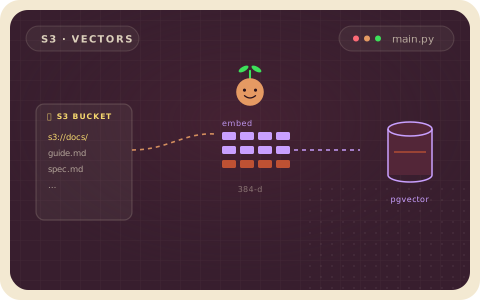
 ---
### Overview (`examples/audio_to_text/README.md`)
---
### Overview (`examples/audio_to_text/README.md`)
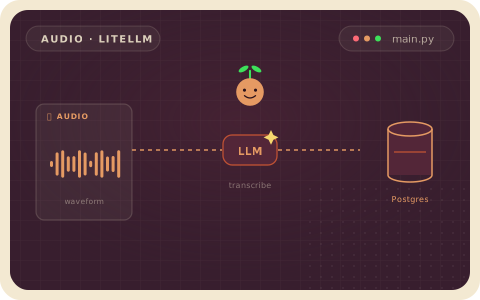
 ---
### Overview (`examples/azure_blob_embedding/README.md`)
# Azure Blob Storage Embedding
This example indexes Markdown files from an Azure Blob Storage container into Postgres with pgvector.
It is the same basic flow as the local text embedding example:
1. List matching Markdown blobs from a container.
2. Split each file into chunks.
3. Embed each chunk with `sentence-transformers/all-MiniLM-L6-v2`.
4. Store the chunks and vectors in Postgres.
## Requirements
- Azure CLI login or another `DefaultAzureCredential` source.
- An Azure Storage account and container.
- Read/list permission on the container. `Storage Blob Data Reader` is enough.
- Postgres with pgvector.
## Configure Azure
```bash
az login
az account set --subscription "
---
### Overview (`examples/azure_blob_embedding/README.md`)
# Azure Blob Storage Embedding
This example indexes Markdown files from an Azure Blob Storage container into Postgres with pgvector.
It is the same basic flow as the local text embedding example:
1. List matching Markdown blobs from a container.
2. Split each file into chunks.
3. Embed each chunk with `sentence-transformers/all-MiniLM-L6-v2`.
4. Store the chunks and vectors in Postgres.
## Requirements
- Azure CLI login or another `DefaultAzureCredential` source.
- An Azure Storage account and container.
- Read/list permission on the container. `Storage Blob Data Reader` is enough.
- Postgres with pgvector.
## Configure Azure
```bash
az login
az account set --subscription "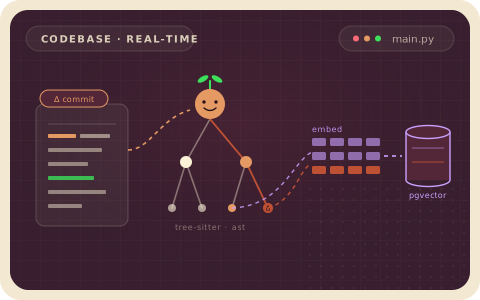
 ---
### Overview (`examples/code_embedding_lancedb/README.md`)
---
### Overview (`examples/code_embedding_lancedb/README.md`)
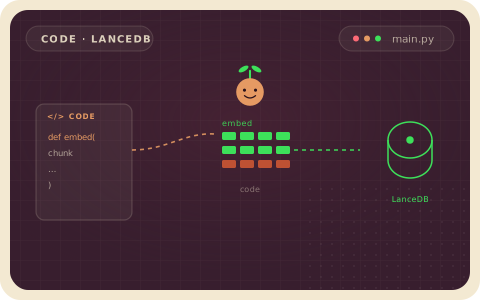
 ---
### Overview (`examples/conversation_to_knowledge/README.md`)
---
### Overview (`examples/conversation_to_knowledge/README.md`)
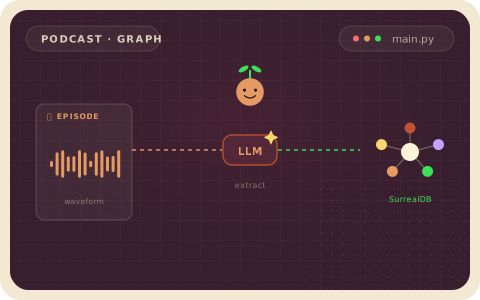
 ---
### Overview (`examples/csv_to_kafka/README.md`)
---
### Overview (`examples/csv_to_kafka/README.md`)
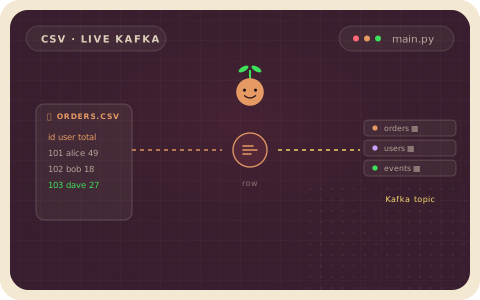
 ---
### Overview (`examples/docs_to_knowledge_graph/README.md`)
---
### Overview (`examples/docs_to_knowledge_graph/README.md`)
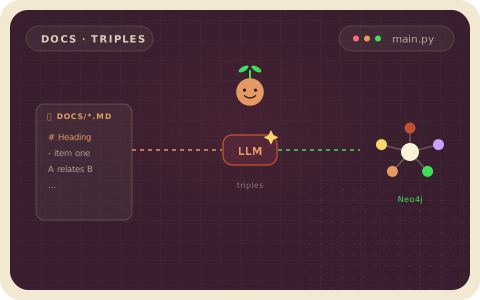
 ---
### Overview (`examples/entire_session_search/README.md`)
---
### Overview (`examples/entire_session_search/README.md`)
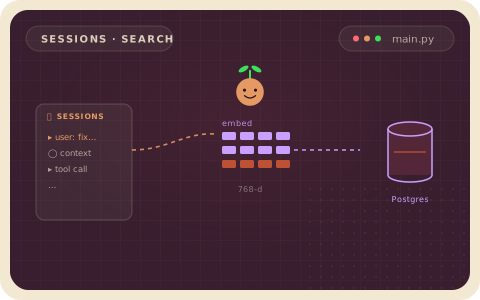
 ---
### Overview (`examples/face_recognition/README.md`)
---
### Overview (`examples/face_recognition/README.md`)
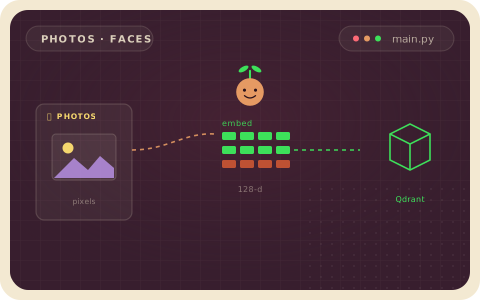
 ---
### Overview (`examples/files_transform/README.md`)
---
### Overview (`examples/files_transform/README.md`)
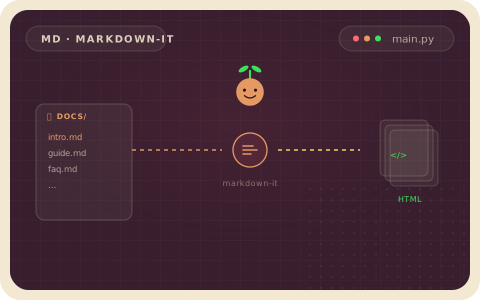
 ---
### Overview (`examples/gdrive_text_embedding/README.md`)
---
### Overview (`examples/gdrive_text_embedding/README.md`)
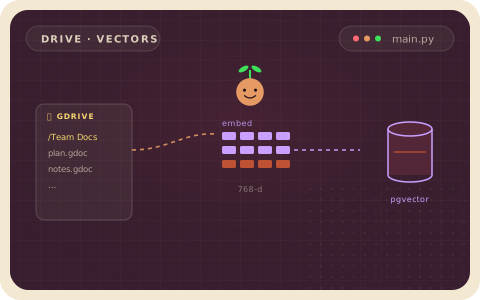
 ---
### Overview (`examples/hn_trending_topics/README.md`)
---
### Overview (`examples/hn_trending_topics/README.md`)
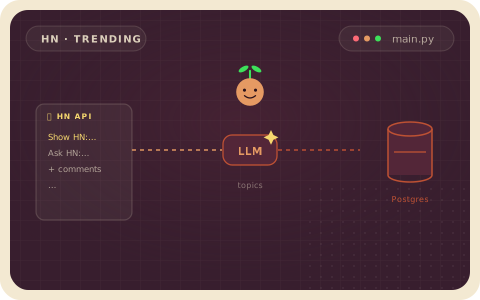
 ---
### Overview (`examples/image_search/README.md`)
---
### Overview (`examples/image_search/README.md`)
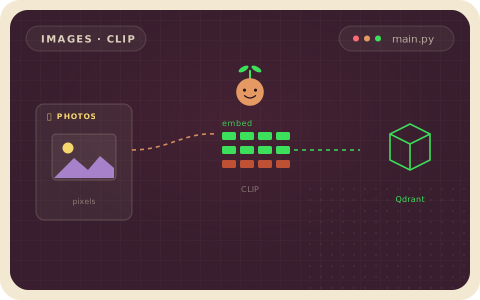
 ---
### Overview (`examples/image_search_colpali/README.md`)
---
### Overview (`examples/image_search_colpali/README.md`)
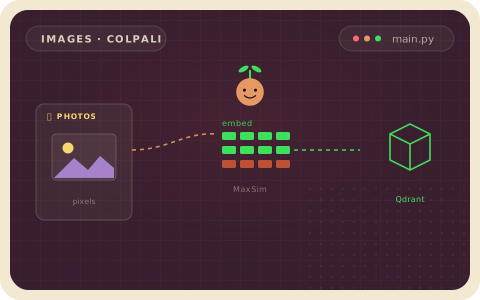
 ---
### Overview (`examples/kafka_to_lancedb/README.md`)
---
### Overview (`examples/kafka_to_lancedb/README.md`)
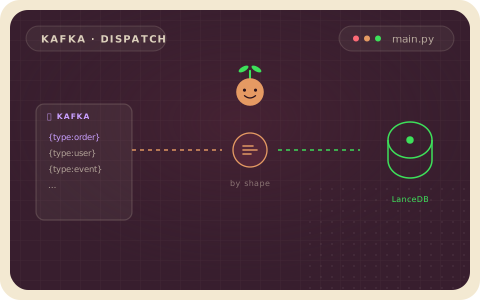
 ---
### Overview (`examples/manuals_llm_extraction/README.md`)
---
### Overview (`examples/manuals_llm_extraction/README.md`)
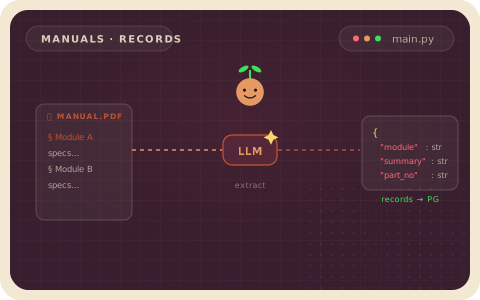
 ---
### Overview (`examples/meeting_notes_graph_falkordb/README.md`)
---
### Overview (`examples/meeting_notes_graph_falkordb/README.md`)
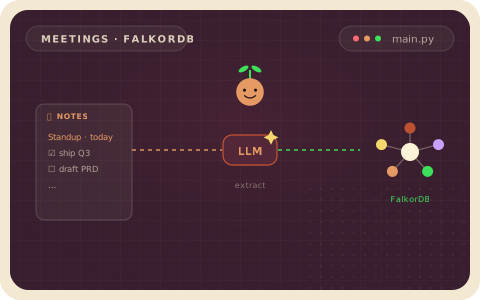
 ---
### Overview (`examples/meeting_notes_graph_neo4j/README.md`)
---
### Overview (`examples/meeting_notes_graph_neo4j/README.md`)
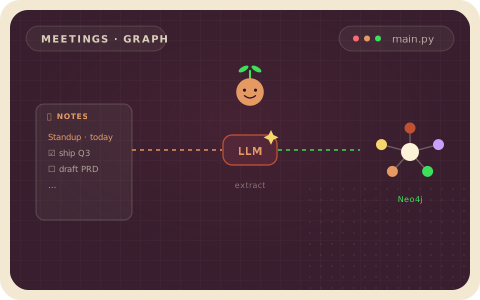
 ---
### Overview (`examples/meeting_notes_graph_surrealdb/README.md`)
---
### Overview (`examples/meeting_notes_graph_surrealdb/README.md`)
 ---
### Overview (`examples/multi_codebase_summarization/README.md`)
---
### Overview (`examples/multi_codebase_summarization/README.md`)
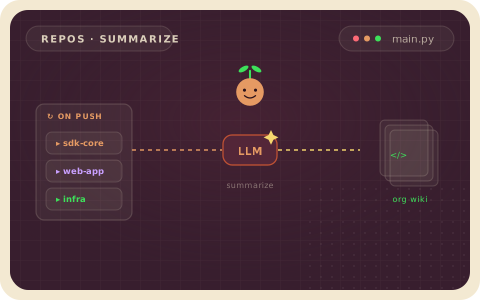
 ---
### Overview (`examples/multi_format_indexing/README.md`)
---
### Overview (`examples/multi_format_indexing/README.md`)
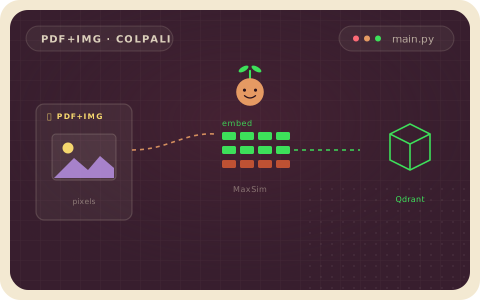
 ---
### Overview (`examples/oci_object_storage_embedding/README.md`)
---
### Overview (`examples/oci_object_storage_embedding/README.md`)
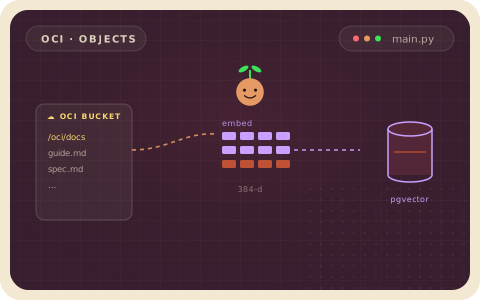
 ---
### Overview (`examples/paper_metadata/README.md`)
---
### Overview (`examples/paper_metadata/README.md`)
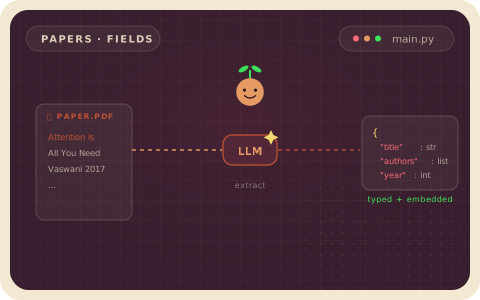
 ---
### Overview (`examples/patient_intake_extraction_baml/README.md`)
---
### Overview (`examples/patient_intake_extraction_baml/README.md`)
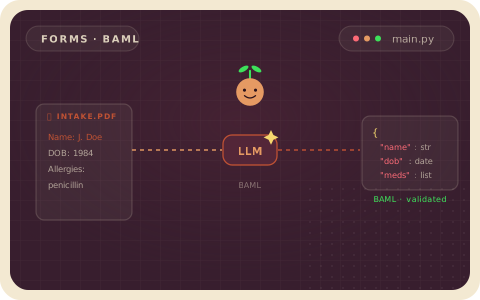
 ---
### Overview (`examples/patient_intake_extraction_dspy/README.md`)
---
### Overview (`examples/patient_intake_extraction_dspy/README.md`)
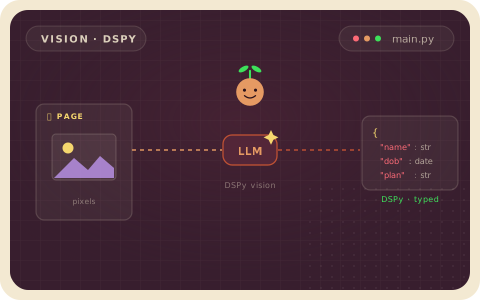
 ---
### Overview (`examples/pdf_embedding/README.md`)
---
### Overview (`examples/pdf_embedding/README.md`)
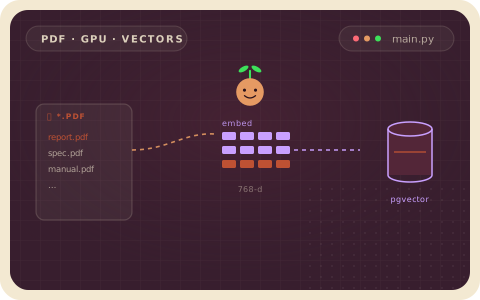
 ---
### Overview (`examples/pdf_to_markdown/README.md`)
---
### Overview (`examples/pdf_to_markdown/README.md`)
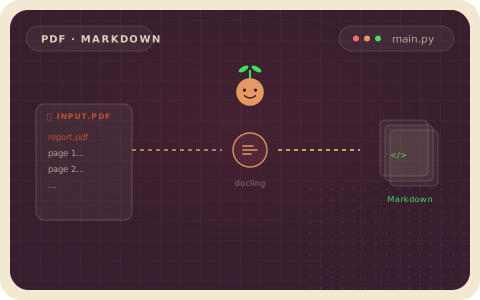
 ---
### Overview (`examples/postgres_source/README.md`)
---
### Overview (`examples/postgres_source/README.md`)
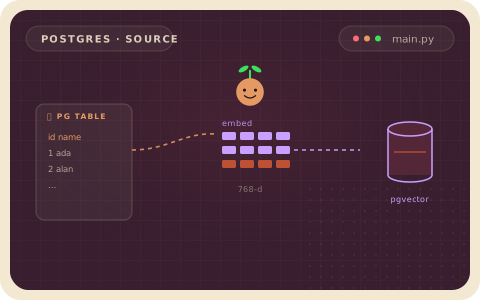
 ---
### Overview (`examples/product_recommendation/README.md`)
---
### Overview (`examples/product_recommendation/README.md`)
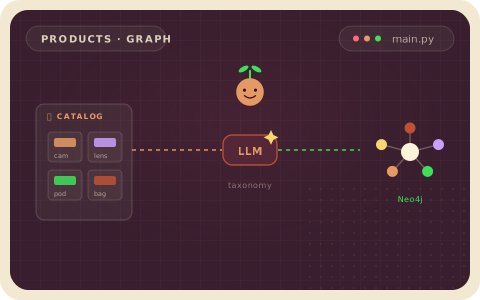
 ---
### Overview (`examples/sec_edgar_analytics/README.md`)
---
### Overview (`examples/sec_edgar_analytics/README.md`)
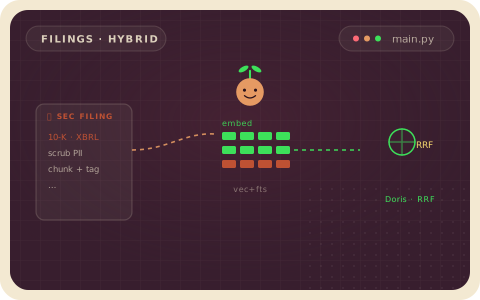
 ---
### Overview (`examples/slides_to_speech/README.md`)
---
### Overview (`examples/slides_to_speech/README.md`)
 ---
### Overview (`examples/snowflake_target/README.md`)
# Snowflake Target Example
This example shows how to use Snowflake as a CocoIndex target.
Snowflake is the table store in this example. CocoIndex is responsible for the
target state: it creates the database, schema, and table when needed, writes
rows with Snowflake `MERGE`, and deletes rows that are no longer declared by the
flow.
The example keeps the source data in Python so the Snowflake target behavior is
easy to see. It declares three order records, computes `order_total`, writes the
rows to Snowflake, then reads the table back with the Snowflake Python
connector.
## What this creates
By default the flow writes to:
| Object | Default value | Created by |
|--------|---------------|------------|
| Warehouse | `COCOINDEX_DEMO_WH` | You, before running the example |
| Database | `COCOINDEX_DEMO_DB` | CocoIndex |
| Schema | `PUBLIC` | CocoIndex, if needed |
| Table | `COCOINDEX_ORDERS` | CocoIndex |
The warehouse must exist before the flow runs. The Snowflake connector creates
the database, schema, and table.
## How the flow works
1. `coco_lifespan` reads `SNOWFLAKE_*` environment variables and provides a
Snowflake connection config to CocoIndex.
2. `mount_table_target` declares the Snowflake table target and its primary key.
3. `process_order` converts each source order into the row shape stored in
Snowflake.
4. `cocoindex update main` reconciles the declared rows with the table.
## Prerequisites
Run commands from this directory:
```sh
cd examples/snowflake_target
```
1. Install dependencies from a source checkout:
```sh
pip install -e "../..[snowflake]" -e .
```
2. Copy the environment template:
```sh
cp .env.example .env
```
3. Fill in `.env`.
| Variable | Required | How to choose it |
|----------|----------|------------------|
| `COCOINDEX_DB` | Yes | Local CocoIndex state database. The default `./cocoindex.db` is fine for the example. |
| `SNOWFLAKE_ACCOUNT` | Yes | Snowflake account identifier, for example `ORGNAME-ACCOUNTNAME`. Do not include `.snowflakecomputing.com`. |
| `SNOWFLAKE_USER` | Yes | Snowflake login name. |
| `SNOWFLAKE_PASSWORD` | Yes | Password for `SNOWFLAKE_USER`. |
| `SNOWFLAKE_ROLE` | No | Role for the session. Leave blank to use the user's default role. |
| `SNOWFLAKE_WAREHOUSE` | Yes | Existing warehouse used to run DDL and DML. The README uses `COCOINDEX_DEMO_WH`. |
| `SNOWFLAKE_DATABASE` | Yes | Target database name. CocoIndex creates it when the role has permission. |
| `SNOWFLAKE_SCHEMA` | Yes | Target schema name. The default is `PUBLIC`. |
| `SNOWFLAKE_TABLE` | Yes | Target table name. The default is `COCOINDEX_ORDERS`. |
You can also check the current Snowflake session values in a worksheet:
```sql
SELECT
CURRENT_ORGANIZATION_NAME() AS organization_name,
CURRENT_ACCOUNT_NAME() AS account_name,
CURRENT_USER() AS user_name,
CURRENT_ROLE() AS role_name,
CURRENT_WAREHOUSE() AS warehouse_name;
```
For `SNOWFLAKE_ACCOUNT`, use the account identifier shown in Snowflake Account
Details. In newer accounts this usually matches
`ORGANIZATION_NAME-ACCOUNT_NAME`.
4. Create a small warehouse for the demo in Snowflake:
```sql
CREATE WAREHOUSE IF NOT EXISTS COCOINDEX_DEMO_WH
WAREHOUSE_SIZE = XSMALL
AUTO_SUSPEND = 60
AUTO_RESUME = TRUE;
```
If you use a different warehouse name, update `SNOWFLAKE_WAREHOUSE` in `.env`.
5. Use a role with the needed permissions.
For a trial account, `ACCOUNTADMIN` is enough. For a narrower role, it needs:
- `USAGE` on the warehouse
- permission to create or use the target database
- permission to create or use the target schema
- permission to create the target table and run `MERGE` and `DELETE`
## Authentication used here
This example uses username and password authentication:
```python
snowflake.ConnectionConfig(
account=os.environ["SNOWFLAKE_ACCOUNT"],
user=os.environ["SNOWFLAKE_USER"],
password=os.environ["SNOWFLAKE_PASSWORD"],
warehouse=os.environ.get("SNOWFLAKE_WAREHOUSE"),
role=os.environ.get("SNOWFLAKE_ROLE") or None,
)
```
Key-pair authentication is not covered by this example. The current
`ConnectionConfig` in this PR accepts `account`, `user`, `password`,
`warehouse`, and `role`, and the live validation used the password path.
## Run
Build/update the target table:
```sh
cocoindex update main
```
Print the rows written to Snowflake:
```sh
python main.py
```
Expected output:
```text
('ORD-1001', 'Summit Labs', 'mechanical keyboard', 2, 259.0, 'paid', 'web')
('ORD-1002', 'Beacon Retail', 'standing desk', 1, 399.0, 'paid', 'sales')
('ORD-1003', 'Ridgeview Health', 'noise cancelling headphones', 3, 599.97, 'pending', 'partner')
```
## Try an incremental update
Edit `SAMPLE_ORDERS` in `main.py`, then run:
```sh
cocoindex update main
python main.py
```
Only the changed order rows are upserted. If you remove one of the sample
orders, CocoIndex deletes the corresponding row from Snowflake on the next run.
---
### Overview (`examples/text_embedding/README.md`)
---
### Overview (`examples/snowflake_target/README.md`)
# Snowflake Target Example
This example shows how to use Snowflake as a CocoIndex target.
Snowflake is the table store in this example. CocoIndex is responsible for the
target state: it creates the database, schema, and table when needed, writes
rows with Snowflake `MERGE`, and deletes rows that are no longer declared by the
flow.
The example keeps the source data in Python so the Snowflake target behavior is
easy to see. It declares three order records, computes `order_total`, writes the
rows to Snowflake, then reads the table back with the Snowflake Python
connector.
## What this creates
By default the flow writes to:
| Object | Default value | Created by |
|--------|---------------|------------|
| Warehouse | `COCOINDEX_DEMO_WH` | You, before running the example |
| Database | `COCOINDEX_DEMO_DB` | CocoIndex |
| Schema | `PUBLIC` | CocoIndex, if needed |
| Table | `COCOINDEX_ORDERS` | CocoIndex |
The warehouse must exist before the flow runs. The Snowflake connector creates
the database, schema, and table.
## How the flow works
1. `coco_lifespan` reads `SNOWFLAKE_*` environment variables and provides a
Snowflake connection config to CocoIndex.
2. `mount_table_target` declares the Snowflake table target and its primary key.
3. `process_order` converts each source order into the row shape stored in
Snowflake.
4. `cocoindex update main` reconciles the declared rows with the table.
## Prerequisites
Run commands from this directory:
```sh
cd examples/snowflake_target
```
1. Install dependencies from a source checkout:
```sh
pip install -e "../..[snowflake]" -e .
```
2. Copy the environment template:
```sh
cp .env.example .env
```
3. Fill in `.env`.
| Variable | Required | How to choose it |
|----------|----------|------------------|
| `COCOINDEX_DB` | Yes | Local CocoIndex state database. The default `./cocoindex.db` is fine for the example. |
| `SNOWFLAKE_ACCOUNT` | Yes | Snowflake account identifier, for example `ORGNAME-ACCOUNTNAME`. Do not include `.snowflakecomputing.com`. |
| `SNOWFLAKE_USER` | Yes | Snowflake login name. |
| `SNOWFLAKE_PASSWORD` | Yes | Password for `SNOWFLAKE_USER`. |
| `SNOWFLAKE_ROLE` | No | Role for the session. Leave blank to use the user's default role. |
| `SNOWFLAKE_WAREHOUSE` | Yes | Existing warehouse used to run DDL and DML. The README uses `COCOINDEX_DEMO_WH`. |
| `SNOWFLAKE_DATABASE` | Yes | Target database name. CocoIndex creates it when the role has permission. |
| `SNOWFLAKE_SCHEMA` | Yes | Target schema name. The default is `PUBLIC`. |
| `SNOWFLAKE_TABLE` | Yes | Target table name. The default is `COCOINDEX_ORDERS`. |
You can also check the current Snowflake session values in a worksheet:
```sql
SELECT
CURRENT_ORGANIZATION_NAME() AS organization_name,
CURRENT_ACCOUNT_NAME() AS account_name,
CURRENT_USER() AS user_name,
CURRENT_ROLE() AS role_name,
CURRENT_WAREHOUSE() AS warehouse_name;
```
For `SNOWFLAKE_ACCOUNT`, use the account identifier shown in Snowflake Account
Details. In newer accounts this usually matches
`ORGANIZATION_NAME-ACCOUNT_NAME`.
4. Create a small warehouse for the demo in Snowflake:
```sql
CREATE WAREHOUSE IF NOT EXISTS COCOINDEX_DEMO_WH
WAREHOUSE_SIZE = XSMALL
AUTO_SUSPEND = 60
AUTO_RESUME = TRUE;
```
If you use a different warehouse name, update `SNOWFLAKE_WAREHOUSE` in `.env`.
5. Use a role with the needed permissions.
For a trial account, `ACCOUNTADMIN` is enough. For a narrower role, it needs:
- `USAGE` on the warehouse
- permission to create or use the target database
- permission to create or use the target schema
- permission to create the target table and run `MERGE` and `DELETE`
## Authentication used here
This example uses username and password authentication:
```python
snowflake.ConnectionConfig(
account=os.environ["SNOWFLAKE_ACCOUNT"],
user=os.environ["SNOWFLAKE_USER"],
password=os.environ["SNOWFLAKE_PASSWORD"],
warehouse=os.environ.get("SNOWFLAKE_WAREHOUSE"),
role=os.environ.get("SNOWFLAKE_ROLE") or None,
)
```
Key-pair authentication is not covered by this example. The current
`ConnectionConfig` in this PR accepts `account`, `user`, `password`,
`warehouse`, and `role`, and the live validation used the password path.
## Run
Build/update the target table:
```sh
cocoindex update main
```
Print the rows written to Snowflake:
```sh
python main.py
```
Expected output:
```text
('ORD-1001', 'Summit Labs', 'mechanical keyboard', 2, 259.0, 'paid', 'web')
('ORD-1002', 'Beacon Retail', 'standing desk', 1, 399.0, 'paid', 'sales')
('ORD-1003', 'Ridgeview Health', 'noise cancelling headphones', 3, 599.97, 'pending', 'partner')
```
## Try an incremental update
Edit `SAMPLE_ORDERS` in `main.py`, then run:
```sh
cocoindex update main
python main.py
```
Only the changed order rows are upserted. If you remove one of the sample
orders, CocoIndex deletes the corresponding row from Snowflake on the next run.
---
### Overview (`examples/text_embedding/README.md`)
 ---
### Overview (`examples/text_embedding_lancedb/README.md`)
---
### Overview (`examples/text_embedding_lancedb/README.md`)
 ---
### Overview (`examples/text_embedding_qdrant/README.md`)
---
### Overview (`examples/text_embedding_qdrant/README.md`)
 ---
### Overview (`examples/text_embedding_turbopuffer/README.md`)
---
### Overview (`examples/text_embedding_turbopuffer/README.md`)
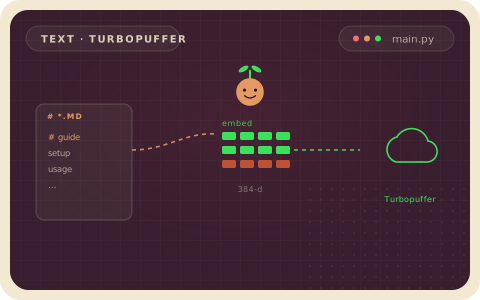
 ---
### Overview (`rust/code_match/README.md`)
# cocoindex_code_match
Match **by-example code patterns** against **tree-sitter ASTs**, with metavariables.
The bet: parse the *source* with a full tree-sitter grammar, but keep the *pattern* a flat token + metavar skeleton, and match it against the AST with metavariables snapping to node boundaries. This gives Comby-style pattern ergonomics (fragments like `else { \(*\) }` need not parse as a node) together with tree-sitter's correctness — balanced/context-sensitive nesting (`>>`, `<>`), AST-resolved precedence, and matches that are integral subtrees.
## Example
```rust
use cocoindex_code_match::{lang, Pattern};
let cfg = lang::typescript();
let pat = Pattern::compile(r"console.log(\(ARGS*\))", &cfg).unwrap();
let src = r#"console.log("hi", x);"#;
for m in pat.matches(src) {
println!("{} -> ARGS = {:?}", m.text, m.capture_text("ARGS"));
// console.log("hi", x) -> ARGS = Some("\"hi\", x")
}
```
### Metavariables
The sigil is `\` by default (shell-safe; configurable to `$` via `LangConfig::with_meta_char('$')`). Names are `[A-Za-z0-9_]+` (uppercase by convention; lowercase/digits allowed).
Metavar delimiters are **symmetric** — a metavar is `\( … \)` (the `\` marks both ends).
- `\NAME` — one node (named); `\_` — one node, anonymous.
- `\(NAME*\)` — a run of **same-level** sibling nodes (many); `\*` — anonymous. A cross-level skip is written as multiple `\*`, one per grammar level.
- `\(NAME?\)` — optional (zero or one node); `\?` — anonymous.
- `\(NAME:/regex/\)` — the captured source text must match the regex, **anchored to the whole node** (`/set_/` is exactly `set_`; add `.*` for prefix/suffix/substring). Anonymous: `\(/regex/\)` or the short form `\/regex/`.
- A repeated name must capture equal text: `\X == \X` matches `a == a`, not `a == b`.
Use raw strings (`r"..."`) when writing patterns in Rust so the backslashes stay literal.
## Supported languages
Parity with the cocoindex chunk splitter. Each language supplies a `LangConfig`
describing its literal syntax; the matcher remains language-agnostic:
- **Programming:** TypeScript/TSX, JavaScript, C, C++, Python, Rust, Go, Java, C#, Ruby, PHP, Scala, Bash, SQL, Kotlin, Swift, Julia, R, Fortran, Pascal, Elm, Solidity, HCL, CMake, Nix.
- **Data:** JSON, TOML, YAML.
- **Markup:** HTML, CSS, XML.
For data/markup, match over content with a metavar (`
---
### Overview (`rust/code_match/README.md`)
# cocoindex_code_match
Match **by-example code patterns** against **tree-sitter ASTs**, with metavariables.
The bet: parse the *source* with a full tree-sitter grammar, but keep the *pattern* a flat token + metavar skeleton, and match it against the AST with metavariables snapping to node boundaries. This gives Comby-style pattern ergonomics (fragments like `else { \(*\) }` need not parse as a node) together with tree-sitter's correctness — balanced/context-sensitive nesting (`>>`, `<>`), AST-resolved precedence, and matches that are integral subtrees.
## Example
```rust
use cocoindex_code_match::{lang, Pattern};
let cfg = lang::typescript();
let pat = Pattern::compile(r"console.log(\(ARGS*\))", &cfg).unwrap();
let src = r#"console.log("hi", x);"#;
for m in pat.matches(src) {
println!("{} -> ARGS = {:?}", m.text, m.capture_text("ARGS"));
// console.log("hi", x) -> ARGS = Some("\"hi\", x")
}
```
### Metavariables
The sigil is `\` by default (shell-safe; configurable to `$` via `LangConfig::with_meta_char('$')`). Names are `[A-Za-z0-9_]+` (uppercase by convention; lowercase/digits allowed).
Metavar delimiters are **symmetric** — a metavar is `\( … \)` (the `\` marks both ends).
- `\NAME` — one node (named); `\_` — one node, anonymous.
- `\(NAME*\)` — a run of **same-level** sibling nodes (many); `\*` — anonymous. A cross-level skip is written as multiple `\*`, one per grammar level.
- `\(NAME?\)` — optional (zero or one node); `\?` — anonymous.
- `\(NAME:/regex/\)` — the captured source text must match the regex, **anchored to the whole node** (`/set_/` is exactly `set_`; add `.*` for prefix/suffix/substring). Anonymous: `\(/regex/\)` or the short form `\/regex/`.
- A repeated name must capture equal text: `\X == \X` matches `a == a`, not `a == b`.
Use raw strings (`r"..."`) when writing patterns in Rust so the backslashes stay literal.
## Supported languages
Parity with the cocoindex chunk splitter. Each language supplies a `LangConfig`
describing its literal syntax; the matcher remains language-agnostic:
- **Programming:** TypeScript/TSX, JavaScript, C, C++, Python, Rust, Go, Java, C#, Ruby, PHP, Scala, Bash, SQL, Kotlin, Swift, Julia, R, Fortran, Pascal, Elm, Solidity, HCL, CMake, Nix.
- **Data:** JSON, TOML, YAML.
- **Markup:** HTML, CSS, XML.
For data/markup, match over content with a metavar (`